
Turn a Photo Into AI Art
Redraw a portrait in a specific visual style, from Hero Anime and Cozy Watercolor to Art Deco Poster and Clay Figurine.


Free to try with starter gems on signup.
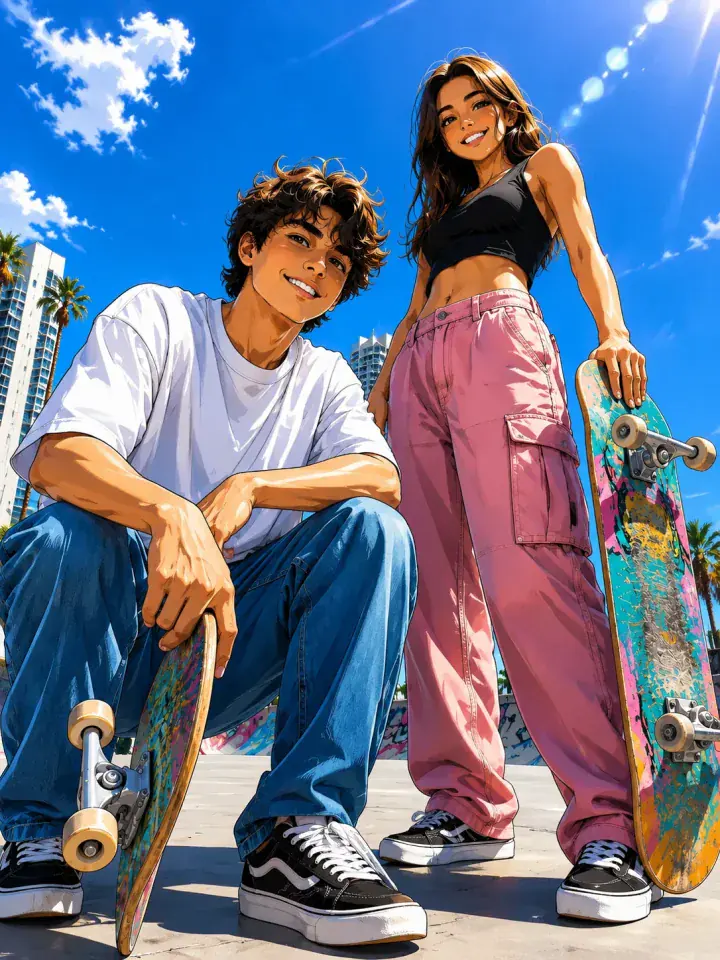
Art Redraw
Hero Anime
What Art Redraw Does
Art Redraw transforms the full visual treatment of a photo rather than placing a simple color filter over it. Each style has its own composition and material cues, so an anime result looks intentionally illustrated while a clay result is rebuilt around a crafted figurine look.
Select a named style, add the source photo, and review the gem cost before generating. The style name remains visible in the app and on this page so you can return to a look you recognize instead of guessing from a generic art category.
How to Create One
- 1Step 1
Choose an Art Style
Pick a named Art Redraw style such as anime, watercolor, poster, or clay.
- 2Step 2
Add Your Photo
Upload the portrait or image you want the selected style to reinterpret.
- 3Step 3
Generate the Artwork
Confirm the gem cost, create the result, then download or share it.
Examples from Movcl
Art Redraw
Hero Anime
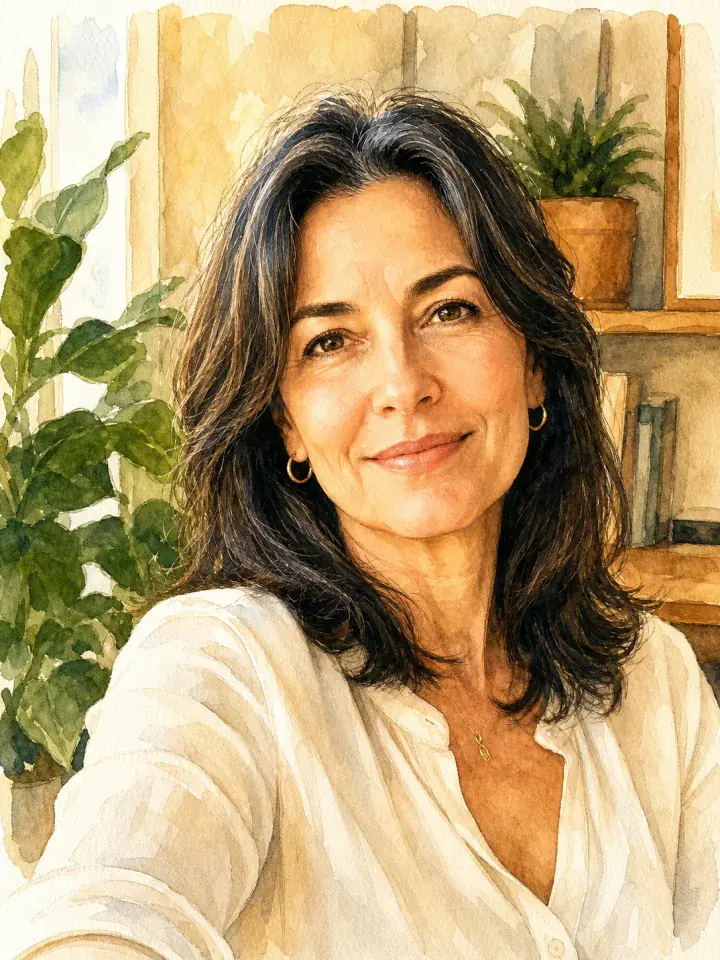
Art Redraw
Cozy Watercolor
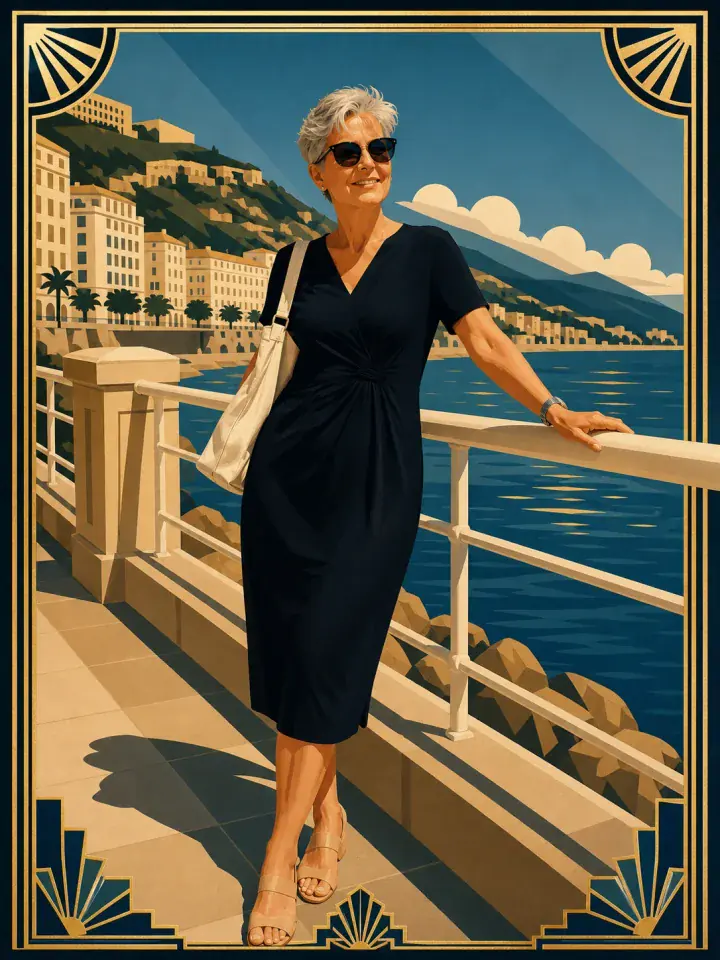
Art Redraw
Art Deco Poster
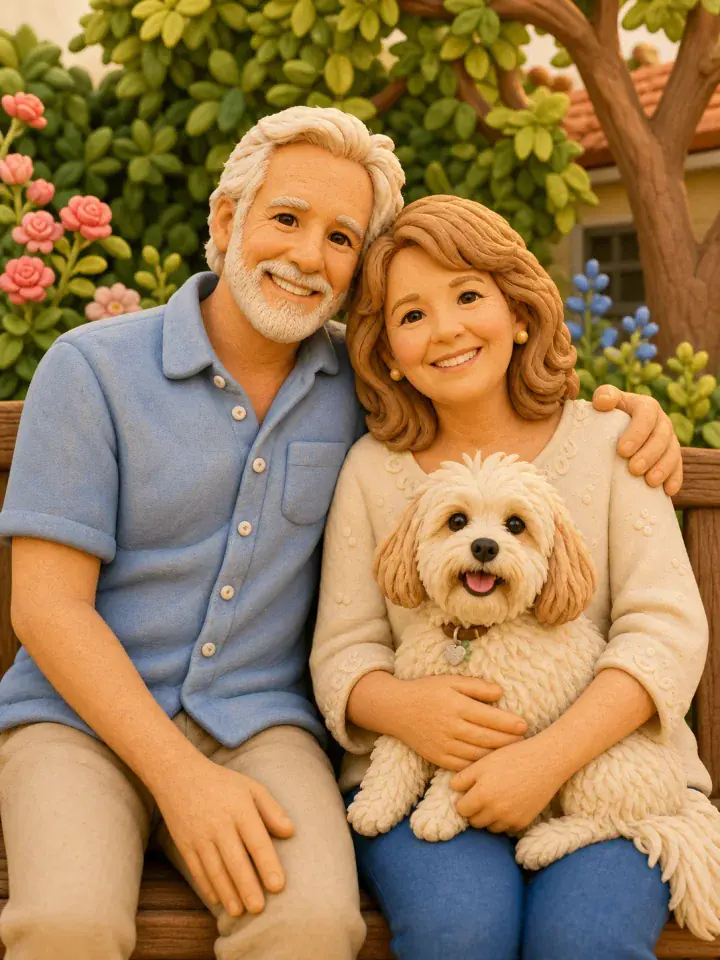
Art Redraw
Clay Figurine
Questions About Art Redraw
Which AI art styles are available?
The app includes named styles across anime, watercolor, painting, posters, and crafted art.
Is Art Redraw the same as a photo filter?
No. It regenerates the image in the selected style rather than applying only a color or texture overlay.
Can I try Art Redraw for free?
New users receive starter gems that can be used for available generations.