

Can ChatGPT or Gemini Make a Professional Headshot?
Key takeaways
- Short answer: yes, mostly. ChatGPT Images 2.0 and Google’s Nano Banana 2.1 can both produce headshots that hold up at LinkedIn-thumbnail size, but neither guarantees a faithful likeness on the first try.
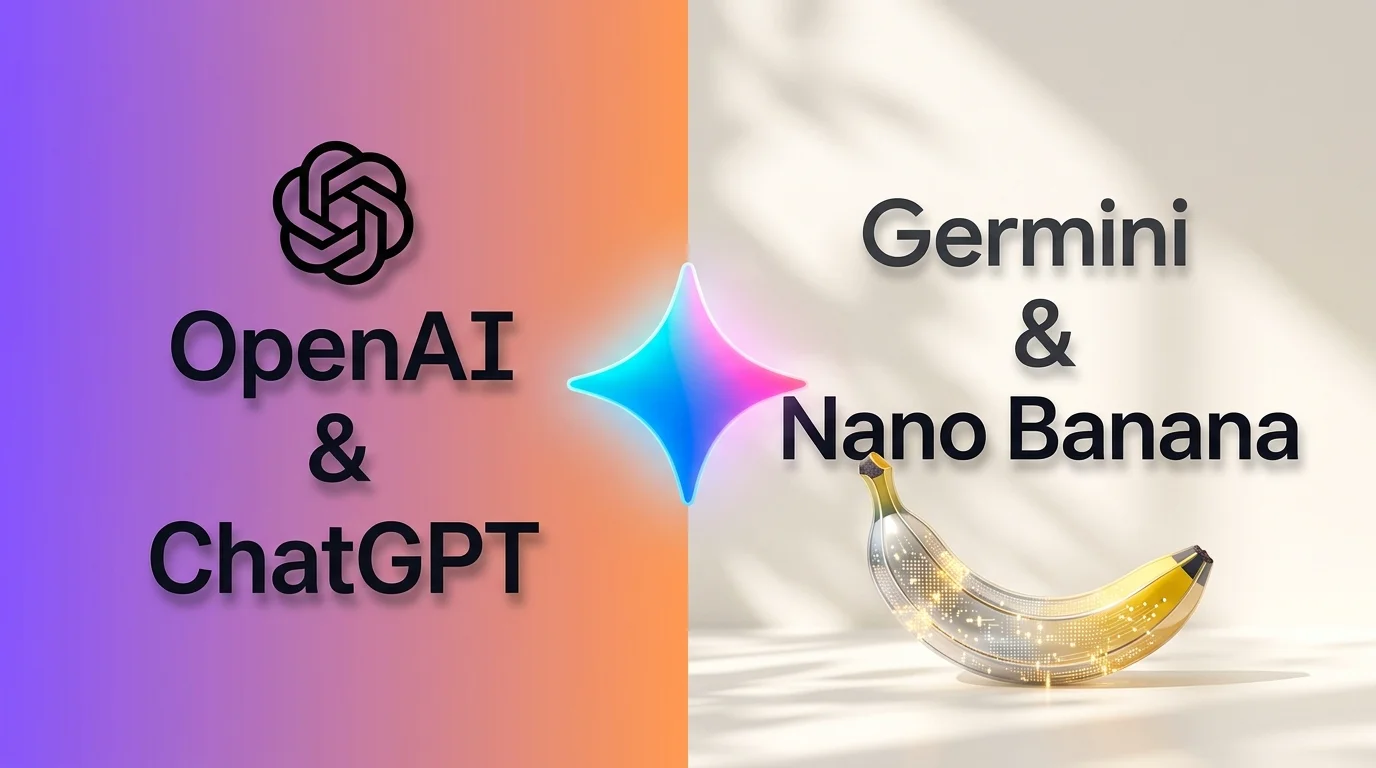
- Reviewers disagree. eWeek’s test favored Nano Banana 2 for its headshot, while TechRadar’s broader test favored ChatGPT for realism. Choose by failure mode, not by brand.
- The three common failures are identity drift, over-smoothed skin, and odd details in collars, jewelry and hands. Multiple reference photos plus an explicit “preserve my features” instruction reduce all three.
- Gemini 4 Carbon: Google announced it on October 28 and calls it its strongest model. Access is staged, starting with cybersecurity defenders, with broader availability still to come.
- GPT-6.2 Astra: OpenAI hasn’t confirmed it. The model ID has shown up in Codex usage statistics since early November, and press reports say a launch could come as soon as this week. Treat it as a rumor until OpenAI says otherwise.
Two of the biggest AI labs are mid-release at the same time, and the internet has predictably started asking which one is better. Both are language-first models.
Actually, for most people, the practical version of that question is smaller: can I upload a few photos and get a headshot I’d actually put on LinkedIn?
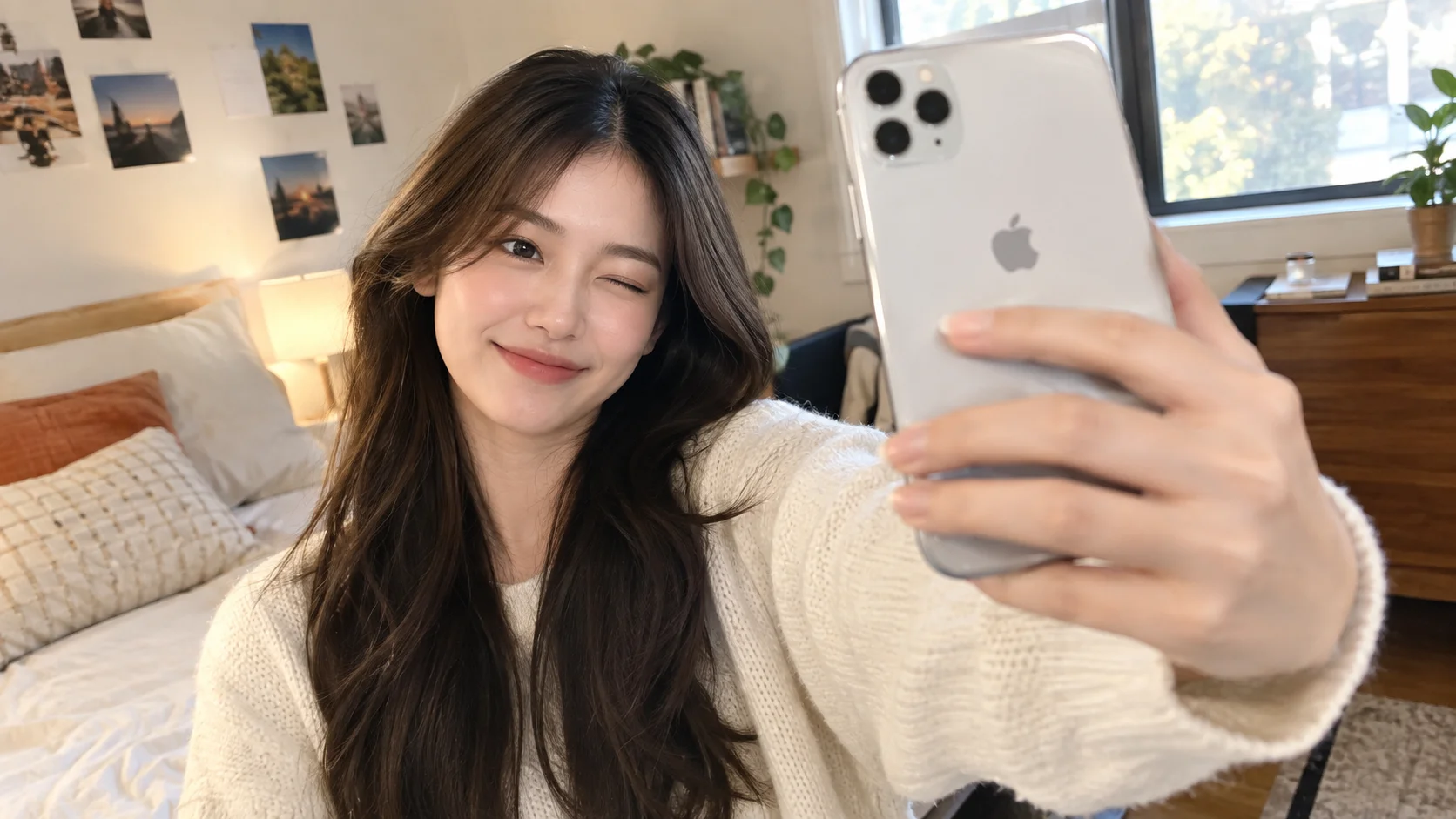
Yes, you can, and in 2026 the best results are good enough that most viewers won’t pause on them. The catch is reliability. Both tools are general-purpose image models, so you’re steering a creative engine rather than using a purpose-built portrait pipeline. Expect to iterate a few times, and check the result against your real face before you publish it.
The image models that make the headshot
| Model | Released | Worth knowing |
|---|---|---|
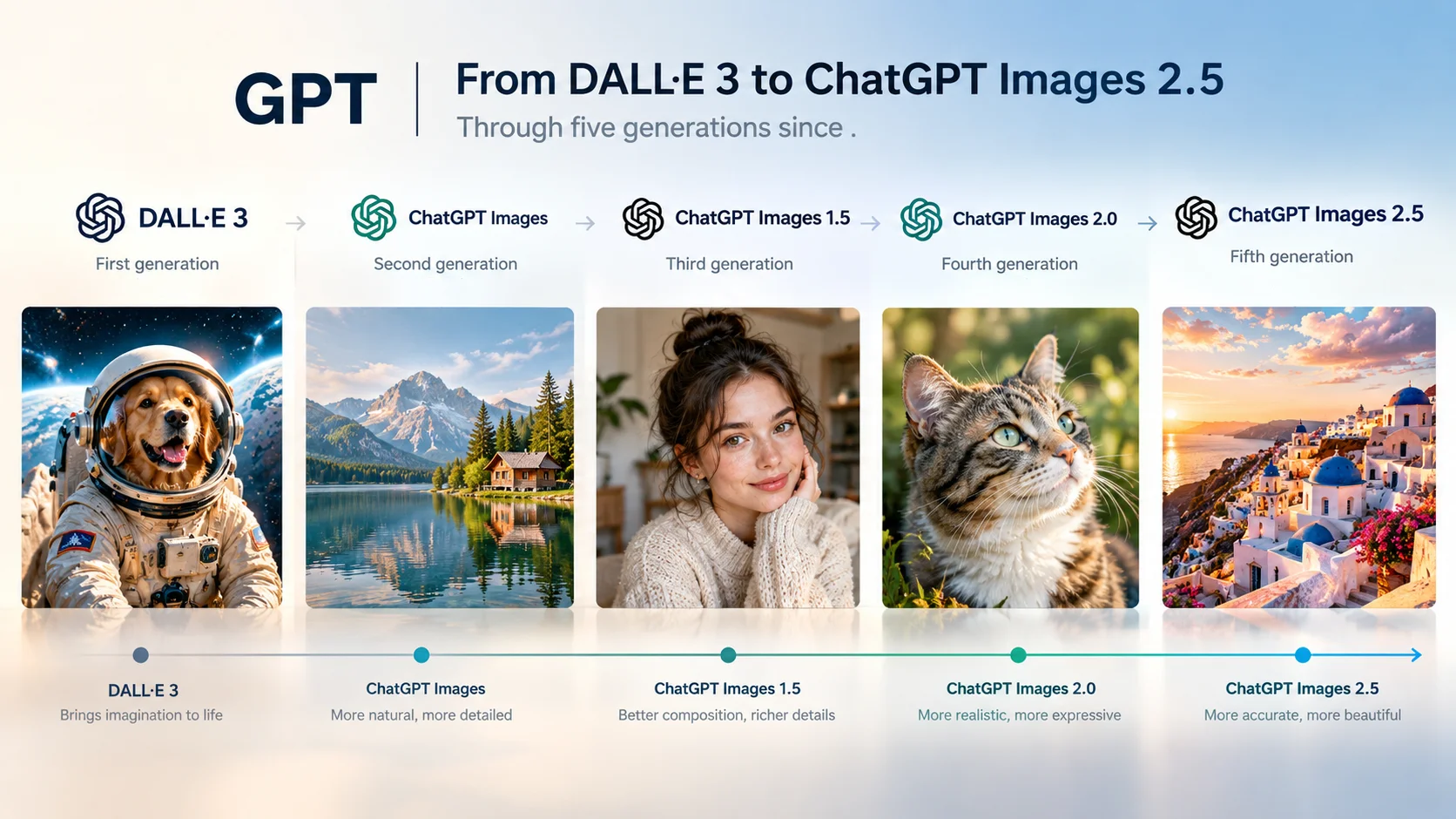
| ChatGPT Images 2.0 | April 2026 | Built on OpenAI’s GPT-Image-2. Reviewers praise its realism, logic and accurate text rendering. |
| Nano Banana 2 | February 2026 | Google’s fast image model (Gemini 3.1 Flash Image). Strong on structured, practical prompts. |
| Nano Banana 2.1 | October 6, 2026 | Upgrade built on Gemini 3.6 Flash. Google highlights better editing, subject consistency and lower cost. Nano Banana Pro remains Google’s top-tier image model. |
Head to head: what testers found for portraits
There is no clean winner, and the published tests lean in different directions. eWeek ran several real-world tasks and found Nano Banana 2 handled structured, practical jobs better, including its headshot conversion, where it showed more restraint. TechRadar’s broader comparison went the other way, concluding that ChatGPT’s images tend to feel more real while Nano Banana’s look polished. One independent 10-prompt test also found Nano Banana’s portrait output over-smoothed next to ChatGPT’s.
Most of these tests used Nano Banana 2, not the newer 2.1, so treat them as a guide to each family’s tendencies rather than a verdict on the latest release.
| Headshot factor | ChatGPT Images 2.0 | Nano Banana (2 / 2.1) |
|---|---|---|
| Skin realism | Often described as more natural and “real” | Can look over-smoothed, though some testers saw more restraint |
| Following exact instructions | Strong on logic and complex layouts | Strong on structured, tightly specified tasks |
| Likeness across edits | Good, varies by prompt | 2.1 is pitched on better consistency and multi-image references |
| Text on badges or signs | Typically the stronger of the two | Improving, still less reliable |
What makes a headshot “professional”?
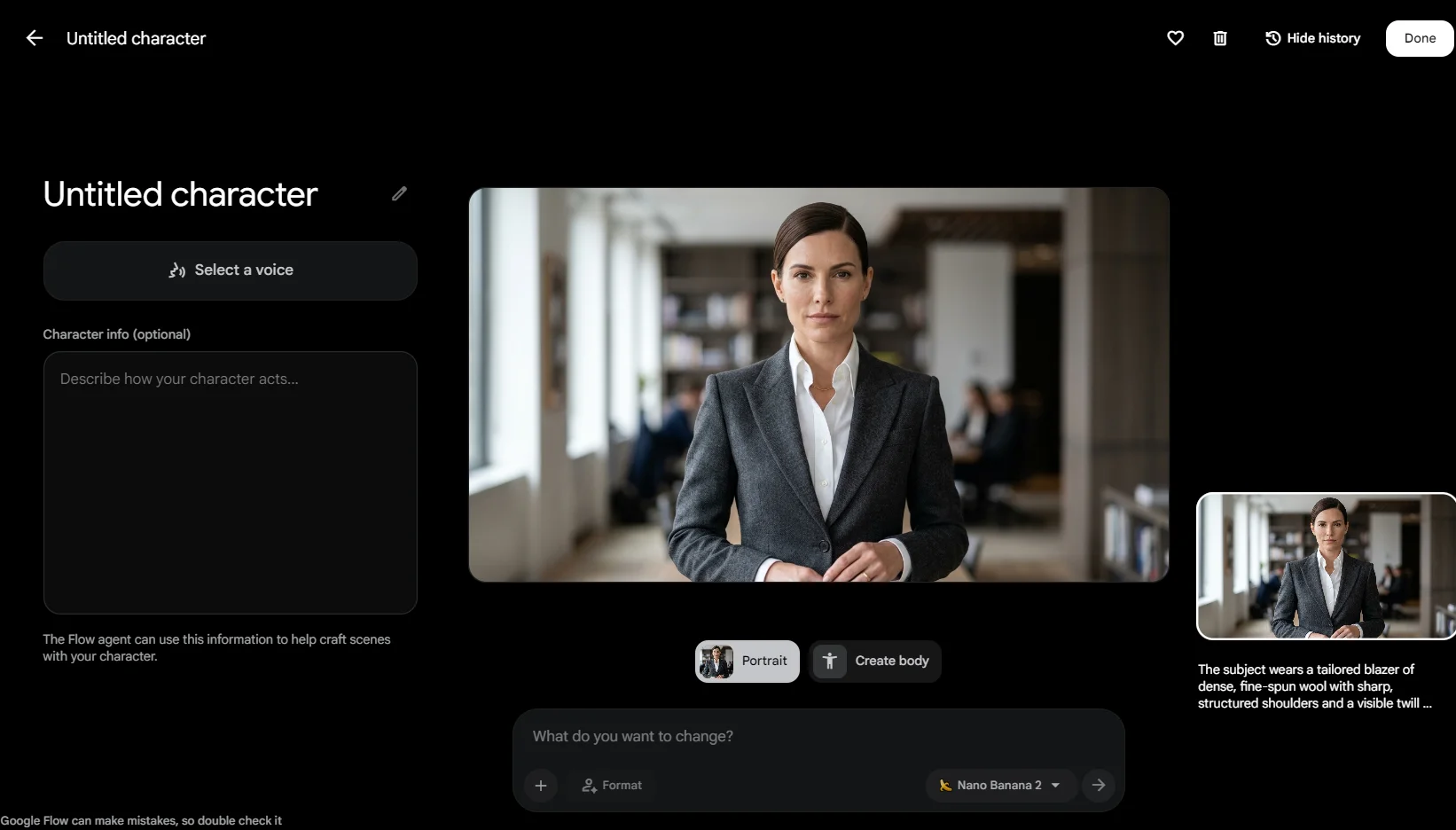
It’s easy to confuse “looks nice” with “looks professional.” Before you accept any output, check it against five things: a face that is clearly you, natural skin texture, soft and believable lighting, tidy attire without strange seams or logos, and a clean, uncluttered background. Shoulders-up framing at eye level is the safest default for LinkedIn, résumés and company pages.
How to get a better AI headshot
- Upload several reference photos. Use three to five clear shots with different angles and lighting. A single selfie gives the model too little to hold onto.
- Tell the model what to preserve. Name your facial structure, skin tone, hairstyle and natural texture, and say not to beautify or slim.
- Specify the studio, not just “professional.” Describe the lens look, key light direction, backdrop and attire.
- Edit in small steps. Change one thing at a time, such as the background and then the jacket, so the face doesn’t drift.
- Check at 100% zoom. Look at eyes, teeth, ears, collar edges and hair outlines before you publish.
A headshot prompt you can copy
Paste this into ChatGPT or Gemini along with your reference photos, then swap the attire and backdrop to taste.
Where AI headshots still fall short
Identity drift is the big one. A subtle change to the jaw, eyes or apparent age can make the photo look “almost you,” which is worse than obviously stylized. Details like earrings, glasses arms and shirt collars can also break under close inspection.
Consistency is hard at scale, too. If a team needs twenty matching portraits, a general chat tool won’t give you identical lighting and framing every time. And check the rules of wherever you’ll use the photo: official IDs and some platforms require unedited images, and some workplaces want AI-generated photos disclosed.
Frequently asked questions
- Can ChatGPT make a professional headshot?
- Yes. ChatGPT Images 2.0 can turn your reference photos into a polished headshot, particularly if you specify lighting, attire and background and ask it to preserve your natural features.
- Can Gemini make a professional headshot?
- Yes. Google’s Nano Banana models handle headshot edits well, especially with precise, structured prompts. Nano Banana 2.1 is Google’s latest general release for image generation and editing.
- Will GPT-6.2 Astra or Gemini 4 Carbon improve AI headshots?
- Not necessarily. They are language models, and image output comes from separate image models. Watch for announcements about image updates, not only chat-model launches.
- Is an AI headshot good enough for LinkedIn?
- Usually, if it still looks like you. Compare it with a recent real photo and avoid heavy retouching that makes colleagues do a double take.
Got a headshot you like? Take it further.
Try new outfits on the same photo, or bring it to life as a short AI video, right from your phone.
Try MovclSources
- eWeek, “ChatGPT Images 2.0 vs Nano Banana 2: Which AI Image Tool Wins for Real-World Tasks?”
- TechRadar, comparison of ChatGPT Images 2.0 and Nano Banana 2 using real-world prompts
- Morphic, “Nano Banana 2 vs ChatGPT Images 2.0” (release dates and model lineage)
- Reports on the Nano Banana 2.1 launch of October 6, 2026 (Jetstream, RuntimeWire)
- Coverage of Gemini 4 Carbon’s October 28, 2026 announcement (Bernama, Inside)
- Coverage of GPT-6.2 Astra sightings in Codex usage data (TestingCatalog, IT之家, 机器之心)