
5 Mistakes First-Time Users Make With AI Face Swap Apps
I've made most of these myself, so consider this a shortcut.
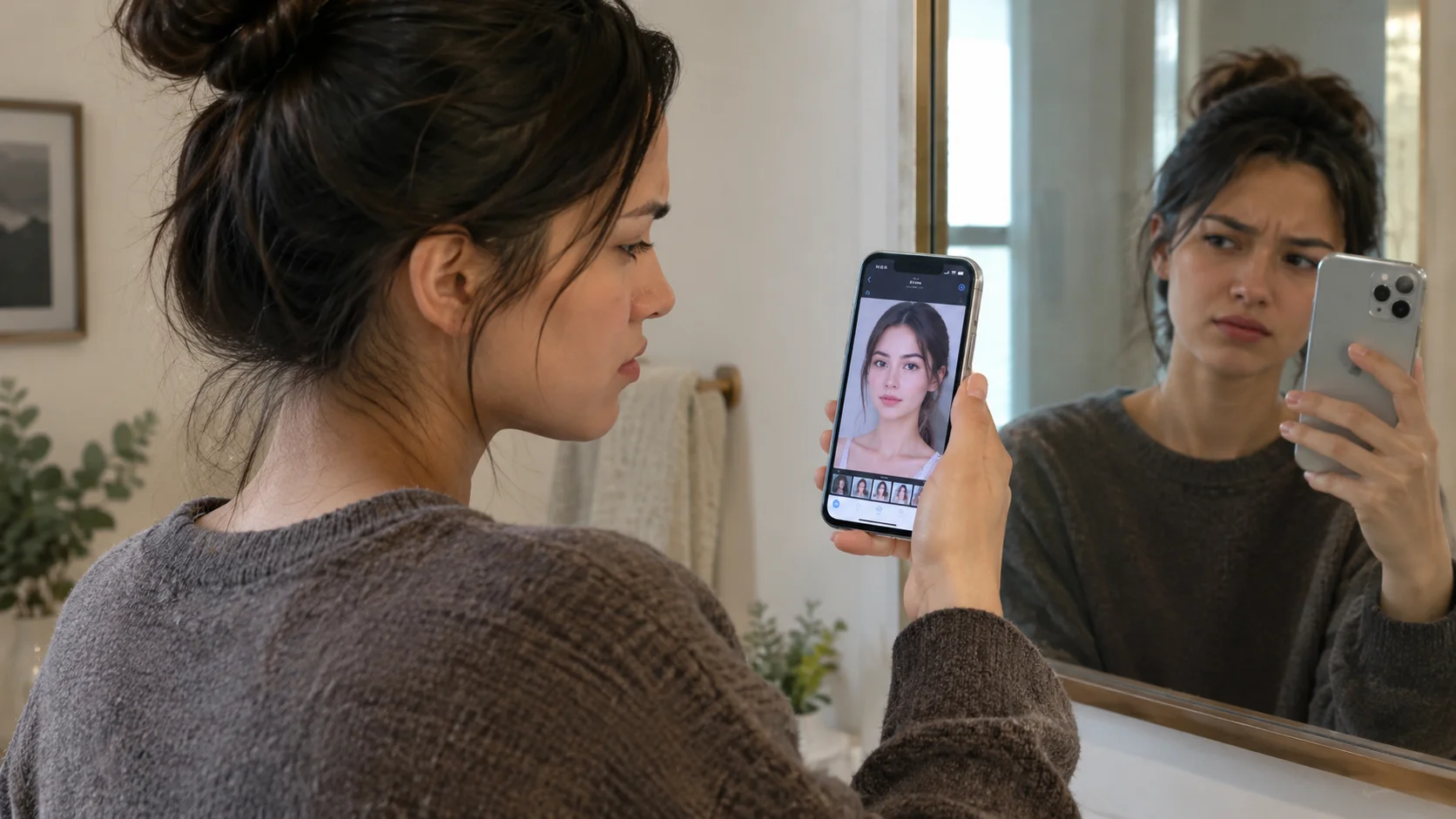
Most disappointing first results come down to one of five very fixable things.
Key takeaways
- A blurry, poorly lit, or extreme-angle source photo is the single most common reason a first result looks disappointing — more than which app or template you pick.
- Granting every permission an app asks for at launch, without checking whether it actually needs them, is an easy habit to fall into and an easy one to fix.
- Using a photo of someone else without asking them first turns a fun five minutes into a genuinely bad idea, independent of how the result turns out.
- Ignoring how closely your photo's pose matches a video template's starting frame is a common, avoidable source of distorted or glitchy-looking results.
- Assuming all AI photo apps handle your data the same way skips the one check — reading the actual privacy policy — that tells you more than an app's rating or download count ever will.
I've now tried enough of these apps, for enough different pieces on this blog, to have made basically every mistake on this list at least once. Most of them are quick to fix once you know what's actually going wrong, so here's the shortcut version — the five things that trip up almost everyone the first time, and the fix for each.
Mistake 1: Using a blurry, poorly lit, or extreme-angle photo
The most common one, by farThis one came up when I tested a few different apps for an earlier piece on the AI anime photo trend — my first attempt used a photo taken quickly under bad kitchen lighting, and the result came out slightly off in every single app I tried, not just one. Extreme angles, harsh shadows, and low light all make it harder for the underlying model to read your face accurately, and no amount of good template design fixes a bad source photo.
Mistake 2: Granting every permission without checking why
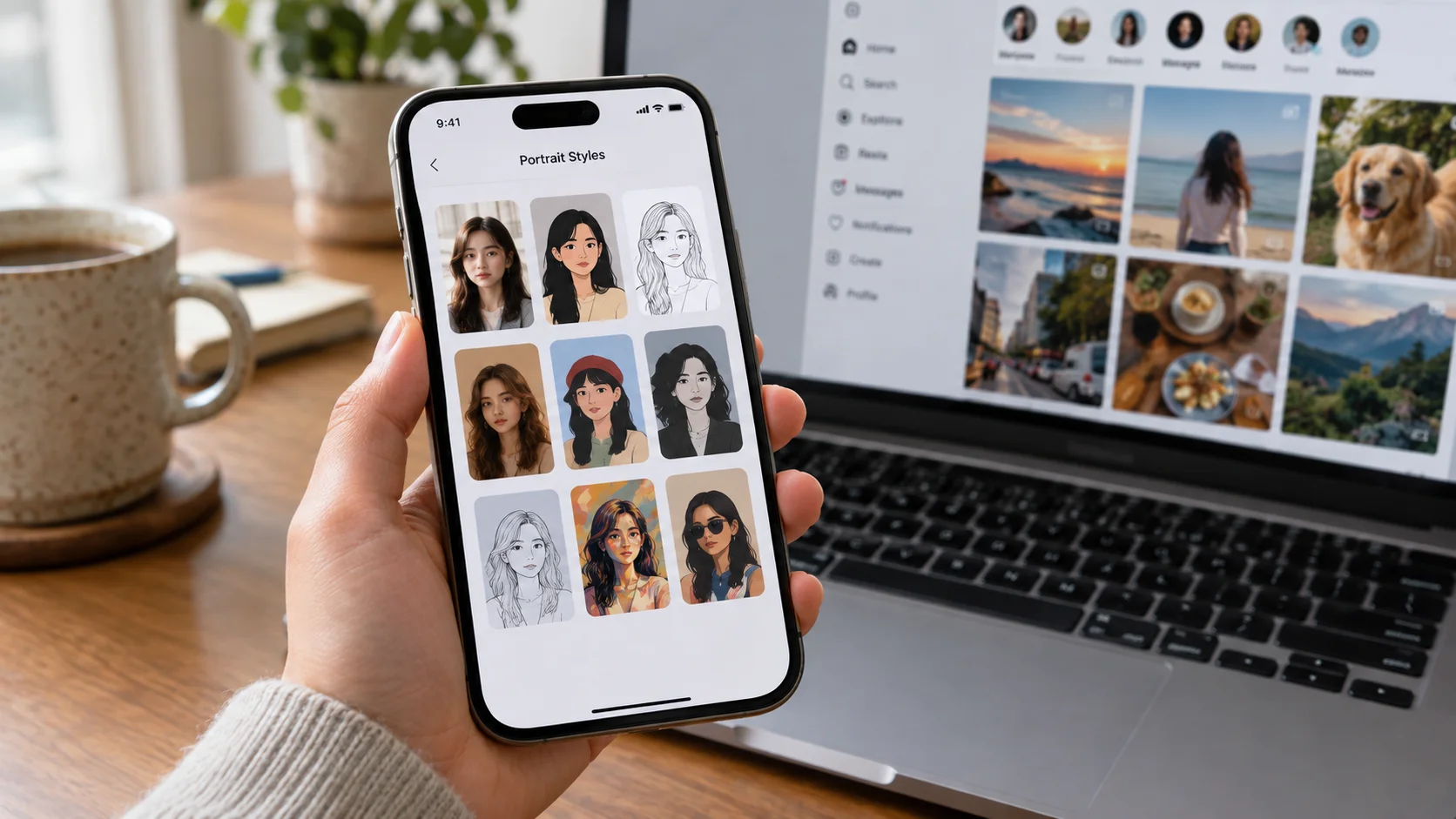
Takes ten extra seconds to avoidIt's easy to tap "Allow" on everything just to get to the fun part. The problem is some permissions a photo app asks for genuinely don't need to be there — we went through exactly which ones make sense and which ones are red flags in an earlier piece on AI photo app permissions. Camera and photo access make sense. Contacts, precise location, or anything asking for accessibility access on Android generally don't, for a photo-generation app.
Mistake 3: Uploading someone else's photo without asking
The one that isn't really about the app at allThis is less a technical mistake and more a "wait, should I actually do this" one. Using a photo of a friend, an ex, or someone you follow online without their knowledge — even for something that feels harmless — is a genuinely different situation from using your own photo, and it's worth pausing on regardless of what app you're using. We covered why this specific scenario carries real risk, not just an awkward conversation, in a piece on common legal scenarios with AI images.
Mistake 4: Ignoring the pose mismatch on video templates
The one that causes the weirdest-looking glitchesWhen I tried the short-video templates, I learned this one the annoying way: a close-up portrait applied to a template built around a full-body dance sequence came out visibly distorted, while the same photo applied to a template with a similar starting frame looked fine. This isn't random — most motion-transfer systems work best when your photo's starting pose is reasonably close to the template's first frame, which we explained in more detail in our piece on how AI video generation actually works.
Mistake 5: Assuming every app handles your photos the same way
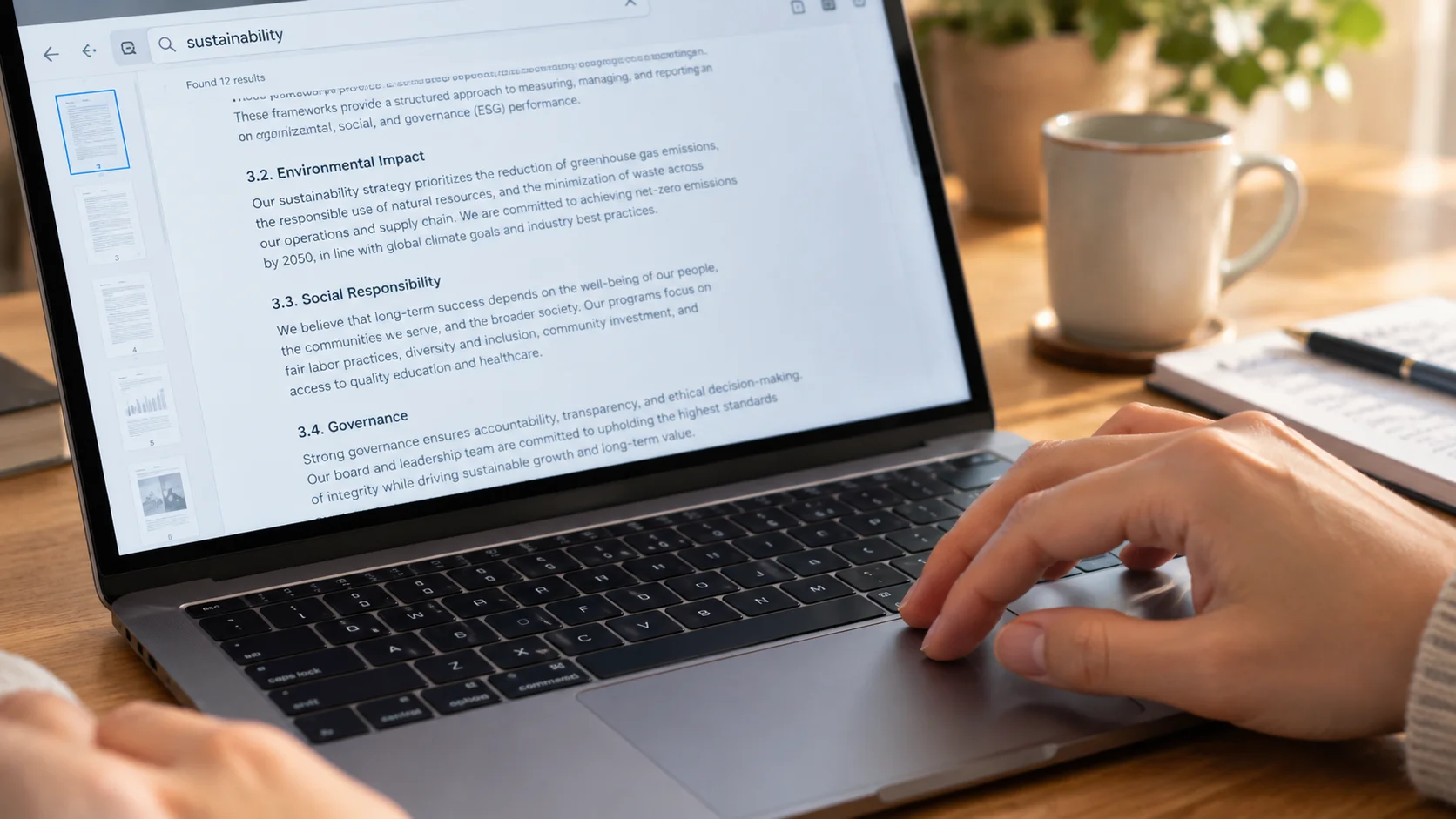
The one that actually matters most long-termAfter reading through several apps' actual privacy policies for a piece I wrote testing exactly this, the biggest lesson wasn't which specific app was best — it was how much the fine print varies between apps that all look and function almost identically on the surface. Assuming "they're all basically the same" means you're trusting the one you happened to download first, for no real reason.
None of these mistakes are embarrassing. They're just the five things nobody tells you until after you've already made them.
Doing it right the first time
Once I started paying attention to these five things, my results got noticeably better and my "wait, why did I just allow that" moments basically disappeared. It also made me appreciate the apps that make the right choices easy by default — Movcl, for instance, shows an example pose thumbnail on video templates before you upload, and its permission requests stop at camera and selected-photo access without reaching for anything unrelated. A well-designed app can't fix mistake 3 for you, but it can make 1, 2, and 4 a lot less likely by default.
Frequently asked questions
What's the single most common reason a face swap result looks bad?
A poor-quality source photo — blurry, poorly lit, or at an extreme angle. It matters more than which app or template you use, and it's the easiest thing to fix before you even start.
Do I need to match my photo's pose to the template?
Not exactly, but getting reasonably close helps a lot, especially for video templates. A close-up portrait applied to a template built around a full-body pose gives the system a harder starting problem than a template chosen to roughly match your photo's framing.
Is it ever okay to upload a photo of someone else?
Only with their knowledge and agreement. Uploading someone else's photo without asking first is one of the fastest ways to turn a fun app into an actual problem, regardless of what you intended to make with it.