


AI Photo Apps and Your Privacy: What Permissions You Should Never Grant
A photo of your face isn't just a picture. It's biometric data.
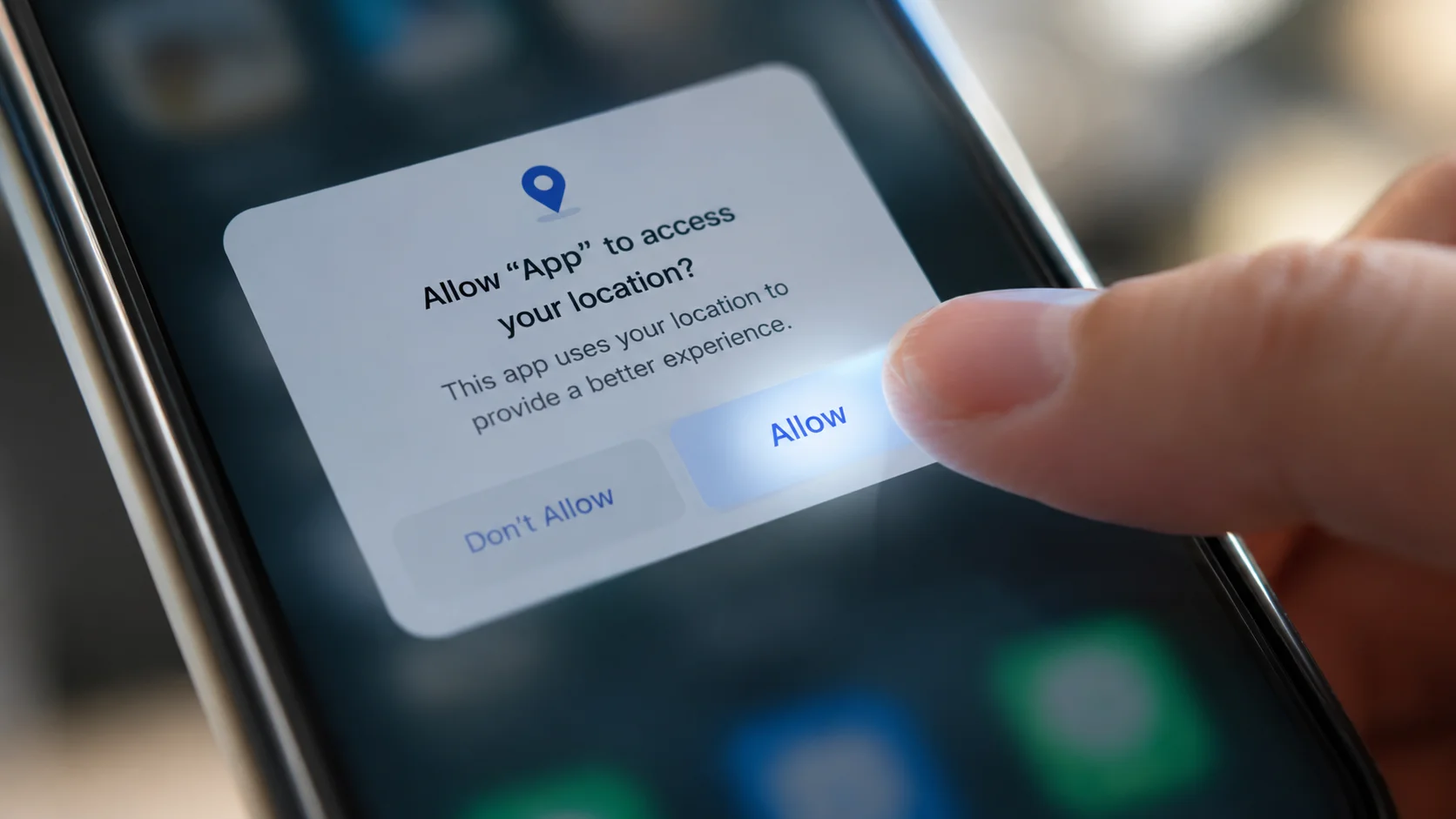
The "Allow" button is the easiest one to tap without thinking. It's also the one worth pausing on.
Key takeaways
- A legitimate AI photo or video app only needs a small, specific set of permissions — camera and photo access, and sometimes microphone for video features. Anything beyond that deserves a second look.
- Contacts, precise or background location, SMS, call logs, and Bluetooth/nearby-device access have no legitimate technical purpose for a photo-generation app. If one asks for these, treat it as a red flag.
- Both iOS and Android now let you grant "selected photos only" access instead of your entire library — a narrower, safer option that most well-built apps work fine with.
- A photo of your face isn't just an image; it can be used to derive a biometric identifier, which several US laws — most notably Illinois' Biometric Information Privacy Act — regulate more strictly than ordinary personal data.
- The Apple App Store's "App Privacy" section and Google Play's "Data safety" section let you check what an app claims to collect before you ever install it, not just after.
Every photo or video app asks for permissions the moment you open it, and most people tap "Allow" the same way they click past a cookie banner — quickly, and without really reading it. For most apps, that habit is low-stakes. For an AI photo app specifically, it's worth being a little more deliberate, because the thing you're handing over isn't just another file. It's a photo of your face, and your face is one of the few pieces of personal data that can uniquely identify you for the rest of your life. You can change a password. You can't change your bone structure.
The permissions that actually make sense
A well-built AI photo or video app has a genuinely short list of things it needs to function:
- Camera access — reasonable, if the app lets you take a photo directly instead of only uploading an existing one.
- Photo library access — reasonable, ideally scoped to "selected photos" rather than your entire camera roll.
- Microphone access — reasonable only if the app specifically offers a feature involving audio or video with sound, and it's fair to ask why it's needed if the feature you're using is photo-only.
That's close to the full list for a legitimate template-based photo or video generator. Everything past this point should come with a specific, understandable reason attached to a specific feature — not a blanket request bundled in at first launch.
The permissions that should make you pause
These come up often enough in photo and video apps that they're worth naming specifically, because none of them have an obvious legitimate purpose for a face-swap, outfit-change, or short-video generator:
- Contacts. There's no technical reason a photo-generation app needs your contact list. This usually exists to power "find friends on this app" growth features or, less charitably, to build a social graph for advertising — not to generate your image.
- Precise or background location. Unless a feature explicitly geotags your creations (and even then, ask why it needs to run in the background), location has nothing to do with generating a photo or video.
- SMS and call logs (Android). There is essentially no legitimate reason a photo app needs these. This category of permission is more associated with data harvesting or, in the worst cases, fraud-adjacent apps than with any creative feature.
- Bluetooth or nearby-device scanning. Unrelated to photo or video generation; typically used for cross-device tracking or advertising attribution.
- Accessibility service access (Android). This is the single biggest red flag on this list. It grants an app the ability to read and interact with anything on your screen, across every other app — a legitimate photo app has no reason to request it, and it's a permission more commonly abused by scam or spyware-adjacent apps.
None of this means every app requesting one of these is malicious — some genuinely use contacts for an opt-in referral feature, for instance. But the burden should be on the app to explain why, clearly, before you grant it — not on you to assume it's fine.

Why your face gets treated differently under the law
Uploading a photo to generate a face swap or restyled portrait involves a step we covered in detail in our first piece on this blog: the app extracts an identity embedding — a compact numerical representation of the distinguishing features of your face. That's technically a biometric identifier, and a biometric identifier is treated very differently from most other personal data under US law.
The most consequential example is Illinois' Biometric Information Privacy Act (BIPA), which requires companies to get informed, written consent before collecting biometric identifiers like a faceprint, and gives individuals the right to sue directly over violations — a private right of action that's made it one of the most actively litigated privacy laws in the country, including notable cases against major social media and facial-recognition companies. Texas and Washington have similar biometric privacy laws, though enforcement in those states runs through the state attorney general rather than private lawsuits. Beyond those specific biometric statutes, broader state privacy laws like California's CCPA/CPRA classify biometric information as "sensitive personal information," giving consumers specific rights to limit how it's used.
The practical takeaway: a permission prompt only tells you what an app can access. Whether your faceprint is retained, reused, or shared afterward is a separate question, governed by the app's actual privacy policy rather than the operating system's permission dialog — which is exactly the "does it train on your photos" distinction we covered in our piece on how AI face swap actually works.
How to actually check before you tap Allow
You don't have to take an app's word for what it collects — both major app stores now surface this information before you even download:
- On iPhone: Every App Store listing has an "App Privacy" section showing the categories of data the developer says the app collects and whether it's linked to your identity.
- On Android: Every Google Play listing has a "Data safety" section with a similar breakdown, plus whether data is shared with third parties.
- After installing, on either platform: Your phone's system-level privacy settings (Settings → Privacy on iPhone; Settings → Privacy → Permission manager on Android) let you review and individually revoke any permission at any time — you don't have to accept everything at first launch to keep using the app.
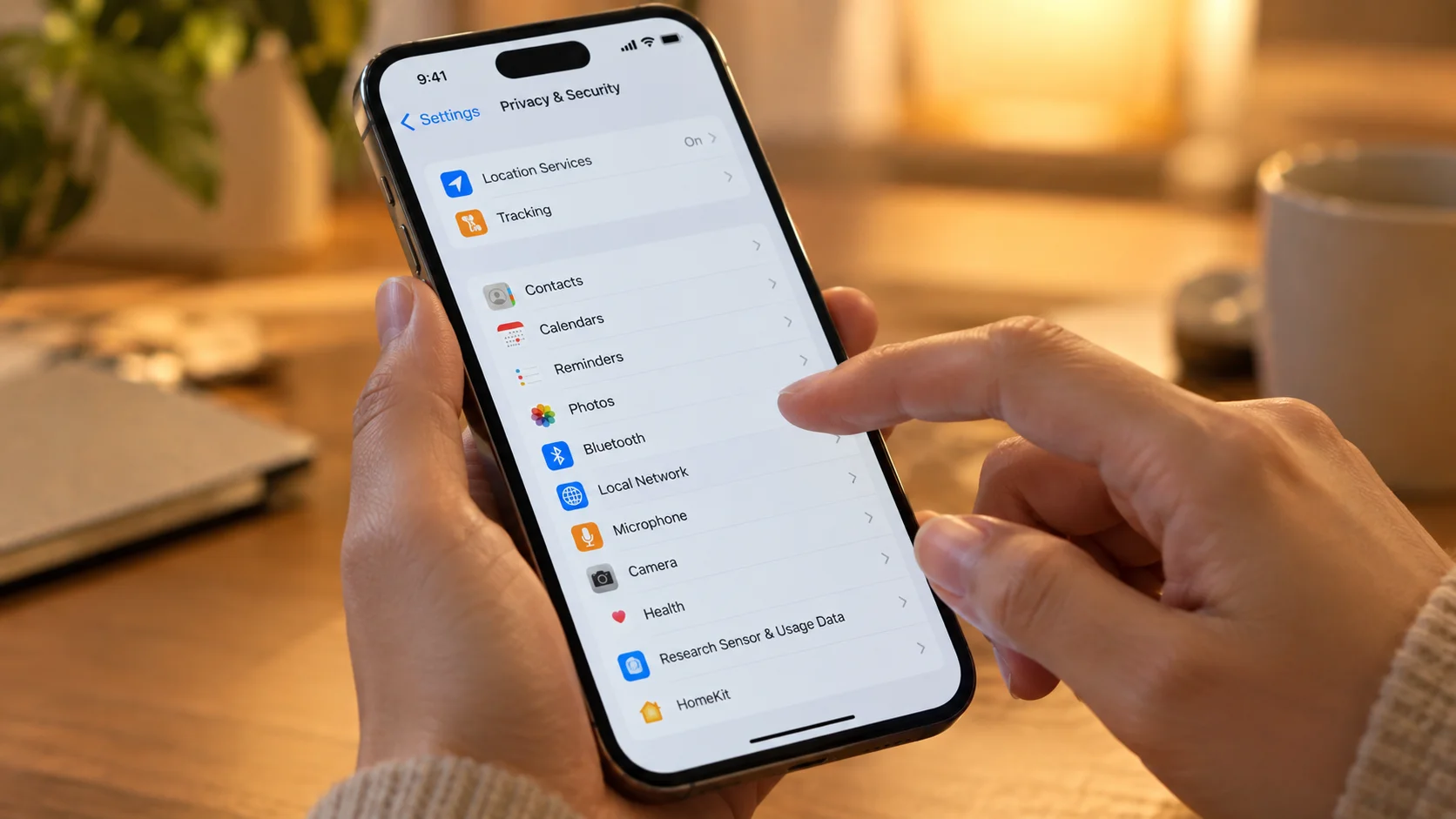
A quick, practical habit: when a new AI photo or video app asks for a permission, ask yourself whether you could explain — in one sentence — why that specific feature needs that specific access. If you can't, it's worth denying it and seeing whether the app still works. Apps including Movcl are built to function on camera and selected-photo access alone for their core features, which is a reasonable baseline to expect from any app in this category.
A quick glossary
- Biometric identifier
- A unique, measurable characteristic of your body — including a numerical representation derived from your face — that can be used to identify you.
- BIPA
- Illinois' Biometric Information Privacy Act, requiring informed written consent before collecting biometric identifiers and allowing individuals to sue over violations directly.
- Selected photos access
- A permission option on iOS and Android that lets an app access only the specific photos you choose, rather than your entire photo library.
- Data safety / App Privacy labels
- Standardized summaries on Google Play and the Apple App Store disclosing what data categories an app says it collects, shown before you download it.
Frequently asked questions
Does an AI photo app need access to my contacts?
No. There's no legitimate technical reason a photo or video generation app needs your contacts list. If it asks, that's a sign it's collecting more than it needs for the feature you're using.
Is it safe to give a photo app access to my full photo library?
It's safer to use the "selected photos only" permission option available on iOS and Android, which lets you pick specific images each time rather than granting standing access to your entire library. Most legitimate photo apps work fine with this narrower option.
Why is a photo of my face treated differently from other personal data?
Because it can be used to derive a biometric identifier — a unique numerical representation of your face. Several US laws, including Illinois' Biometric Information Privacy Act, specifically regulate the collection of biometric identifiers with stricter consent requirements than ordinary personal data.
How can I check what permissions an app has before I install it?
Both the Apple App Store and Google Play now show a privacy summary on each app's listing page before you download it — Apple's "App Privacy" section and Google's "Data safety" section — which list the data types an app says it collects.