


From One Photo to a Full Video: How AI Video Generation Actually Works
The trick isn't inventing motion. It's borrowing it.
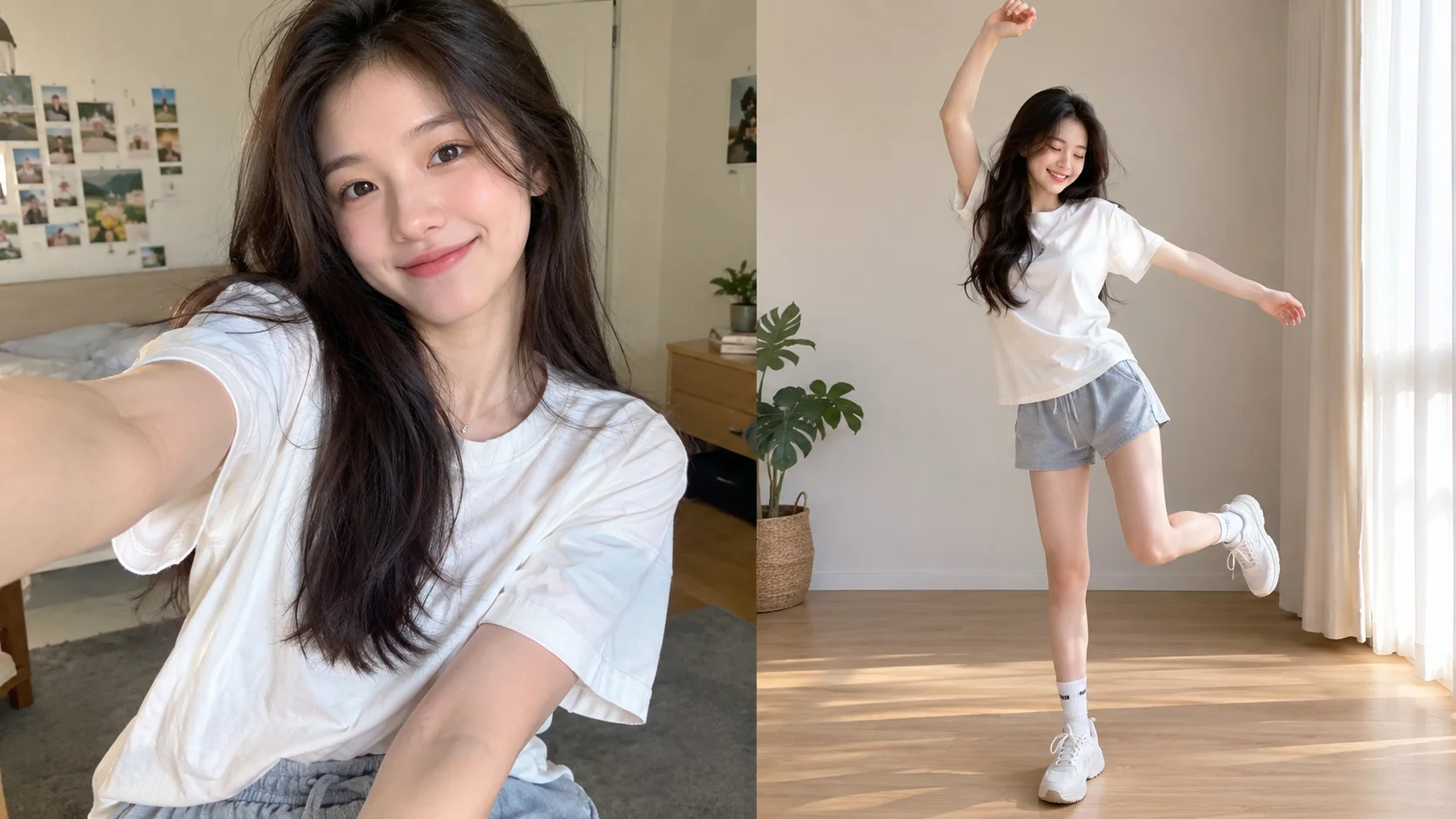
Key takeaways
- Most template-based AI short-video apps don't invent motion from nothing — they extract a motion sequence from a pre-existing driving video and transfer it onto your uploaded photo's subject, which is a fundamentally different (and much faster) problem than generating video from a blank prompt.
- The pipeline splits into the same "who" versus "how" separation used in face swap: an appearance representation comes from your one static photo, while the motion — how the body and face move over time — comes from the template.
- Because the heavy lifting (understanding general human motion and appearance) was learned once, in advance, on a large training dataset, turning your one photo into a finished video is inference, not training — which is why it takes about a minute instead of hours.
Watching a single, still selfie turn into someone dancing, waving, or delivering a monologue in under a minute looks like the app invented an entire performance out of nothing. It didn't. In almost every case, the performance already existed — as a template, a pre-made driving video someone else appeared in — and what the app actually did was extract that motion and re-render it using your appearance instead. Understanding that distinction explains both why this works and why it's fast enough to ship as a phone app.
Two very different ways to make an AI video
Broadly, there are two families of AI video technology, and they solve genuinely different problems:
- Text-to-video generation creates both the visuals and the motion from a written description, with no reference video involved. This is more flexible but generally slower, more computationally expensive, and less predictable — useful for open-ended creative generation, less suited to a consumer app that needs a reliable result in under a minute.
- Motion transfer (sometimes called image animation or driving-video-based animation) takes motion that's already been captured — a real performance, previously recorded or generated once — and re-applies it to a new subject's appearance. This is the approach behind most template-based photo-to-video apps, because the hardest part (figuring out what plausible, coherent motion looks like) is already solved by the template itself.
The rest of this piece focuses on motion transfer, since it's the technology actually doing the work in most "pick a template, upload a photo" video apps.
Step 1: Extracting motion from the template
Before your photo ever enters the picture, the system has already processed the driving video — the template — to extract a motion representation: typically a sequence of keypoints or a learned motion code tracked across every frame, describing how the body, head, and face move and change over time. This is conceptually similar to the facial landmark tracking covered in our piece on how AI face swap works, extended across an entire video and often across the full body rather than just the face. Because this extraction happens once, when the template is created, it doesn't need to be redone every time a new user applies that template — which is a big part of why applying a template is fast.
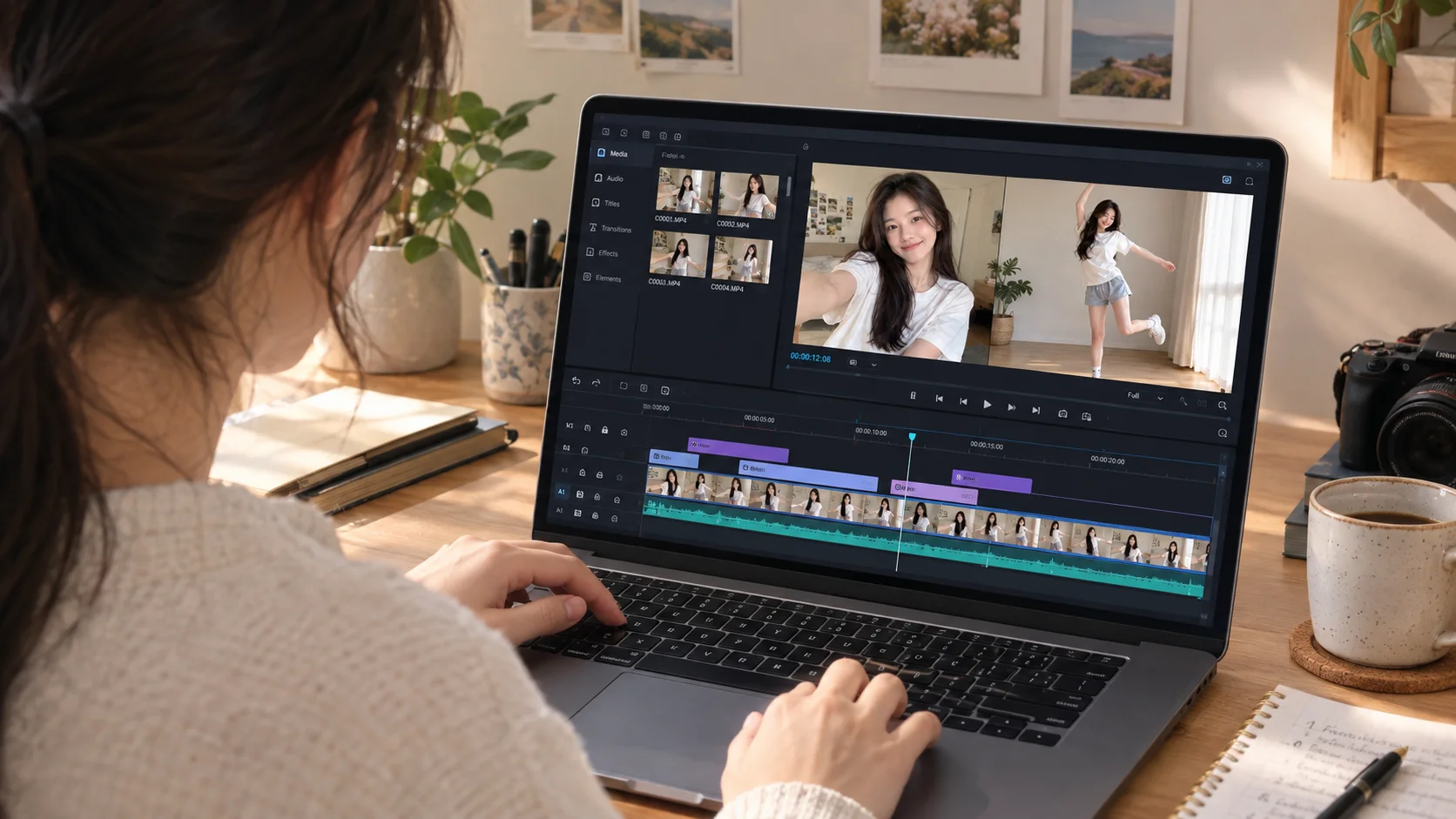
Step 2: Reading your appearance from one photo
This is the same "who" side of the identity-versus-structure split from face swap: the system extracts an appearance representation from your uploaded photo — what you look like — independent of any particular pose or motion. Just as one-shot face swap doesn't need to "learn" your specific face because it's already learned how faces vary in general, motion-transfer video generation doesn't need to learn your specific appearance from scratch either. It just needs your one photo to fill in the one variable the pretrained model doesn't already know.
Step 3: Applying the motion, frame by frame
With both pieces in hand, the system generates the output video one frame at a time: for each frame of the template's motion sequence, it renders your appearance in that frame's specific pose and expression. Depending on the underlying architecture, this can involve warping your photo's features according to the tracked motion (similar in spirit to the garment-warping approach covered in our piece on AI outfit swap), or generating each frame more fully with a diffusion-based model conditioned on your appearance and that frame's motion data. Either way, the output at this stage is a sequence of individual frames, not yet a smooth video.
Step 4: Making it actually look like video, not a slideshow
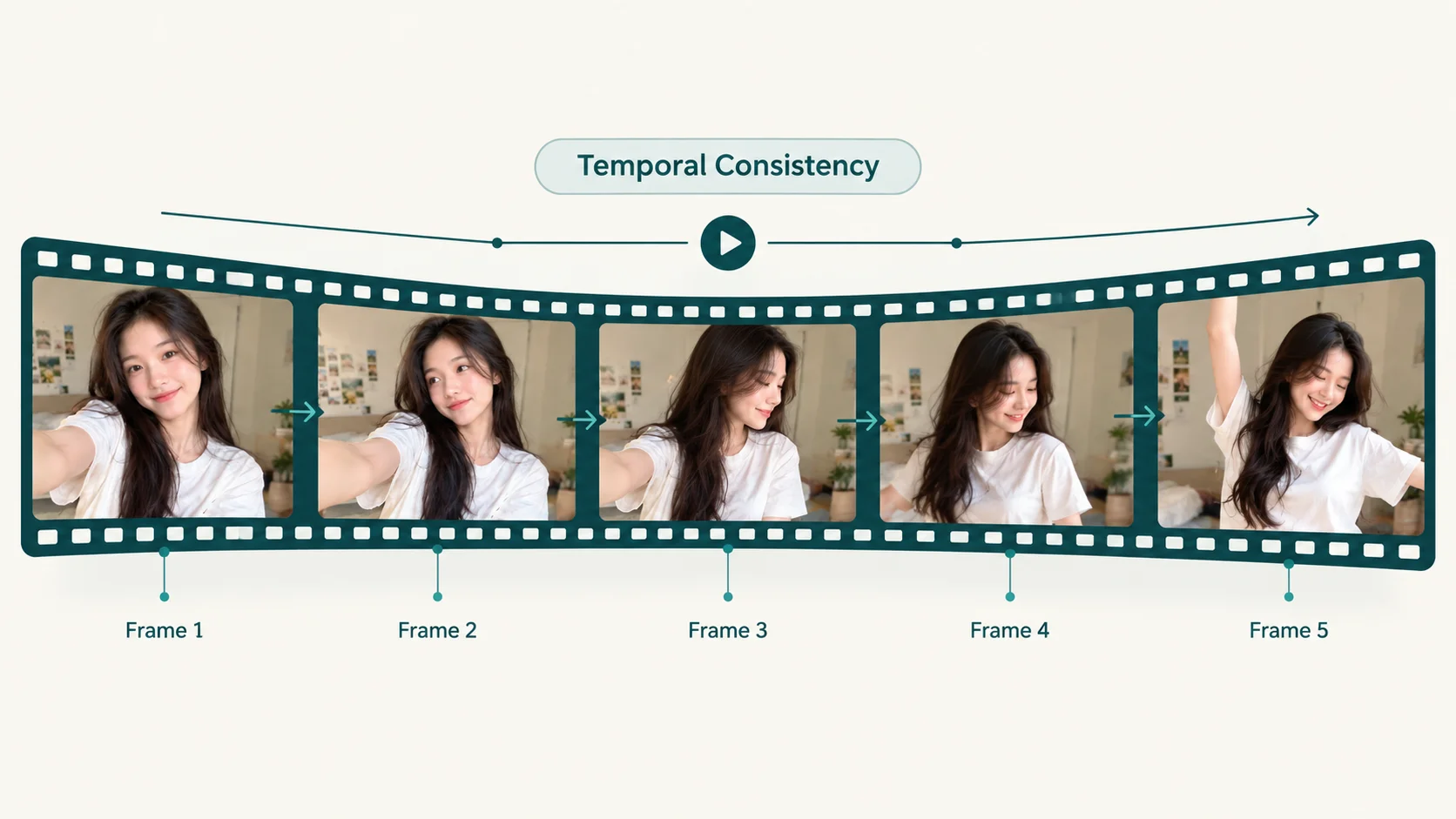
This is arguably the hardest engineering problem in the whole pipeline, and it's specific to video: every one of those frames needs to agree with its neighbors. Your identity, the background, clothing details, and lighting all need to stay consistent from frame to frame — because even a small, frame-to-frame shift in exactly how your face or the scene renders shows up to a human eye as flicker, the single most reliable visual tell that a video has been AI-manipulated. Systems address this with temporal consistency techniques — architectures that consider multiple neighboring frames together rather than generating each one in total isolation, and smoothing steps that reduce small inconsistencies between adjacent frames. This is also why fast, complex motion tends to produce worse results than slow, simple motion: more change between consecutive frames gives the model more opportunity for that frame-to-frame consistency to break down.
Why your photo's starting pose actually matters
A practical detail worth knowing if you've ever gotten an odd-looking result: most motion-transfer systems work noticeably better when your uploaded photo's pose is reasonably close to the template's first frame. That's because the model's job is to adapt an existing motion sequence onto your appearance, not to solve an unrelated pose transition from scratch. A close-up portrait applied to a template that opens with a full-body pose, for example, gives the system a much harder starting problem than a template chosen to roughly match your photo's framing — which is part of why templates typically show an example thumbnail of the expected input pose before you upload.
Why one photo is enough — again
The underlying reason should feel familiar from earlier pieces on this blog: the model that understands general human motion and appearance was trained once, in advance, on a large and varied dataset. Your one photo doesn't teach it anything new about how bodies move or how faces express emotion — it just supplies the one piece of information the pretrained model needs to render you specifically. That's inference, not training, and it's exactly why turning a photo into a finished video takes about a minute rather than the hours or days that per-subject training would require.
| Stage | What it does | What can go wrong |
|---|---|---|
| Motion extraction (template) | Tracks how the subject moves across the driving video | Done once per template; rarely the source of per-user errors |
| Appearance extraction (your photo) | Captures your identity independent of pose | Struggles with extreme angles, poor lighting, or occlusion |
| Frame generation | Renders your appearance into each frame's motion | Fast motion and large pose changes increase distortion risk |
| Temporal consistency | Keeps identity and background stable across frames | The most common source of visible flicker in AI video |
This is also why Movcl's AI short-video feature, like most consumer tools in this category, is built around curated templates rather than open-ended, describe-anything video generation — a template gives the underlying motion-transfer pipeline a known, well-tested starting point to work from, which is a large part of what makes a convincing one-minute result possible at all.
A quick glossary
- Driving video / template
- A pre-existing video whose motion is extracted and reapplied to a new subject's appearance, rather than being generated from scratch for each user.
- Motion transfer
- The technique of applying a motion sequence extracted from one video onto a different subject's appearance.
- Appearance representation
- A model's internal encoding of what a subject looks like, kept separate from pose or motion information so it can be recombined with any motion sequence.
- Temporal consistency
- The property of a generated video where a subject's identity, background, and details remain stable and flicker-free from one frame to the next.
Frequently asked questions
How can an app turn one photo into a video in about a minute?
Most template-based apps aren't generating motion from scratch — they're transferring a motion sequence already extracted from a pre-made driving video onto your photo's subject. Since the motion itself doesn't need to be invented, and the underlying model was trained once in advance, the app only needs to run inference on your one photo, which is fast.
What's the difference between motion transfer and text-to-video generation?
Motion transfer applies a motion sequence extracted from an existing driving video onto a new subject, which tends to be fast and consistent. Text-to-video generation creates both the motion and the visuals from a written description with no reference video, which is more flexible but typically slower and less predictable.
Why does the starting pose in my uploaded photo matter for an AI video template?
Most motion-transfer systems work best when your photo's initial pose is reasonably close to the driving template's first frame, since the model is adapting motion onto your appearance rather than solving an unrelated pose from scratch. A large mismatch between your photo's pose and the template's starting pose is a common source of distorted results.
Why do fast movements sometimes look warped or blurry in AI-generated videos?
Fast motion increases the amount of change the model has to render convincingly between consecutive frames, and it's also where keeping the subject's identity and the background consistent from frame to frame is hardest — both factors make warping, blurring, or flicker more likely during quick movements.