


GPT Photo Editing: 7 Copy-and-Paste ChatGPT Prompts That Look Pro
Key takeaways
- GPT photo editing works through plain language. Upload a photo to ChatGPT, describe the look you want, and it re-edits the image.
- This post gives you 7 ready-to-paste prompts: professional portrait retouch, cinematic look, DSLR depth, golden hour, distraction removal, product commercial and travel upgrade.
- ChatGPT is great for one-off edits. For repeatable results like LinkedIn headshots, old-photo restoration or fashion-style videos, a template-based app saves you the prompt tweaking.
Photo editing used to mean learning layers, masks and curves. Now you can upload a picture to ChatGPT, type “make this look like it was shot at golden hour,” and get a new version back in under a minute. For everyday photos, that is a real shortcut.
The catch is that the quality of the edit depends almost entirely on the quality of the prompt. “Make it better” gives you a random guess. A prompt that names the lighting, the lens look and what to protect gives you something that feels intentional. Below are seven prompts that cover the most common requests, followed by a few habits that keep your edits looking natural.
How a good editing prompt is built
Look closely at the prompts in this post and you will see the same four-part pattern. Once you recognise it, you can write your own for any photo.
- GoalThe overall result, such as “professional portrait” or “movie still.”
- ChangesThe specific edits: lighting, color, blur, clean-up.
- LookA reference point like “85mm lens,” “golden hour” or “Hollywood grade.”
- Lock lineWhat must not change: face, product, logo, scene.
The lock line is the part most people skip, and it is the part that protects the original.
7 GPT photo editing prompts you can copy
Upload your photo first, then paste the prompt into the same message. In every card below, the highlighted sentence is the lock line.
Legend: highlighted text = the sentence that keeps the original intact.
Professional portrait retouch
Watch for: skin that looks airbrushed. If it does, add “keep visible pores and fine lines.”
Cinematic movie-still look
Watch for: over-dark results. Ask for “keep the faces clearly visible” if the shadows swallow detail.
DSLR quality with an 85mm lens look
Watch for: blur that cuts into hair or glasses edges. Check the outline around the head at full size.
Golden hour lighting
Watch for: an orange cast over everything. The lock line about skin tones is what keeps faces from turning orange.
Remove distractions and clutter
Watch for: repeated patterns and straight lines (tiles, fences, railings). Zoom in where the fill happened.
Product commercial photography
Watch for: warped text on labels. Compare the logo against the original before you publish.
Travel photo upgrade
Watch for: a sky that looks too dramatic to be true. If so, ask for “subtle, realistic color.”
How to keep your edits looking real
- Start from your best original. A sharp, well-framed photo gives the model more to work with. Editing cannot fully rescue a blurry shot.
- Change one thing at a time. Do the clean-up first, then the lighting, then the color. Stacking five edits in one prompt is how faces start to drift.
- Keep the lock line, every time. When you ask for a follow-up tweak, repeat it. The model does not always remember what you wanted protected.
- Describe the feeling, not just the filter. “Soft, warm, late-afternoon light” beats “make it pretty.”
- Compare against the original at 100% zoom. Eyes, teeth, hair edges, hands and text are where edits most often slip.
Where ChatGPT photo editing still falls short
It is a general-purpose tool, so you are steering a creative engine rather than using a dedicated retouching pipeline. That shows up in a few predictable ways.
- Likeness can drift. A slightly different jaw, eye shape or apparent age can make the result “almost you,” which is more unsettling than an obvious filter.
- Results vary between runs. The same prompt can look different each time, so matching a whole set of photos takes patience.
- Fine detail is fragile. Small text, logos, jewelry and hands may be altered even when you ask them not to be.
- Heavy edits stack up. Each round of changes can soften detail, so it is better to restart from the original than to keep editing an edit.
None of this makes it a bad tool. It just means the lock line, the single-change habit and a quick zoom check are worth the extra ten seconds.
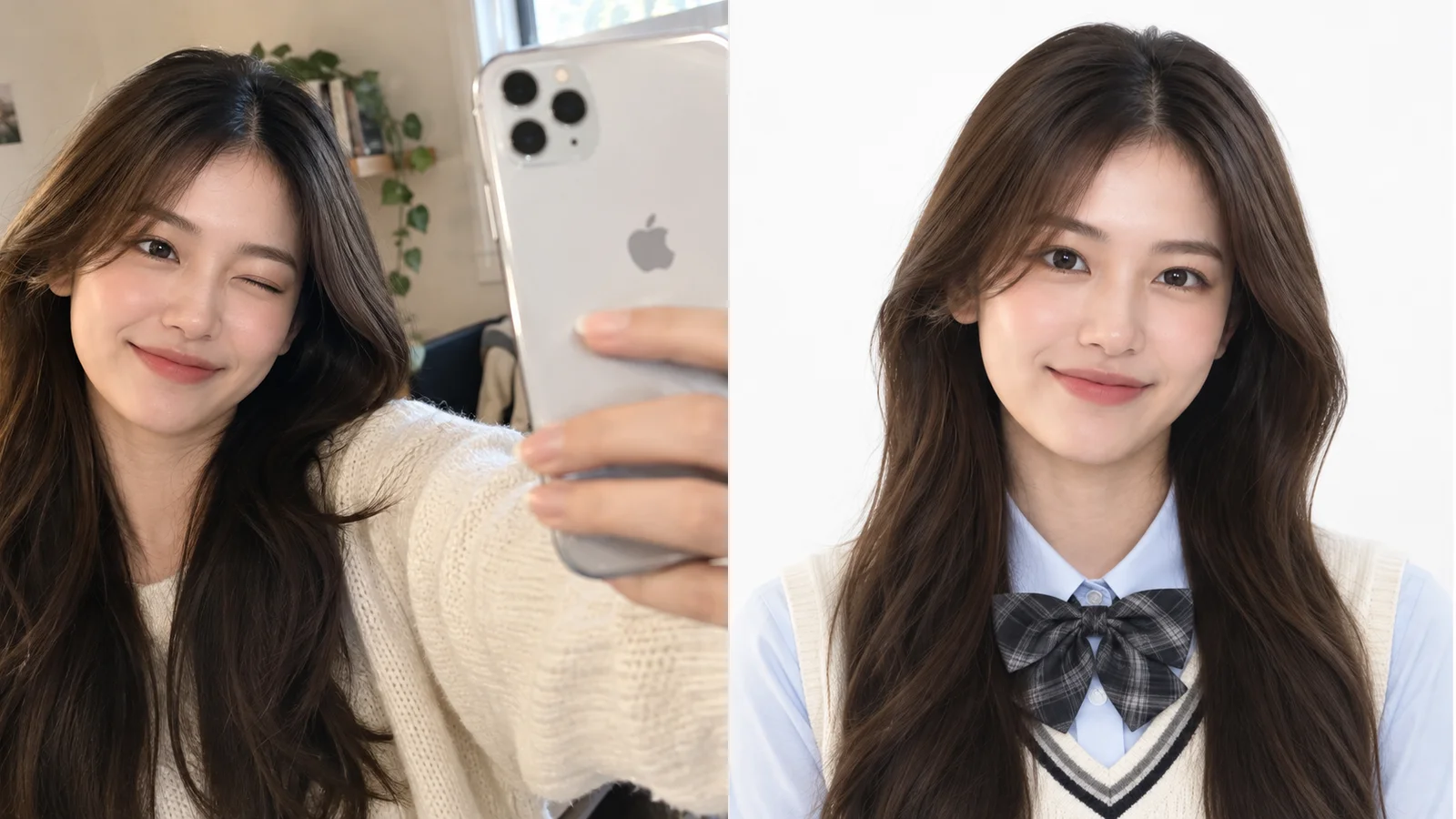
Want the result without writing the prompt?
ChatGPT is a great sandbox for one-off edits. When you want the same polished outcome in a tap, Movcl does it from your phone:
- Professional LinkedIn-style headshots from your own photo
- Old and faded photos restored and sharpened
- Fashion-magazine style videos made from a single picture