
How AI "Fills In" Anime-Style Detail From a Regular Photo
It's not a filter. It's a very specific kind of guided reimagining.
Key takeaways
- Turning a photo into an anime-style or fantasy-art portrait is a different technical problem from face swap: instead of changing who's in the image, it changes how the same person and composition are rendered.
- The core technique is called img2img generation — instead of starting from random noise like a typical text-to-image request, the process starts from your actual photo, which anchors the output to your original composition and pose.
- A setting usually called denoising strength controls the trade-off at the center of this whole category: lower values preserve more of your original photo's exact structure, while higher values let the model reinterpret more freely, producing a more convincingly stylized result.
- Many systems add explicit structural conditioning on top of this — extracting an edge map, depth map, or pose skeleton from your photo and feeding it back in, so the output follows your original composition even when the visual style changes completely.
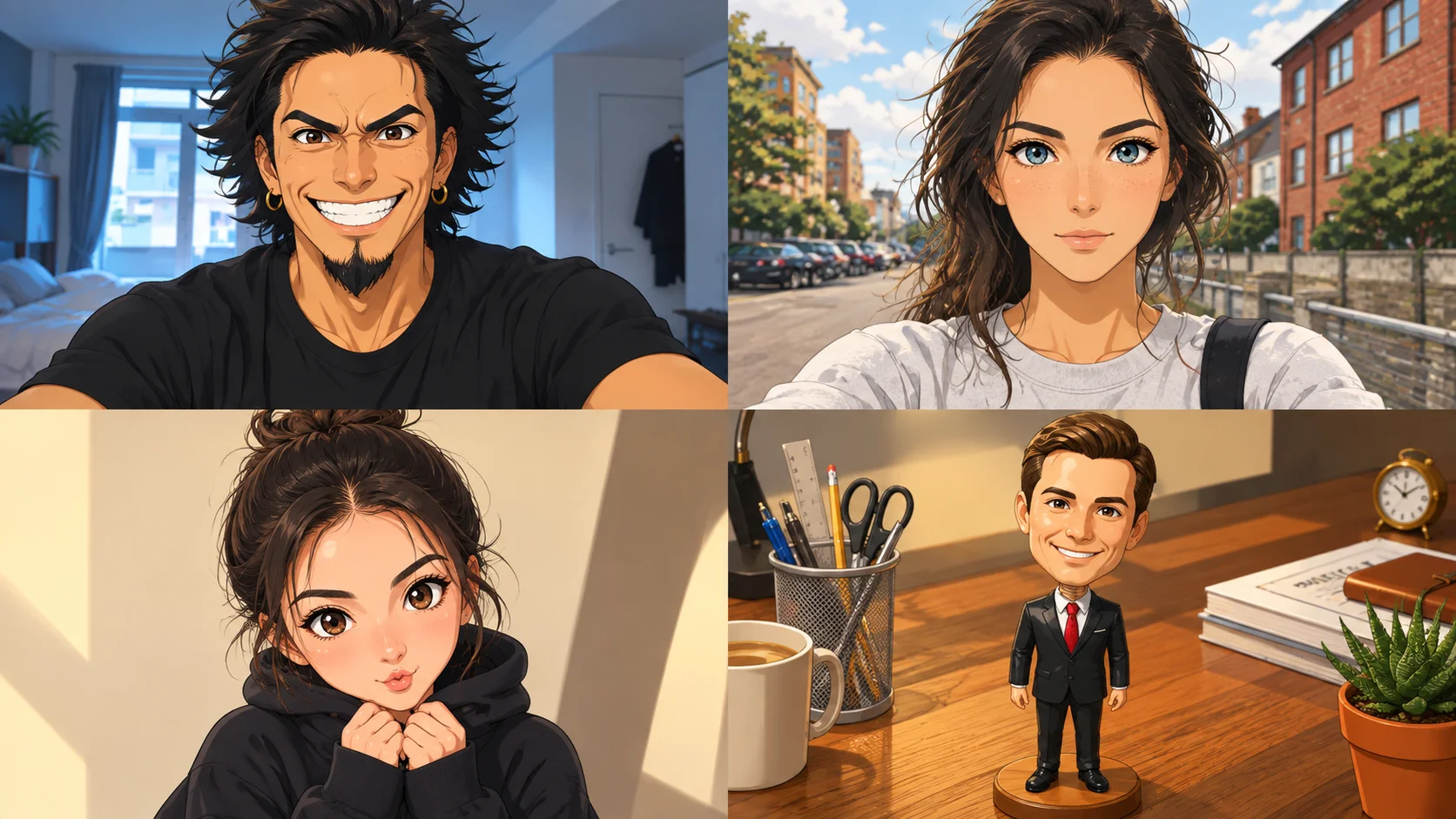
- The anime "look" itself — simplified shading, exaggerated eyes, clean line work — comes from a learned stylistic habit built from large amounts of anime-style training data, not from the model understanding art style conceptually or applying a fixed visual filter.
Face swap, which we covered in an earlier piece on this blog, keeps the visual style of a photo intact and changes who appears in it. Anime and fantasy-art conversion does close to the opposite: it keeps the same person, the same pose, often the same rough scene, and changes almost everything about how that scene is rendered. That's a genuinely different technical problem, and it's solved with a different part of the generative AI toolbox.
Starting from a photo instead of starting from nothing
Most people's mental model of AI image generation is text-to-image: type a description, get an image built up from random noise, guided step by step toward matching your prompt. Anime-style conversion generally works differently, using a technique called img2img (image-to-image) generation. Instead of starting from pure random noise, the process starts from your actual uploaded photo, with a controlled amount of noise added on top of it, and then runs the same style of step-by-step denoising process used in text-to-image generation — except now it's partly reconstructing your original photo's structure rather than inventing a scene from scratch.
This single design choice is what keeps your pose, your framing, and the rough layout of the scene intact while everything about the rendering style changes. Text-to-image generation has no photo to anchor to; img2img does, and that anchor is the whole reason the output still looks like a picture of you, rather than a generic anime character that happens to be standing in a similar pose.
The one setting that controls almost everything: denoising strength
Once your photo is the starting point, there's a critical dial that determines how much the system is allowed to deviate from it, usually called denoising strength (sometimes labeled differently depending on the app, but functioning the same way). At a low setting, only a small amount of noise is added to your original photo before generation starts, which means the process has less room to change things — you get a result that closely follows your original photo's structure, but with less dramatic stylization. At a high setting, much more noise is added, giving the model more freedom to reinterpret the image, which produces a more convincingly stylized anime look, at the cost of drifting further from your original photo's exact proportions and details.
This is a real trade-off, not a bug: pushing toward stronger, more convincing anime styling and preserving your exact facial structure pull in opposite directions, and every app built on this technique has to pick a default balance between them — or expose the setting directly, which is less common in consumer apps designed to just work with one tap.
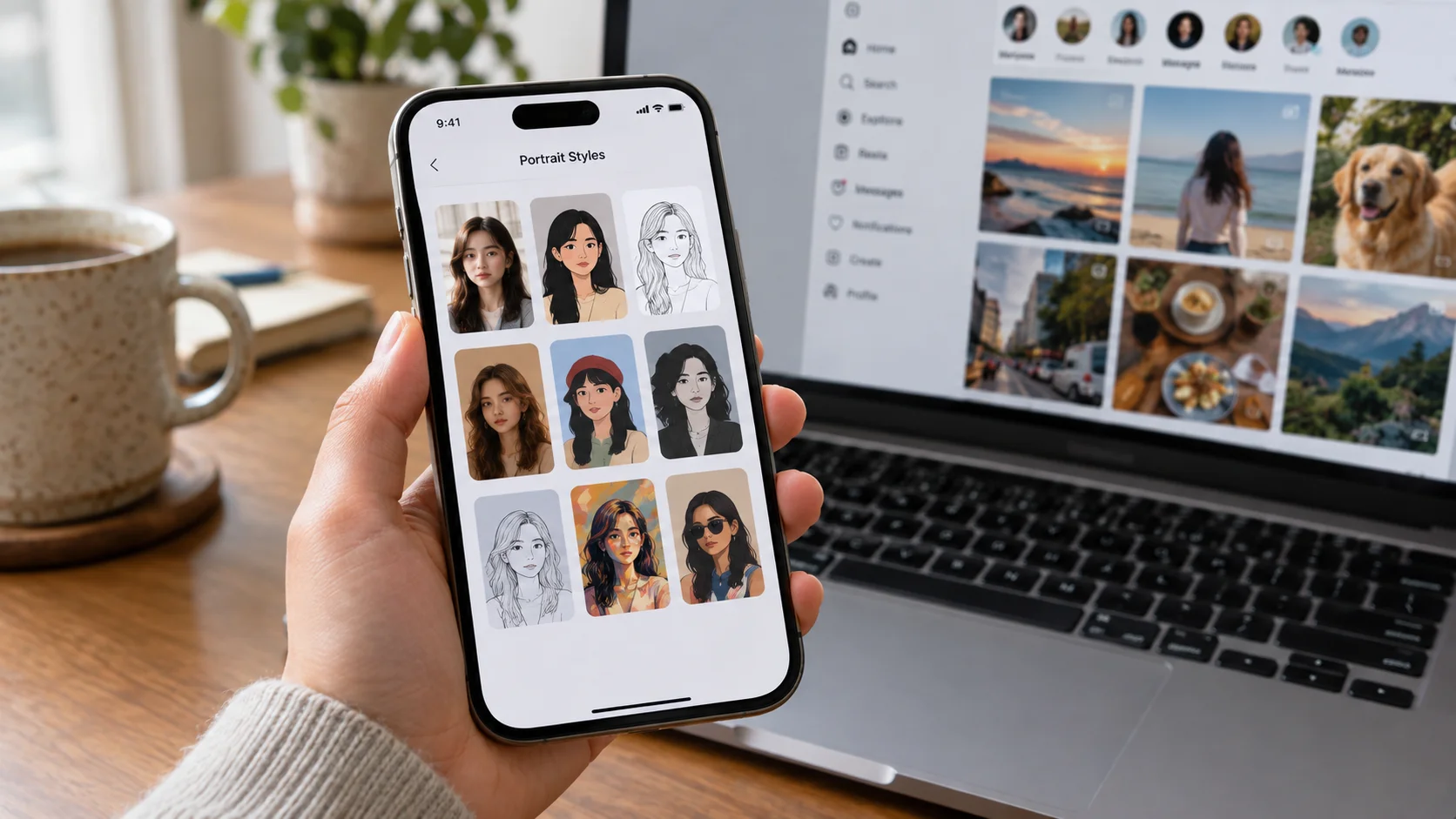
Turn the stylization up, and the result looks more like anime. Turn it up enough, and it starts looking less like you specifically and more like "a person" in anime style.
Keeping the composition anchored: structural conditioning
Denoising strength alone is a fairly blunt tool, so many modern systems add a second, more precise layer of control: extracting explicit structural information from your original photo — an edge map (a simplified outline of major contours), a depth map (which parts of the scene are closer or farther from the camera), or a pose skeleton like the kind used in the outfit-swap pipeline we covered previously — and feeding that extracted structure back into the generation process as an additional guide, alongside the style being requested.
This lets a system push the stylization much further (higher effective creative freedom) while still guaranteeing the output follows your original photo's composition, because the structural guide is enforcing the layout independently of how loosely the color, texture, and rendering style are allowed to shift. It's a large part of why some anime conversions manage to look dramatically restyled while still clearly mirroring your original pose and framing, rather than looking like an unrelated anime character was pasted into a similar-shaped box.
Where the anime "look" itself actually comes from
None of the mechanisms above explain why the output looks specifically like anime rather than, say, a watercolor painting or a pencil sketch — that comes from a separate ingredient: the model has been specifically trained or fine-tuned (often using a lightweight adapter technique, commonly called a LoRA, layered on top of a general image model) on large amounts of anime-style artwork. Through that exposure, it's learned the visual conventions that define the style: simplified, often flat shading instead of photorealistic gradients; clean, defined line work around features; exaggerated eye size and shine; smoothed or stylized skin texture; simplified hair rendered as distinct shapes rather than individual strands.
When it's asked to apply that learned style to your photo's structure, it's not literally understanding "anime" as a concept — it's applying a dense set of learned visual habits about how faces, hair, and lighting are typically rendered in the training data it was shown, mapped onto the structure your photo (or its extracted edge/depth/pose guide) provides. This is the same kind of learned-habit-rather-than-true-understanding pattern we described for outfit swap not simulating cloth physics — a statistical visual convention, applied consistently, rather than genuine conceptual reasoning about art style.
Why the result sometimes doesn't look like you
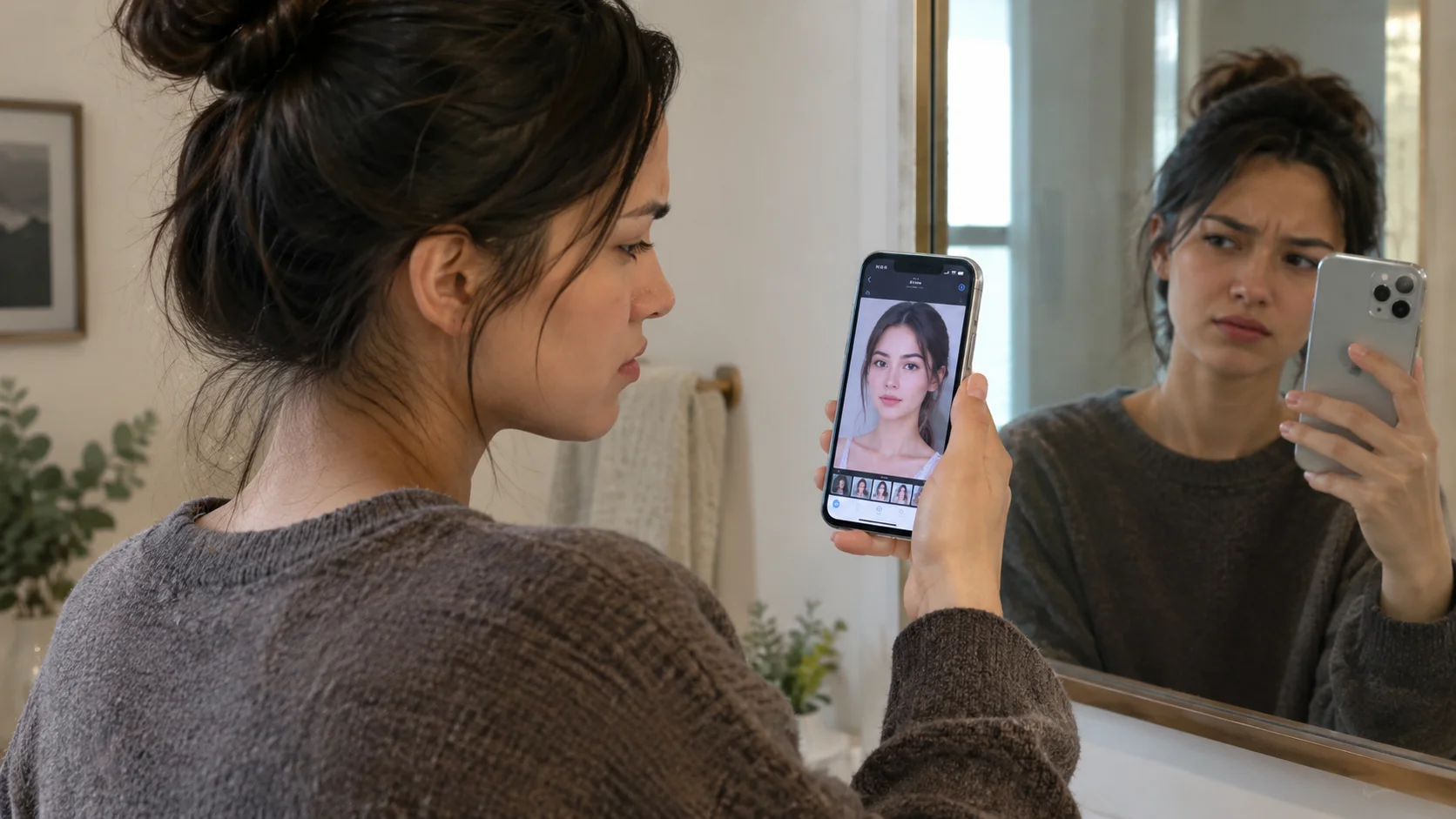
This explains a genuinely common complaint with this category of app: a result that looks great as an anime portrait, but that a close friend might not immediately recognize as you specifically. That's the direct, predictable consequence of the denoising-strength trade-off described above. Anime art style itself pushes hard toward certain conventions — enlarged eyes, simplified nose and mouth shapes, smoothed skin — that are somewhat in tension with preserving your exact facial proportions. A system tuned to produce a strongly convincing anime look is, by construction, tuned to let go of some of that exact fidelity in exchange for looking more authentically like the target style.
| Setting tendency | Result tendency |
|---|---|
| Lower denoising strength, more structural conditioning | Closer to your exact features and composition, more subtle stylization |
| Higher denoising strength, less structural conditioning | More convincingly stylized, more likely to drift from your exact likeness |
A quick glossary
- img2img generation
- Generating a new image starting from an existing photo with added noise, rather than from pure random noise, which anchors the output to the original image's structure.
- Denoising strength
- A setting controlling how much noise is added to a source image before generation, and therefore how freely the process can deviate from the original structure versus a text-to-image style prompt.
- Structural conditioning
- Feeding extracted structural information (an edge map, depth map, or pose skeleton) from a source photo into generation, to enforce composition independently of style.
- LoRA (style adapter)
- A lightweight, efficiently trained addition to a larger image model, commonly used to teach it a specific visual style — such as anime art — without retraining the entire underlying model.
Frequently asked questions
Is turning a photo into anime style the same technology as face swap?
They're related but solve different problems. Face swap changes who's depicted while trying to preserve a photorealistic style. Anime-style conversion keeps the same person and composition but changes the visual style entirely, which uses a different part of the underlying generation process.
Why doesn't my anime-style result always look like me?
Anime-style conversion involves a trade-off between how much the output is allowed to change and how stylized the result looks. Settings tuned for a strongly convincing anime look tend to let go of some exact facial proportions in favor of matching anime's stylistic conventions, which can reduce how recognizable the result is.
What actually determines how closely an anime-style result follows my original photo's composition?
A setting often called denoising strength (or an equivalent structural-guidance setting), which controls how much of the original image's layout and structure the generation is required to preserve versus how freely it can reinterpret the scene in the new style.
Does the AI actually understand anime art, or is it just applying a filter?
It's closer to a learned stylistic habit than either a simple filter or true understanding. The model has learned visual conventions common in anime art — simplified shading, exaggerated eyes, clean line work — from large amounts of anime-style training data, and applies those conventions to new structural input rather than reasoning about art style conceptually.