
I Tried Using AI to Fix My Passport Photo. Here's What Actually Happened
The edit looked amazing. That was almost the problem.
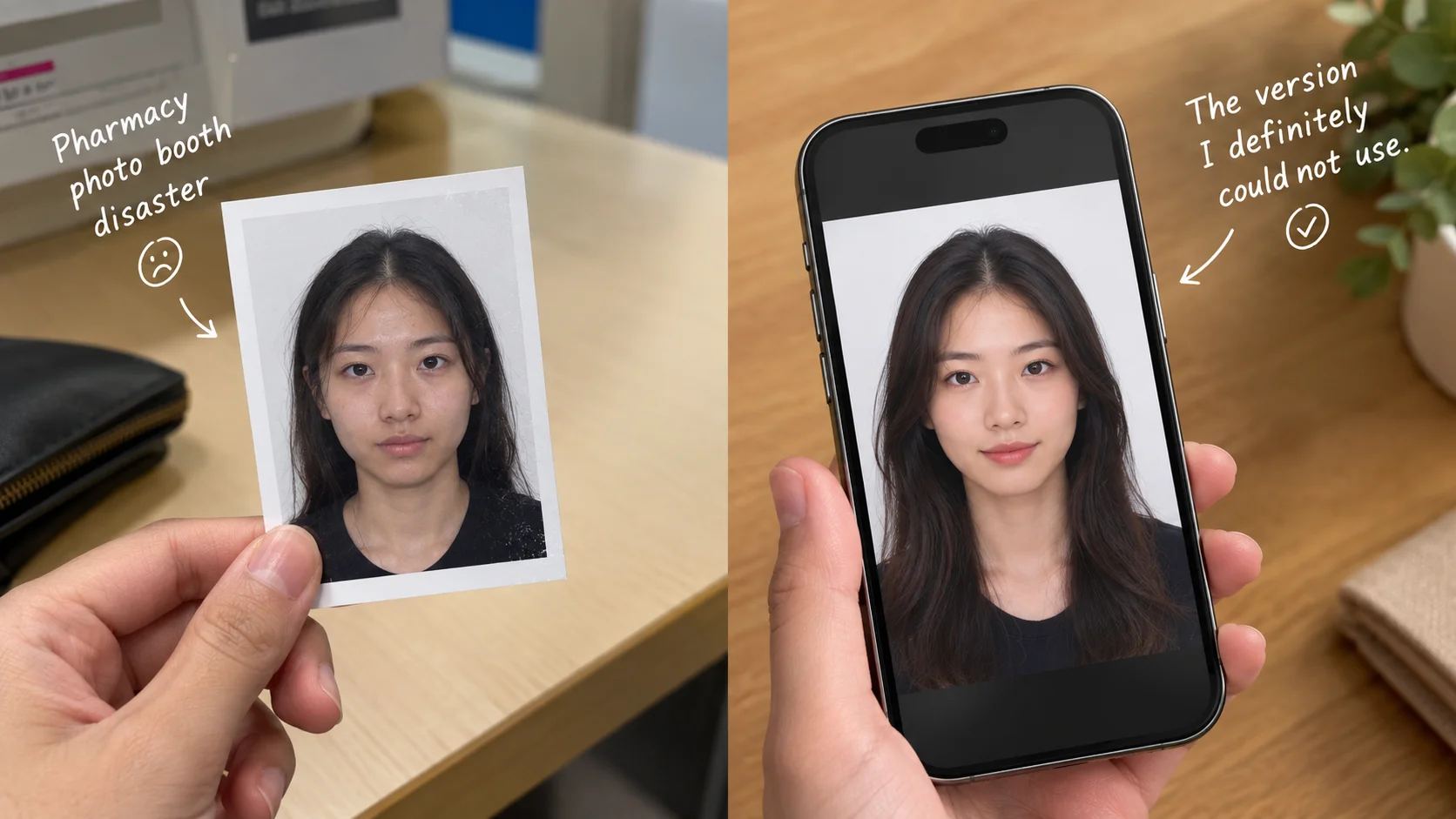
Left: the pharmacy photo booth disaster. Right: the version I definitely could not use.
Key takeaways
- I used an AI outfit-swap app to fix a genuinely bad passport photo — wrinkled shirt, weird shadow, one eye half-closed — and the result looked noticeably better within a minute.
- Before printing it, I found out the US State Department explicitly rejects any passport photo edited or generated with AI tools as of 2026 — not a maybe, a stated rule, and this is a real requirement, not just a rumor.
- The AI edit wasn't wasted, though — I ended up using it for something it's actually meant for: a new headshot for my work profile, where nobody's checking for AI editing rules.
Quick context: I have a trip in six weeks and just realized my passport expires before the return date, so I've been in full renewal-panic mode. I went to the pharmacy near me for the photo, and it came out rough — collar half-flipped, weird overhead shadow under my eyes, and I blinked on what I didn't realize was the only shot they took. Before paying to redo it, I had a genuinely bad idea: fix it with an AI photo app instead.
What I actually did
I uploaded the photo to an outfit-swap tool to clean up the collar situation, used a background cleanup feature to even out the shadow, and ran a light touch-up pass. Ninety seconds later I had a photo that looked like it came from an actual studio — straight collar, even lighting, no half-blink. Genuinely impressive. I was fully ready to print it and drop it in the mail with my application.
Then I actually checked the rules, and I'm glad I did
Before printing anything, I looked up the current photo requirements, because six weeks isn't a lot of slack for a passport mistake. That's when I found out this is a specifically, explicitly banned thing now — the State Department states plainly that photos edited or generated using AI tools, apps, or filters are not accepted, and reviewers are specifically checking for it. Our resident explainer Marcus goes deep on this and a few other AI-photo legal questions in a piece on what's actually legal with AI-generated photos of yourself, and this passport rule is one of the clearest, most specific ones out there. It's not a "might get flagged" situation. It's a stated rule, and it exists for a reason — a passport photo is supposed to be verifiably, unmanipulated you.
Which means: if I hadn't checked, I would have paid to print that photo, mailed it in with an already-tight timeline, and most likely gotten the whole application kicked back for a photo that didn't meet requirements — with my trip six weeks out. That's a much worse afternoon than just redoing the photo properly the first time.
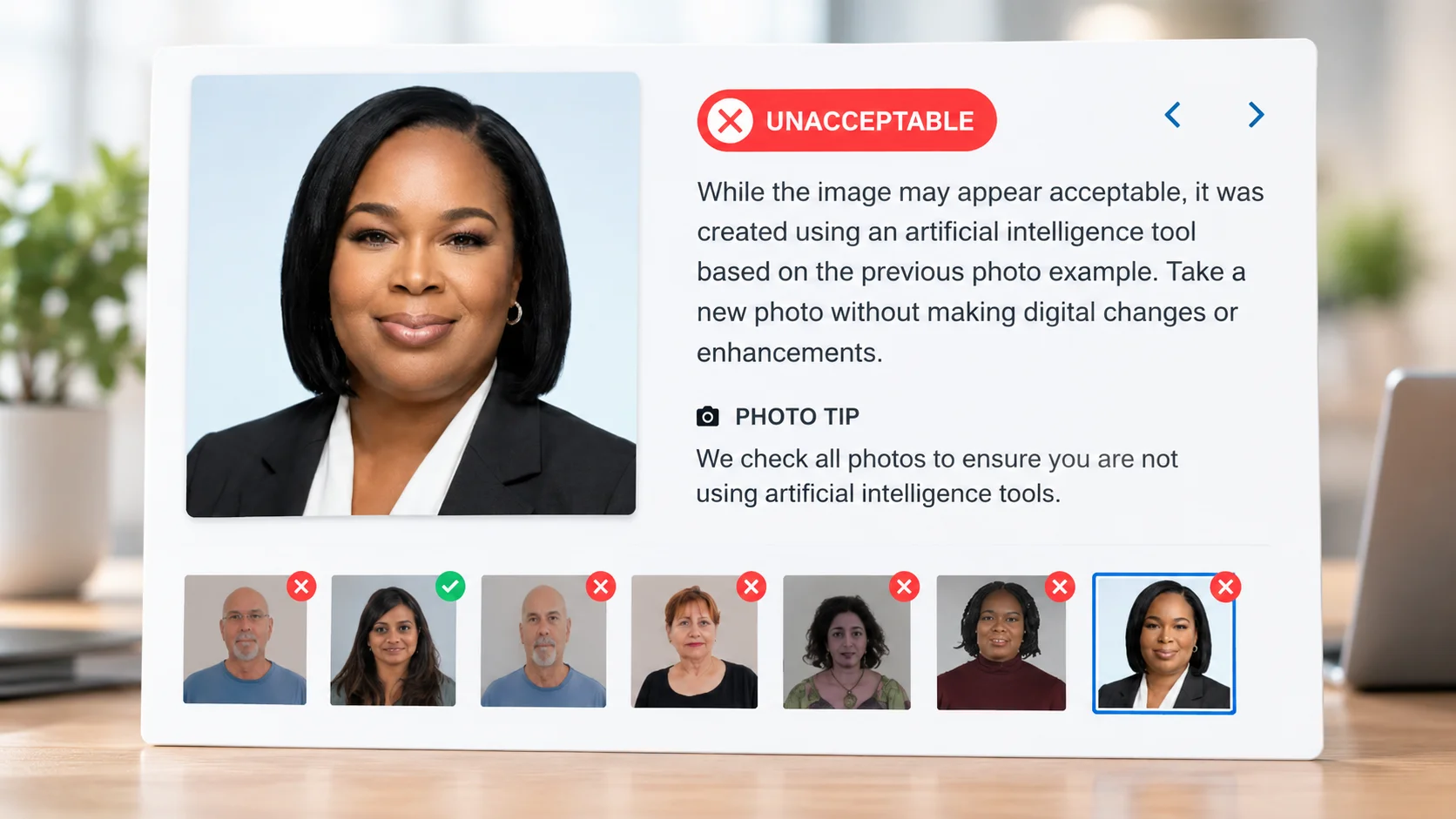
The edit fixed everything wrong with the photo except the one thing that actually mattered: whether I was allowed to use it.
What actually fixed my passport photo
Embarrassingly boring, in the end. I went back to a different pharmacy, asked them specifically to take a few shots instead of one, made sure I wasn't blinking or mid-sentence, and paid attention to a few things that apparently matter a lot:
- Plain white or off-white background — no furniture, no shadows behind you.
- Even, front-facing lighting — no overhead light casting shadows under your eyes or on one side of your face.
- Neutral expression, mouth closed, eyes open — no smiling, no squinting.
- No glasses — most current requirements have dropped the "glasses okay" allowance entirely.
- Ask for more than one shot — most photo counters will take two or three if you ask, so you're not stuck with the first, worst one.
Took about five extra minutes and cost the same as the first attempt. The second photo wasn't studio-quality, but it was compliant, which turned out to be the only spec that actually mattered.
Where the AI edit actually was the right call
I didn't just delete the AI version, though. My LinkedIn photo has been an embarrassing three years old, and that's exactly the kind of use case where nobody's checking for AI-editing compliance — nobody's running your headshot through a passport-photo standard. I ran a slightly different version through Movcl's outfit-swap feature — swapped my hoodie for something that reads as "professional," cleaned up the background — and that one's now genuinely my profile photo everywhere that isn't a government form. Same tool, same minute of effort, just pointed at a situation where it was actually allowed to help.
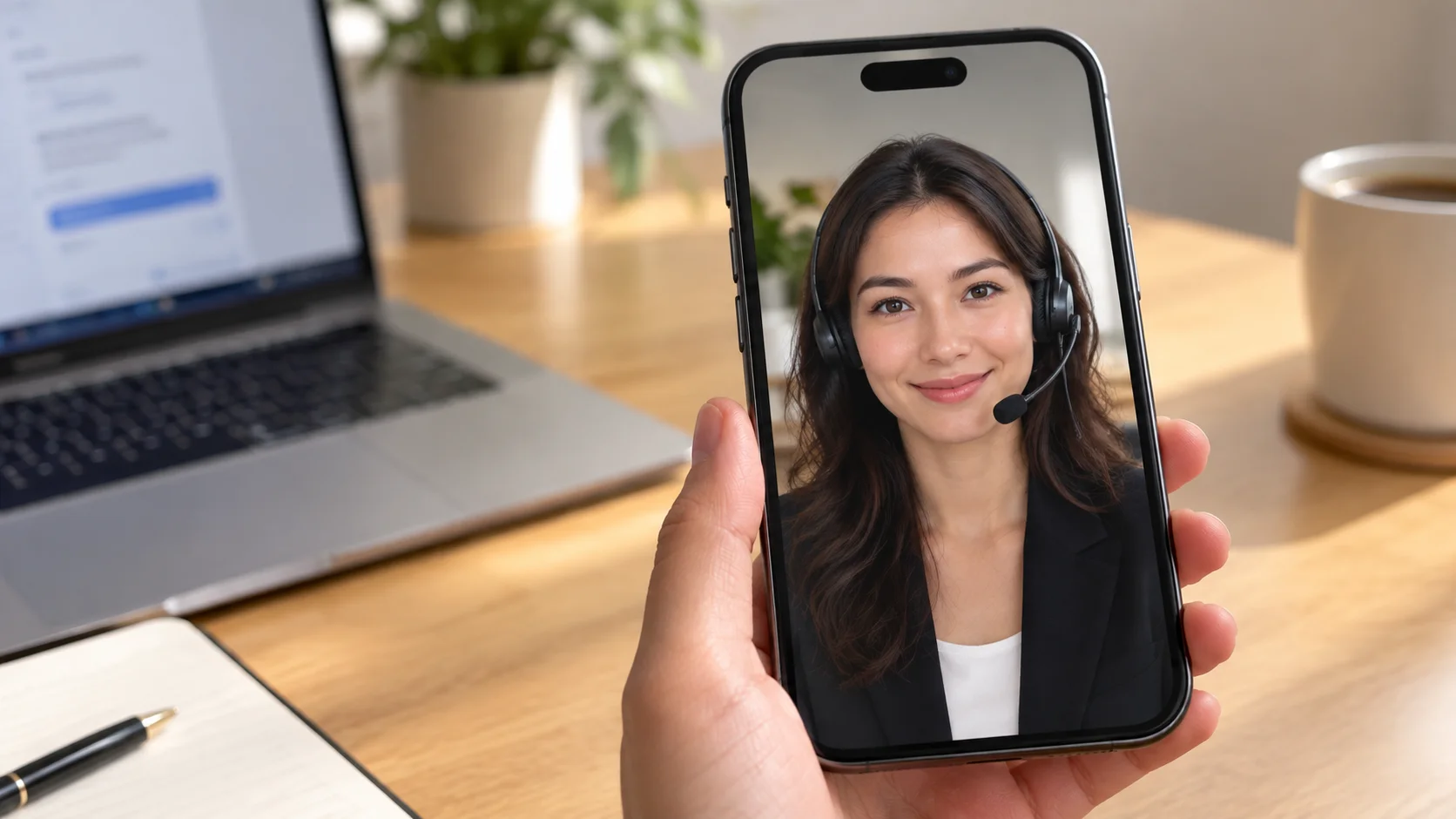
The short version, if you're in the same spot
- Don't use an AI-edited photo for your actual passport, visa, or any government ID — it's a specific, stated rule now, not a maybe.
- If your passport photo comes out bad, ask for a retake on the spot rather than trying to fix it after the fact.
- Save the AI outfit-swap trick for LinkedIn, your resume, dating apps, or anywhere else that isn't a government form — that's genuinely what it's good for.
Frequently asked questions
Can I use an AI-edited photo for my US passport?
No. As of 2026, the US State Department explicitly rejects passport photos that have been edited or generated with AI tools, filters, or other software, regardless of how good the result looks.
What's the fastest way to get a passport photo that won't get rejected?
Use a plain white or off-white background, natural even lighting with no harsh shadows, a neutral expression with your mouth closed, no glasses, and get it taken specifically for passport use rather than cropping a casual photo — either at a pharmacy or shipping-store photo counter or carefully at home following the current official size and background specifications.
Is there anywhere AI-edited photos are actually fine to use for ID-type purposes?
Government-issued IDs like passports, driver's licenses, and visas require unedited photos. Non-government uses — a professional headshot for LinkedIn, a resume photo, a social media profile picture, or some employer or gym membership cards — generally aren't bound by the same rules, though it's worth checking with the specific issuer if you're unsure.