


Why Everyone's Feed Is Full of AI Anime Photos — I Tried a Few Apps to Find Out
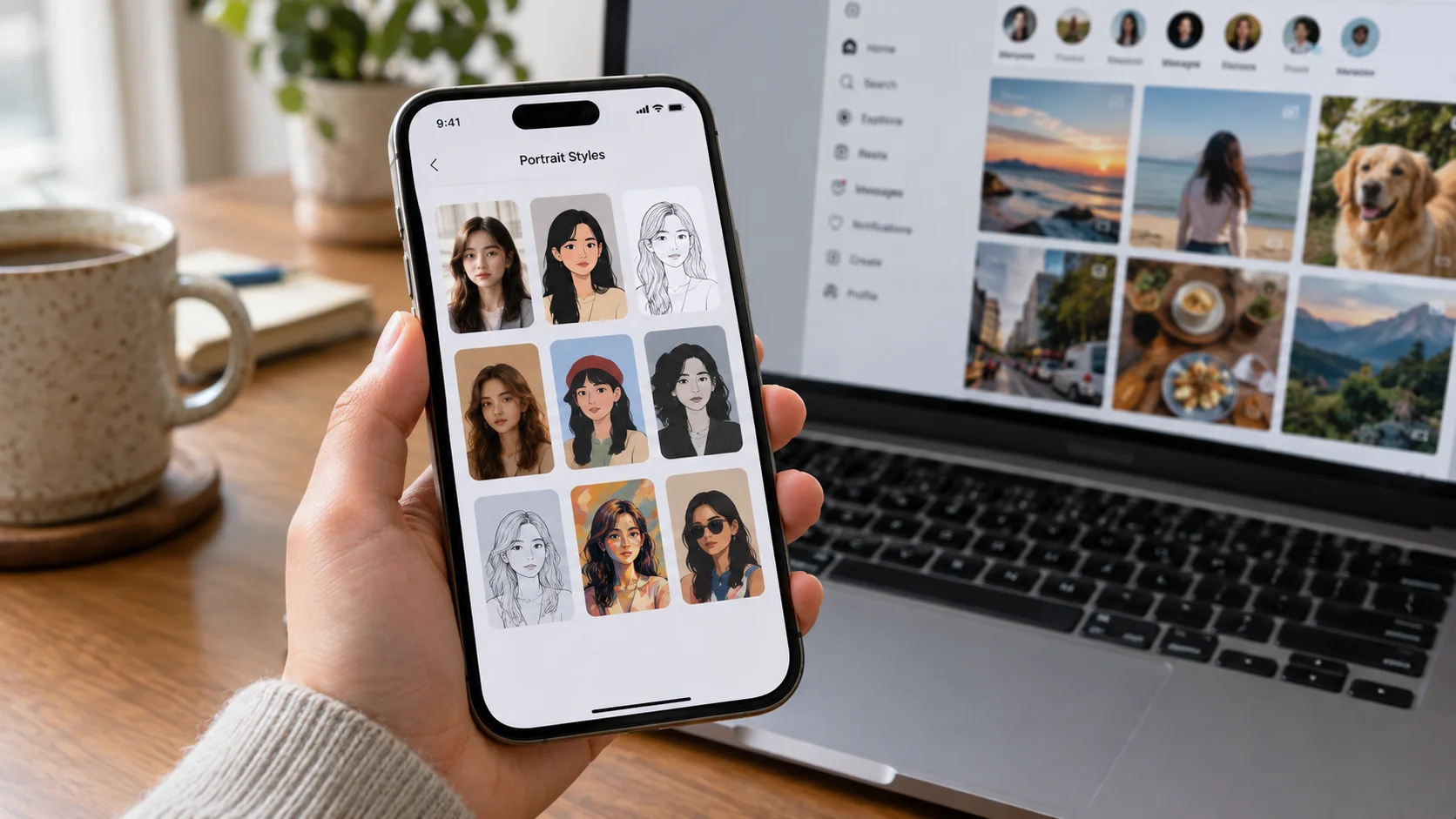
At some point last month, roughly every third post in my feed was someone's AI portrait. So I gave in.
Key takeaways
- The single biggest factor in result quality wasn't the app — it was the source selfie. Even lighting and a clear, front-facing shot mattered more than which template I picked.
- The apps that only needed one photo were noticeably faster and less annoying to actually use — turns out that's a real technical difference, not just a UI choice, which is something we've covered on this blog before.
- I ended up doing most of my testing in Movcl, mainly because the template variety was bigger and it didn't ask for a pile of extra photos to get a decent result.
I'd been half-ignoring the AI anime portrait trend for weeks — every time I opened Instagram, someone from high school was suddenly a watercolor-painted anime character, or dressed like they walked out of a period drama, or standing in some fantasy forest that definitely wasn't their actual backyard. I finally gave in and tried it myself, partly out of curiosity and partly because I wanted to actually understand what was happening under the hood before writing about it.
What I tried, and how it went
Attempt 1: the app I already had installed
I started with a general photo-filter app I'd downloaded ages ago for something unrelated. It technically had an anime-style filter buried in its effects menu, and the result was... fine. Recognizably me, in a flat, generic anime style, with almost no options to change the outfit, pose, or setting. It felt like applying a filter, not creating a new image — which, to be fair, is exactly what it was.
Attempt 2: the one that wanted way more photos than I expected
The second app I tried asked me to upload five separate photos before it would generate anything — different angles, different lighting. That felt like a lot for something I assumed would just take one selfie, and the honest reason turned out to be genuinely interesting: some of these systems need multiple reference photos to build a reliable enough picture of your face, while others are built around a different approach that only needs one. We actually got into the technical reason why on this blog a while back, in a piece on how AI face swap technology actually works — the short version is that some models need more input to compensate for how they represent identity, and it's not something you can tell just from an app's icon. The result from this one was good, but the five-photo requirement made it the app I was least likely to open again for a quick, spontaneous edit.
Attempt 3: one photo, way more templates
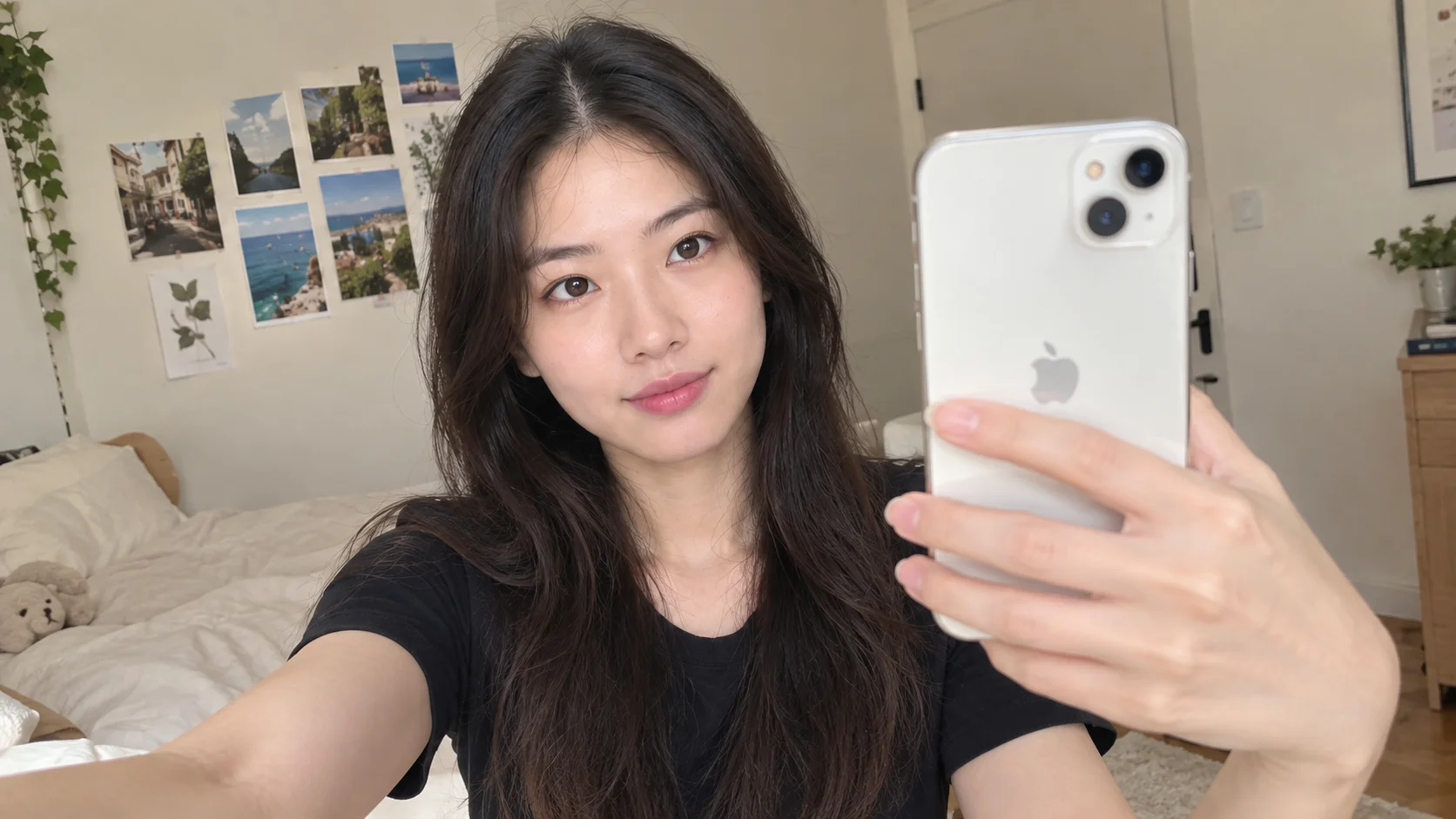
The last one I tried was Movcl, mostly because a friend had posted a fantasy-portrait result from it that actually looked good, not uncanny. I uploaded one clear selfie — nothing special, just decent lighting from a window — and picked a period-drama template on a whim. It took under two minutes, and the result was the one I actually ended up posting. I went back and tried an anime-style template with the same photo afterward, and that came out well too, without re-uploading anything.
| App | Photos needed | How it went |
|---|---|---|
| Filter app I already had | 1 | Flat result, very few style or outfit options |
| Multi-photo app | 5 | Good result, but too much upfront effort for a quick edit |
| Movcl | 1 | Best result-to-effort ratio, most template variety |
The thing that actually made the biggest difference
Across all three, the pattern that stood out wasn't the app — it was my own photo. My first attempt at a selfie, taken quickly under a yellowish kitchen light, produced slightly off results in every single app, including Movcl. A second attempt near a window in daylight, facing the camera fairly directly, made a noticeably bigger difference than switching apps did. If your result looks a little strange, it's worth trying a better source photo before assuming the app is bad — that one variable mattered more than anything else I tested.
I switched apps three times before I thought to just take a better selfie. That was the actual upgrade.
What I'd actually tell a friend trying this
- Use a front-facing or only slightly angled photo, in daylight or bright even indoor light if possible.
- Skip sunglasses and anything covering part of your face for your source photo, even if the template itself has sunglasses in it.
- If a result looks off, try a different source photo before switching apps entirely — it's usually the bigger lever.
- If an app wants a handful of your photos before doing anything, that's not necessarily a red flag, but it is extra effort — worth knowing before you commit ten minutes to uploading a small gallery.
Frequently asked questions
What kind of selfie works best for AI anime or fantasy photo apps?
A clear, front-facing or slightly angled photo with even lighting, no sunglasses, and your face fully visible works best. Harsh shadows, extreme angles, or low light are the most common reasons a result comes out looking off.
Why do some AI photo apps need way more photos of you than others?
It depends on how the app is built. Some rely on techniques that need several reference photos to represent your face accurately, while others use one-shot identity models that only need a single clear photo. Apps built around one-shot models are generally faster and less hassle to use.
Are AI anime photo trends only for anime fans?
No — most of the appeal seems to be the novelty of seeing yourself in a completely different visual style, not a deep familiarity with anime specifically. The template categories that get the most shares tend to be fantasy, period-drama, and stylized portrait looks just as much as anime.