

Why Templates Beat Open Prompts for “My Own Photos”
Key takeaways
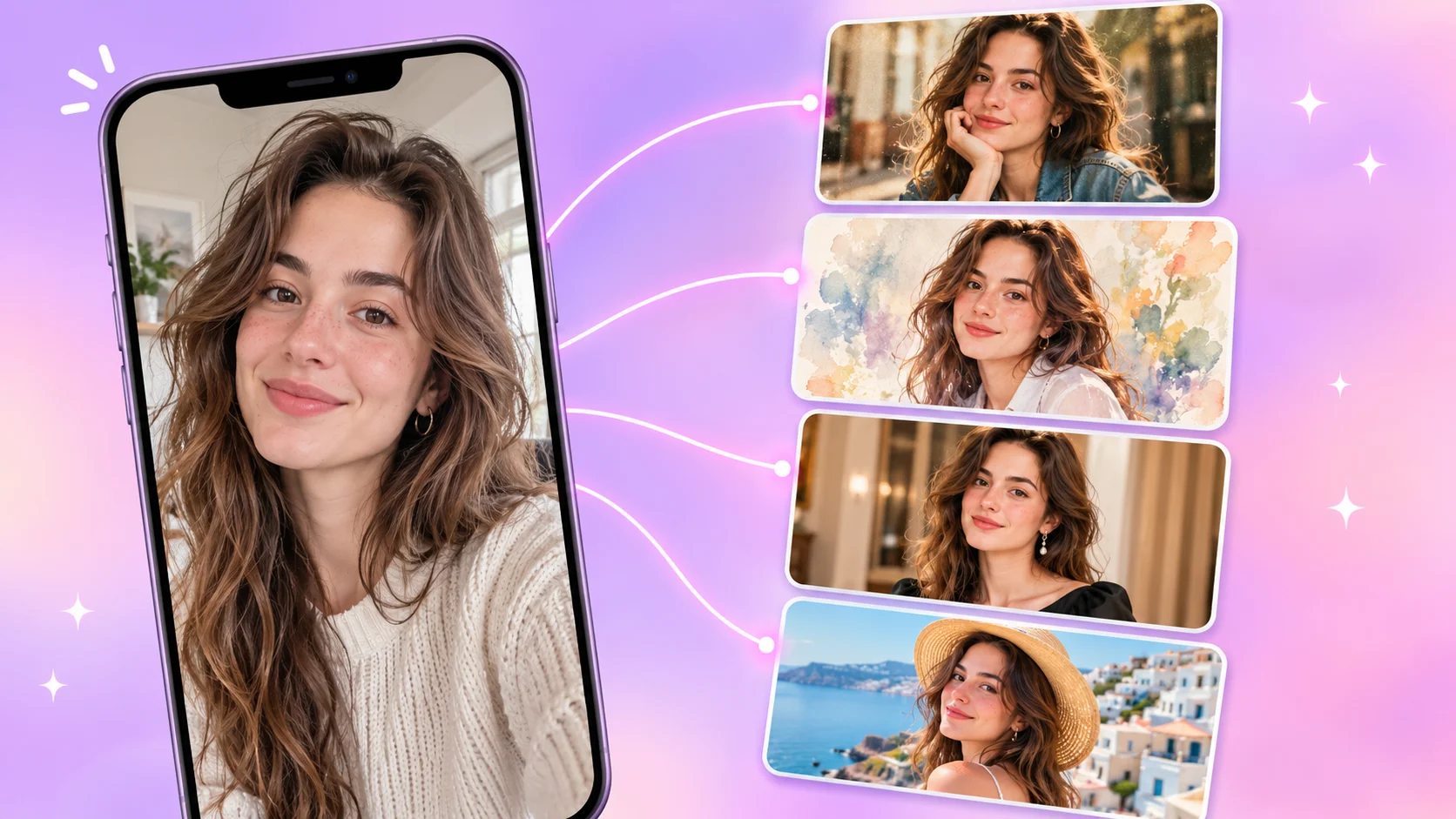
- Short answer: for your own photo, a template usually wins. Open prompts are built for imagination; templates are built for fidelity, and when the subject is your own face, fidelity is the point.
- A template pre-decides what stays and what changes. Your face, pose and proportions are locked; style, outfit, scene or motion are swapped in.
- Open prompts make you responsible for the hard part. Describing a new look is easy; reliably telling a model to keep your exact face is not, so likeness drifts and you end up regenerating.
- Templates cut retries and give more consistent results. The same template on different photos gives predictable output, which matters for profile pictures, cards and feeds that should feel cohesive.
- Open prompts still win for brand-new ideas. Rule of thumb: “me, but different” means a template; “something that doesn’t exist yet” means an open prompt.
You upload a clear selfie, type “make me look like a 90s film star, cinematic lighting, moody,” and wait. What comes back is a gorgeous portrait of someone who is almost, but not quite, you. A slightly different jawline. Different eyes. Maybe a different decade of life.
If that sounds familiar, the problem usually isn’t your wording. It’s the approach. For your own photos, a template-driven workflow tends to beat an open-ended text prompt, and the reasons are structural rather than cosmetic.
The real problem: open prompts are built for imagination
A blank prompt box is a great tool when you want to invent something: a dragon over a neon city, a product mockup, a fantasy landscape. There is no “correct” answer, so any plausible output is a win.
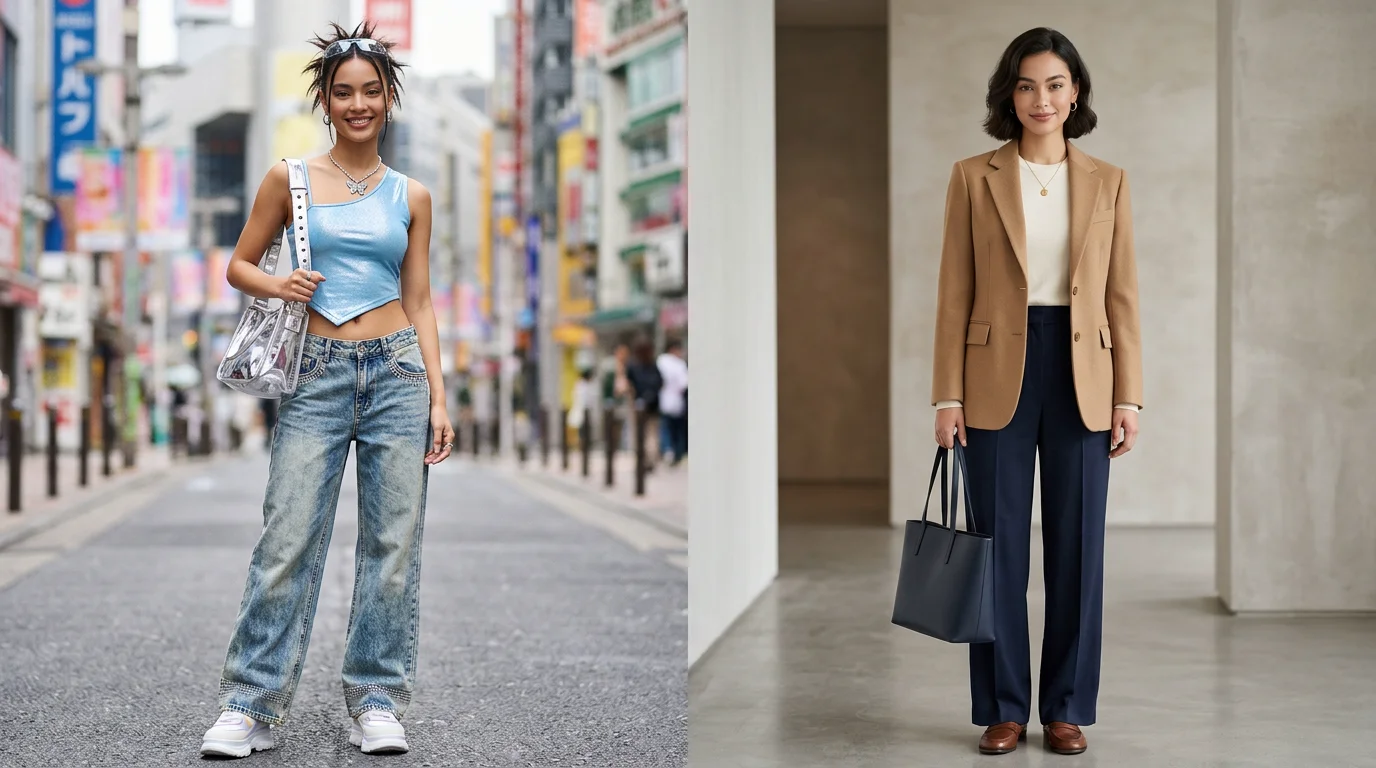
Your own photo flips that logic. There is a correct answer: it has to look like you. That means the model must change a lot (style, outfit, background, mood) and change nothing (your face, your features, your expression) at the same time. Text describes the first half well and the second half poorly. A line like “keep my face the same” competes with every other style word in the prompt, and the model has no dependable way to weigh them.
Open prompts tell the AI what to create. Templates also tell it what to protect.
What a template actually does
A template is a pre-built recipe for one specific transformation. Instead of you describing everything in words, the recipe already encodes the decisions that matter:
| Template decision | What it settles | Example |
|---|---|---|
| Locked | What must not change | Your face, expression, pose and proportions |
| Open | What is allowed to change | Outfit, background, art style, or motion |
| Applied | The look to aim for, and how strongly | A watercolor finish, a retro film tone, a cinematic camera move |
Think of it as the difference between telling a tailor “make me a nice jacket” and choosing a pattern that is then fitted to your measurements. The pattern narrows the space of possible outcomes, which is exactly what you want when you are the model.
Five reasons templates work better for your own photos
1. They protect your identity by design
With an open prompt, keeping your likeness is a side effect you hope for. With a template, it is a built-in constraint: the transformation is set up around your photo instead of generating a new image “inspired by” it. That is why template results tend to stay recognizable.
2. They remove the blank-page problem
Most people don’t know how to write a good image prompt, and they shouldn’t have to. A strong one mixes subject, lighting, lens, style, mood and exclusions. A template hides all of that behind a single tap.
3. They give consistent, predictable results
Run the same open prompt twice and you can get two very different images. A template narrows that variation, so you know roughly what you’ll get before you start. That predictability matters when you’re building a set of photos that should feel like they belong together.
4. They save time and generation credits
Open prompting is a loop: write, generate, dislike, tweak, regenerate. Every pass costs minutes and often credits. Because a template starts closer to the target, you usually need fewer attempts to land on a keeper.
5. They turn a lucky result into a repeatable one
“I used the retro portrait template” is something a friend can actually repeat. “I used a 140-word prompt” is not. Templates make a good result portable.
Open prompt vs. template at a glance
| Factor | Open prompt | Template-driven |
|---|---|---|
| Best for | Brand-new concepts and original art | Transforming your own photo |
| Likeness to you | Varies; drifts easily | Designed to preserve it |
| Skill needed | Prompt-writing experience helps a lot | Almost none |
| Consistency across runs | Low | High |
| Retries to a good result | Often many | Usually few |
| Creative freedom | Very high | Bounded by the template |
When an open prompt is still the right call
Templates aren’t a replacement for free-form prompting. They are a better tool for one specific job. Use this rule of thumb:
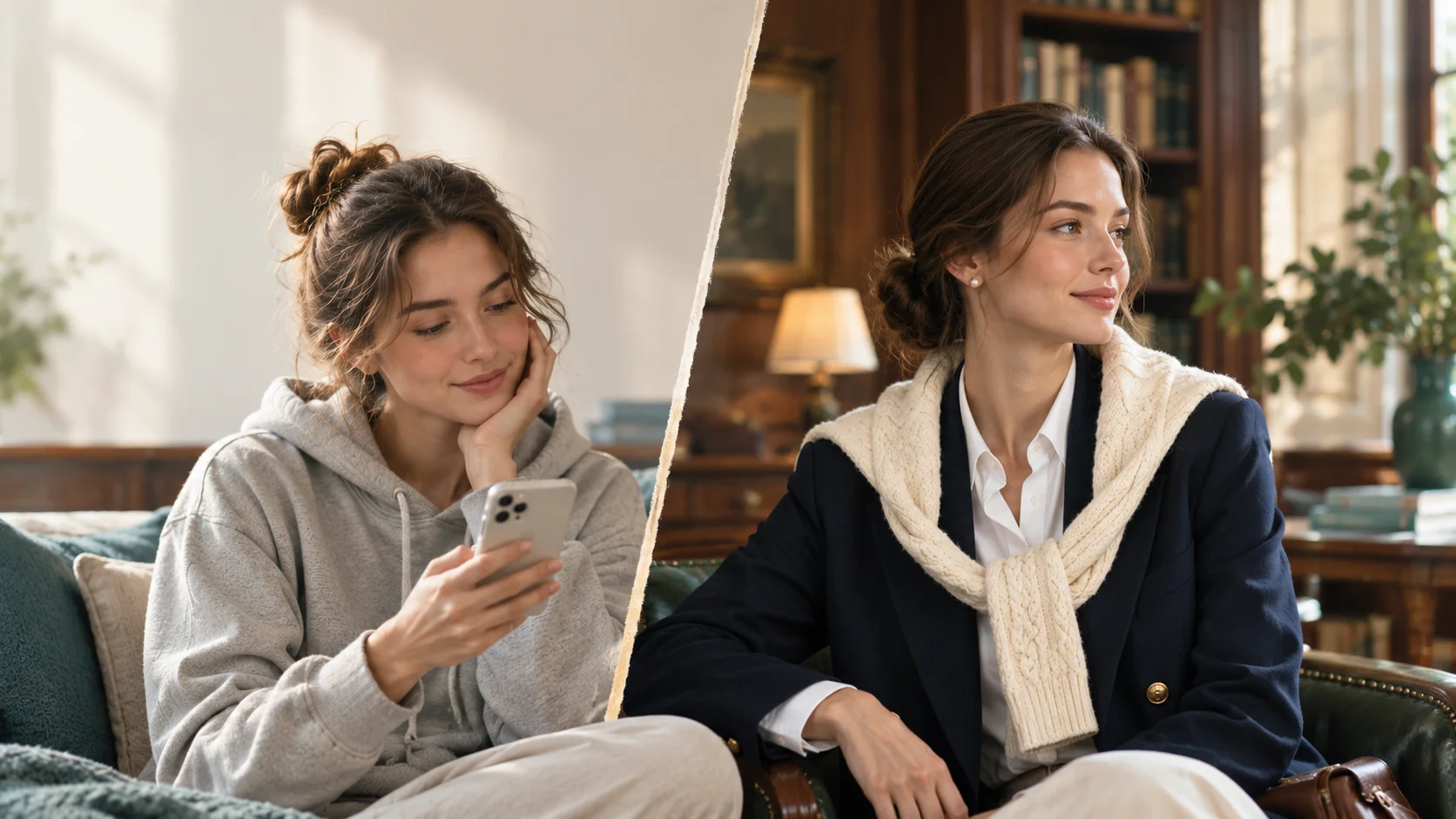
You want “me, but different”: a new style, outfit, scene or motion that still looks like you.
You want “something that doesn’t exist yet,” or your photo is only loose inspiration and likeness doesn’t matter.
How to get a better result from a template
A template can only work with what you give it. A few input habits make a visible difference:
- Start with a clear, well-lit photo. Natural daylight beats dim indoor light.
- Face the camera, or close to it. Front-facing shots give the model the most information about your features.
- Keep your face unobstructed. Sunglasses, heavy shadows or a hand across the face make likeness harder to hold.
- Use one subject per photo. In a crowded group shot, it’s harder to know whose face to protect.
- Skip heavy filters. Start from an unedited photo and let the template do the styling.
What it takes to fake a template with a prompt
If you do go the open-prompt route, you need to spell out the locked, open and applied parts yourself. Here is the kind of prompt it takes, which is exactly the work a template does for you:
Frequently asked questions
- Why do AI photos made from my own selfie often not look like me?
- Open text prompts describe style well but give the model little reliable guidance on preserving a specific face. The model tends to generate a plausible person rather than reproduce you, so likeness drifts.
- What is a template in an AI photo app?
- A template is a pre-built recipe for one transformation. It decides what stays locked (your face and pose), what changes (style, outfit, scene or motion) and how strongly the change is applied, so you don’t have to describe it in words.
- Are templates less creative than open prompts?
- They are more bounded, which is the trade-off: less open-ended freedom in exchange for reliability. For personal photos, most people value still looking like themselves over unlimited variety.
- When should I use an open prompt instead of a template?
- Use an open prompt when you want something no template covers, or when your photo is only loose inspiration and likeness does not matter. For a version of you that looks different, use a template.
Templates in Movcl
Movcl is built around this template-first idea. Instead of asking you to become a prompt writer, it gives you ready-made transformations that start from your own photo.
- Art Redraw: turn your photo into a new artistic style while staying recognizably you.
- Virtual Outfit: try a different look without changing clothes.
- Face Swap: put your face into a fun scene or character.
- One-Click HD: sharpen and enhance a photo you already like.
When you want the photo to move, the video templates (Memories, Spotlight, Movie Roles, Fun and Dream Places) follow the same logic: pick a recipe, add your photo, and let the template handle the rest.
Try a template on your own photo.
Pick a template, add your photo and see how much easier “me, but different” gets, right from your phone.
Try Movcl