
AI Face Swap App
Put your face into portraits, costumes, posters, and cinematic scenes with templates designed for a single portrait photo.


Free to try with starter gems on signup.

 Before · After
 Face Swap
Pastel Marina Chase Poster
What Face Swap Does
Movcl's face swap templates keep the scene, styling, and composition of the selected design while adapting the featured face to the portrait you upload. The template library covers playful posters, stylized portraits, figures, and other shareable scenes.
Choose the exact template before generating, review its gem cost in the app, and download the finished image when it is ready. New users can try the workflow with starter gems, and every generation remains a deliberate action rather than an automatic charge.
How to Create One
- 1Step 1
Choose a Scene
Browse Face Swap and select the portrait, costume, poster, or character scene you want.
- 2Step 2
Add a Portrait
Upload a clear photo with the face visible so the app has a useful source.
- 3Step 3
Generate and Save
Confirm the displayed gem cost, wait for the result, then download or share it.
Examples from Movcl
Before · After Face Swap
Pastel Marina Chase Poster
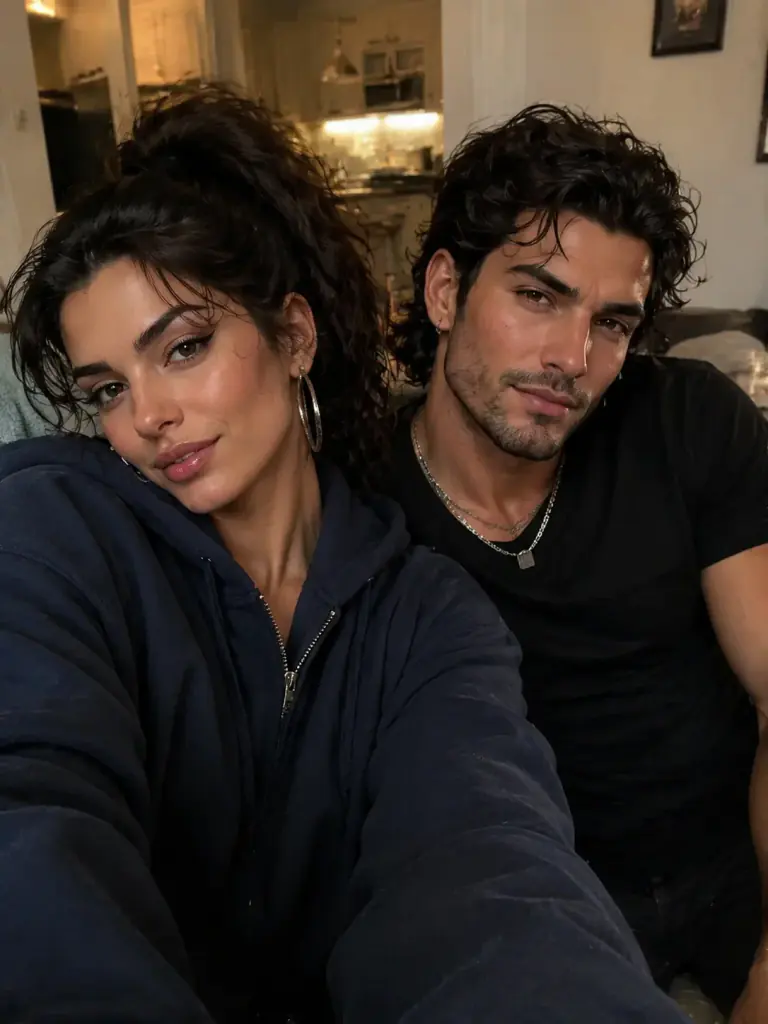
 Before · After
 Face Swap
Neon Coastal Crime Duo Poster

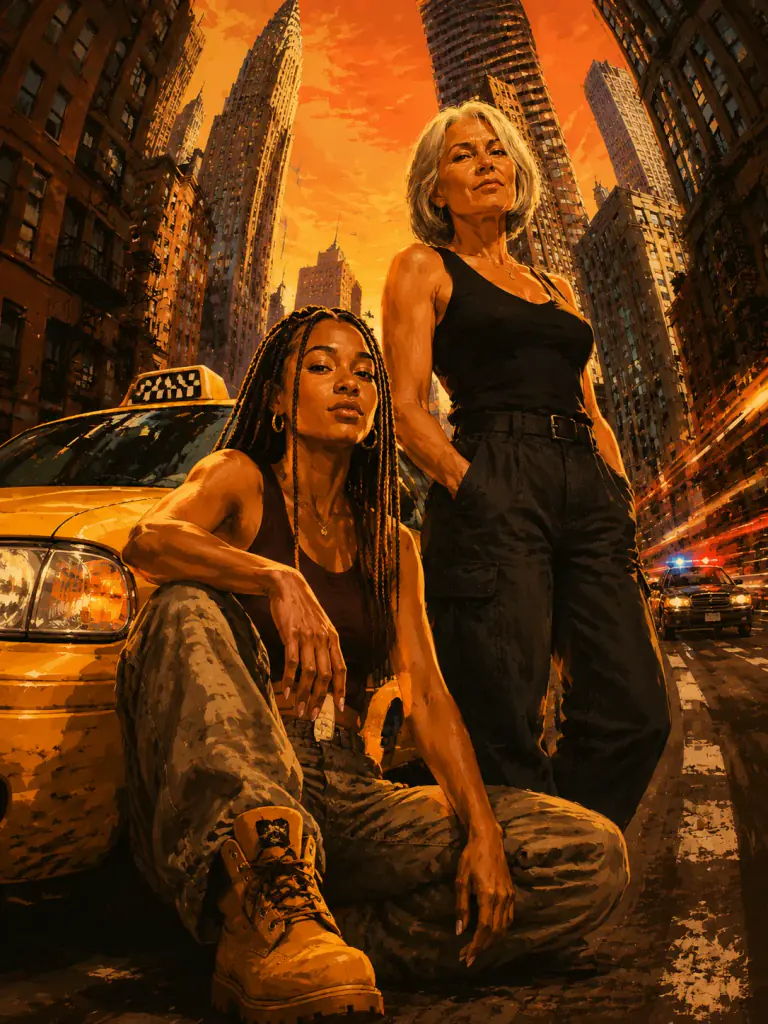 Before · After
 Face Swap
Skyline Getaway Poster

 Before · After
 Face Swap
One Piece Wanted Poster
Questions About Face Swap
What photo works best for an AI face swap?
Use a clear, well-lit portrait where the face is visible and not covered by hair, hands, or accessories.
Can I see the cost before generating?
Yes. Movcl shows the gem cost before you confirm.
Is Movcl available on iPhone and Android?
Yes. Movcl is available from both the App Store and Google Play.