
AI Clothes Changer App
Change the clothing style in a photo while keeping the person and the rest of the scene recognizable.


Free to try with starter gems on signup.
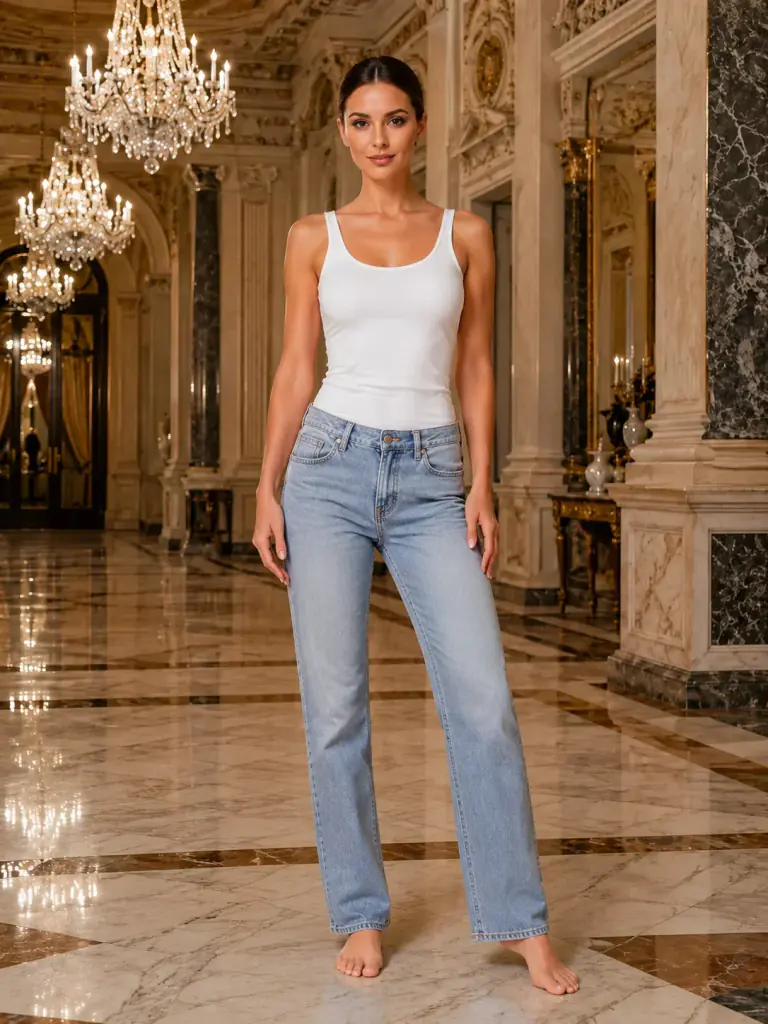
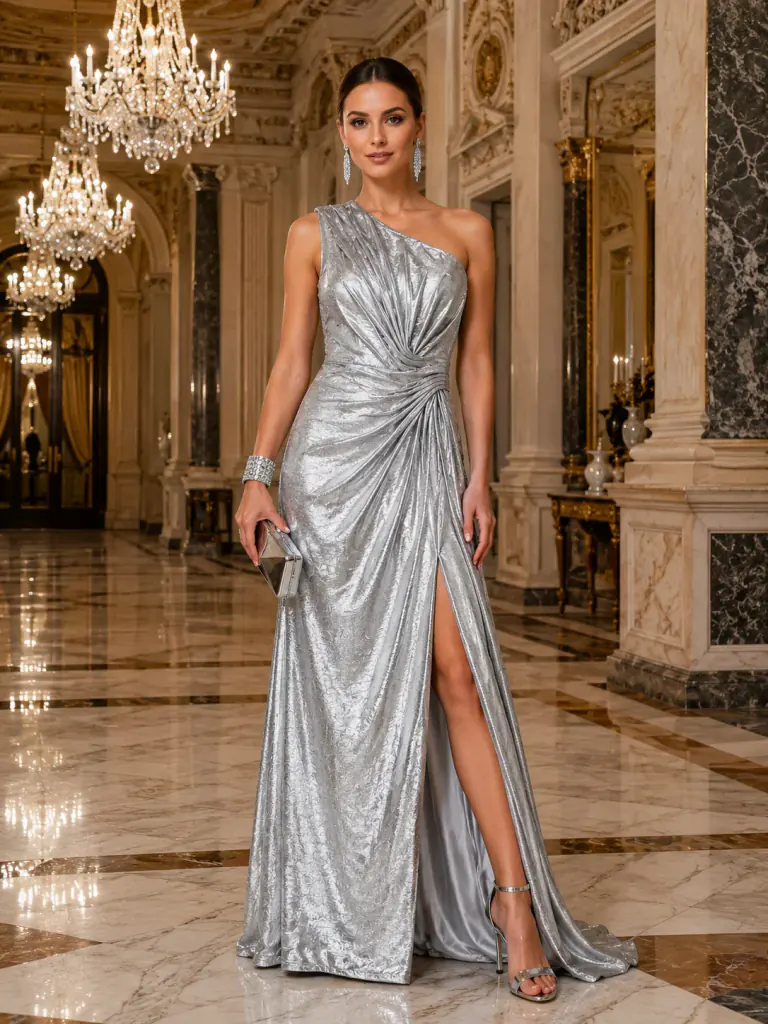 Before · After
 Outfit Change
Silver Lame One-Shoulder Gown
What Outfit Change Does
Movcl's Outfit Change feature applies a selected clothing design to the person in your photo. The templates range from casual dresses to evening styles, so you choose a specific look instead of describing one from scratch.
This is a creative preview, not a sizing or fit guarantee for a real garment. The app shows the gem cost before generation, and the result can be downloaded when it is complete. Starter gems let new users try the process before choosing a subscription or gem pack.
How to Create One
- 1Step 1
Pick an Outfit
Open Outfit Change and select the clothing template you want to preview.
- 2Step 2
Upload a Full Photo
Use a clear image where the person and current clothing are easy to see.
- 3Step 3
Review the Result
Confirm the gem cost, generate the image, and save the version you like.
Examples from Movcl
Before · After Outfit Change
Silver Lame One-Shoulder Gown

 Before · After
 Outfit Change
Ruby Draped Cocktail
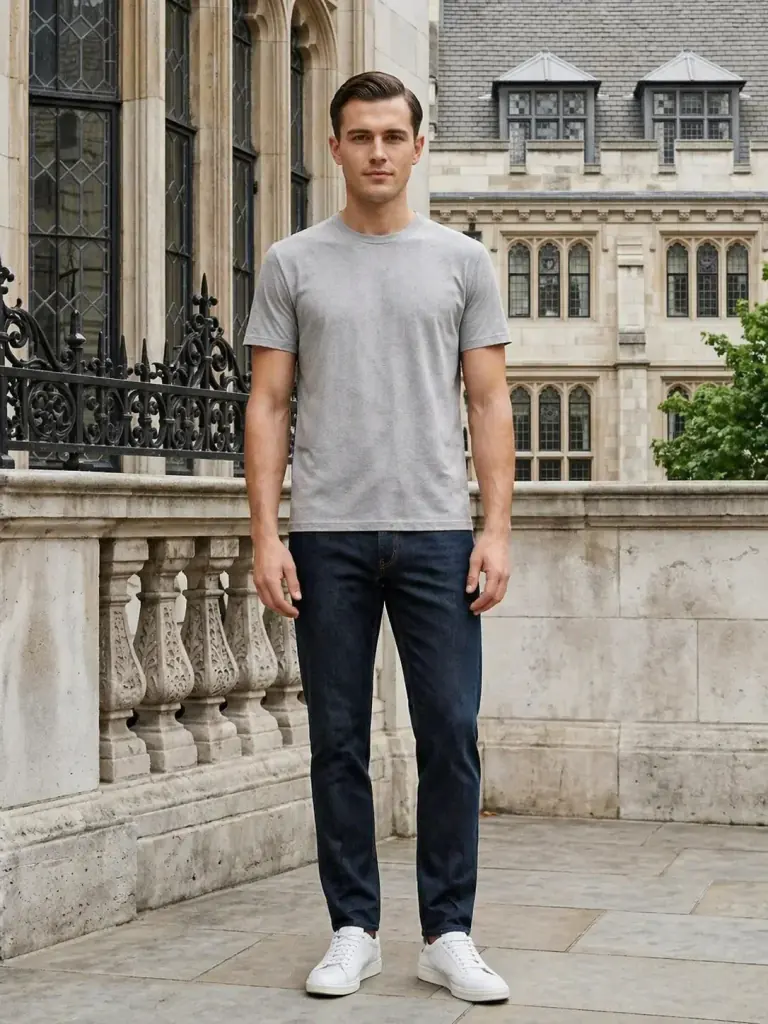
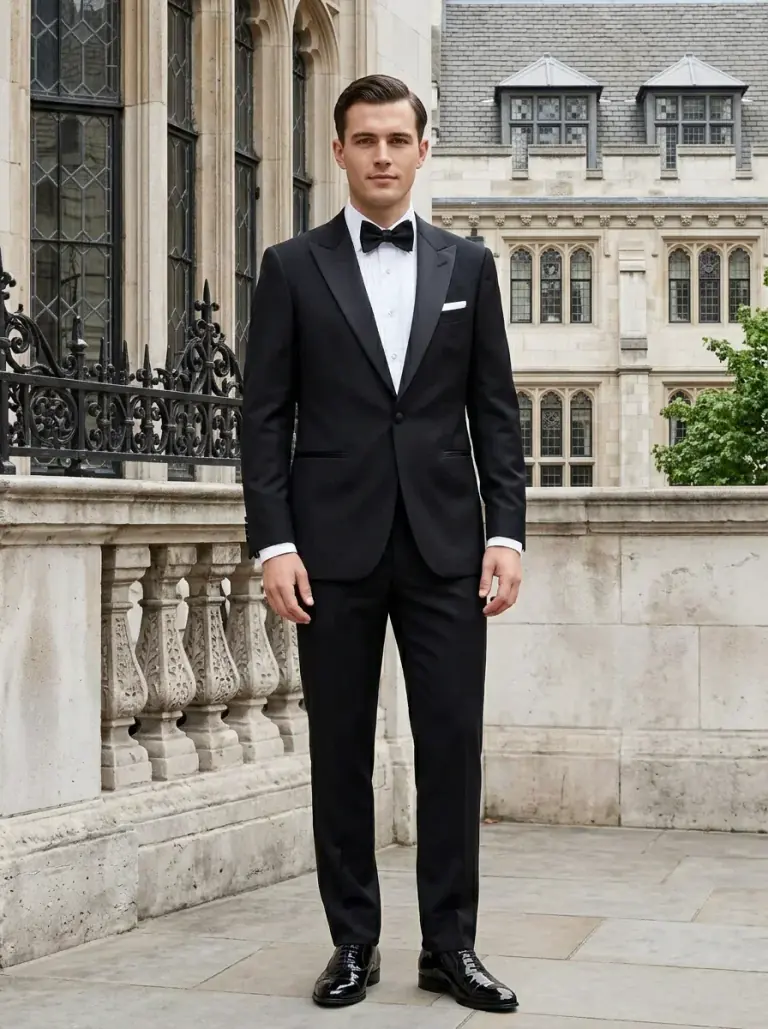 Before · After
 Outfit Change
Classic Black Tuxedo
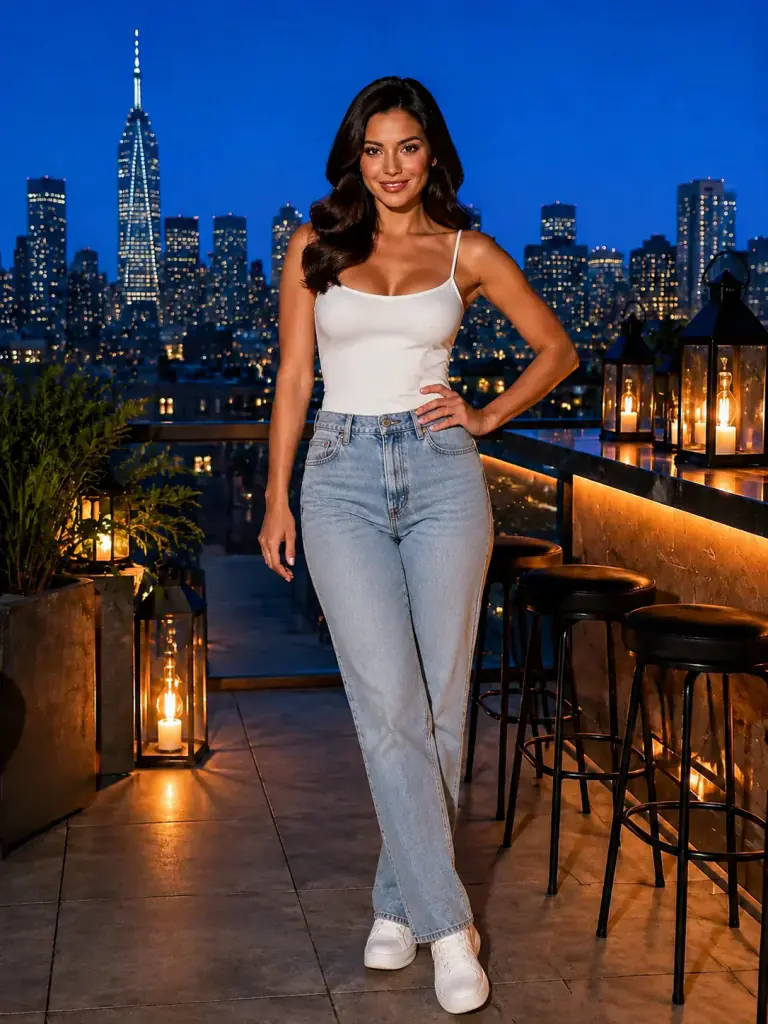
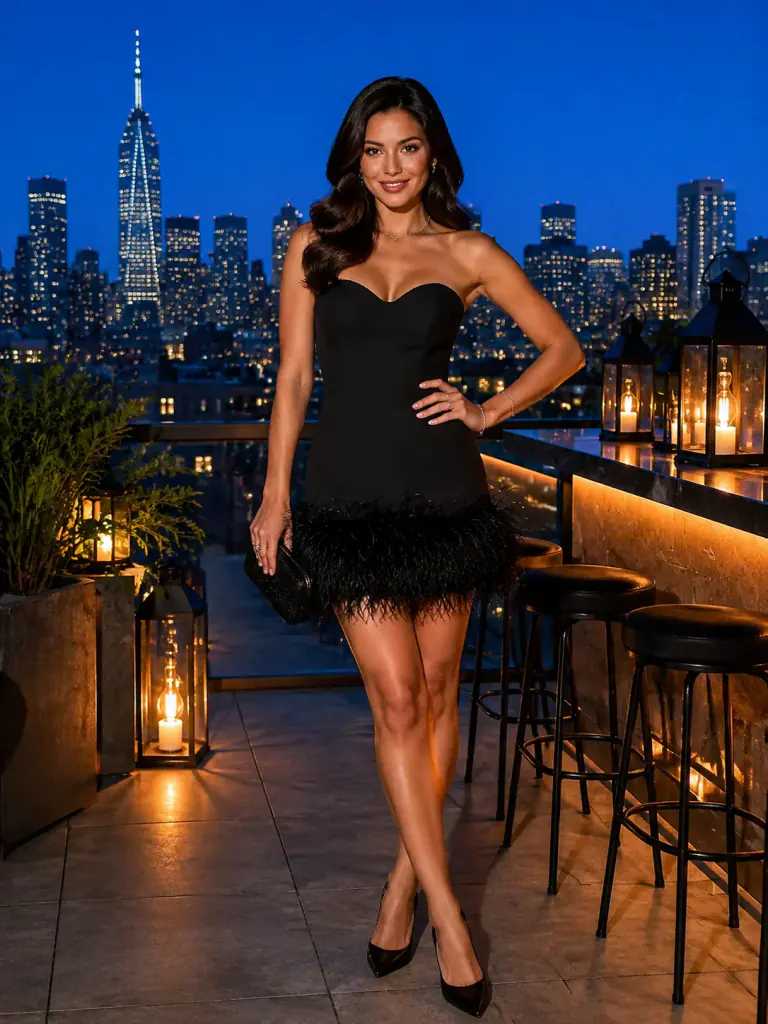 Before · After
 Outfit Change
Feather-Hem Noir
Questions About Outfit Change
Does the AI clothes changer show exact garment fit?
No. It creates a visual concept and is not a measurement or purchasing guarantee.
Does Outfit Change replace the background?
It is designed to change the clothing style while keeping the rest of the photo recognizable.
Can I use Outfit Change on iPhone and Android?
Yes. The Movcl app is available on both platforms.