
I Tried Dressing Up My Dog With 5 AI Tools. Here's the Easiest One.
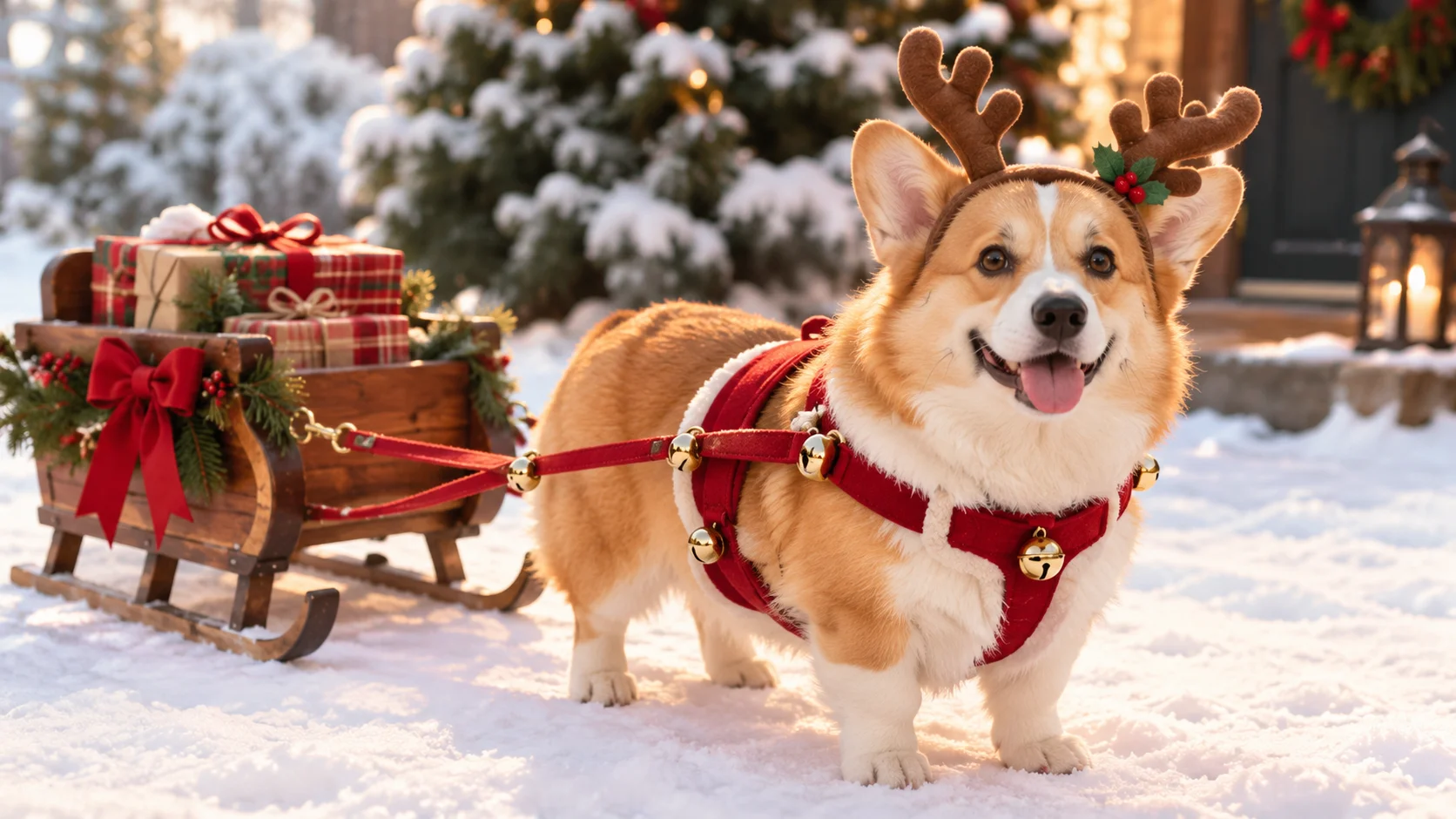
Every October I have the same plan. I buy my dog Biscuit a costume, I imagine the cute photo, and then I spend twenty minutes trying to get a hot dog bun onto a corgi mix who has decided he would rather lie flat on the kitchen floor like a rug. Last year I got one blurry photo and a chewed bun.
This year I skipped the wrestling match and tried AI instead: upload one normal photo of your pet, get back a picture of them in a costume, a sweater, a tiny tuxedo, whatever you want. No velcro, no treats-as-bribes, no stressed-out animal.
The question I actually cared about wasn't "which tool is the most powerful." It was which one is the simplest for a regular pet owner who doesn't want to learn prompt writing or editing software. So I ran the same few photos of Biscuit through five tools and paid attention to how many steps each one took and how often the result still looked like my dog.
The short answer: If you want the fewest steps and no writing, use a template-based app like Movcl: upload a photo, tap an outfit, done. If you'd rather describe a custom outfit in your own words and don't mind some trial and error, Google Gemini is the easiest of the general-purpose AI tools.
ChatGPT works but needs a few rounds of back-and-forth. Adobe Firefly and Midjourney can produce beautiful results, but they're built for people who already like editing images.
Why pets are harder for AI than people
Before the comparison, it helps to know why some results come out weird. AI outfit tools learned how clothing drapes mostly from photos of humans. A human body has a fairly predictable shape: shoulders, arms, torso. A dog has a barrel chest, four legs and a neck that blends into fur. When you ask for "a hoodie," the AI has to invent how that hoodie would wrap around a body it has seen far less often.
Three things tend to go wrong:
- Your pet stops looking like your pet. The AI "cleans up" unique markings, changes eye color or makes the face more generic. This was the most common problem across every tool I tried.
- Fur edges get muddy. Where fluffy fur meets fabric, you can get a blurry halo or fur growing through the clothes.
- Extra or missing limbs. Full-body costumes sometimes come back with a fifth paw or a leg that disappears into the outfit.
None of that is a dealbreaker. It just means the "simplest" tool is the one that gets a good result in the fewest tries, not only the fewest taps.
The comparison at a glance
| Tool | How you do it | Writing needed? | Keeps your pet's look | Learning curve | Best for |
|---|---|---|---|---|---|
| Movcl | Upload a photo, pick an outfit template | No | Good with a clear, front-facing photo | Lowest | Quick, shareable outfit photos on your phone |
| Google Gemini | Upload a photo, describe the outfit in chat | Yes, short sentences | Good, edits tend to stay close to the original | Low | Custom outfit ideas you describe yourself |
| ChatGPT | Upload a photo, describe the outfit in chat | Yes, often a few rounds | Mixed, can drift toward a "generic" pet | Low to medium | Stylized or illustrated looks |
| Adobe Firefly / Photoshop | Select an area, then fill it with an outfit | Yes, plus manual selection | Very good, since you only change what you select | Medium to high | People who already edit photos |
| Midjourney | Write a prompt, add your photo as a reference | Yes, detailed prompts | Weakest for a specific pet | High | Artistic portraits, not exact likeness |
Plans, free limits and features change often. Check each tool's current pricing before you commit.
How each tool actually felt to use
Movcl: the fewest steps by a wide margin
Movcl is built around templates rather than prompts. I opened the app, uploaded the same photo of Biscuit sitting on the couch, scrolled the outfit options and tapped one. That was the whole process. There's nothing to word "correctly," which is exactly what I wanted on a Tuesday night with a dog who was already asleep.
Results were best with a clear photo where Biscuit was facing the camera. A side-on photo of him mid-zoomie didn't work as well, which was true for every tool. Movcl starts with a free trial, and it says uploaded photos aren't used to train its models, which mattered to me more than I expected once I'd uploaded a dozen pictures of my dog's face.
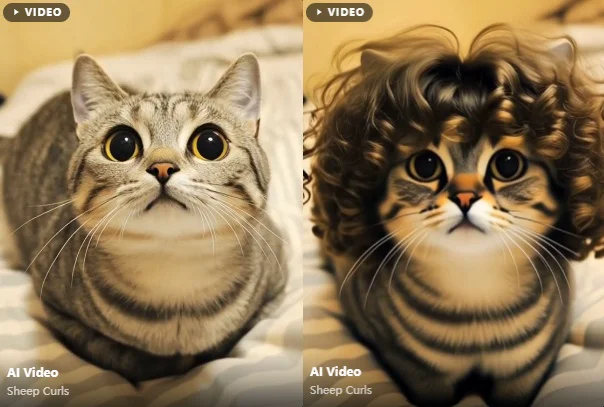
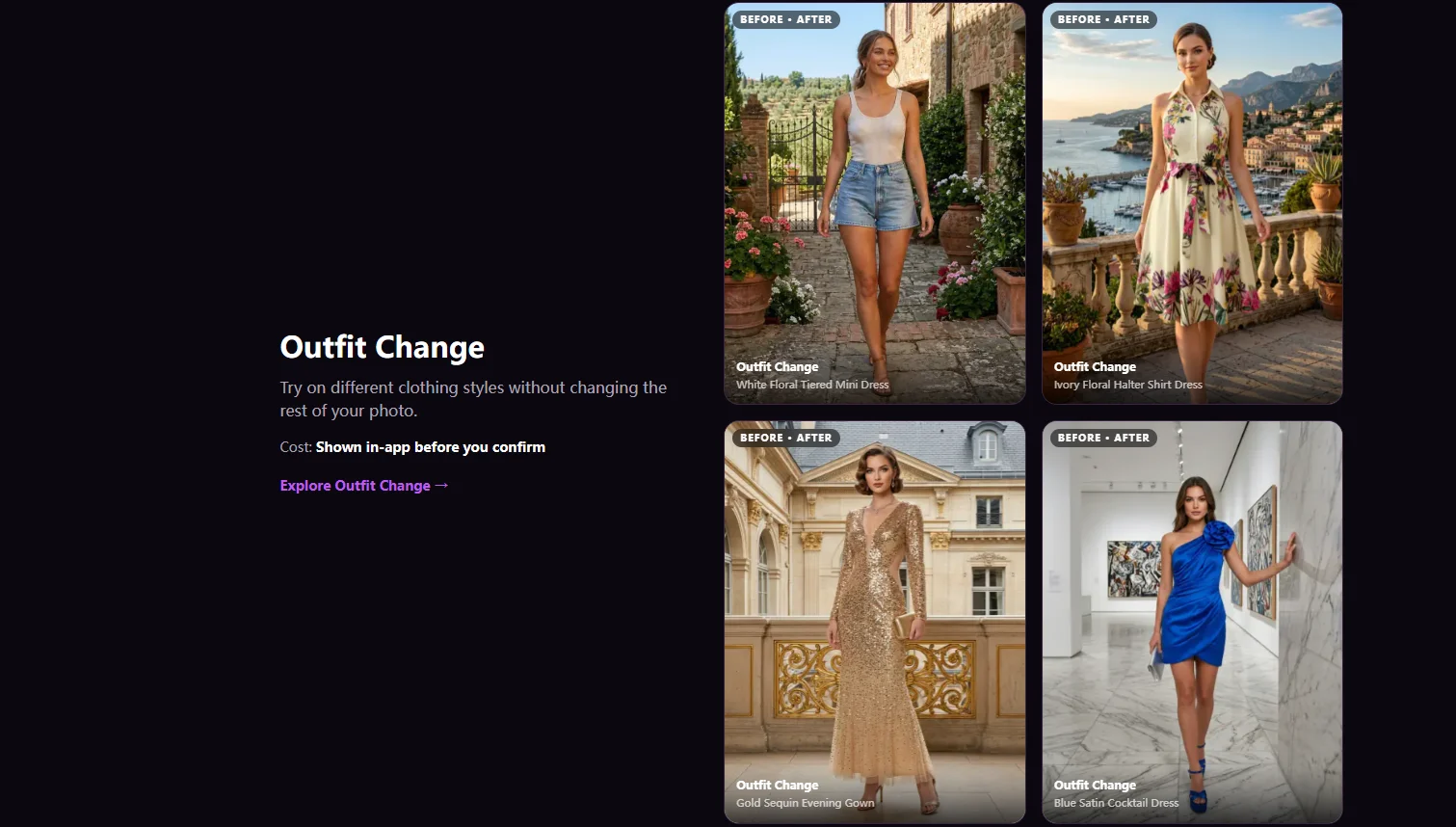
The catch: you're choosing from the outfits on offer. If you have a very specific costume in mind, a chat-based tool gives you more control.
Google Gemini: the easiest of the "type what you want" tools
With Gemini I uploaded the photo and typed "Put this dog in a red knit sweater with a white snowflake pattern, keep everything else the same." The edit stayed close to the original photo, and the background and his slightly crooked ear survived. When I wanted a change, a short follow-up like "make the sweater green" usually worked.
The catch: you still have to describe what you want, and vague requests get vague results. If you want a deep dive on how to word those requests, our Gemini Nano Banana guide covers it.
ChatGPT: capable, but more back-and-forth
ChatGPT handled the outfit itself well, and it was especially good at fun, illustrated versions. My issue was likeness. On a couple of tries Biscuit came back looking like a very nice dog who was not Biscuit. Adding "keep his face, markings and ear shape exactly the same" helped, but it took two or three rounds to get there.
The catch: great if you enjoy iterating in a chat, less great if you want one tap and done.
Adobe Firefly / Photoshop: the most control, the most effort
Adobe's approach is different. You select the area you want changed, like his body, and describe what should go there. Because the face is never touched, likeness was the best of the group. But selecting around fur on a phone screen is fiddly, and I needed a couple of attempts to stop the sweater from eating his tail.
The catch: if you've never used selection tools, this is the opposite of simple.
Midjourney: beautiful, but not really your pet
Midjourney made the prettiest images of the bunch. Moody lighting, a corgi-ish dog in a Victorian coat, frame-worthy. It just wasn't Biscuit. Using your own photo as a reference nudges it in the right direction, but it's designed for creating new images, not editing a specific one, and getting good results means writing detailed prompts.
The catch: paid plans only, and a learning curve. Great for art, not for "my dog, but in a sweater."
How to get a better result with any tool
The photo you start with matters more than the tool. These made the biggest difference for me:
- One pet per photo. Two animals in the frame confuses most tools about who gets the outfit.
- Face the camera, eyes visible. Front or three-quarter angles keep the face recognizable.
- Good, even light. Daylight near a window beats a dim living room. Dark fur especially needs light to keep its detail.
- Show the body. If you want a full outfit, make sure the chest and front legs are in the shot, not cropped out.
- Simple background. A plain wall or floor gives the AI less to get wrong at the fur edges.
- Make a few versions. Even the best tool has an off result now and then. Generating two or three and picking one is normal.
Outfits that work well (and ones that don't)
Usually look great
- Bandanas and scarves
- Hoodies and knit sweaters
- Bow ties and collars
- Hats, crowns and headbands
- Raincoats and capes
Hit or miss
- Full-body suits with pants
- Costumes that cover the face
- Anything with sleeves on all four legs
- Tiny detailed props held in paws
- Two-pet matching outfits in one photo
The pattern is simple: outfits that sit on top of the body read naturally, while outfits that need the AI to reshape your pet's body are where things get strange.
Common questions
- Does this work for cats too?
- Yes, the same rules apply. Cats are often easier, since they sit still for a photo more often than they sit still for a sweater. Long-haired cats benefit most from good lighting.
- Is it safe to upload photos of my pet?
- A pet photo is low-risk, but your photos can still include your home, your face in the background or location data. It's worth checking whether an app uses uploads to train its models. We wrote a whole piece on how to tell if an app trains on your photos.
- Why doesn't the result look exactly like my pet?
- Usually it's the photo: an angled face, low light or a cropped body. Try a clearer front-facing shot first. If you're using a chat tool, ask it to keep the face, markings and ear shape unchanged.
- Can I turn the outfit photo into a short video?
- Some apps can animate a single photo into a short clip. If you're curious how that works, see our explainer on going from one photo to a full video.
My pick
If the goal is "cute outfit photo of my pet, as easily as possible," a template app wins, and Movcl was the one I'd hand to a friend who's never used an AI tool. Gemini is my runner-up for anyone who wants to invent a specific costume and doesn't mind typing a sentence. And Biscuit? He got to wear six costumes this Halloween without wearing a single one.
Try it with your own pet. Upload one photo, pick an outfit and see the result in seconds. Movcl starts with a free trial.
Get Movcl