
Gemini Nano Banana: The Complete Guide, From Basics to Portrait Editing
What Nano Banana actually is, whether it's free, how Nano Banana Pro differs from Imagen 4, and a full walkthrough for using it on real portrait and photo-editing tasks.
Key Takeaways
- "Nano Banana" is the nickname for Google's Gemini image generation and editing model (technically Gemini's native image capability, first known as Gemini 2.5 Flash Image), and Nano Banana Pro refers to the higher-end Gemini 3 Pro Image tier built on top of it.
- Is Nano Banana free? Yes, in a limited form — it's built into the free tier of the Gemini app, with daily generation caps; Nano Banana Pro's higher-quality outputs are generally gated behind Google's paid Gemini/AI Pro or Ultra subscriptions.
- Nano Banana's core strength isn't one-shot image generation — it's conversational, multi-turn editing: you can keep telling it what to change about an image you already generated or uploaded, and it holds context.
- On Imagen 4 vs. Nano Banana Pro: Imagen 4 is Google's dedicated text-to-image model, generally considered stronger for one-shot photorealism and typography; Nano Banana Pro is generally the better pick when you need to iteratively edit an existing photo, blend multiple images, or keep a subject consistent across edits.
- For portrait and photo editing specifically — outfit changes, background swaps, style transformations — Nano Banana's plain-language instruction editing is genuinely useful, but it's an open-ended tool, so results and consistency vary more than a template-based app.
If you've searched "what is nano banana" or "nano banana ai" recently, you've probably landed in the middle of a naming mess. It started as an internal nickname on an AI benchmarking site for an unnamed Google model that turned out to be startlingly good at image editing — and the name stuck hard enough that Google leaned into it publicly. Here's what it actually is, how to use it, and specifically how it holds up for portrait and photo editing, which is where most people actually want to use it.
What Is Nano Banana?
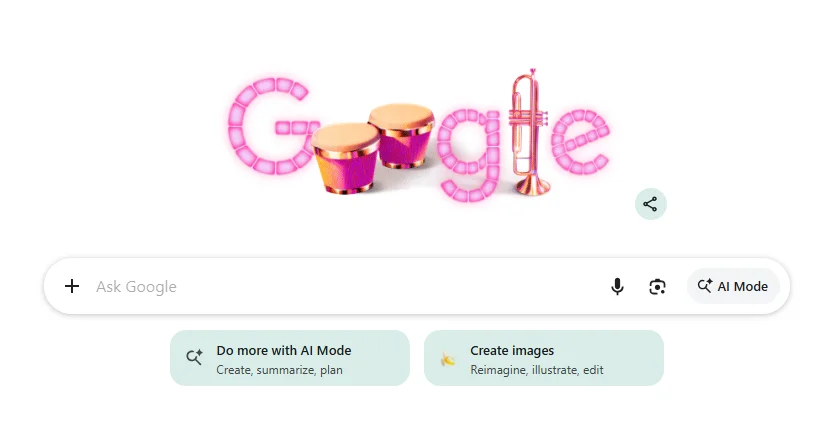
"Nano Banana" refers to Google's native image generation and editing capability inside Gemini — the feature that lets you type a plain-language instruction ("make the background a sunset," "put me in a leather jacket," "combine these two photos") and get an edited or generated image back, all inside a normal Gemini chat. It's built into the Gemini app and API, and it's distinct from Imagen, Google's separate dedicated text-to-image model family (more on that comparison below).
What made it go viral wasn't raw image quality — it was consistency and instruction-following. Earlier image-editing tools tended to regenerate an entire image from scratch when you asked for a small change, which meant your subject's face, pose, or background details would subtly shift each time. Nano Banana holds onto the parts of an image you didn't ask to change far more reliably, which is exactly what portrait editing depends on.
What Is Nano Banana Pro?
Nano Banana Pro is the nickname for Gemini's higher-end image model tier (Gemini 3 Pro Image), sitting above the original Nano Banana. It's built for higher-resolution output, sharper text rendering inside images (a persistent weak point for most image models), and blending a larger number of reference images into one generation. It's aimed at people doing more deliberate creative or production work — marketing assets, infographics, multi-subject composites — rather than a quick one-off edit.
Nano Banana Pro = the higher-fidelity, higher-cost tier for more demanding creative and production work.
Is Nano Banana Free?
Short answer: yes, with real limits. Nano Banana's core editing and generation features are available to free Gemini app users, but Google caps how many images you can generate per day on the free tier, and access to Nano Banana Pro's higher-quality output is generally reserved for paid Gemini/Google AI subscription tiers. If you're specifically asking "is nano banana pro free" — the honest answer is: mostly no, or only in a restricted preview capacity, since Pro-tier image quality is one of the features Google uses to differentiate its paid plans.
Because Google adjusts free-tier limits and subscription tiers fairly often, treat any specific daily-generation number you find online — including anything here — as a snapshot, and check the current limits directly in the Gemini app or Google's official pricing page before you plan a workflow around it.
How to Use Nano Banana: Step by Step
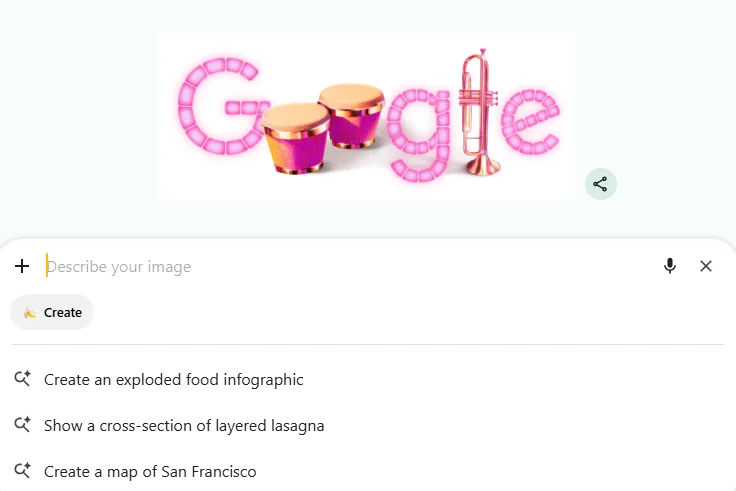
Open Gemini — via the Gemini app, gemini.google.com, or a Gemini-integrated product (Google Photos, Workspace tools, etc., depending on rollout region).
Start with either a prompt or an upload — type a description to generate an image from scratch, or upload a photo you want edited.
Describe the change in plain language — no special syntax needed. Simple, direct instructions ("remove the person in the background," "change my shirt to navy blue," "make the lighting warmer") tend to outperform long, over-engineered prompts.
Keep editing conversationally — this is the feature that matters most. Instead of starting over, just reply with the next change ("now make the background blurrier," "undo the jacket, try a blazer instead") and it edits from where you left off.
Combine multiple images — upload two or more photos and ask it to merge elements ("put the outfit from image 2 onto the person in image 1"). This is one of Nano Banana's more distinctive capabilities compared to older single-image editors.
Using Nano Banana for Portrait and Photo Editing
This is where most people searching "how to use nano banana" actually end up, so it's worth walking through the specific use cases rather than treating it abstractly.
Changing an Outfit
Upload a portrait and describe the outfit you want instead:
Being explicit about what should stay the same (face, pose, background) noticeably reduces the chance the model "helpfully" changes something you didn't ask about.

Swapping or Cleaning Up a Background
This is one of the more reliable edits — background replacement tends to hold subject consistency well.

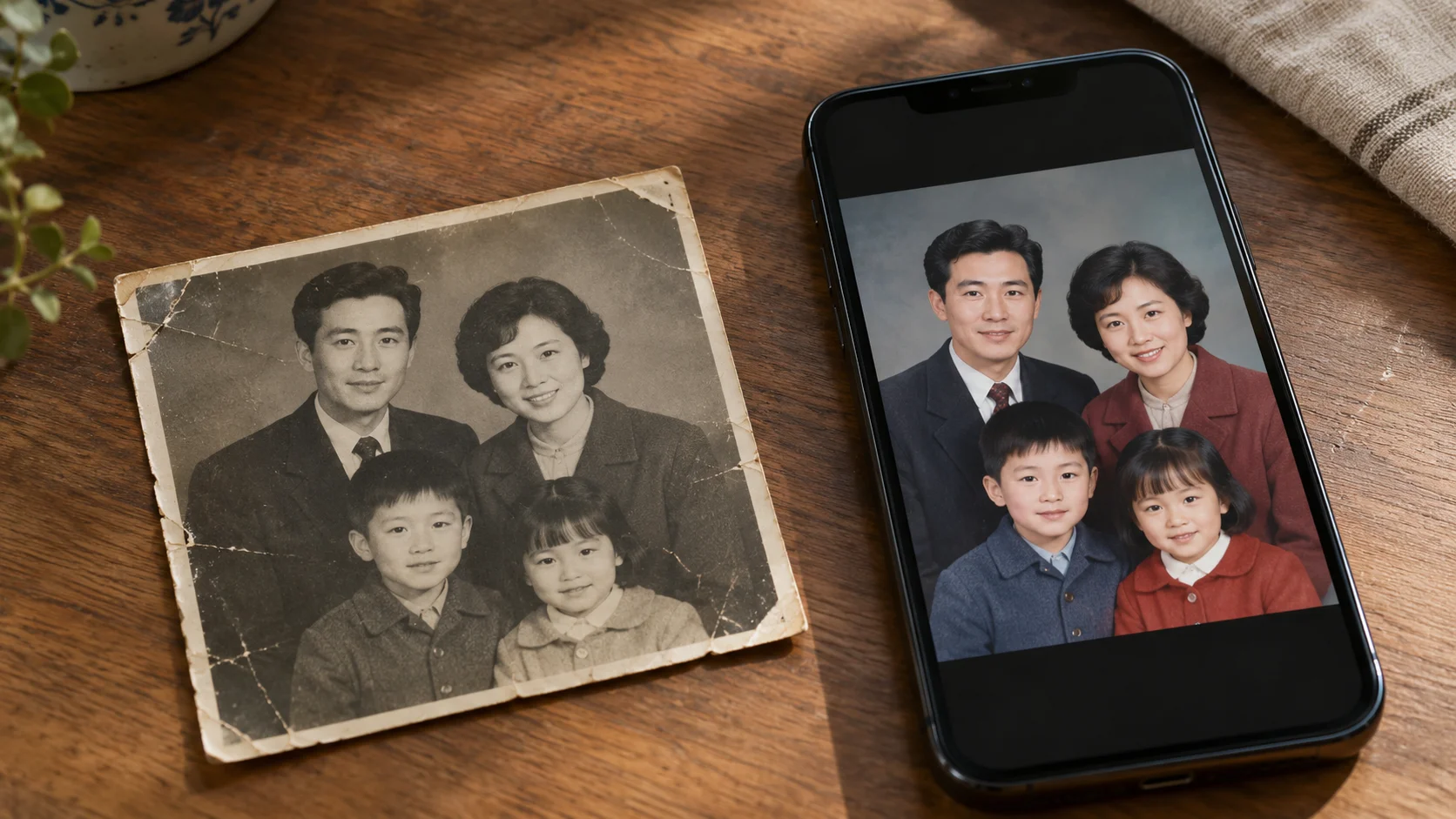
Restoring or Enhancing an Old Photo
For genuinely damaged or low-resolution originals, results vary — Nano Banana can smooth out damage convincingly but occasionally "invents" facial details on very low-quality source photos, so it's worth reviewing the result against the original closely rather than trusting it at a glance.
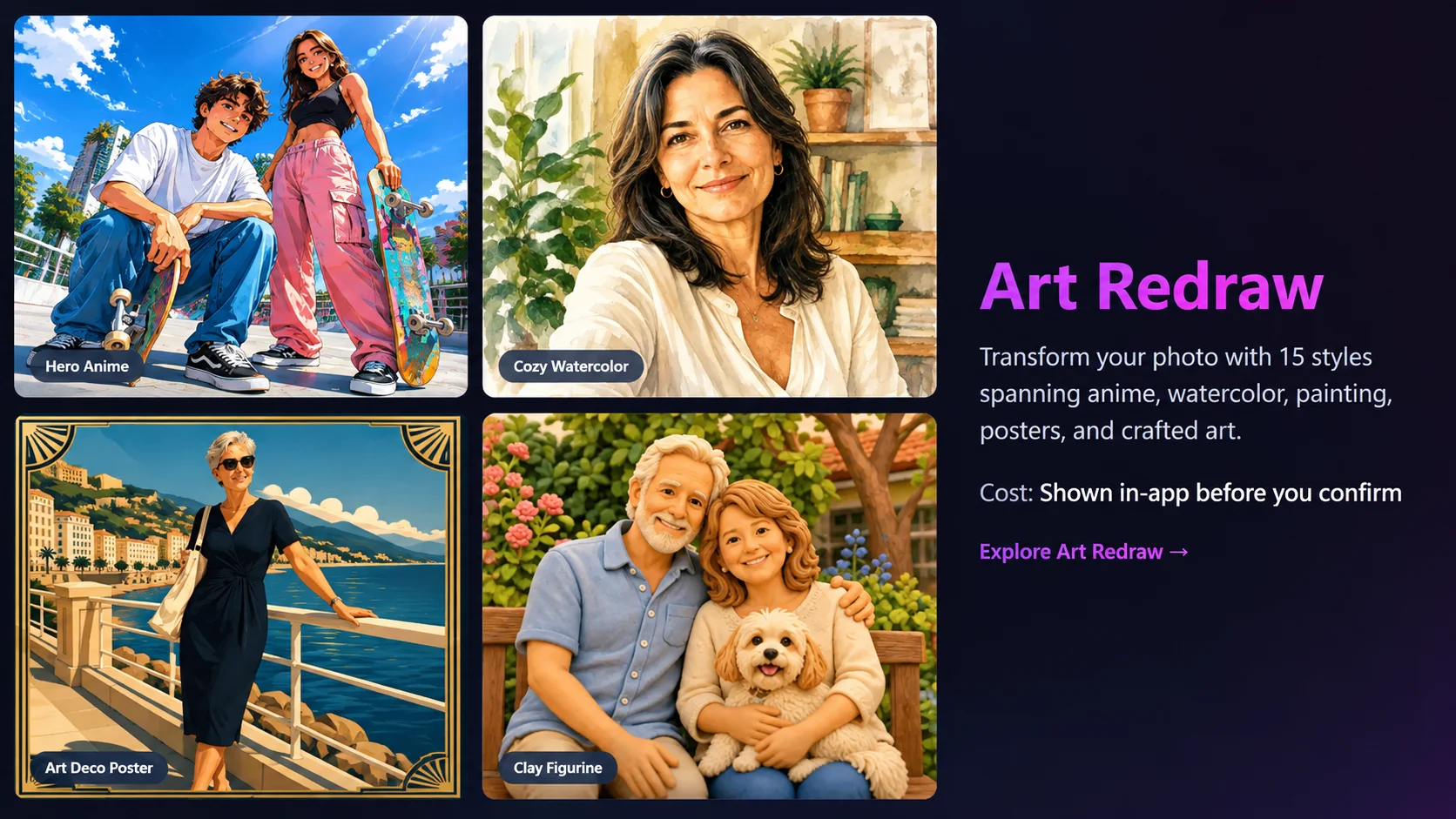
Style Transformation
Style transfers are generally Nano Banana's strongest portrait use case — the model isn't trying to preserve photorealistic pixel-level detail, so it has more room to work with while still keeping the subject recognizable.
Nano Banana Pro vs. Imagen 4: Which Should You Use?
This comes up constantly because Google now offers two different image systems that solve overlapping but distinct problems.
| Nano Banana / Nano Banana Pro | Imagen 4 | |
|---|---|---|
| Best for | Iterative editing, multi-turn conversation, blending multiple reference images, consistency across edits | One-shot, high-fidelity text-to-image generation from a single detailed prompt |
| Interface | Conversational — inside Gemini chat | Prompt-in, image-out — no back-and-forth editing session |
| Typical strength | Instruction-following on existing images; preserving what you didn't ask to change | Photorealism and typography/text rendering in a single generation |
| Best use case here | Editing a real portrait you already have | Generating a new image from a text description with no existing photo involved |
If your task starts with "here's a photo, change X about it" — Nano Banana (or Nano Banana Pro for higher-fidelity output) is the better fit; that's the editing-first workflow it's built for. If your task is "generate a photorealistic image of X from scratch, no existing photo involved," Imagen 4 is generally the stronger and more purpose-built tool. Third-party comparisons broadly agree on this split, though exact quality rankings shift often enough — and both models get updated frequently enough — that it's worth spot-checking recent hands-on comparisons rather than treating any one verdict as permanent.
Where It Gets Harder: The Honest Limitations
- Consistency isn't perfect. Multi-turn editing is Nano Banana's strength, but long editing chains can still drift — small details in lighting, skin tone, or background can shift a few edits in, especially in free-tier generations.
- It's an open-ended tool, not a template. Because it can attempt almost any instruction, output quality depends heavily on how precisely you write your prompt — there's no guardrail keeping results within a predictable style the way a preset template would.
- Free-tier limits and quality gating change often. What's free today, and at what resolution, is one of the more frequently adjusted parts of Google's rollout — check current terms before relying on it for anything with a deadline.
- It's still general-purpose. It wasn't built specifically for portrait/face-swap-style editing, so for that narrower job, a purpose-built tool can be faster and more predictable.
Want portrait editing without the prompt-engineering?
If you just want a reliable face swap, outfit change, or style redraw from one photo — without writing and re-writing instructions to stop the model from changing things you didn't ask about — Movcl runs the same category of editing through fixed templates built specifically for portraits, so results stay predictable from the first try.
Glossary
- Nano Banana
- Nickname for Google's native Gemini image generation/editing model, known for consistent multi-turn image editing via plain-language instructions.
- Nano Banana Pro
- The higher-end tier (Gemini 3 Pro Image) built on the same underlying capability, aimed at higher resolution and more demanding creative work.
- Imagen 4
- Google's separate, dedicated text-to-image model family, built for one-shot photorealistic generation rather than conversational editing.
- Multi-turn editing
- The ability to keep issuing follow-up edit instructions on an image within the same conversation, rather than starting a fresh generation each time.
Frequently Asked Questions
Is Nano Banana free to use?
Yes, in a limited form through the free tier of the Gemini app, with a daily cap on generations. Nano Banana Pro's higher-fidelity output is generally reserved for paid Gemini subscription tiers.
What is Nano Banana AI actually built on?
It's Google's native image generation/editing capability inside the Gemini model family — not a separate standalone app, but a feature of Gemini itself, accessible through the Gemini app, website, and API.
Is Imagen 4 better than Nano Banana Pro?
It depends on the task. Imagen 4 tends to edge out Nano Banana Pro for one-shot, purely text-to-image photorealistic generation. Nano Banana Pro tends to win for editing an existing photo, blending multiple images, or holding a subject consistent across several rounds of changes.
Can I use Nano Banana for professional portrait editing?
You can, and many people do for casual use — outfit changes, background swaps, style transformations. For predictable, repeatable results at higher volume, though, a template-based portrait tool will generally give more consistent output with less prompt trial-and-error.
This guide reflects publicly available information about Gemini's Nano Banana and Nano Banana Pro image features, and Google's Imagen 4 model, as understood as of early-to-mid 2026. Free-tier limits, pricing, and model capabilities for all of these change frequently — verify current details on Google's official Gemini and AI pricing pages before relying on specific numbers.