


2026 Photo-to-Video Tools Compared: Movcl vs. General AI Models
Specialized consumer apps and general-purpose video models both turn photos into motion. They optimize for almost opposite strengths.
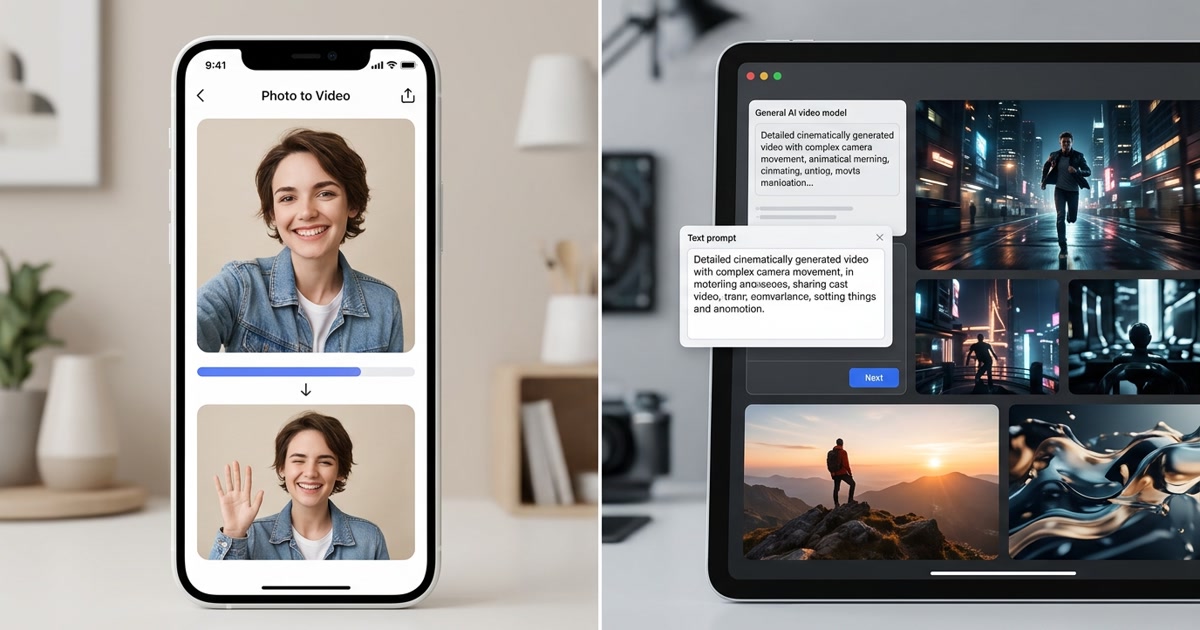
One path prioritizes “this still looks like me, quickly.” The other prioritizes open-ended creative control.
Key takeaways
- In 2026 there are two practical categories of photo-to-video tools: specialized consumer apps (template-driven, identity-first, fast) and general-purpose AI video models (prompt-driven, flexible, higher skill ceiling).
- Specialized tools like Movcl’s AI Video excel when the input is a personal photo and the goal is a short, recognizable clip of that same person.
- General models (the class that includes tools such as Runway, Kling, Luma, Google Veo and similar systems) win when you need complex camera moves, multi-subject scenes, or fully open creative direction.
- Face and identity consistency is usually stronger in specialized apps for single-person selfie inputs; general models treat the face as one element among many and can drift unless heavily guided.
- Ease of use, generation speed, and predictable cost favor specialized apps for everyday social content. Prompting skill, iteration tolerance, and creative range favor general models.
- The useful question is not “which is better overall?” but “which set of trade-offs matches the video I actually need to make?”
“Photo to video” has become a crowded label. By late 2026 the market has largely split into two practical camps: apps built specifically to animate a person’s photo with strong identity preservation, and general AI video models that accept an image (or text) and can go almost anywhere the prompt points.
Both can turn a still into motion. They are not interchangeable. Choosing the wrong category usually produces either a clip that no longer looks like you, or a clip that looks fine but required far more effort than the job justified.
What specialized photo-to-video apps are optimized for
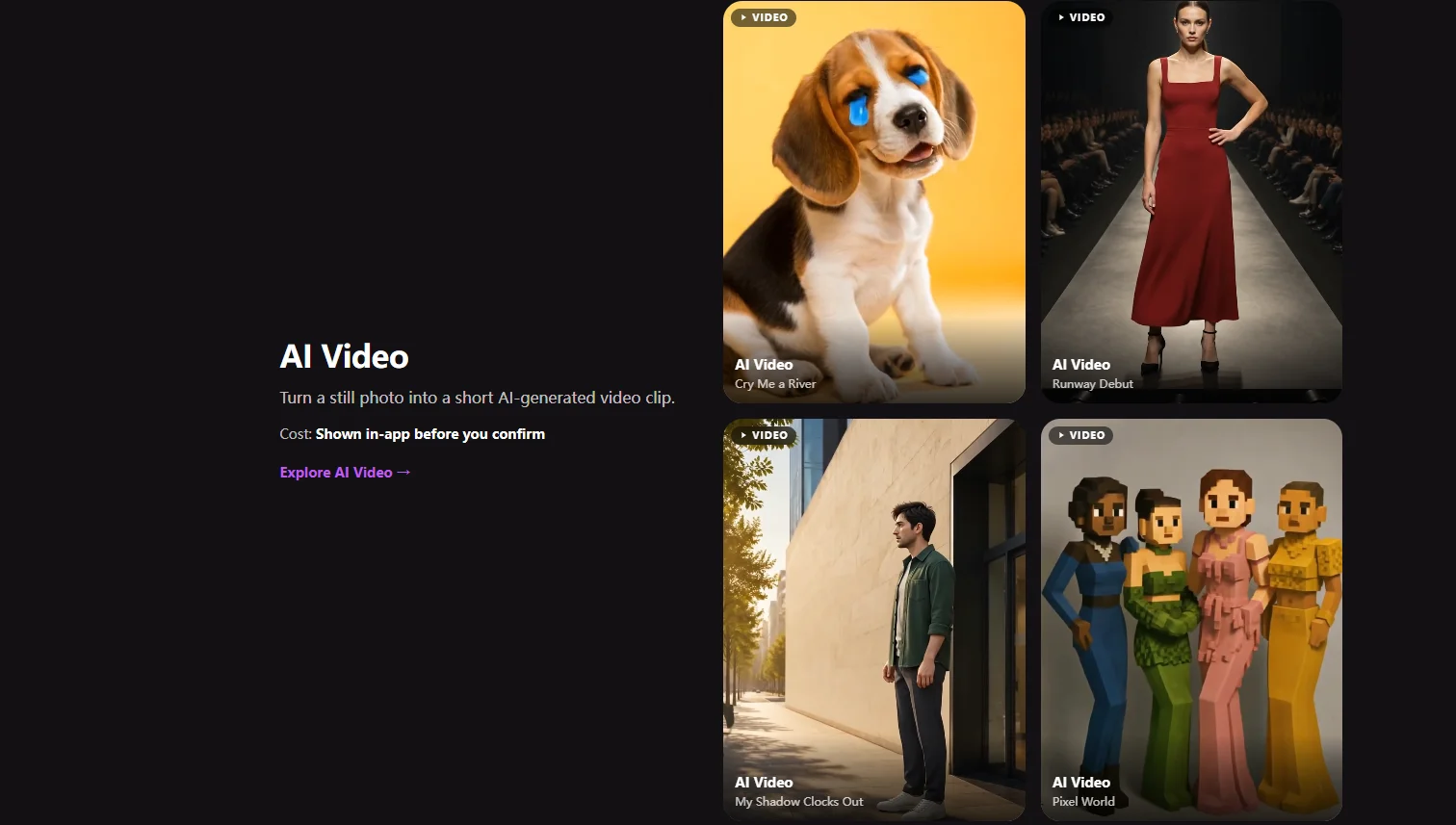
Tools in this category — including Movcl — start from a clear product assumption: the user is uploading a photo of a real person (often themselves) and wants a short, shareable video that still looks like that person.
Typical characteristics:
- Strong emphasis on face and identity consistency across frames.
- Template or effect libraries rather than free-form prompting as the primary interface.
- Simple flow: pick a style or motion, upload one photo, wait roughly a minute.
- Optimized for short social clips rather than multi-shot cinematic sequences.
- Predictable in-app pricing (gems, credits, or subscription) with the cost shown before generation.
The design goal is low friction and reliable identity. You trade some open-ended creative range for the confidence that the result will still look like the person in the photo.
What general-purpose AI video models are optimized for
General models sit closer to foundation video systems. You can often start from text, from an image, or from both. The interface is usually a prompt box (sometimes with advanced controls for motion, camera, duration, or reference images).
Typical characteristics:
- High creative flexibility — complex camera paths, lighting changes, multi-subject action, stylized or photoreal outputs.
- Identity preservation is possible but not the primary product focus; it often requires careful prompting, multiple references, or post-selection.
- Steeper learning curve and more iteration for good results.
- Generation times and costs that vary more widely by resolution, length, and provider queue.
- Better suited to concept work, B-roll, product motion, or scenes that are not centered on one specific real face.
These systems are powerful. They are also generalists. When the main requirement is “make this exact person move in a short, recognizable clip,” the generalist nature can become a liability rather than an advantage.
Side-by-side comparison (2026)
| Dimension | Specialized apps (e.g. Movcl) | General AI video models |
|---|---|---|
| Primary input | One personal photo + template/effect choice | Text prompt, image, or both; often more parameters |
| Face / identity consistency | Usually strong by design | Variable; often needs extra guidance |
| Creative range | Template and style limited, but reliable | Very wide — limited mainly by prompt skill |
| Ease of use | Low barrier; pick and generate | Higher; prompting and iteration matter |
| Typical generation time | Often around a minute for short clips | Seconds to several minutes depending on settings |
| Best for | Selfie-to-video, social clips, “still looks like me” | Open creative direction, complex motion, non-personal scenes |
| Cost predictability | Usually clear before you confirm | Can vary with resolution, length, and provider |
When a specialized tool is the better choice
Pick a dedicated photo-to-video app when most of the following are true:
- The subject is a specific real person (you, a friend, a family member).
- You care that the face remains recognizable and stable.
- You want a short clip suitable for social platforms or messaging.
- You prefer selecting a style or motion template over writing detailed prompts.
- Speed and low friction matter more than maximum creative control.
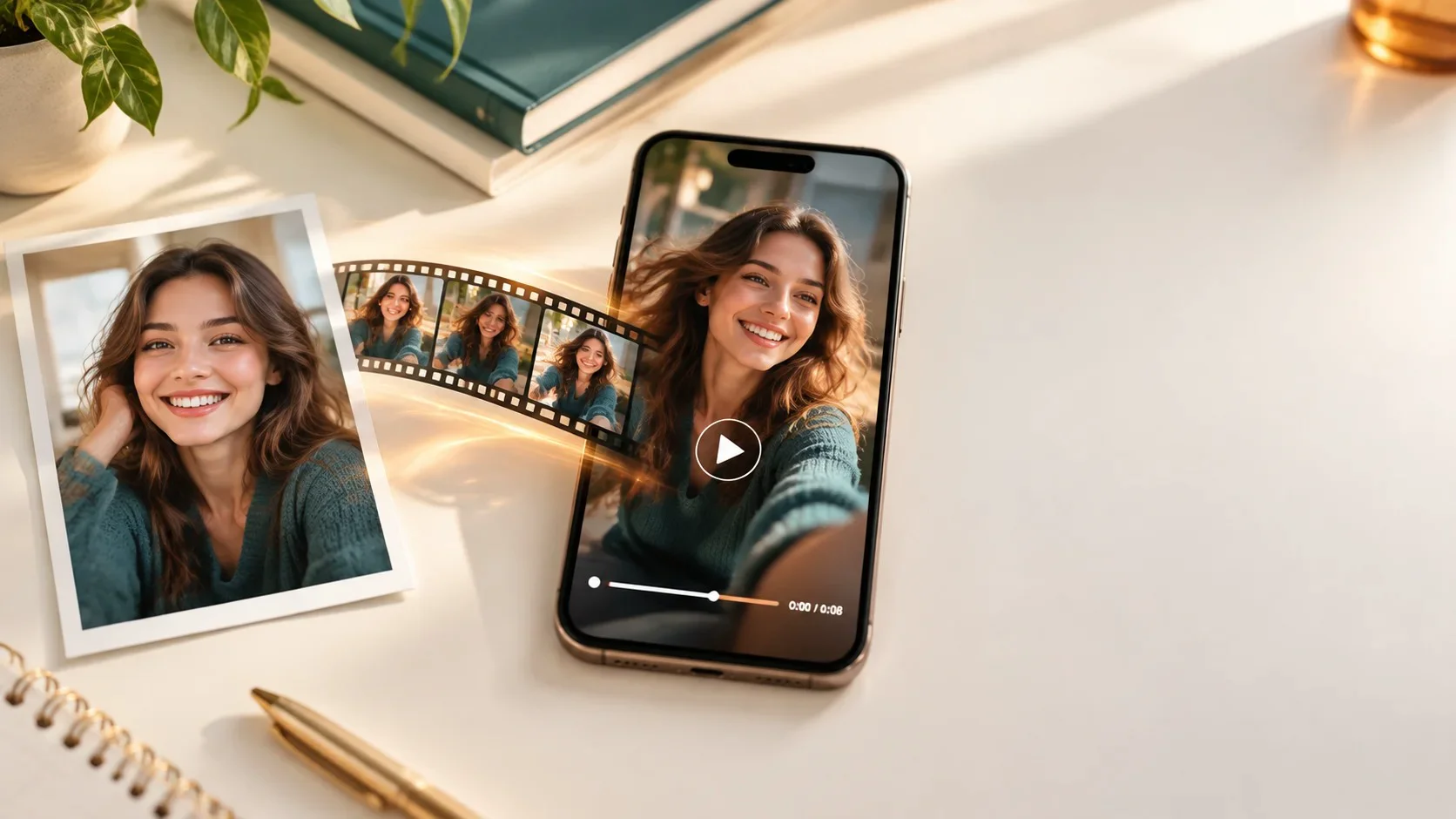
This is the core job Movcl’s AI Video feature is built for: upload a photo, choose an effect, get a short animated result that keeps the person looking like themselves.
When a general model is the better choice
Reach for a general-purpose video model when:
- You need complex or highly specific camera movement and scene dynamics.
- The content is not primarily about preserving one real person’s identity.
- You are comfortable iterating on prompts and selecting among multiple generations.
- You want longer clips, multi-shot ideas, or heavily stylized cinematic looks that templates do not cover.
- You already work inside a broader generative workflow (text-to-video + image-to-video + editing).
In those cases the flexibility of a general model usually outweighs the convenience of a specialized consumer app.
Specialized tools win on “this still looks like me, quickly.” General models win on “I can describe almost anything and eventually get close.”
Practical decision guide
Before you open any tool, answer three questions:
- Is the face the product? If yes, start with a specialized photo-to-video app. If the scene or motion is the product, consider a general model.
- How much prompting am I willing to do? Almost none → specialized. Comfortable iterating → general.
- What does “good enough” look like for this specific video? Social-ready and recognizable → specialized. Conceptually ambitious or highly controlled → general.
Most everyday personal use cases land in the first column. Most experimental or production-concept work lands in the second.
Where Movcl sits in 2026
Movcl is deliberately a specialized consumer tool. Its AI Video path is built around a single uploaded photo, a library of motion and style templates, and a generation experience measured in roughly a minute rather than in long prompt iterations. Face consistency and ease of use are first-class priorities.
It is not trying to replace general video foundation models for open-ended cinematic generation. It is trying to make the common personal job — “turn this photo of me into a short video that still looks like me” — reliable and fast.
For a broader map of how different AI video tool categories relate to one another, see our earlier guide: AI Video Generator, Editor, or Face Swap? The 5 Kinds of AI Video Tools Explained.
A quick glossary
- Specialized photo-to-video app
- A consumer product optimized to animate a single personal photo while preserving identity, usually through templates or guided effects rather than free-form prompting.
- General AI video model
- A more open-ended system (often accessible via web or API) that generates video from text, image, or both, with wider creative range and higher skill requirements.
- Identity consistency
- How stably a person’s face, expression range, and overall appearance are maintained across the generated frames.
- Template-driven generation
- An interface where the user selects a pre-defined style or motion rather than writing a full natural-language prompt for every generation.
Frequently asked questions
Is Movcl better than general AI video models for turning a selfie into a short video?
For most everyday selfie-to-video use cases, yes. Specialized tools like Movcl are optimized for identity preservation, simple template selection, and fast results from a single photo. General models offer more creative control but usually require stronger prompting skill and deliver less consistent face results on personal photos.
When should I use a general-purpose AI video model instead?
Use a general model when you need open-ended creative direction, complex camera movement, multi-shot sequences, or content that is not centered on a specific person’s face. They are also stronger when you already have experience writing detailed prompts and are willing to iterate.
Do general models keep faces more consistent than specialized apps?
Usually the opposite for single-person selfie inputs. Specialized photo-to-video apps are trained and productized specifically around preserving the uploaded face. General models treat the face as one element among many and can drift in identity, lighting, or expression across frames unless you invest significant prompting and reference effort.
How long do photo-to-video generations typically take in 2026?
Specialized consumer apps like Movcl commonly finish short clips in roughly a minute. General-purpose models vary widely — some produce results in under a minute on lighter settings, while higher-quality or longer clips can take several minutes depending on the provider, resolution, and queue.