


AI Video Generator, Editor, or Face Swap? The 5 Kinds of AI Video Tools Explained
“AI video” has become one label for five very different jobs. Here’s how to tell them apart in about a minute, and how to pick the one that actually fits what you want to make.
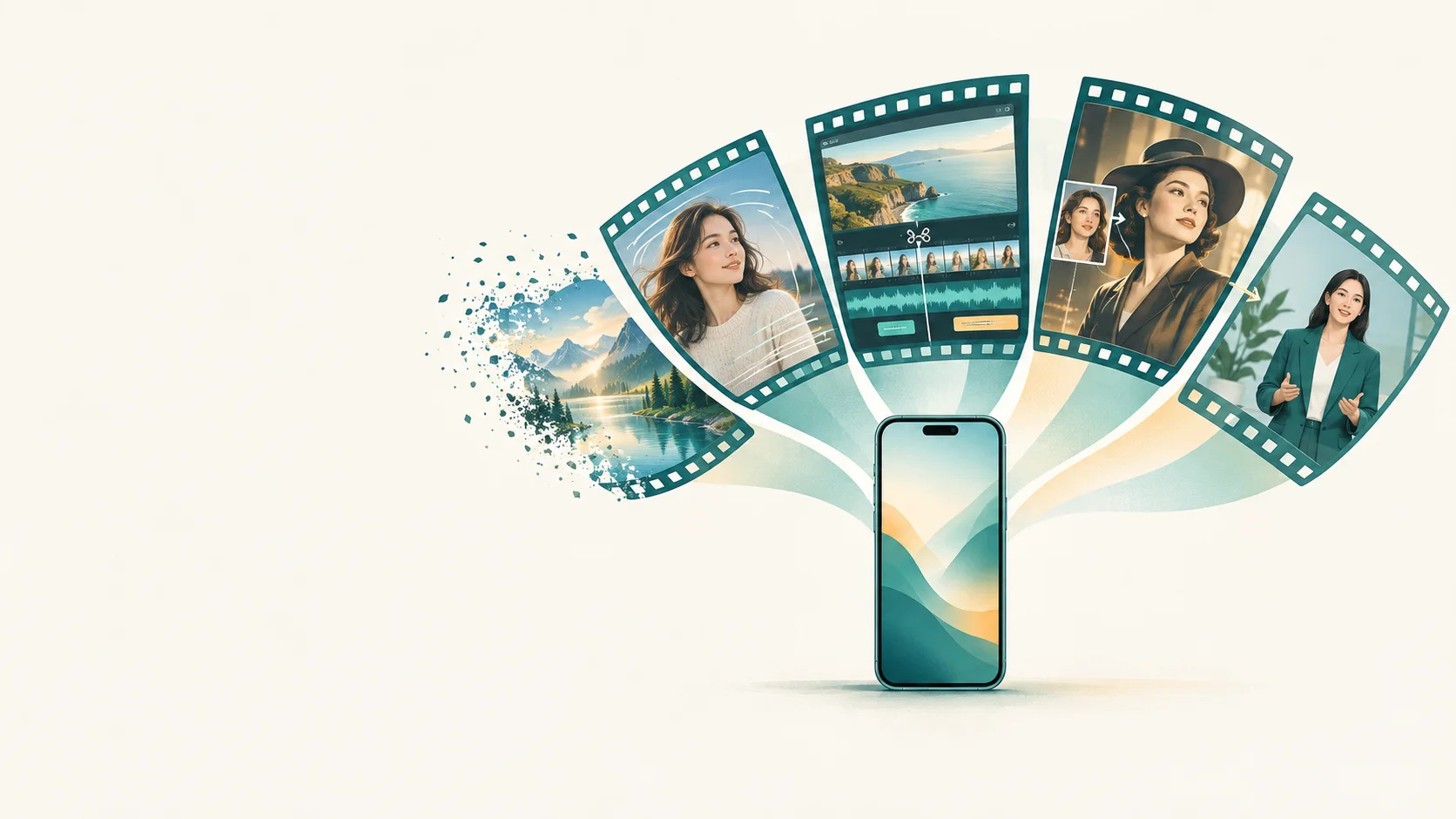
Type “video AI” into a search bar and you’ll get a strange mix of results. A free AI video generator that turns a sentence into a cinematic clip. An AI video editor that deletes every “um” from your podcast. A smiling avatar that reads a script in 40 languages. An app that puts your face on a movie scene.
They’re all sold as AI video tools, and they share some of the same underlying technology. But they solve different problems, and picking the wrong category is the most common way people burn through free credits and conclude that “AI video doesn’t work.” Usually it works fine. It just wasn’t built for what they asked it to do.
I spent years building machine learning systems before I started writing about them, and the clearest way I’ve found to sort this market isn’t by brand or price. It’s by one question.
The one question that sorts every AI video tool
What are you starting with? Every AI video maker takes some kind of input and turns it into some kind of output. Once you know your input, the category picks itself.
Here’s the same map with a little more detail. The example tools are well-known names to help you place each category, not endorsements, and many products now span more than one row.
| Category | You give it | You get back | Typical uses | Example tools |
|---|---|---|---|---|
| Text-to-video generator | A text prompt | A brand-new short clip | B-roll, concept shots, mood videos, social posts | OpenAI Sora, Google Veo, Runway |
| Image-to-video maker | One photo, sometimes plus a prompt | That photo, in motion | Animated portraits, product shots, old photos brought to life | Runway, Google Veo, Movcl AI short video |
| AI video editor | Your existing footage | The same footage, cut, cleaned, and captioned | Podcasts, vlogs, tutorials, ads | Descript, Adobe Premiere Pro |
| Face swap (photo and video) | A photo of your face plus a template | You, placed into a styled scene | Costumes, “what if” looks, fun shareable clips | Movcl and other face swap apps |
| Avatar / talking head | A script | A digital presenter speaking it | Training, onboarding, explainers | HeyGen and similar platforms |
Swipe the table sideways to see every column.
Now let’s go through each one: what it’s genuinely good at, where it falls short, and the tell-tale sign you’re in the right place.
1. Text-to-video: the AI video generator most people picture
This is the category that makes headlines. You describe a shot (“a golden retriever running through autumn leaves, slow motion, low angle”) and the model produces a clip that has never existed before. When people say they want to create video with AI, this is usually what they imagine.
Under the hood, most modern generators are diffusion models extended through time. An image generator learns to turn noise into one coherent picture. A video generator has a much harder job: it has to produce dozens of frames per second that agree with each other, so the dog keeps the same number of legs and the leaves fall in a consistent direction. Researchers call this temporal consistency, and it’s the main reason AI generated videos have improved so dramatically over the last two years.
Good at
Atmospheric shots, landscapes, abstract visuals, and anything you couldn’t afford to film.
Falls short on
Long scenes, readable on-screen text, and keeping the same character identical from shot to shot.
The limitation that matters most for everyday users: a text-to-video generator doesn’t know what you look like. It invents people. If your goal is a video starring yourself, you’re in the wrong category and you’ll spend a lot of prompts fighting it.
2. Image-to-video: one photo, set in motion
Image-to-video sits between generation and editing. You supply a real starting frame, and the model imagines what happens next: a head turns, hair moves in the wind, the camera slowly pushes in. Many apps marketed as an AI video maker live here, because starting from a photo gives far more predictable results than starting from words.
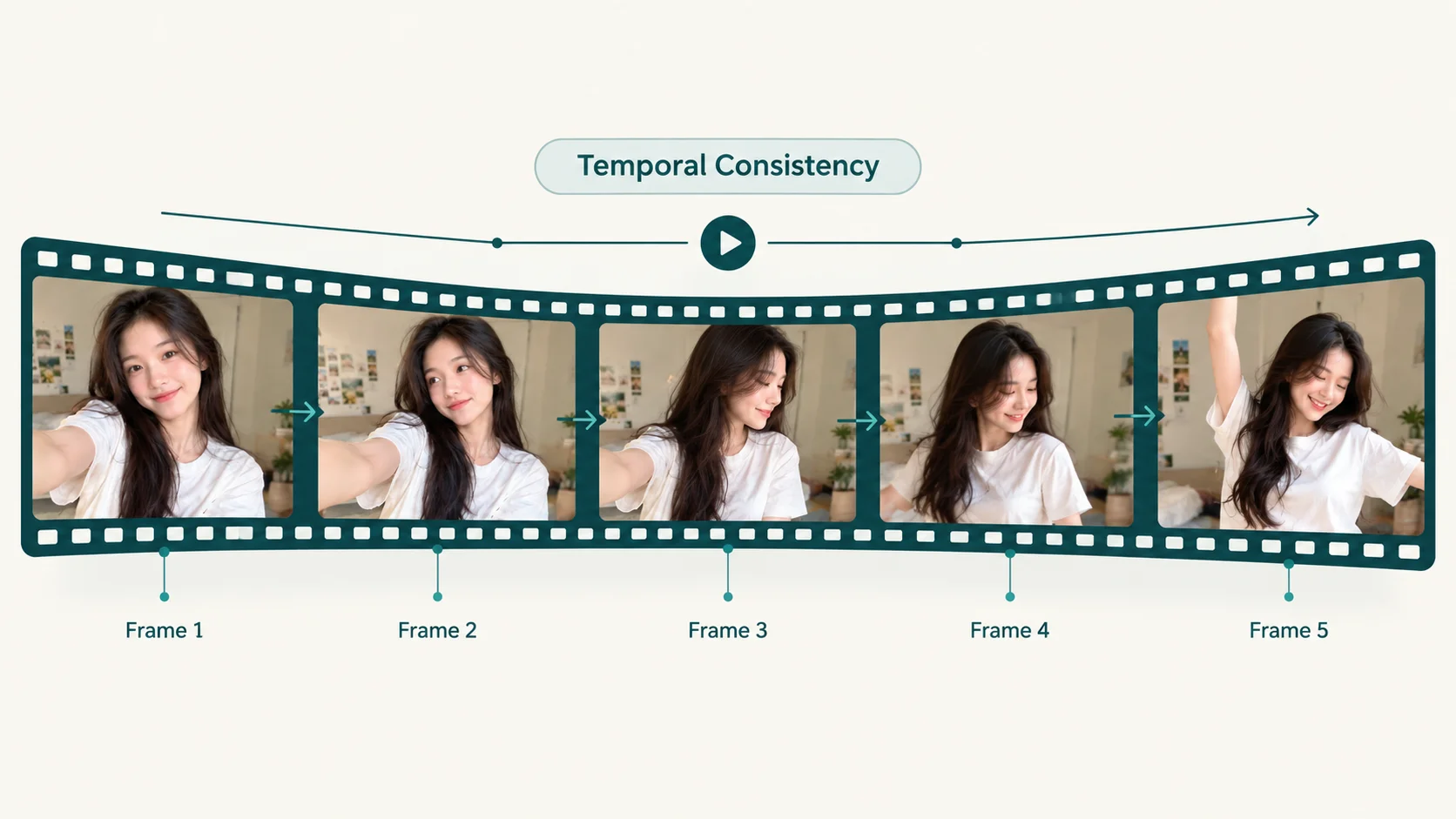
The tricky part is that a single photo is missing information. If your portrait is facing forward, the model has never seen the side of your face, so it has to infer it. Good tools handle this by keeping motion gentle and stylized; weaker ones produce the uncanny “melting” effect you’ve probably seen online. I covered how that inference works in From One Photo to a Full Video.
Good at
Animating portraits, product photos, artwork, and old family pictures.
Falls short on
Big movements, full-body action, and anything the original photo doesn’t show.
3. AI video editors: when you already have footage
An AI video editor doesn’t create a new world. It takes video you’ve already recorded and does the tedious parts for you. If you’ve searched for “artificial intelligence edit” or “AI video edit,” these are the features you were probably after:
- Text-based editing. The tool transcribes your video, and you cut footage by deleting words from the transcript, the approach Descript popularized.
- Automatic captions, often styled for short-form social video.
- Filler-word and silence removal, which can shrink a rambling recording dramatically.
- Audio cleanup that makes a laptop microphone sound closer to a studio one.
- Auto-reframing from horizontal to vertical, keeping the speaker centered.
- Generative fixes, such as extending a shot by a second or two, a feature Adobe has built into Premiere Pro.
This is the least flashy category and, for many working creators, the most useful. It saves hours on footage that already exists instead of trying to replace it.
Good at
Speeding up real editing work: podcasts, tutorials, interviews, and talking-head content.
Falls short on
Anything you didn’t film. An editor can polish footage, not invent it.
4. AI face swap for photos and videos: when the star is you
Face swap answers a different question from every category above: not “can AI make a video?” but “can AI put me in it?” You upload a photo of your face, choose a scene, and the model maps your facial identity onto it while keeping the scene’s lighting, angle, and expression. The best AI face swap photo and video apps let you use the same uploaded face for both still images and short clips.
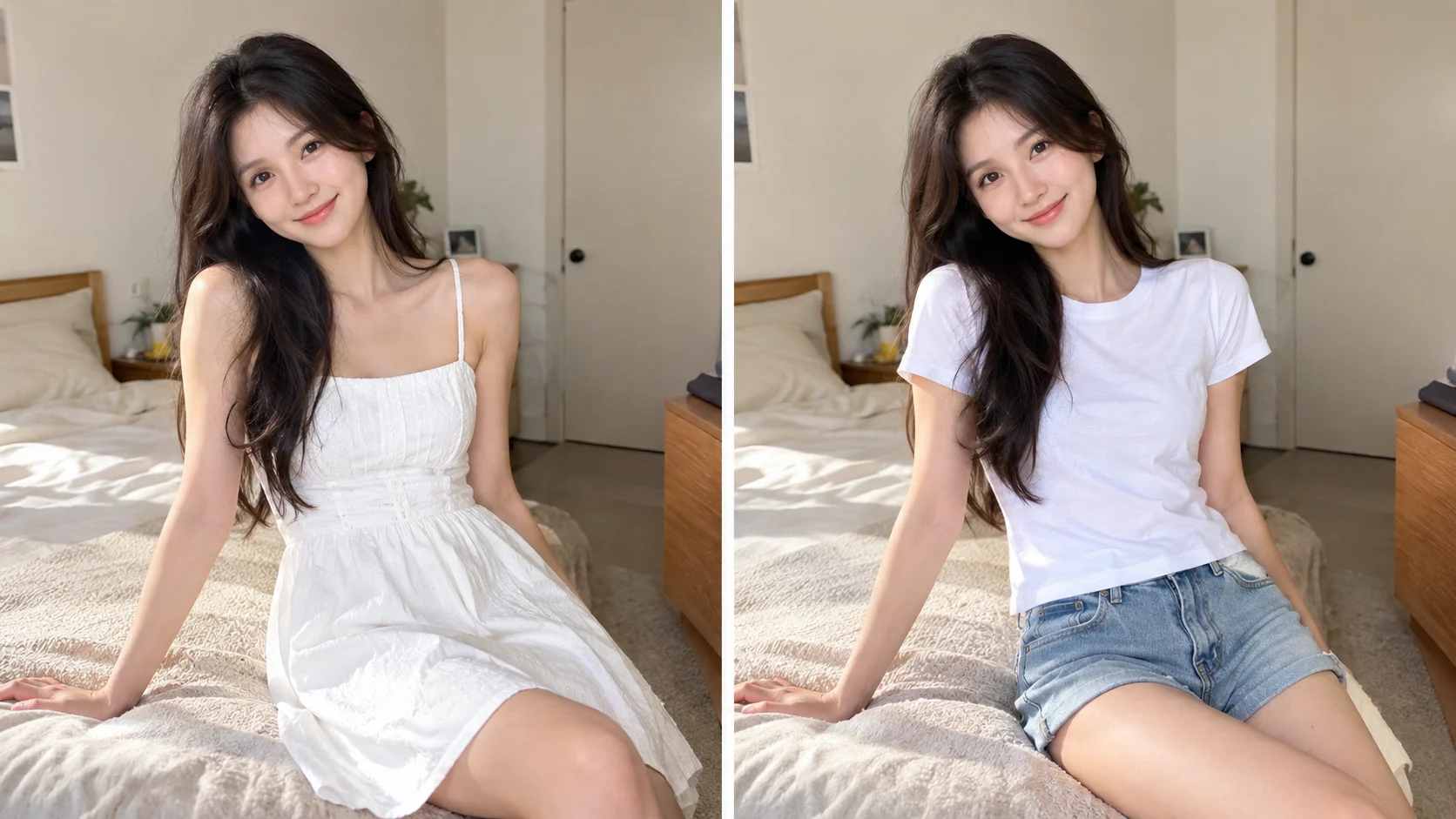
Most consumer face swap apps are template-driven, and that’s a feature rather than a shortcut. The motion, framing, costume, and lighting of each template are already worked out, so the model only has to solve one problem well: making your face look like your face in that setting. That’s why a template can deliver a convincing result in seconds while a general generator might take ten attempts. For the technical details, see How Does AI Face Swap Actually Work?
Good at
Putting yourself into costumes, eras, art styles, and short shareable scenes, without any editing skills.
Falls short on
Fully custom scenes. You choose from templates rather than describing anything you can imagine.
One rule worth keeping. Use your own face, or a face whose owner has clearly said yes. The technology is the same one used in harmful deepfakes; consent is what separates a fun costume video from something that can genuinely hurt someone. I unpacked that line in Deepfakes vs. AI Face Swap Apps and the legal side in Can You Get in Trouble for Making AI Images?
5. Avatar and talking-head tools: video without a camera
The last category is mostly a business tool. You paste a script, pick a digital presenter (or train one on your own likeness), and get a video of that presenter speaking, often in many languages. Companies use these for training modules and product explainers because re-recording a human every time a policy changes is expensive.
For personal, creative, or social content they tend to feel stiff, and that’s fine. They were built for clarity and scale, not personality.
What “free AI video generator” usually means
“Free AI video generator” is one of the most searched phrases in this whole space, so it deserves a straight answer. Generating video takes a lot of computing power, far more than generating a single image, which means genuinely unlimited free video is rare. What you’ll usually find is a free tier or trial with some combination of these limits:
| Common free-tier limit | What it means in practice |
|---|---|
| Watermarks | Fine for testing and private use; awkward for anything you’ll post or share professionally. |
| Credit or generation caps | A set number of clips per day or month. Failed or discarded attempts usually still count. |
| Shorter clips, lower resolution | Enough to judge quality, not always enough for a finished post. |
| Slower queues | Paid users are often processed first, so free generations can take noticeably longer at busy times. |
| Usage restrictions | Some free tiers limit commercial use. Check before using a clip in an ad or client project. |
| Data terms | The cost of “free” is sometimes your uploads. Check whether your photos and videos can be used to train the company’s models. |
Swipe the table sideways if it’s cut off.
None of this makes free tiers bad. They’re the right way to find out whether a tool suits your use case before paying. Just treat them as a test drive, and read the privacy terms before uploading photos of your face. If you’re not sure what to look for, Does This App Train on Your Photos? walks through it.
Match the tool to the job
Here are common goals and the category that handles each one best. If you find yourself reaching for a different category, expect more trial and error.
| If you want to… | Start with |
|---|---|
| Get a sweeping shot of a city that doesn’t exist | Text-to-video generator |
| Turn a product photo into a five-second social clip | Image-to-video maker |
| Make an old family photo gently come alive | Image-to-video maker |
| Cut a 40-minute podcast into short clips with captions | AI video editor |
| Remove the “ums” and background hum from a recording | AI video editor |
| See yourself as a 1920s film star or an anime hero | Face swap (photo and video) |
| Try a new outfit or look on yourself before committing | Face swap / outfit change app |
| Produce a training video without filming anyone | Avatar / talking-head tool |
Swipe sideways to see both columns in full.
The categories combine well
Real projects often chain two of these together. A creator might make a face swap clip, then drop it into an AI video editor to add captions and music. A small brand might animate a product photo, then cut several of those clips into one ad. Thinking in categories doesn’t lock you into one tool; it tells you which tool to reach for at each step.
A quick word on labeling AI generated videos
As AI generated videos get more realistic, platforms are asking creators to be upfront. YouTube and TikTok, among others, ask creators to disclose realistic AI-generated or altered content, and they may add labels automatically. Rules change often, so check each platform’s current guidelines before you post.
The simple habit that keeps you out of trouble: if a viewer could mistake your clip for real footage of a real event or person, label it. Obviously playful content, like a cartoon version of yourself, carries far less risk, but a short “made with AI” in the caption never hurts. If you’re curious how people spot AI content anyway, see 5 Ways to Tell If a Photo Was Made With AI.
Where Movcl fits
Movcl is built for categories 2 and 4, the ones where you’re the star. Upload one photo and use templates for face swap, outfit change, AI art redraw, and AI short video, with no prompts or editing skills needed. Your photos are not used to train our models, and you can start with a free trial before deciding whether it’s for you.
Try Movcl freeFrequently asked questions
What’s the difference between an AI video generator and an AI video editor?
An AI video generator creates new footage from a text prompt or a photo. An AI video editor works on footage you already have, using AI to cut, caption, clean up audio, reframe, or extend shots. No footage means you need a generator; existing footage means you need an editor.
Is there a truly free AI video generator?
Most are free tiers or trials. Expect some mix of watermarks, credit limits, shorter clips, lower resolution, slower queues, and restrictions on commercial use. Free is a good way to test fit before paying.
Can I use AI face swap on photos and videos of other people?
Use your own face, or the face of someone who has clearly agreed. Putting a real person into content without consent, especially content that could embarrass, mislead, or impersonate them, can cause real harm and may break platform rules or laws.
How long can AI generated videos be?
Most generators produce short clips per generation, typically a few seconds to under a minute. Longer videos are usually built by generating several clips and joining them in an editor.
Do I need editing skills to create video with AI?
Not for template-based tools like face swap and photo-to-video apps, which handle motion, lighting, and framing for you. Prompt-based generators reward some practice with prompt writing, and AI video editors are easiest if you already understand basic editing.