


How to Turn One Photo Into a TikTok Video
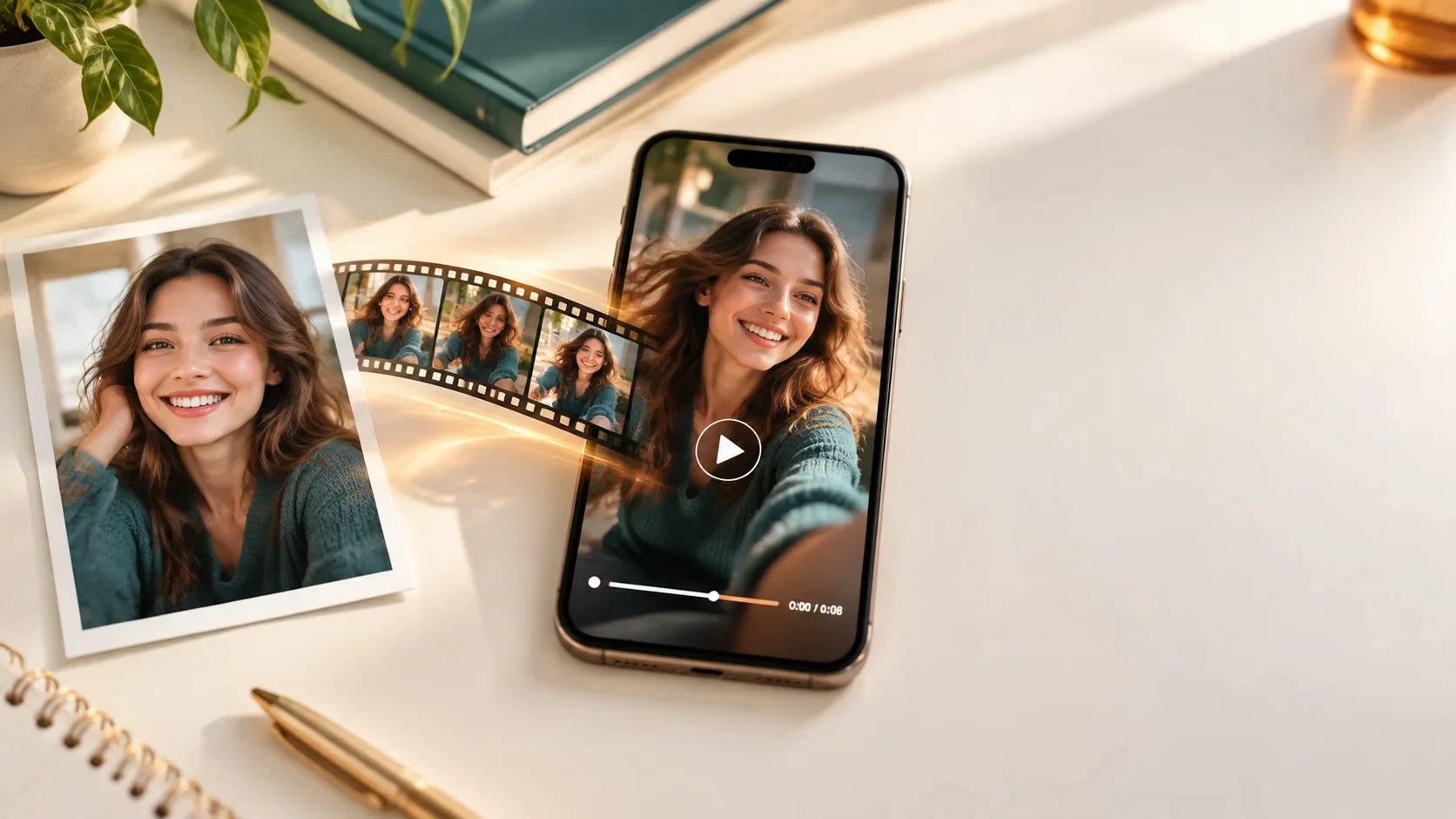
You don't need footage, a ring light, or editing skills. You need one decent photo, an AI video maker, and about ten minutes. Here's the exact workflow I use, plus the photo rules that make the difference between "wait, how did you make this?" and "why do your eyes look like that?"
The short version
Pick a sharp, front-facing photo. Upload it to an AI video generator like Movcl and choose a template (AI short video, face swap, or outfit change). Save the clip, open it in TikTok, add a trending sound and a text hook, switch on the AI-generated content label, and post.
Recently, more and more AI-generated videos have emerged. Have you ever wondered if you should join the trend? Yes, I have thought about it, and I have also tried.
So this guide is half "which buttons to press" and half "what to feed the machine." The second half matters more.
What actually happens when AI animates a photo
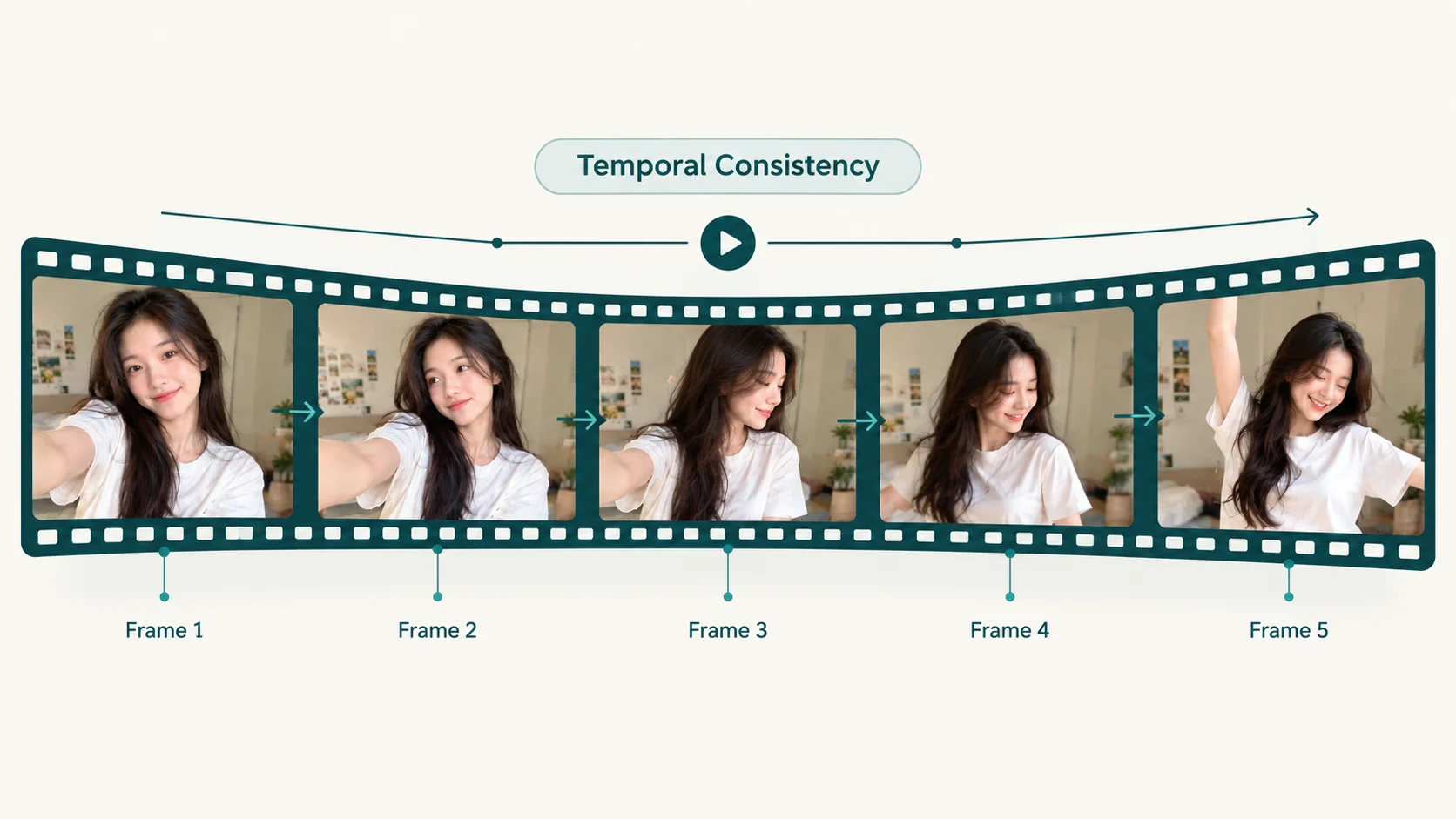
When you upload a still image to an AI video generator, the model isn't "playing" your photo. It's predicting what the next frames would plausibly look like: how your head would turn, how hair would move, how light would shift. Every frame after the first is a guess, informed by your photo and by the motion pattern of the template you picked.
That's why a clear photo gives the model more to work with, and a blurry, half-shadowed one forces it to invent more, which is where the weirdness creeps in. If you want the technical version, my colleague Marcus broke it down in From One Photo to a Full Video. For this guide, all you need to remember is: better input, fewer guesses, more natural video.
What you need to create video with AI from one photo
| What | Why it matters | Quick tip |
|---|---|---|
| One clear photo | It's the only source of truth the AI has about your face | Use the original file, not a screenshot |
| An AI video maker | Generates the motion, face swap, or style change | Template-based apps are fastest for TikTok |
| The TikTok app | Sound, captions, trimming, and posting | Its built-in editor covers most finishing work |
| An idea for the hook | Viewers decide in the first second or two | Write the on-screen text before you generate |
That's it. No desktop software, no timeline editing. Most of the heavy lifting is one artificial intelligence edit inside the app, and everything after that is a quick AI video edit you can finish in TikTok.
Step-by-step: photo to TikTok in 6 steps
-
Pick a photo the AI can actually work with
This is the step people rush, and it's the one that decides everything. Use this checklist:
Works well Causes problems Face looking at or near the camera Strong side profile or looking down Soft, even light (window light is perfect) Harsh shadows across half the face Face fills a good part of the frame Tiny face in a big group shot Nothing covering eyes or mouth Sunglasses, hands, hair over the eyes, masks Sharp and in focus Motion blur, heavy beauty filters, low-res crops If you're stuck between two photos, pick the less flattering one that's sharper. Sharp beats cute every time.
-
Choose your video style
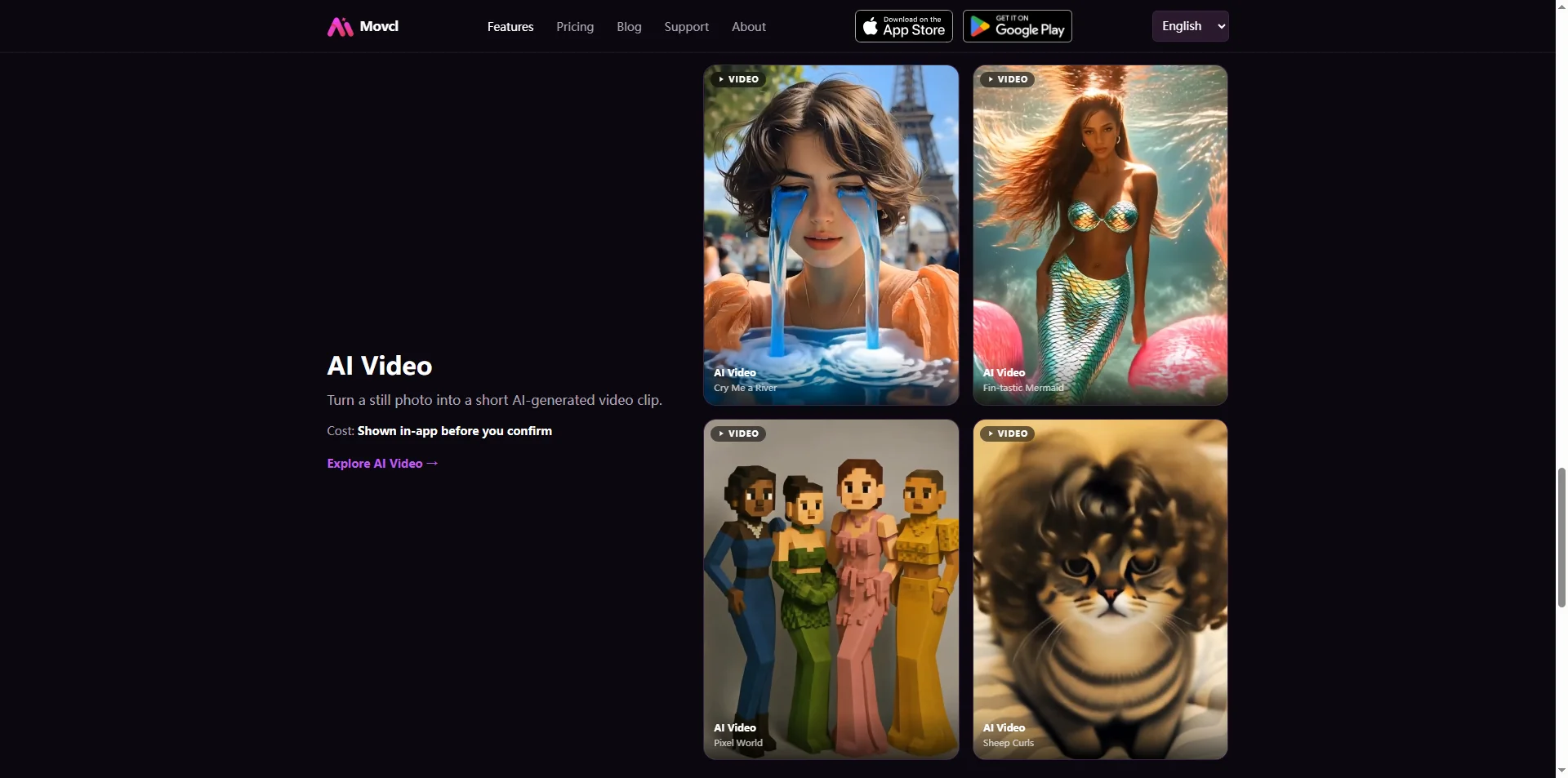
In Movcl you'll see a few routes, and they solve different problems:
- AI short video animates your photo into a short clip based on a template's motion and scene. Best for "glow-up," cinematic, and mood trends.
- Face swap places your face into a ready-made scene or character. This is the classic AI face swap photo video, and it's the go-to for "me as…" content.
- Outfit change keeps you, changes the look. Great for fit-check and "same person, five styles" posts.
Pick the template that matches the trend you're joining (there's a cheat sheet in the next section).
-
Generate, then generate again
Upload your photo and let the video AI generator render. My honest advice: don't judge the result from one try. Two or three generations from the same photo can look noticeably different, and one of them is usually the keeper. If none of them work, go back to step 1 and swap the photo rather than hammering the same one.
-
Save it and watch it full-screen
Save the clip to your camera roll and play it full-screen on your phone, because that's how your audience will see it. Check four spots: eyes (do they blink and track normally?), teeth, hands if they're in frame, and the hairline. Those are where AI-generated videos most often give themselves away.
-
Finish it in TikTok
Open TikTok, tap the plus button, and upload the clip from your gallery. Then:
- Add a trending sound. A good sound does a lot of the storytelling for you.
- Put a text hook on screen from the first frame, something like "POV: I gave AI one selfie."
- Turn on auto captions if you've added voiceover.
- Trim any awkward frames at the start or end.
TikTok's built-in editor handles all of this, so you don't need a separate AI video editor unless you're stitching several clips into one longer piece.
-
Label it and post
Before you publish, switch on TikTok's AI-generated content label in the post settings (it lives under the extra options when you're writing your caption; the exact spot has moved between app versions). Then write your caption, add a couple of relevant hashtags, and post. More on why the label matters below.
Which video style fits which TikTok trend
| Trend type | Best Movcl route | Hook idea |
|---|---|---|
| "Me as a movie character" | Face swap | "Casting myself in a film nobody asked for" |
| Glow-up / cinematic moment | AI short video | "One photo. Zero filming." |
| Fit check / style switch | Outfit change | "Same selfie, 5 different outfits" |
| Anime or art-style reveal | AI redraw | "What I'd look like in an anime" |
| Holiday or seasonal posts | Face swap or AI short video with a seasonal scene | "Asked AI to put me in a holiday card" |
One trick that works well: post the original photo for half a second at the start, then cut to the video. The before-and-after is the whole point of this kind of content, so show the "before."
Is there a truly free AI video generator?
Short answer: free to try, rarely free forever. Rendering video is expensive to run, so every AI video generator has to pay for it somehow. Here's how the trade-offs usually look:
| Option | What you pay | The catch |
|---|---|---|
| TikTok's built-in photo templates and effects | Free | Simple motion and slideshows; little face-level transformation |
| "100% free" web tools | Free | Often watermarks, long queues, low resolution, or unclear rules on what happens to your photo |
| Movcl | Free trial, then gems or a weekly plan | You pay for ongoing use, but your photos aren't used to train models |
My take: use the free trial to see whether the results suit your face and your content. If you're posting regularly, paying for a tool that's upfront about privacy is worth more than saving a few dollars on one that isn't. If you're curious what to check, we wrote about how to tell whether an app trains on your photos.
Mistakes that make AI-generated videos look fake
| Mistake | What you'll see | Fix |
|---|---|---|
| Using a heavily filtered selfie | Plastic skin, shifting facial features | Use an unfiltered original |
| Uploading a screenshot | Soft, smudgy detail | Upload the photo file itself |
| Picking a template that clashes with the photo angle | Head turns that look like a rubber mask | Match template pose to your photo's pose |
| Posting the first render | Small glitches you'd have caught | Generate 2 to 3 times and pick the best |
| Stacking more effects in TikTok | Over-processed, hard to watch | Keep edits to sound, text and trim |
The rules: labels, consent, and your own face
This part isn't exciting, but it keeps your account safe.
Label realistic AI content. TikTok asks creators to label AI-generated content that shows realistic people or scenes, and it can also apply a label automatically when it detects AI content. Labeling isn't an admission of anything; it's just transparency, and plenty of creators lean into it ("AI made this from one photo" is literally the hook).
Use your own face, or get a clear yes. Turning a friend's photo into a video without asking is a fast way to lose a friend, and making videos of someone who hasn't agreed can break TikTok's rules and, in some states, the law. Never use a real person's face to make it look like they said or did something they didn't. Marcus covers the legal side in Is It Legal to Use AI-Generated Photos of Yourself?
Don't pass it off as real footage. A face swap into a movie scene is obviously a bit. A realistic clip of you somewhere you've never been, posted as a real vacation, is a different thing. Keep it fun and keep it honest.
Wondering how face swap works under the hood? Read How Does AI Face Swap Actually Work? It explains why some photos swap cleanly and others don't.
FAQ
Can I turn a photo into a TikTok video for free?
Yes, with limits. TikTok's own photo templates are free, and most AI video apps, including Movcl, offer a free trial. Ongoing use of any AI video generator usually costs credits or a subscription, because rendering video costs real computing power.
How long does it take?
Generating the clip usually takes a minute or two per render. With picking the photo, trying a couple of versions and finishing in TikTok, plan on about ten minutes for your first one and less after that.
Do I have to label AI-generated videos on TikTok?
TikTok asks creators to label AI-generated content that shows realistic people or scenes. The toggle is in the post settings before you publish. Clearly stylized content like an anime redraw is less of a gray area, but labeling it anyway costs you nothing.
Can I use a friend's or celebrity's photo?
Use a friend's photo only with their clear permission. Avoid celebrities and public figures entirely: using a real person's likeness without consent can break platform rules and, depending on the state, right-of-publicity laws.
What resolution should the final video be for TikTok?
TikTok is built for vertical 9:16 video, and 1080 × 1920 is the standard target. Choose vertical templates when you can so TikTok doesn't crop or letterbox your clip.
Does Movcl keep my photo?
Movcl is built privacy-first: your photos are not used to train its models. For the details on what to look for in any app's policy, see AI Photo Apps and Your Privacy.
Got one good photo? That's enough.
Try Movcl's AI short video, face swap and outfit change templates with the free trial, then take your clip straight to TikTok.
Try Movcl free