


AI Outfit Change vs. Virtual Try-On: Which Tools Suit Everyday Selfies vs. E-commerce Product Photos?
Same broad idea — putting clothes on a person with AI. Completely different priorities, trade-offs, and ideal use cases.
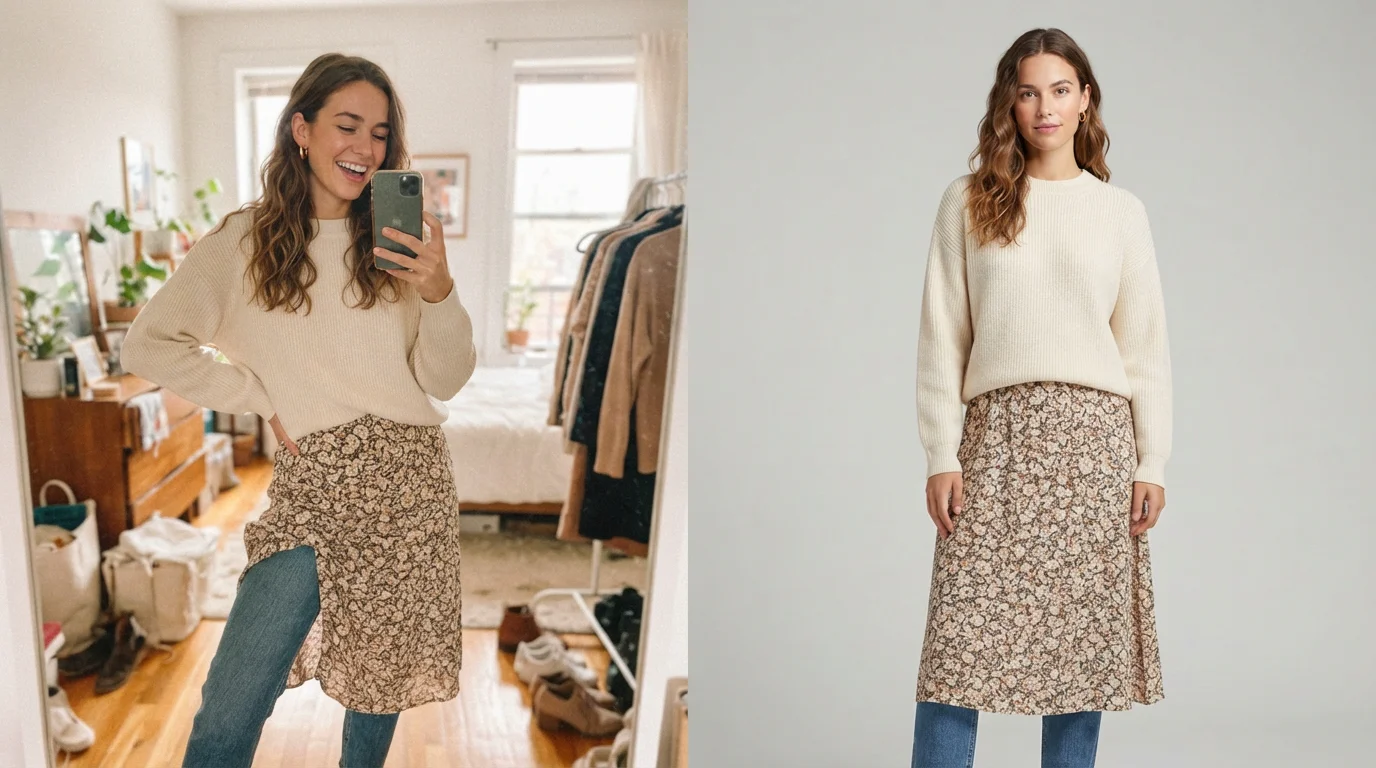
Casual selfie tools and e-commerce virtual try-on systems both change clothing with AI — but they optimize for almost opposite goals.
Key takeaways
- AI clothing tools fall into two broad categories: selfie-oriented outfit changers (fast, identity-preserving, style-focused) and e-commerce virtual try-on systems (garment-accurate, lighting-consistent, brand-safe).
- For everyday selfies and social content, prioritize tools that protect facial identity, handle imperfect phone photos, and offer a wide range of styles quickly.
- For product pages and catalog work, prioritize tools that reconstruct or faithfully re-render the actual garment — fabric behavior, logos, seams, and proportions matter more than face preservation.
- Using a casual outfit-change app for professional product imagery usually produces soft, stylized, or slightly inaccurate clothing details that brands and shoppers notice.
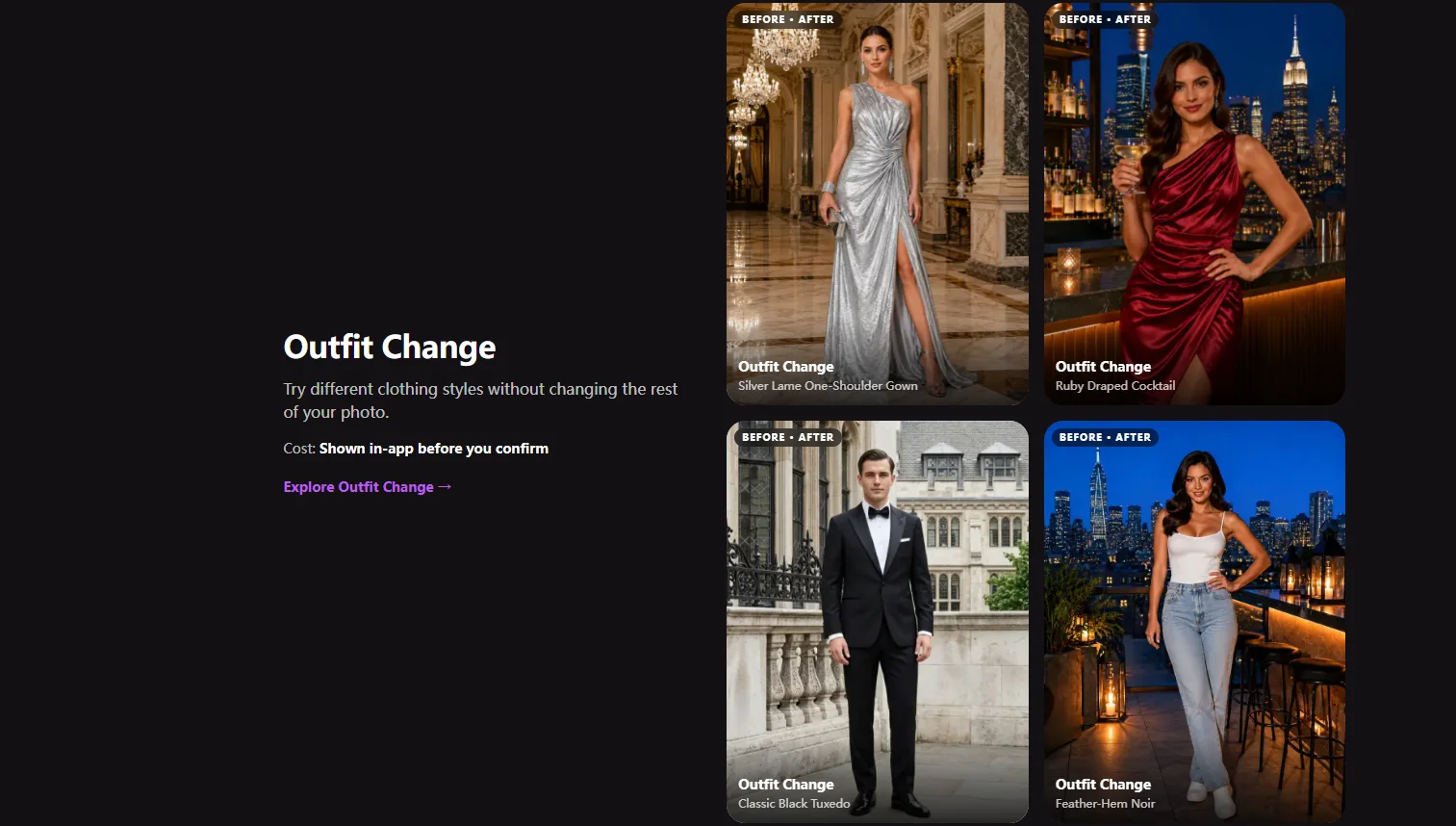
- Movcl’s Outfit Change feature is built for the selfie and social side of the spectrum: strong face retention, simple upload flow, and template-driven results in minutes.
- The right question is not “which tool is best overall?” but “which set of trade-offs matches the job I’m actually trying to do?”
AI clothing tools have become one of the most visible consumer applications of generative image models. Upload a photo, pick a new outfit, and seconds or minutes later the person is wearing something else. The surface description is the same whether you’re playing with a phone app or running a virtual try-on pipeline for an online store. Underneath, the priorities diverge sharply.
One category is optimized for people who want to see themselves in different looks — quickly, from an ordinary selfie, with their face and identity intact. The other is optimized for retailers who need the clothing itself to look correct: the right fabric behavior, accurate logos, consistent studio lighting, and proportions that match the real product. Confusing the two leads to disappointing results on both sides.
What “AI outfit change” usually means for everyday selfies
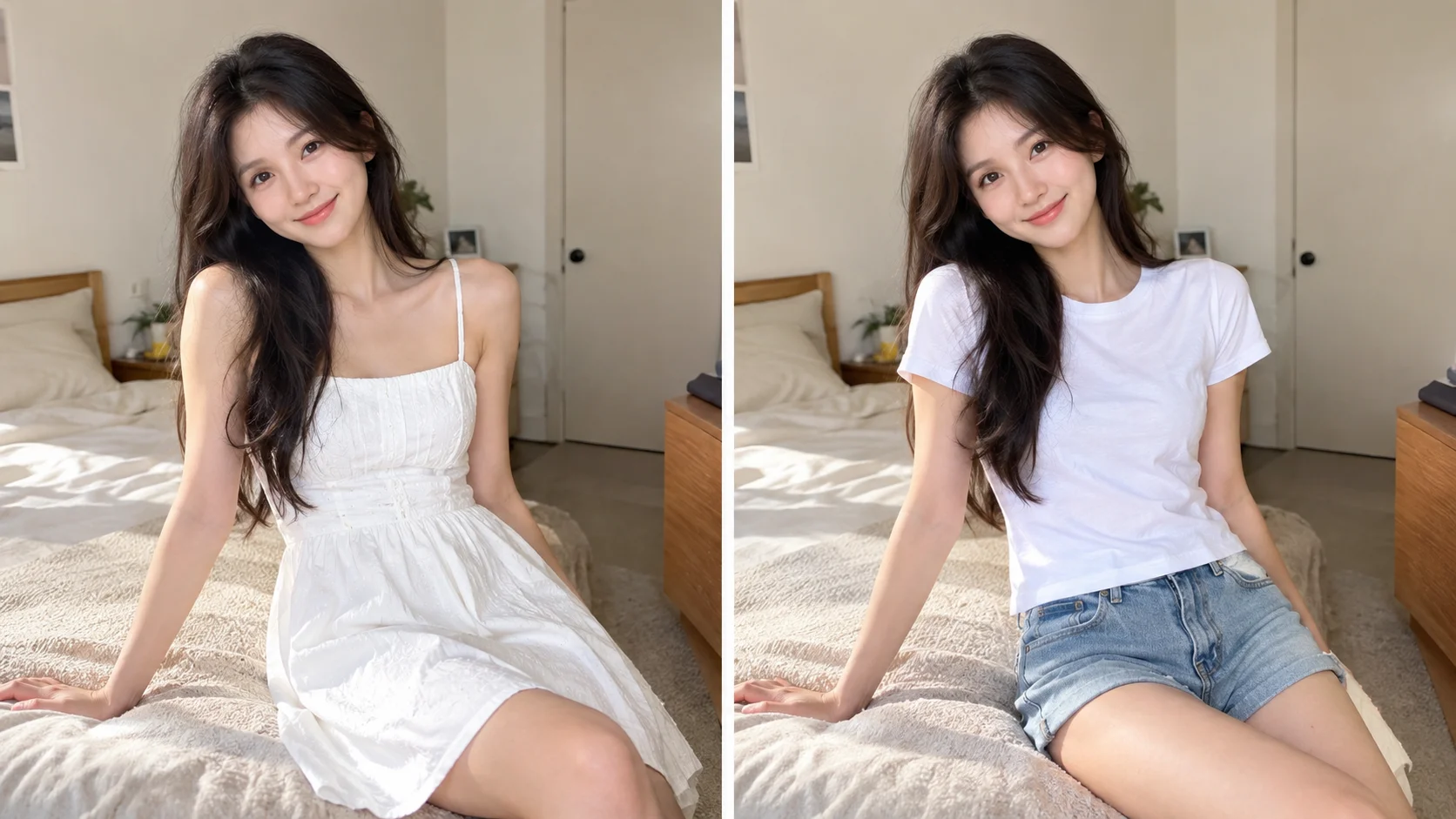
Most consumer-facing apps that advertise outfit change or virtual try-on for personal use are solving a specific problem: take a photo that already contains a person (often a phone selfie or casual portrait) and replace or restyle the clothing while keeping the face, pose, and overall identity recognizable.
These systems typically:
- Prioritize face and identity preservation above all else.
- Accept imperfect, casually lit, phone-captured photos.
- Treat clothing more as a style or appearance layer than as a precise 3D garment reconstruction.
- Offer large libraries of templates and trending looks rather than exact product matches.
- Optimize for speed and low friction — one photo, a few taps, a shareable result.
The output is meant to look good on a phone screen or social feed. Small inaccuracies in fabric drape or brand details are acceptable as long as the person still looks like themselves and the new outfit feels coherent. This is the category that Movcl’s Outfit Change feature sits in: upload a photo, choose a style, and get a result that keeps your face while changing the clothes.
What virtual try-on means in an e-commerce context
Professional virtual try-on and digital product staging tools are solving a different problem. The goal is usually to show a specific real garment on a model (or on a customer’s body) in a way that is faithful enough for purchase decisions and brand standards.
These systems more often:
- Start from a clean product photo or a 3D garment representation rather than a casual selfie.
- Emphasize accurate fabric behavior, seams, logos, and proportions.
- Control or normalize lighting and background so the clothing looks consistent across a catalog.
- Trade some face-identity flexibility for higher garment fidelity.
- Integrate with product information systems, size data, and sometimes AR try-on experiences.
In this setting, a slightly softer or stylized version of the clothing is not a fun creative choice — it is a product accuracy problem. Shoppers and brand teams notice when the AI version of a jacket does not match the real item’s details.
Side-by-side comparison
| Dimension | Selfie / social outfit changers | E-commerce virtual try-on |
|---|---|---|
| Primary goal | Show you in a new look | Show the product accurately on a body |
| Input photo quality | Casual phone selfies are fine | Prefers controlled lighting and pose |
| Face & identity | Highest priority — must still look like the user | Secondary; model consistency or customer fit often matters more |
| Garment fidelity | Style-level accuracy is usually enough | Fabric, logos, seams, and proportions must stay faithful |
| Output style | Often slightly stylized or “AI-enhanced” | Usually aims for photorealistic catalog consistency |
| Typical user | Individuals creating social content | Brands, retailers, catalog teams |
| Speed vs. control | Optimized for fast, low-friction results | Often allows more parameters and review steps |
When a selfie tool is the right choice
Choose a consumer outfit-change app when the job is personal and the photo already contains the person you care about:
- Trying different looks for social media or profile photos.
- Seeing how a style direction (formal, casual, seasonal) might look on you before shopping.
- Creating fun or trend-driven content where exact product matching is secondary.
- Working from ordinary phone photos rather than studio captures.
In these cases, the system’s ability to keep your face recognizable and to handle imperfect lighting and framing is more valuable than millimeter-accurate fabric simulation. Tools built for this use case, including Movcl, are intentionally optimized for that trade-off.
When you need an e-commerce-grade system
Reach for specialized virtual try-on or digital garment tools when the clothing itself is the product and accuracy has commercial consequences:
- Generating on-model images for a product page or lookbook.
- Showing the same garment across multiple body types or poses while keeping brand-consistent details.
- Reducing the cost of traditional photo shoots without sacrificing catalog reliability.
- Integrating with size recommendation or AR try-on experiences.
Here the system is judged by how faithfully it represents the real item. Starting from a high-quality product photo (or 3D asset) and controlling lighting and camera parameters usually produces better results than feeding a casual selfie into a consumer app.
The same underlying generative technology can serve both worlds. The difference is which constraints the product team chose to optimize for — and which ones they were willing to relax.
Practical decision checklist
Before you upload a photo, ask three short questions:
- Whose identity matters most? If the answer is “mine / the person in the photo,” lean toward a selfie-oriented outfit changer. If the answer is “the clothing brand / the exact product,” lean toward an e-commerce system.
- How perfect does the garment need to look? Style-level coherence is enough for social posts. Product-page accuracy usually requires higher garment fidelity.
- What kind of input photo do I actually have? A phone selfie works well with consumer tools. A clean product flat or studio model shot works better with professional pipelines.
Answering those three questions honestly usually points you to the right category without needing a technical deep dive into the underlying models.
Where Movcl fits
Movcl’s Outfit Change is designed for the everyday selfie and social-content side of the spectrum. It prioritizes face and identity preservation, works from ordinary uploaded photos, and delivers results through a simple template-driven flow. It is not intended as a full replacement for specialized e-commerce virtual try-on systems that need exact garment reconstruction and brand-controlled lighting.
If your goal is to see yourself in different looks quickly, that is the job the feature is built for. If your goal is catalog-grade product imagery, you will generally get better results from tools purpose-built for that workflow.
A quick glossary
- Outfit change (consumer)
- AI feature that replaces or restyles clothing on a person in an existing photo while trying to keep the face and identity intact. Optimized for speed and casual inputs.
- Virtual try-on (e-commerce)
- Systems that place a specific real garment onto a body (model or customer) with higher emphasis on fabric accuracy, logos, and visual consistency with the actual product.
- Identity preservation
- How well the generated image still looks like the original person, especially around the face. Critical for selfie tools; often secondary in pure product staging.
- Garment fidelity
- How accurately the AI version of the clothing matches the real item’s shape, material behavior, seams, and branding details.
Frequently asked questions
Can I use a selfie outfit-change app for product photography?
You can try, but results usually fall short. Casual tools prioritize speed, face preservation, and visual fun over fabric accuracy, consistent lighting, and brand-safe detail. For product pages, dedicated virtual try-on or garment-reconstruction systems produce more reliable, controllable outputs.
What’s the biggest technical difference between the two types of tools?
Selfie-oriented tools typically treat clothing as a style or texture overlay while protecting the person’s identity and pose. E-commerce systems more often reconstruct or re-render the garment itself — sometimes starting from a flat product photo — so folds, material behavior, and logo placement stay faithful to the real item.
Do I need a full-body photo for AI outfit change?
For casual selfie tools, a clear upper-body or half-body shot is usually enough. For e-commerce virtual try-on, full-body images with neutral pose and even lighting give the system more reliable information about proportions and how the garment should drape.
Is Movcl better for selfies or product images?
Movcl’s Outfit Change feature is designed primarily for everyday selfies and social content — fast results, strong face and identity preservation, and a wide range of style templates. It is not positioned as a replacement for specialized e-commerce virtual try-on pipelines that prioritize garment fidelity and brand consistency.