
Movcl Blog / Comparisons
Three new AI image models in two weeks: FLUX 3, Nano Banana 2.1, and Hunyuan Image 3.5, compared
Black Forest Labs, Google, and Tencent all shipped new image generators between September 22 and October 6. Here's what each one is actually good at, what it costs, where it ranks, and the catches that didn't make the launch posts.

The short version
- Nano Banana 2.1 (Google) is the best all-rounder of the three on independent leaderboards, and the cheapest Google image model per picture at 1K and 2K. It also likes to "help" by adding things you didn't ask for.
- FLUX 3 Image (Black Forest Labs) is the control freak's model: you can place objects with coordinates and edit one spot without disturbing the rest. It isn't ranked yet, isn't open source yet, and its 4K tier is expensive.
- Hunyuan Image 3.5 preview (Tencent) is the cheapest at about $0.024 an image and is much stronger at editing than at generating from scratch. It's a preview, it's closed, and its specs depend on which page you read.
- None of them beats OpenAI's GPT Image 2.5, which still sits at No. 1 on both major leaderboards.
FLUX 3 Image
Black Forest Labs, Germany
Pick it when exact layout and clean, local edits matter more than raw beauty.
- Released
- Oct 1, 2026
- From
- $0.048 / 1K image
- Leaderboards
- Not ranked yet
Nano Banana 2.1
Pick it for infographics, product shots, and multi-person scenes on a budget.
- Released
- Oct 6, 2026
- From
- $0.0336 / 1K image
- Leaderboards
- No. 4 (AA)
Hunyuan Image 3.5
Tencent (preview)
Pick it for cheap, chat-style editing where you refine one image over several turns.
- Released
- Sept 22, 2026
- From
- ~$0.024 / image
- Leaderboards
- No. 16 edit, No. 67 generate
How this comparison was put together
As of October 9, nobody has published a same-prompt, side-by-side test of all three models, in English or any other language we could find. So this piece doesn't pretend to be one. It pulls together the official docs and pricing pages, the two big independent leaderboards (Artificial Analysis and Arena), and the early hands-on tests other people have published, credited as we go. Where sources disagree, we say so. At the end you'll find a set of prompts you can run yourself.
Wait, did they really launch the same week?
Not quite, and it's worth getting right because half the headlines got it wrong. Tencent released Hunyuan Image 3.5 preview on September 22. Black Forest Labs launched FLUX 3 Image on October 1 (some outlets say October 2, which was just the day they reported it). Google shipped Nano Banana 2.1 on October 6. That's three releases in about two weeks.
The "same week" confusion comes from Hunyuan showing up on OpenRouter, a popular model marketplace, on October 5. That was its international listing date, not its launch. OpenRouter's own model ID even carries the real date: hy-image-v3.5-preview-20260922.
And these three weren't alone. Late September turned into one of the busiest stretches for image models this year:
- Sept 4Microsoft releases MAI-Image-2.6-Flash, a faster, cheaper version of its image model.
- Sept 8OpenAI ships GPT Image 2.5 in two flavors, Flare (fast) and Sunburst (quality). It's still No. 1 on both major leaderboards.
- Sept 20Alibaba releases Qwen-Image-2.1, a 7B open-weights model that can output transparent PNGs (research license; commercial use needs a separate deal).
- Sept 22Tencent releases Hunyuan Image 3.5 preview.
- Sept 23Recraft V4.1 Flash: roughly 1.3 seconds and under a cent per 1K image, generation only.
- Late SeptByteDance's Seedream 5.0 Flash appears. Sources give four different dates between Sept 15 and Oct 1.
- Sept 30Ideogram 4.5 launches with "Precise Edit," another model built around changing one thing without wrecking the rest.
- Oct 1Black Forest Labs launches FLUX 3 Image.
- Oct 6Google launches Nano Banana 2.1.
- Oct 7Grok Imagine Image 2.0 (canvas) debuts at No. 4 on Arena's text-to-image board, pushing Nano Banana 2.1 from fifth to sixth.
Two releases often lumped into this wave actually came earlier: Midjourney V8.2 became the default in July, and Qwen-Image 3.0 launched July 21.
The interesting part isn't that three models launched. It's that all three led with editing, not prettier pictures.
Read the launch posts side by side and a pattern jumps out. FLUX 3 pitches multi-step edits that leave the rest of the image alone. Google's announcement highlights mask-based editing and subject consistency. Tencent's whole pitch is conversational, turn-by-turn editing. Ideogram's release the day before FLUX 3 is called "Precise Edit." As one industry newsletter put it, generation quality has largely converged; the editing race is just starting. Keep that in mind as you read the three profiles below.
FLUX 3 Image: built for control
Black Forest Labs, launched Oct 1Black Forest Labs is the German startup founded by several of the researchers behind Stable Diffusion, and its FLUX models have been a favorite of people who like to tinker. The FLUX 3 family was announced back in July as one big model trained on images, video, and audio together. What launched on October 1 is the still-image product, FLUX 3 Image: one model, one endpoint, that both generates and edits. There's no "mode" switch. Your prompt decides whether you're making something new or changing something you uploaded.
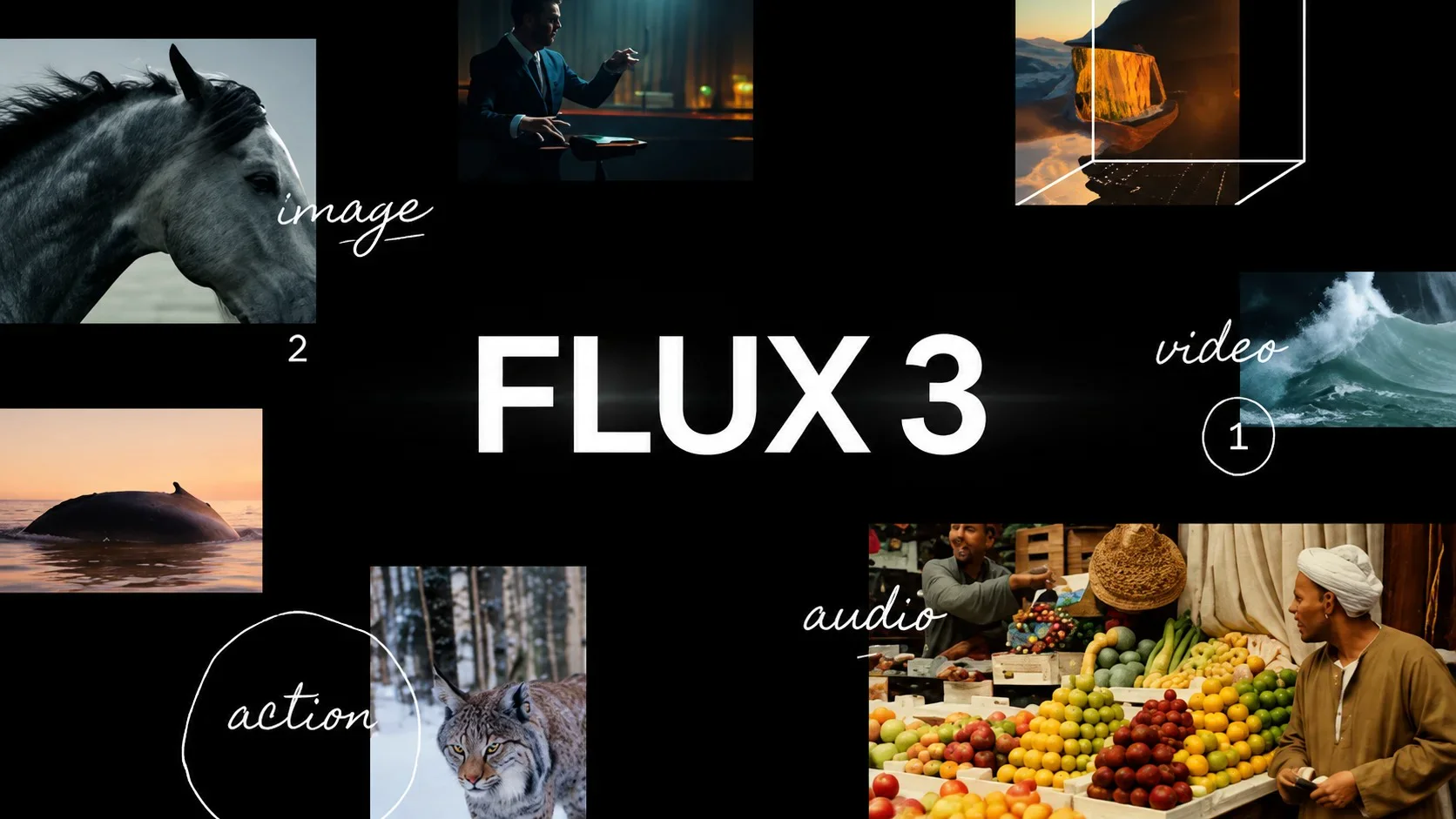
The headline feature: you can place things with coordinates
Most image models treat "put the cat in the top left" as a suggestion. FLUX 3 lets you be literal. It maps every canvas, whatever its shape, onto a 0-to-1000 grid, and you can draw boxes on that grid and say what goes in each one: background here, product here, headline text here. Black Forest Labs' own Playground can even take a one-line idea, have a language model plan the layout as a list of boxes, and let you drag them around before anything is generated.
That matters for anything where layout is the job: posters, magazine spreads, comic panels, product grids, or a group photo where each person needs a spot. The trade-off is that the precise version involves writing a structured element list with coordinates, which is a real learning curve if you've only ever typed sentences into an image box.
Editing that mostly stays inside the lines
The second big claim is local editing. Ask FLUX 3 to swap a paper cup for a ceramic mug, and in theory nothing else in the photo moves. The first independent test we found backs this up. Fuser Studio ran FLUX 3 against GPT Image 2.5 on that exact cup swap: outside the edit area, FLUX 3 changed 0.4% of the pixels, while GPT Image 2.5 changed 7.7%, quietly touching up the person's hair, skin, jacket, and the window behind them.
But be careful with the marketing line. The launch post said edits happen "without changing any other pixel." Black Forest Labs' own documentation is more honest: pixels outside the box "usually" stay identical, and shadows, reflections, and ambient light can shift. Its own examples show how much that varies. Adding two divers to a scene kept 94.1% of pixels identical. Changing someone's hair color kept only 67.8%, because the new color bleeds into the surroundings. Very small boxes (around 40 by 25 pixels) can fail outright.
How the pictures actually look
Text is a genuine strength. In Fuser's test, FLUX 3 and GPT Image 2.5 both got all 583 characters right across a jazz poster, a coffee menu, and the back label of an oat package. FLUX 3 also renders at a true high resolution: Black Forest Labs' 4K showcase is 5,456 by 3,072 pixels, with hand-painted Japanese signage still readable.
On pure "make me a beautiful picture" tasks, though, it hasn't caught the leader. A 14-prompt test by stablediffusion.blog had GPT Image 2.5 winning four of seven categories to FLUX 3's two, with one tie. The recurring complaints:
Where FLUX 3 shines
- Placing elements exactly where you want them
- Local edits that leave the rest of the photo alone
- Accurate typography on posters and packaging
- Native 4K for print-size output
- 15 aspect ratios, from 21:9 to 9:21
Where it stumbles
- Hands holding things: wine glasses, tweezers, knitting needles
- A glossy "magazine" look and plastic-looking skin
- "Handwriting" that looks like a font, with identical letters
- 4K is slow (minutes, not seconds) and costs $0.607 an image
- One user report of a non-English prompt wrongly blocked by the safety filter
The two asterisks
It isn't open source. This is the biggest change for the FLUX community, which grew up running these models on its own hardware. Right now FLUX 3 Image is API-only, with commercial weights available to companies by contract. Black Forest Labs says an open-weights version is coming "in the coming weeks," with no date, size, or license terms yet. (At least one outlet headlined it as "open source." It isn't.)
It isn't ranked. As of October 9, FLUX 3 Image doesn't appear on either the Artificial Analysis or Arena leaderboards, and Black Forest Labs hasn't published any image quality benchmarks of its own. Its quality claims rest on official sample images and a handful of early tests.
Where to try it: Black Forest Labs' Playground at flux-tools.bfl.ai, or through fal, OpenRouter, Replicate, and Runware. A 50%-off launch promo ran from October 1 to October 8 and has ended, so ignore any "$0.02 per image" figures you see.
Nano Banana 2.1: the leaderboard winner with opinions
Google, launched Oct 6Nano Banana is the nickname that stuck for Google's Gemini image models, and version 2.1 is the efficient sibling to Nano Banana Pro. It's built on Gemini 3.6 Flash, went straight to general availability in the API (no preview period), and is rolling out across the Gemini app, Google AI Studio, AI Mode in Search, and Google's Flow video tool. If you want the full background on the series, our complete Nano Banana guide covers it.
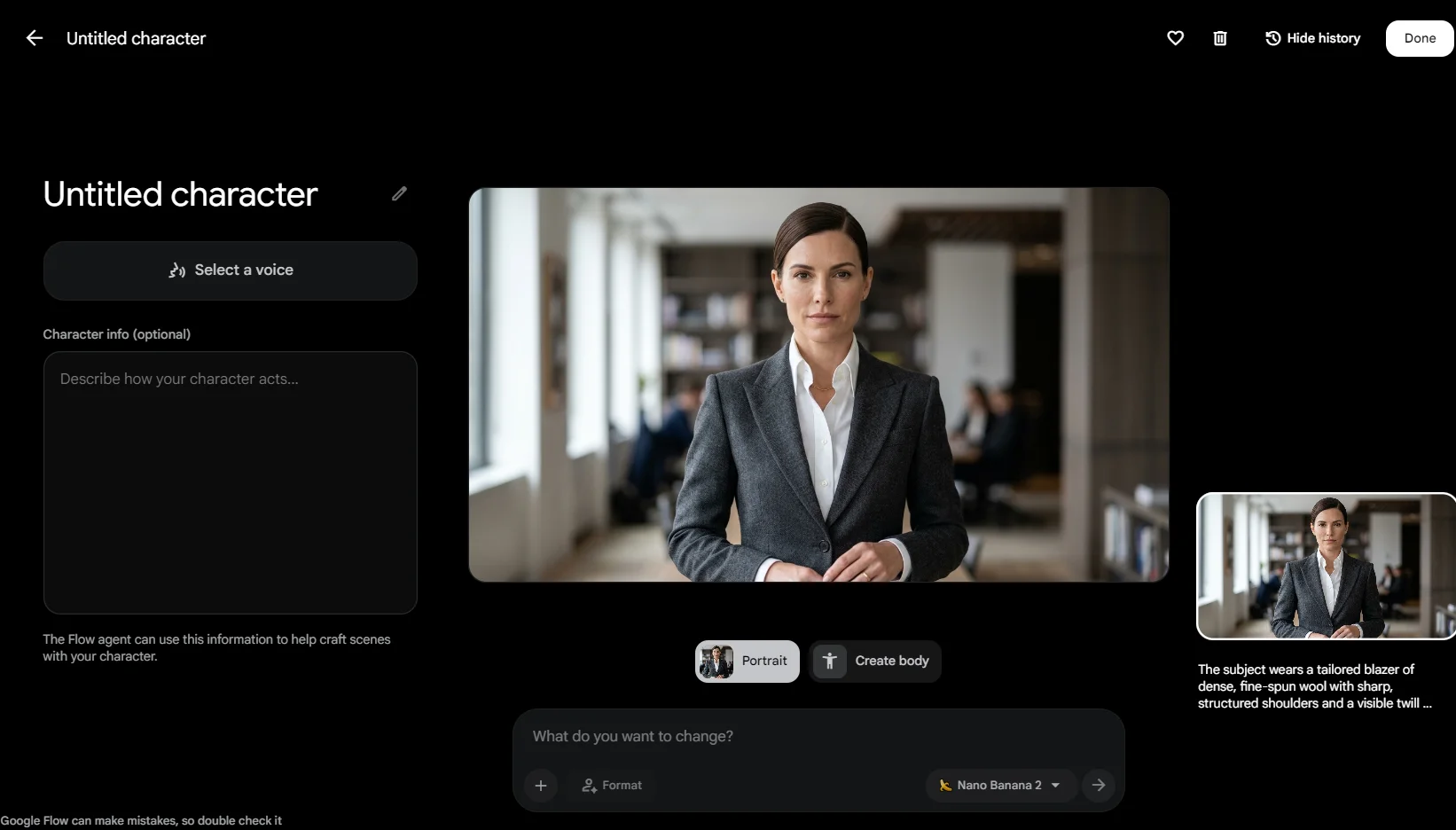
What's new compared with Nano Banana 2 and Pro
- Adjustable "thinking." The model can reason before it draws, at minimal, medium (the default), or high effort. More thinking generally means better instruction-following, at the cost of time and money.
- Up to 14 reference images, with consistency for up to four people and ten objects in one scene.
- Mask-based editing: circle or paint over the area you want changed, and only that area should change.
- Better infographics and charts, plus the option to ground images in live Google Search and Image Search results.
- Fixed panoramas. Extra-wide and extra-tall formats (4:1, 8:1, and their vertical twins) no longer show tiling seams at 2K and 4K.
- Gone: the tiny 0.5K size, and there's still no support for style reference images (Pro allows three).
Where it ranks
This is where 2.1 pulls clearly ahead of the other two new models. On Artificial Analysis, it's No. 4 for text-to-image (Elo 1160) and No. 4 for editing (1137), beating both Nano Banana 2 and Nano Banana Pro on both boards. On Arena, it was fifth on launch day and sixth a day later, after Grok's new model arrived. Above it in every case: OpenAI's GPT Image models.
Google's own testing paints an even rosier picture, with 2.1 ahead of Pro in every category it measured, and a big jump on multi-person consistency and on getting facts right in infographics (a score of 0.521 versus 0.179 for Nano Banana 2). Treat those as Google grading its own homework. Reviewers at The Decoder and Decrypt both flagged that the numbers are self-reported, and hands-on testers keep finding places where Pro still wins.
What testers found
Early reviews line up into a fairly consistent picture. In Fuser Studio's five-prompt test of 2.1, Nano Banana 2, and Pro, 2.1 won two, tied two, and lost one. It was the only model to get "light from the left, shadow on the right" correct on a product shot. Pro won the test of keeping one person's face the same across scenes, and was the only one with readable shop signage. Analytics Vidhya asked for a bar chart in a 40:60:100 ratio and got the proportions exactly right.
The most common complaint is that 2.1 doesn't leave well enough alone. One tester running 2K prompts found it added captions nobody asked for in 8 of 16 images (Pro did it in zero of 14). Others reported it filling deliberately empty space with furniture and scenery, switching a headline to all caps, and in one case quietly deleting the traffic from a street photo it was asked to restyle. On Reddit, a thread titled "Nano Banana 2.1 - Ignores instructions" captured the mood among some longtime users.
Where Nano Banana 2.1 shines
- Following layout and lighting instructions
- Infographics, charts, and posters
- Product photos and multi-person scenes
- Speed: about 25 seconds at 2K versus roughly 40 for Pro in one test
- Price at 1K and 2K
Where it stumbles
- Adds text, props, or background you didn't request
- Small text blurs at 1K (Google's model card admits this)
- Face likeness and realism still trail Pro
- Odd scale, like a horse drawn the size of a pony
- Occasionally confuses left and right
A practical fix many testers recommend: spell out the empty parts. Phrases like "nothing else in the frame" or "the right third stays blank" noticeably cut down on the uninvited extras. For anything with a lot of small text, generate at 2K instead of 1K.
"Half the price" is only half true
Google's per-image output price did drop sharply: $0.0336 at 1K and $0.0504 at 2K, roughly half of Nano Banana 2. But two details get lost in the headlines. First, the 4K price is $0.113 on Google's current pricing page, not the $0.0756 many articles quoted. That's only about 25% cheaper than before. Second, the price of what you send in tripled, from $0.50 to $1.50 per million tokens, and the cost of the model's "thinking" went up 2.5 times. One independent breakdown found that if you attach 14 reference images, your real savings shrink to around 24% at 1K and 14% at 4K.
Can you use it for free?
In the Gemini app, Nano Banana 2.1 is listed as part of Google's paid AI plans (Plus, Pro, and Ultra). Free users still get Nano Banana 2. The developer API has no free tier for 2.1. Nano Banana 2 has been marked deprecated, but as of this writing Google hasn't announced a shutdown date (an October 29 date circulated on launch day and has since disappeared from Google's page).
Hunyuan Image 3.5: the cheap editor that ranks two different ways
Tencent, preview released Sept 22Tencent's model goes by a few names, which is half the reason it's easy to miss in English-language coverage. Its official name is Hy Image 3.5 preview; leaderboards list it as HunyuanImage 3.5 (Preview); most people just say Hunyuan Image 3.5. Whatever you call it, it's one model that handles both generating and editing, and its signature trick is conversation: you make an image, then keep refining it turn by turn ("now make the jacket navy," "now add rain"), with the model carrying the history forward.
Tencent spent about two months testing it inside its own apps before release, and the usage data it shared tells you where people pointed it. During that test period, portrait retouching requests in Tencent's Yuanbao assistant doubled, and poster and logo requests grew 80%.
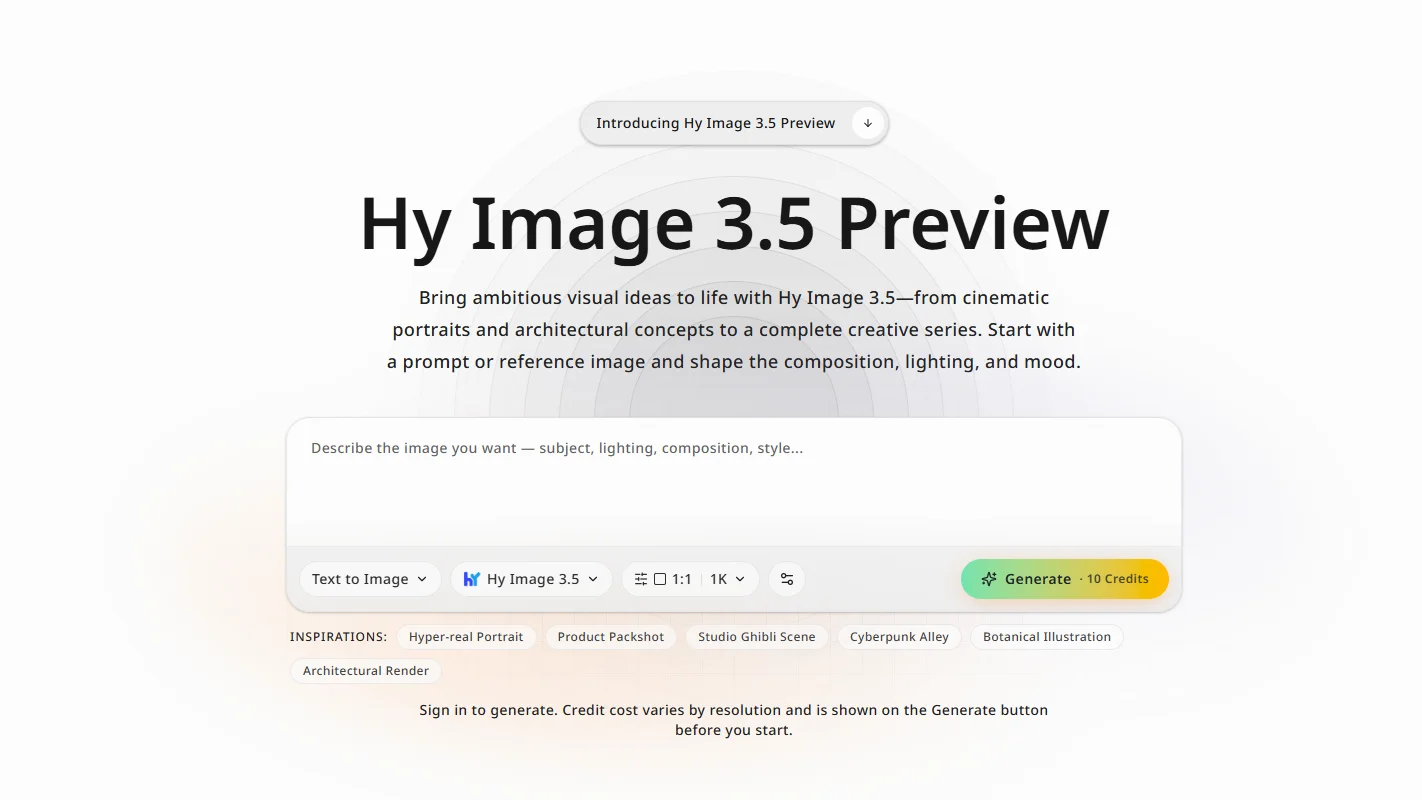
The ranking puzzle
Here's the most interesting tension in this whole wave. Tencent says hundreds of professional designers blind-tested 3.5 and found it about 30% better than Hunyuan Image 3.0, on par with ByteDance's Seedream 5.0 Pro, and slightly ahead of Nano Banana Pro.
The independent numbers tell a split story. On Artificial Analysis's text-to-image board, 3.5 preview sits at No. 67 out of 167, with an Elo of 975. That's well below Nano Banana Pro (1102) and even a hair below Tencent's own previous model, 3.0, at 983. But on the editing board, it jumps to No. 16 out of 81 (1087), within shouting distance of Nano Banana Pro's 1101.
Both can be true. Artificial Analysis measures what the general public prefers at default settings and 1024-pixel squares. Tencent's test used its own designers, its own prompts, and undisclosed sample sizes. The fair takeaway: Hunyuan Image 3.5 is a solid, cheap editor, and a middling generator from scratch, at least by crowd vote.
What testers found
The most detailed hands-on review came from GMI Cloud, which hosts the model (so it's not a neutral party, but its findings include plenty of criticism). Across 36 requests that cost $0.84 total, they found:
- Edits held up well. Five rounds of changes to a red mug with a logo kept the mug's shape, handle, and logo stable, changing only what was asked each time.
- Headlines were reliable; small numbers weren't. A chalkboard menu came back with every word spelled right, but a croissant priced at $3.75 was quietly changed to $3.00.
- Results weren't repeatable. The same seed, prompt, and size produced different images, despite documentation saying a fixed seed should reproduce a result.
- It's fast. Median times were about 13 seconds at 1K, 20 seconds at 2K, and 23 seconds for an edit.
- Sizes drift slightly. A 1920 by 1080 request came back as 1920 by 1072, which matters if you're making video thumbnails.
The spec sheet that contradicts itself
Two numbers depend on which Tencent page you read. Tencent's press release says up to 5 reference images and a maximum of 2K. Its API documentation allows up to 20 reference images and output up to 4096 by 4096. The most sensible reading: apps cap you at 5 references while the API allows 20 (counting earlier turns of a conversation), and anything above 2K is upscaled rather than generated natively, which is exactly what the ComfyUI integration notes say. Extremely wide formats, beyond about 6:1, can also cause the subject to repeat.
One more correction you'll see floating around: some English articles say it costs "$0.15 per 2K image." That's a misreading. The domestic price is ¥0.15 (Chinese yuan). The international price is about $0.024.
Where Hunyuan Image 3.5 shines
- Multi-turn, chat-style editing
- Keeping objects and logos consistent across edits
- Lowest price of the three
- Fast turnaround at 1K and 2K
- Multilingual text and poster layouts (Tencent's main pitch)
Where it stumbles
- Low crowd ranking for generating from scratch
- Small text and numbers can change silently
- No true 4K, and fixed seeds don't reproduce
- Still a preview: behavior and pricing may change
- Closed weights, unlike the open 3.0 release
Where to try it from the U.S.: OpenRouter (tencent/hy-image-v3.5-preview), ComfyUI's partner nodes, GMI Cloud, or Tencent Cloud's international API. Tencent's own consumer apps, like Yuanbao, are aimed at users in China, and some overseas users report Tencent's AI Studio site asks for a mainland Chinese phone number. Generated image links from the API expire after 12 hours, so download what you want to keep.
Side by side: the specs that matter
On a phone, each row below turns into its own card. Numbers are from official docs and pricing pages as of October 9, 2026, with the disputed ones flagged.
| Spec | FLUX 3 Image | Nano Banana 2.1 | Hunyuan Image 3.5 |
|---|---|---|---|
| Company | Black Forest Labs (Germany) | Tencent (China) | |
| Release | Oct 1, 2026 | Oct 6, 2026 | Sept 22, 2026 (preview) |
| Built on | Multimodal flow model trained on image, video, and audio; size not disclosed | Gemini 3.6 Flash, with adjustable thinking | Iteration on Hunyuan Image 3.0; details not disclosed |
| Max resolution | Native 4K (~16.8 MP) | 4K | 2K native; 4K via upscale |
| Reference images | Up to 10 | Up to 14 (4 people + 10 objects) | 5 in apps; up to 20 via API |
| Signature feature | Coordinate-based layout boxes and local edits | Instruction-following, infographics, mask edits, multi-person consistency | Multi-turn conversational editing |
| Search grounding | Yes (on by default) | Yes (Google Search + Image Search) | Optional search tool in API |
| Open weights | Promised "in the coming weeks" | No | No |
| Easiest way to try | BFL Playground, fal, OpenRouter | Gemini app (paid plans), AI Studio | OpenRouter, ComfyUI |
Sources: Black Forest Labs docs and model page; Google Gemini API docs, pricing page, and DeepMind model card; Tencent Cloud API docs and press release.
The leaderboards, in one picture
Two public leaderboards matter most for image models. Artificial Analysis and Arena both show people two images from anonymous models and ask which they prefer, then turn millions of votes into Elo-style scores, like chess ratings. Here's where things stand on Artificial Analysis, with GPT Image 2.5 included as the bar everyone is chasing.
Artificial Analysis: text-to-image Elo
Bars start at 900 so differences are visible. Snapshot Oct 9, 2026.
Artificial Analysis: image editing Elo
Same scale. Note how much closer Hunyuan sits here.
Source: artificialanalysis.ai text-to-image and editing leaderboards, retrieved Oct 9, 2026. Rankings move daily.
Arena tells a similar story for Google: Nano Banana 2.1 is No. 6 for text-to-image (1328, still marked preliminary), No. 6 for single-image editing, and No. 4 for multi-image editing. Neither FLUX 3 Image nor Hunyuan Image 3.5 is on Arena's text-to-image board yet. For context, Tencent's older Hunyuan Image 3.0 sits at No. 35 there.
A caution about all of this: crowd leaderboards reward what looks good at a glance, at default settings. They don't measure whether you can put a logo exactly 40 pixels from the corner, or whether the fifth edit still looks like the first photo. That's precisely the stuff FLUX 3 and Hunyuan are selling.
What they actually cost
Per-image list prices, as of October 9, ignoring promotions and resellers. Tencent hasn't published an international 4K price, and since its 4K is upscaled anyway, we've left that bar empty.
Price per image at 2K
Bars scaled to $0.10.
Price per image at 4K
Bars scaled to $0.607. This is where the gap gets dramatic.
| Size | FLUX 3 Image | Nano Banana 2.1 | Hunyuan Image 3.5 |
|---|---|---|---|
| 1K | $4.80 | $3.36 | ~$2.40 |
| 2K | $10.00 | $5.04 | ~$2.40 |
| 4K | $60.70 | $11.30 | Not published |
| Hidden extras | None: prompts, reference images, and failed generations are free | Input and "thinking" tokens are billed on top; batch mode halves prices | Each turn of a multi-turn edit is billed as a new image |
For scale: GPT Image 2.5 runs about $210 per 1,000 images on Artificial Analysis's pricing, roughly six times Nano Banana 2.1.
For most people, the takeaway is simple. If you generate in volume at normal sizes, all three are cheap, and Hunyuan is cheapest. If you need print-size 4K, FLUX 3 costs more than five times what Nano Banana 2.1 does, and you're paying for its native resolution and layout control, not a better-ranked picture.
Every published test so far, in one table
None of these tests compared all three models directly, and most used a handful of prompts each, so treat them as early signals, not verdicts.
| Test | Models | What they tried | What happened |
|---|---|---|---|
| Fuser Studio | FLUX 3 vs GPT Image 2.5 | 3 text-heavy designs, 2 edits | Text tied (583 of 583 characters each); FLUX 3 changed far fewer pixels outside edits |
| stablediffusion.blog | FLUX 3 vs GPT Image 2.5 | 14 prompts, 7 categories, generation only | GPT won 4, FLUX 3 won 2, 1 tie; FLUX 3 weaker on hands and handwriting |
| Fuser Studio | NB 2.1 vs NB 2 vs NB Pro | 5 prompts: portrait, poster, product, edits | 2.1 won 2, tied 2, lost 1; Pro better at face likeness and signs |
| AI Free API | NB 2.1 vs NB Pro | 7 prompts at 2K, 2 samples each | Mostly tied; 2.1 added unrequested captions in 8 of 16 images |
| Analytics Vidhya | NB 2.1 | Diagram, bar chart, restyle, 3-panel comic | Chart proportions exact; deleted traffic from a restyled street photo |
| The Decoder | NB 2.1 vs NB Pro | One complex surreal prompt | Pro more realistic; 2.1 drew the horse at pony scale |
| GMI Cloud | Hunyuan 3.5 only | 36 calls: signage, menu, 5-round edit chain, seeds | Edits stable; one price changed; seeds not reproducible |
GMI Cloud hosts Hunyuan Image 3.5 and AI Free API ran its tests through its own gateway, so both have a commercial interest.
So which one should you use?
It depends far more on the job than on which model is "best." Here's how we'd match them up based on everything above.
| If you want to... | Start with | Why |
|---|---|---|
| Make an infographic, chart, or explainer graphic | Nano Banana 2.1 | Best factual accuracy in Google's tests and exact proportions in independent ones |
| Design a poster with exact placement | FLUX 3 Image | Coordinate boxes put every element where you specify |
| Edit one detail and keep everything else | FLUX 3 Image | 0.4% of pixels changed outside the edit in Fuser's test |
| Refine one image over many rounds | Hunyuan Image 3.5 | Built around conversational editing; held a logo steady over 5 rounds |
| Put several specific people in one scene | Nano Banana 2.1 | Highest multi-person consistency score and 14 reference slots |
| Generate thousands of images cheaply | Hunyuan Image 3.5 | About $0.024 per image, fast, billed only on output |
| Print large (true 4K) | FLUX 3 Image | Only one of the three with native ~16.8 MP output; budget for it |
| Keep a real person's face recognizable | Nano Banana Pro or GPT Image 2.5 | Testers found Pro still beats 2.1 on likeness; FLUX 3 and Hunyuan haven't been tested for it publicly |
| Just get the best-looking image | GPT Image 2.5 | Still No. 1 on both leaderboards, at about six times the price |
What this means for your own photos
If you mostly use AI on pictures of yourself, your friends, or your kids, the editing race is the part of this news that affects you most. Every one of these launches is, in some way, about the same problem: changing one thing in a photo without the AI "helpfully" re-rendering the rest. That's the difference between an outfit swap that still looks like you and one where your jawline, skin, and hair have all been subtly redrawn.
We covered why that happens in how AI understands clothing. The short version: a model that regenerates the whole frame has to re-guess your face every time. The numbers from this wave show the problem isn't solved. Even FLUX 3, the most careful editor here, kept only about two-thirds of pixels identical when changing hair color. Nano Banana 2.1 sometimes removes things it wasn't told to touch. And in head-to-head tests, the face-likeness crown still belongs to older, pricier models.
There's also a practical gap between a powerful model and a usable tool. Getting the best out of these three means writing coordinate boxes, picking thinking levels, managing reference image slots, watching token bills, and knowing which phrases stop a model from filling empty space. That's a fine hobby. It's a lot to ask if you just want to see yourself in a different jacket.
Before uploading a personal photo to any of these services, it's also worth checking what happens to it afterward. Our guide to whether an app trains on your photos walks through what to look for in a privacy policy.
Want the edit without the prompt engineering?
Movcl turns one photo into face swaps, outfit changes, AI art redraws, and short videos using ready-made templates, with no coordinates or token math. Your photos aren't used to train models, and you can start with a free trial.
Frequently asked questions
Is FLUX 3 open source?
Not yet. FLUX 3 Image is available through Black Forest Labs' API and Playground, and companies can license commercial weights. The company says an open-weights version is coming "in the coming weeks," but hasn't shared a date, model size, or license terms.
Is Nano Banana 2.1 free?
Not for free Gemini users. Google lists 2.1 under its paid Google AI plans, while free users still get Nano Banana 2. The developer API has no free tier and charges $0.0336 per 1K image, plus input and thinking costs.
Are Hy Image 3.5 and Hunyuan Image 3.5 the same thing?
Yes. "Hy Image 3.5 preview" is Tencent's official English name, Artificial Analysis lists it as "HunyuanImage 3.5 (Preview)," and the API model ID is hy-image-v3.5-preview. It's still a preview, and Tencent hasn't given a date for a final release.
Which of the three is cheapest?
Hunyuan Image 3.5, at about $0.024 per image. Nano Banana 2.1 is $0.0336 at 1K and $0.0504 at 2K. FLUX 3 Image is $0.048 at 1K and $0.10 at 2K. At 4K, Nano Banana 2.1 costs $0.113 and FLUX 3 costs $0.607.
Which is the best AI image generator right now?
By crowd-voted leaderboards, OpenAI's GPT Image 2.5 is still No. 1. Among this month's new models, Nano Banana 2.1 ranks highest overall. But "best" depends on the task: FLUX 3 is the most controllable, and Hunyuan is the cheapest capable editor.
Did these three really launch in the same week?
No. Hunyuan Image 3.5 launched September 22, FLUX 3 Image on October 1, and Nano Banana 2.1 on October 6, about two weeks apart. Hunyuan's October 5 listing on OpenRouter is why some articles grouped them into one week.
Was the original Nano Banana shut down?
Not as of October 9. A retirement date of October 2 was announced earlier for the original model in the Gemini API, but Google's deprecations page now shows March 15, 2027. Nano Banana 2 is marked deprecated with no shutdown date announced.
Sources and notes
All figures are as of October 9, 2026. Leaderboards update constantly and prices change, so check the live pages before relying on a number. Where sources conflicted, we used the vendor's current official page.
- Black Forest Labs: FLUX 3 Image model page (bfl.ai/models/flux-3-image), API docs and pricing (docs.bfl.ai), release notes
- Google: Gemini API changelog, model page, and pricing (ai.google.dev); Nano Banana 2.1 model card (deepmind.google); Gemini image generation overview (gemini.google)
- Tencent: Hy Image 3.5 preview announcement; Tencent Cloud TokenHub API guide (cloud.tencent.com)
- Leaderboards: Artificial Analysis text-to-image and editing boards (artificialanalysis.ai); Arena text-to-image and image-edit boards (arena.ai)
- Hands-on tests: Fuser Studio (FLUX 3 vs GPT Image 2.5; Nano Banana 2.1 vs 2 vs Pro), stablediffusion.blog, AI Free API, Analytics Vidhya, The Decoder, Decrypt, GMI Cloud
- Pricing analysis: origami.sa (Nano Banana 2.1 effective cost with reference images)