


How to Turn a Holiday Photo Into a Short Video for Instagram & TikTok

Key takeaways
- One photo is enough. An AI video tool can animate a single Christmas photo into a short clip in about a minute, with no filming, timeline or editing app.
- Both Instagram Reels and TikTok are built for vertical 9:16 video (1080 × 1920). Keep faces and text away from the top and bottom edges, where the app interface sits.
- Match the template to the mood: Memories for nostalgia, Spotlight or Movie Roles for drama, Fun for laughs, Dream Places for snowy scenery. Generate two or three takes and keep the one that still looks like you.
Christmas, a set of carefully shot photos, a hand-gesture dance video filmed over a hundred times, a carefully written caption—hit post.
Want to stand out with just one video? Maybe you win by volume instead. TikTok’s system for spotting viral hits isn’t that accurate—one of your videos might suddenly get a massive push.
So open Movcl, you don’t need to film anything to get there. With AI video, a single holiday photo from your camera roll can become a short vertical clip made for Instagram Reels and TikTok.

Why a moving photo outperforms a still on Reels and TikTok
Short-video feeds are built around motion. A still image has to win the scroll in a fraction of a second, while a clip gives the viewer a reason to stay for the full loop. Even three or four seconds of gentle movement, such as a blink, a smile, drifting snow or a slow push-in, changes how a photo reads.
A holiday photo shows the moment. A holiday clip lets people feel it.
AI video also lowers the effort. Instead of shooting, trimming and syncing footage, you start from a photo you already love and let a template add the motion. That makes it practical to post more than once during the season.
Start with the right holiday photo
AI video works from what it sees, so the photo does most of the work. Check your pick against this list before you upload:
- A clearly visible face. Eyes open, no heavy shadow, no sunglasses. This is the single biggest factor in keeping the result recognizable.
- Warm, soft light. Tree lights, a window at dusk or a lamp beside the couch flatter faces far more than a bright overhead bulb.
- One focal point. A person, a couple or a pet in a sweater. Let the tree sit behind them as context, not competition.
- One holiday detail. A mug, a ribbon, wrapping paper or a scarf says Christmas better than ten props.
- Room to breathe. Leave space above the head and below the chest so the video still works after the app overlays its buttons and captions.
- Sharpness. If it’s blurry or heavily compressed, run it through an enhancer first. A cleaner source gives cleaner motion.
Create a festive atmosphere without a studio
A festive atmosphere is mostly light and layers. Switch off the overhead lamp, let the tree lights and a single warm lamp do the work, and stand a step in front of the glow so your face is lit and the sparkle sits behind you. Add one prop in the foreground and you’ll have depth. Then shoot a few frames in a row, because candid beats stiff, and the frame right after the laugh is often the best one.
If the photo you love wasn’t taken in good light, don’t reshoot. Choose a template that supplies the mood: snow, a glowing street or a cozy interior can be added after the fact.
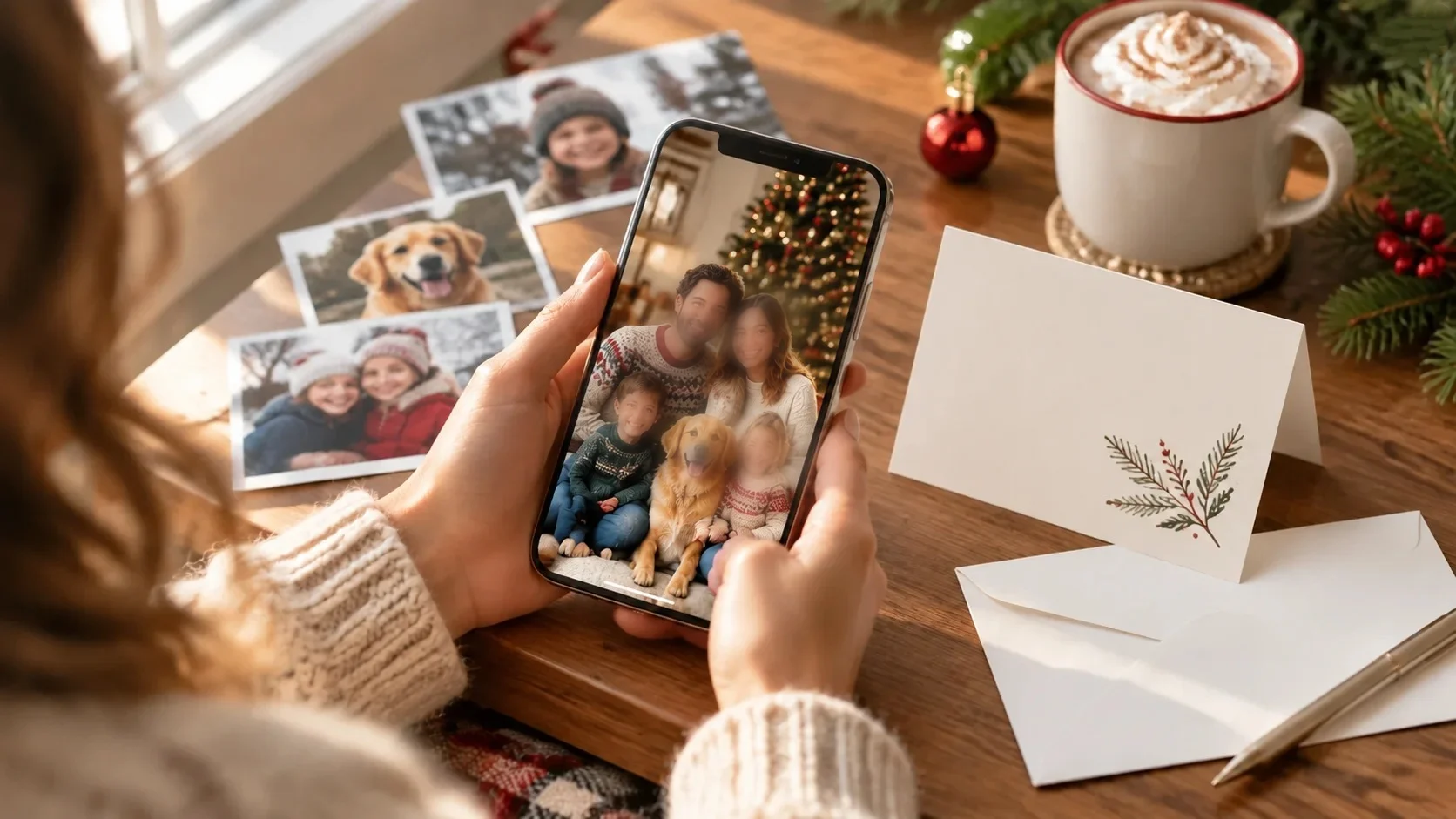
Your Christmas preparations posting plan
The most underused source of holiday content is the run-up. Christmas preparations are already full of small, warm moments, and each one makes a natural clip. Here is a simple plan you can follow from now until the day itself:
- Late November: the tree goes upA tree-side portrait. Try a gentle, nostalgic Memories-style clip.
- Early December: baking and decoratingA candid kitchen shot in warm light. Try a playful Fun template.
- Mid December: wrapping giftsOne person, ribbon in hand. Try Spotlight to put them at the center of the frame.
- The week before: outfits and plansA mirror selfie or portrait. Try a festive look, then a Movie Roles clip.
- Christmas Eve and Day: the main eventYour best family or couple photo. Try Dream Places for a snowy-street finale.
Posting along the countdown also builds anticipation. Followers who see the tree in November are more likely to watch the finale in December.
Which AI video template fits which photo?
| Your goal | Start with | Works best on |
|---|---|---|
| A nostalgic, heartfelt moment | Memories | Family photos, couples, a loved one you miss this season |
| Make one person the star | Spotlight | Solo portraits with a strong, clear face |
| A holiday-movie moment | Movie Roles | Portraits and tree-side selfies |
| A laugh for the group chat | Fun | Silly, candid or big-group photos |
| A snowy, dreamlike setting | Dream Places | Any clear portrait, even one taken on the couch |
| Rescue an old or blurry photo first | One-Click HD, then any template | Scanned prints, screenshots, compressed images |
Template names and styles change with the season, so browse each feature in the app to see what’s currently on offer.
How to make the video in four steps
- Pick one sharp photo. Front-facing, evenly lit, face clearly visible. Enhance it first if it’s soft.
- Choose a feature and a template. Memories for sentiment, Spotlight or Movie Roles for drama, Fun for laughs, Dream Places for scenery. In Movcl’s AI Video, you upload once and pick a template, with no prompts or timelines.
- Generate and compare. Results typically take around a minute. Make two or three versions and keep the one where the face still looks like you.
- Add your hook, caption and sound, then post. Do this inside Instagram or TikTok so you can use their music libraries and licensed sounds. See the next section for lines to copy.
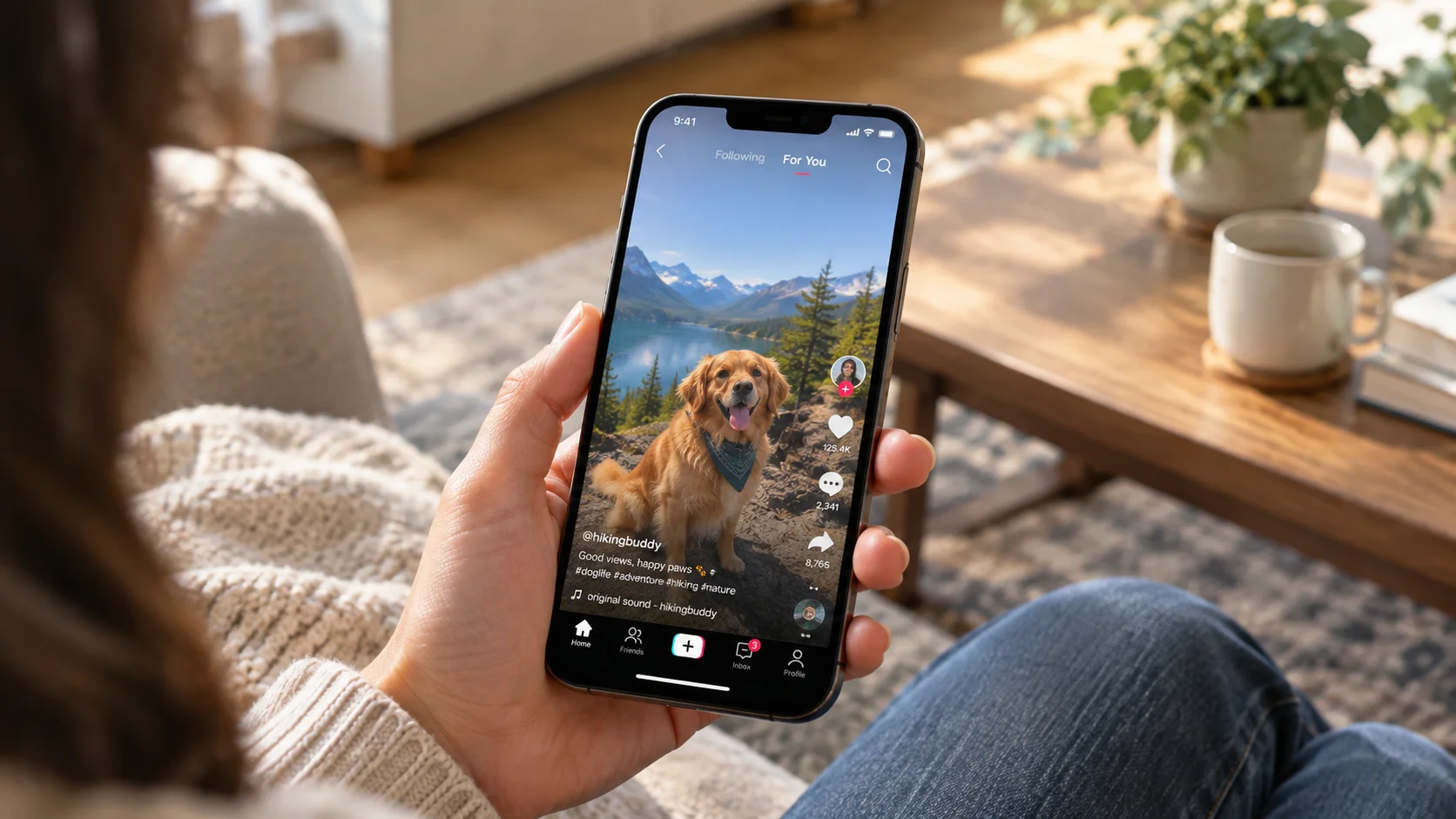
Posting to Instagram and TikTok
The clip is only half the post. These small decisions help the video land on both platforms:
| Detail | Instagram Reels | TikTok |
|---|---|---|
| Format | Vertical 9:16, 1080 × 1920 | Vertical 9:16, 1080 × 1920 |
| Safe zone | Keep faces and text clear of the top and bottom edges | Keep faces and text clear of the bottom caption and right-hand buttons |
| Sound | Use the in-app audio library for licensed tracks | Use the in-app sounds library, and a trending sound can help reach |
| Tone | Polished and cozy, often a family or couple moment | Playful and fast, often a reveal or a transformation |
| Hashtags | A few specific ones, such as #ChristmasReels | A mix of broad and niche, such as #ChristmasTok and #AIvideo |
Lead with the moment people came for. The first two seconds should already show the face and the festive detail, with the on-screen hook sitting just above the center of the frame. Avoid black intro frames and logos at the start.
Hook lines and captions you can copy
Put one hook on the video in the first three seconds, then use a caption underneath it.
Mistakes to avoid
- Uploading a dark or tiny photo. Motion exaggerates flaws. Brighten or enhance first.
- Choosing a group shot with half-hidden faces. Faces turned away or partly covered are the most likely to drift.
- Overdoing effects. One clear effect per clip reads better than three stacked ones.
- Posting someone’s face without asking. Get a yes first, especially for Face Swap or any clip that features a friend or relative.
- Skipping the check. Watch the full clip with sound off and on before you post, and compare the face with the original.
Frequently asked questions
- Can I turn a single photo into a video for TikTok and Instagram?
- Yes. An AI video tool can animate one still photo into a short clip. Pick a sharp, front-facing photo, choose a template, generate, then add a caption and sound in TikTok or Instagram before posting.
- What size should a holiday video be for Reels and TikTok?
- Both feeds are built for vertical video. 9:16 at 1080 × 1920 pixels is the safest target. Keep faces and key text away from the very top and bottom edges, where the app interface sits.
- What kind of photo works best for an AI Christmas video?
- A sharp, evenly lit photo with a clearly visible face, one focal point and a small holiday detail such as string lights, a mug or a ribbon. Candid moments usually look more natural than stiff poses.
- How long does it take to make a Christmas video with AI?
- Generation typically takes around a minute. Most of the time goes into choosing the photo and writing the caption.
Ready to try it on your own photo?
Pick one holiday picture, choose a template and have a share-ready clip in about a minute, right from your phone.
Try Movcl