


The Great and Powerful Genie Look: Make Your Own AI Halloween Costume Photo (and Video) in Minutes
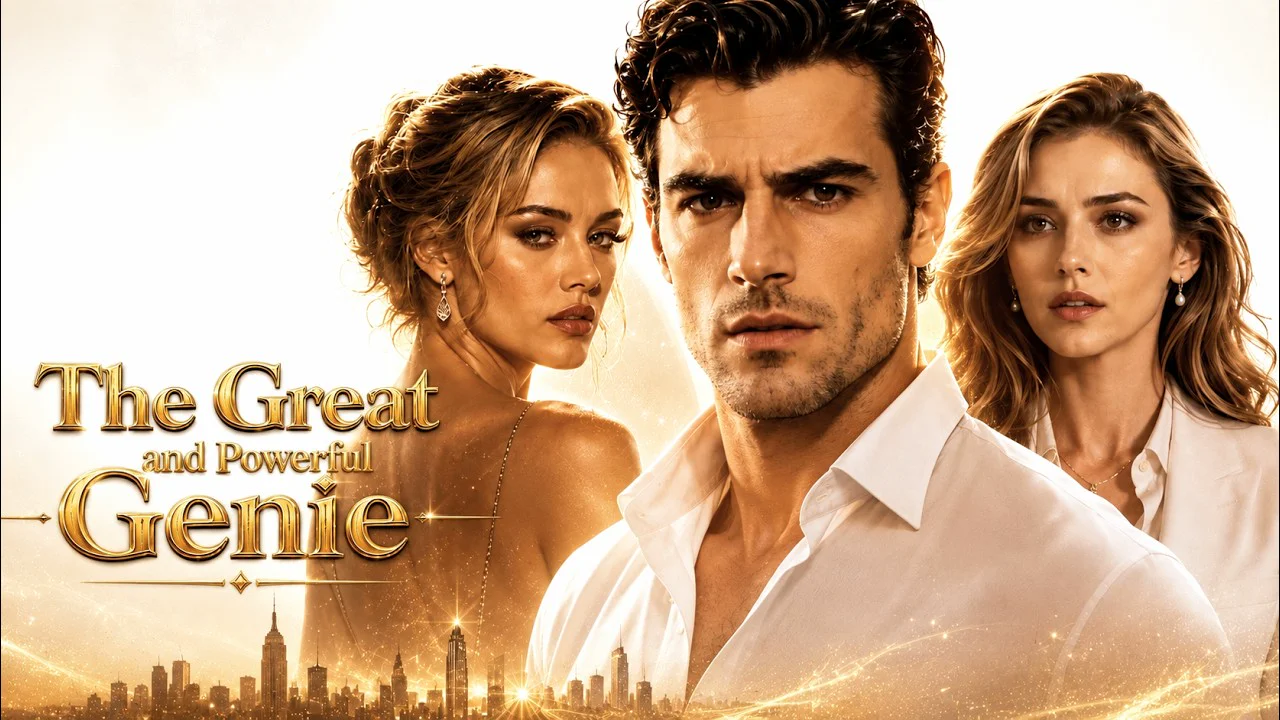
I binge-watched all 51 episodes, realized Halloween was days away, and still had no costume. So I turned one selfie into a genie, a power-suit "human form," and a little transformation clip instead.
Confession: I started The Great and Powerful Genie on ReelShort "just to see what the fuss was about," and three nights later I had finished all 51 episodes. If you've somehow missed it, it's a fully AI-generated vertical drama about Elijah Baran, a genie trapped in a lamp for thousands of years. A billionaire uses his final wish to set Elijah free, with one catch: he has to take human form, marry the billionaire's granddaughter Christine, and genuinely take care of her for five years.
Christine treats him like dead weight the entire time, while he quietly uses magic to turn her into a successful CEO. You can guess how the end of the contract goes. It's the classic underestimated-husband, hidden-identity, too-late-regret setup, and it clearly works: the show has passed 570 million views, making it one of the most-watched AI short dramas out there.
And then it hit me. Halloween is this Saturday. Genie costumes were already a Halloween classic, and now half my feed is clips of Elijah in gold jewelry and blue smoke. I didn't want to order a costume that would arrive November 3rd. I wanted the look, for a photo, tonight.
Why the genie is having a moment
Part of it is the show's visuals. The genie scenes lean hard into the old "Arabian Nights" fantasy: gold cuffs and necklaces, flowing fabric, swirling blue-and-gold smoke, all set against a glittering New York skyline. Then the show cuts to Elijah's human disguise, in fitted shirts and tailored suits, standing next to Christine in her black-and-white power suits and evening gowns.
That contrast is the whole appeal. The most-shared clips on TikTok are the reveal moments: the divorce confrontation, the "you never knew who I really was" scene. Which is exactly why this works so well as an AI costume. You don't have to pick one look. You can do both, and the switch between them is the fun part.
Wait, does Elijah look like someone you know?
Eric Guilmette? A lot of people watching AI dramas get the same feeling: the leads look oddly familiar, like an actor you've definitely seen before but can't quite place. That's not your imagination, and it's not a coincidence either. It comes down to how these models learn what an "attractive leading man" or a "glamorous CEO" looks like, and how a show keeps the same face consistent across 51 episodes.
Our resident ML nerd Marcus broke it all down here: Why Do AI Short-Drama Leads All Look Kind of Familiar?
Breaking down the two looks
Before I generated anything, I wrote down what actually makes each look read as "genie" or "secret billionaire" at a glance.
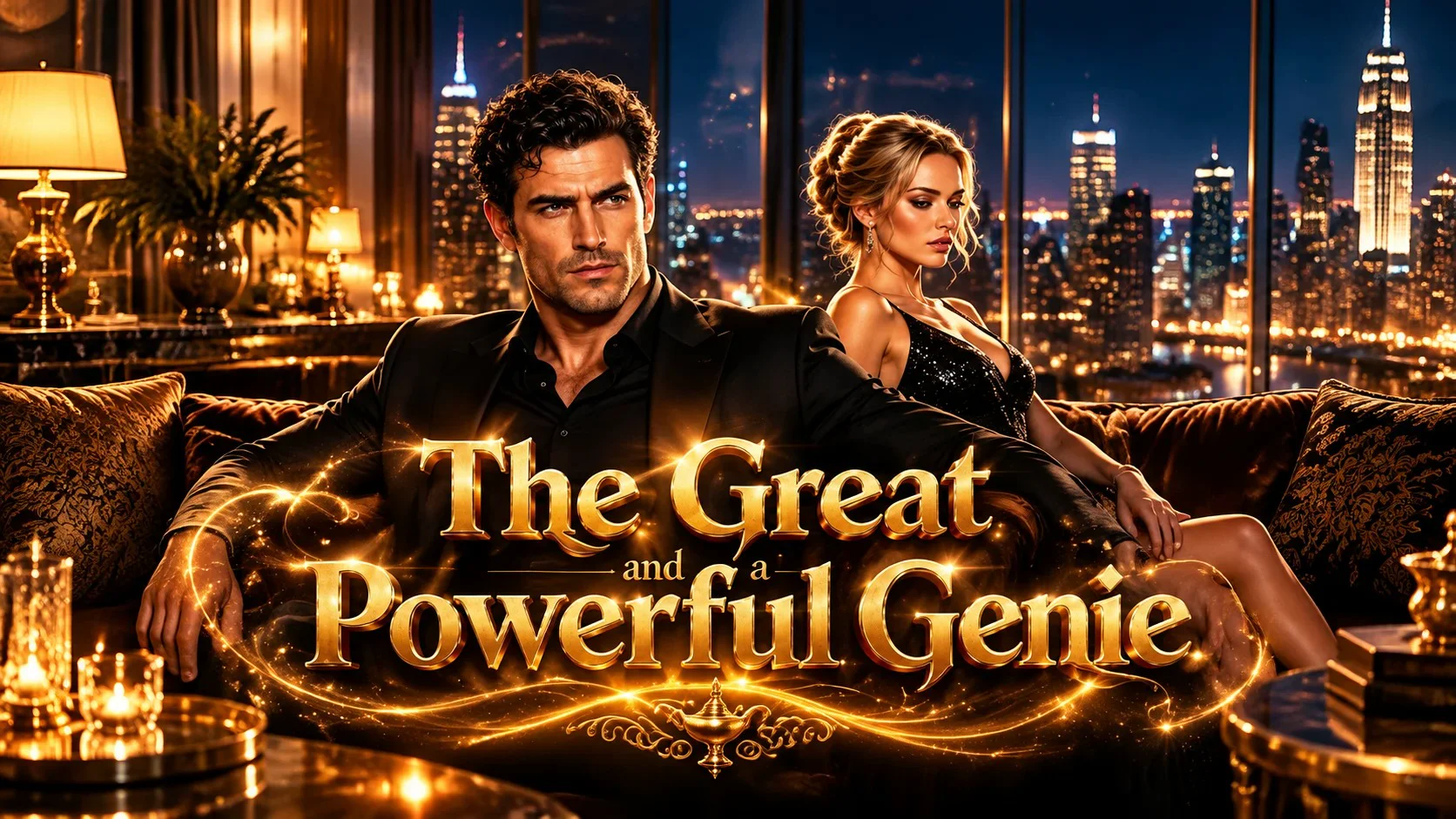
This helped a lot when picking styles, so here's my cheat sheet:
| Element | Genie form | Human form |
|---|---|---|
| Outfit | Bare shoulders or an open vest, loose flowing pants or a draped skirt, a sash at the waist | Fitted shirt and tailored suit, or a sharp blazer, power suit, or evening gown |
| Accessories | Stacked gold cuffs, layered gold necklaces, arm bands, a gold headpiece | A watch, minimal jewelry, maybe one statement piece |
| Color palette | Gold, deep blue, turquoise, glowing highlights | Black, white, charcoal, navy |
| Background | Blue and gold smoke, magical glow, a city skyline at night | Office tower, rooftop bar, gala, or penthouse window |
| Mood | Mysterious, powerful, a little smug | Calm, underestimated, quietly in control |
One note: this is a costume inspired by the show's genie aesthetic, not a recreation of the actual characters. You're putting your face into the fantasy, which is honestly more fun anyway.
How I made mine with one photo
I used Movcl, which does face swap, outfit change, AI art restyling, and AI short video from a single uploaded photo. Here's exactly what I did.
-
Pick the right selfie
Front-facing, good daylight, face fully visible, shoulders in frame. No sunglasses, no hands near your face, no heavy filter. This one step matters more than anything else. My first attempt used a dim bar selfie and it showed.
-
Make the genie look with outfit change
Upload your photo, open outfit change, and browse for a fantasy or costume-style template. Look for the elements from the cheat sheet: gold accessories, flowing fabric, a dramatic glowing background. If a result is close but not quite right, try a couple more templates rather than settling. The variety is the point.
-
Make the "human form" version
Same photo, new outfit: a tailored suit, a sleek blazer, or an evening look. Keep the background moody and urban if you can. Now you have a matching pair, which is basically the whole plot of the show in two pictures.
-
Want more drama? Try an AI restyle
If you want it to look like a poster rather than a photo, run your genie image through an AI art restyle. A painterly or cinematic style makes the gold and smoke feel even more magical.
-
Turn it into a transformation clip
This is where it gets good. Use AI short video to animate your photos, then line them up in any video editor: human form first, then the cut to genie form. Add a "whoosh" sound and a caption, and you've got your own little reveal moment. Post it as a Reel, a TikTok, or a Story.
Doing a couple's costume? One of you takes the genie look, the other takes the high-powered CEO look in a power suit or gown. Post them side by side. Bonus points if the CEO one has a slightly unimpressed expression.
A few things I learned the hard way
- Your photo is 80% of the result. Clear lighting and a straight-on angle beat any template. I wrote a whole post about this: 5 Mistakes First-Time Users Make With AI Face Swap Apps.
- Generate a few, then pick. My favorite genie shot was my fourth try. Don't judge the whole idea by the first result.
- Match the vibe across both looks. If your genie image is moody and nighttime, keep the human-form one moody too. It makes the transformation clip feel like one story.
- Use your own face, or get permission. It's tempting to make one of your friends a genie as a surprise. Ask first. And don't try to put a real person's face into the show's characters. Here's why that matters: Is It Legal to Use AI-Generated Photos of Yourself?
Caption ideas, free to steal
- Five years of being underestimated. One wish to fix it.
- Human by day. Genie by Halloween.
- You get three wishes. Choose carefully.
- Didn't buy a costume. Granted myself one instead.
- POV: you finally find out who your husband really is.
Quick FAQ
Is The Great and Powerful Genie really AI-generated?
Yes. It's officially labeled as AI-generated. The characters, scenes, and effects are generated imagery rather than live-action footage.
Where can I watch it?
On ReelShort. Search the title in the app. All 51 episodes are out.
Can I make a genie costume photo for free?
Movcl has a free trial so you can try it before paying. After that it runs on gems or a subscription, depending on how much you create.
What happens to my photo?
Movcl's positioning is privacy-first, and photos aren't used to train its models. If you want to know what to look for in any photo app's privacy policy, I compared five of them here: Is Face Swap Safe? I Actually Read the Privacy Policies of 5 Popular Apps.
Is it too late for Halloween?
That's the best part. There's no shipping, no fitting room, no glue gun. If you have a selfie and ten minutes, you have a costume.
Your three wishes start with one photo
Make your genie look, your human-form look, and your reveal clip in Movcl.
Try Movcl free