


How to Change Clothes in ChatGPT Without Changing the Face
Key takeaways
- ChatGPT changes faces during outfit edits because it redraws the whole image, not just the clothes. Anything you don’t explicitly protect is up for regeneration.
- The five spots where drift shows up first: hands, sleeve ends, collar line, hairline and jaw. Check them at 100% zoom before you judge the outfit.
- The face-safe recipe: start a new chat, lock the identity in detail, use the garment reference for clothing only, limit the edit to below the neckline, then check.
- If you’d rather skip prompt-writing, a template-based tool like Movcl’s Outfit Change locks face and pose by design.
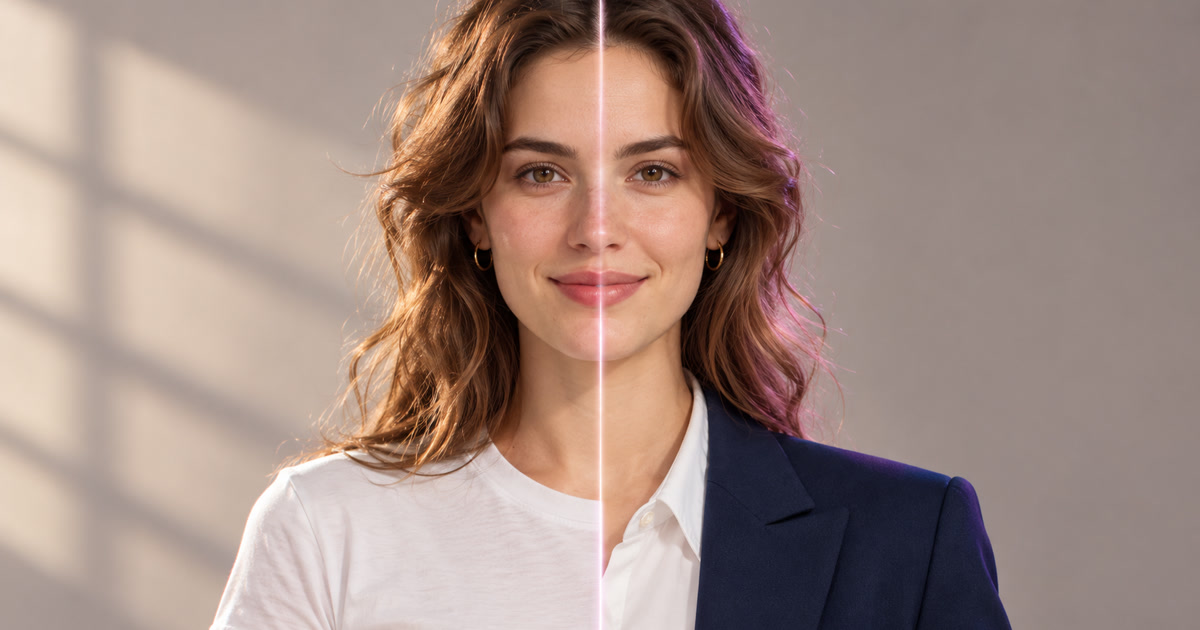
You upload a clear photo, ask for a navy blazer, and the blazer is perfect: crisp lapels, believable folds. Then you look up. The jaw is a little narrower, the eyes a little rounder. It’s a lovely portrait of someone who could be your cousin.
That gap between “the outfit worked” and “it’s still me” is the real problem this guide solves. Instead of repeating the usual advice to “add keep my face the same,” we’ll look at what actually causes the drift and build a workflow around it. OpenAI says its newer image models "image 2.6" keep characters and details consistent across editing rounds, and in practice that has improved. It still isn’t a guarantee.
Why ChatGPT Changes Your Face During Outfit Editing
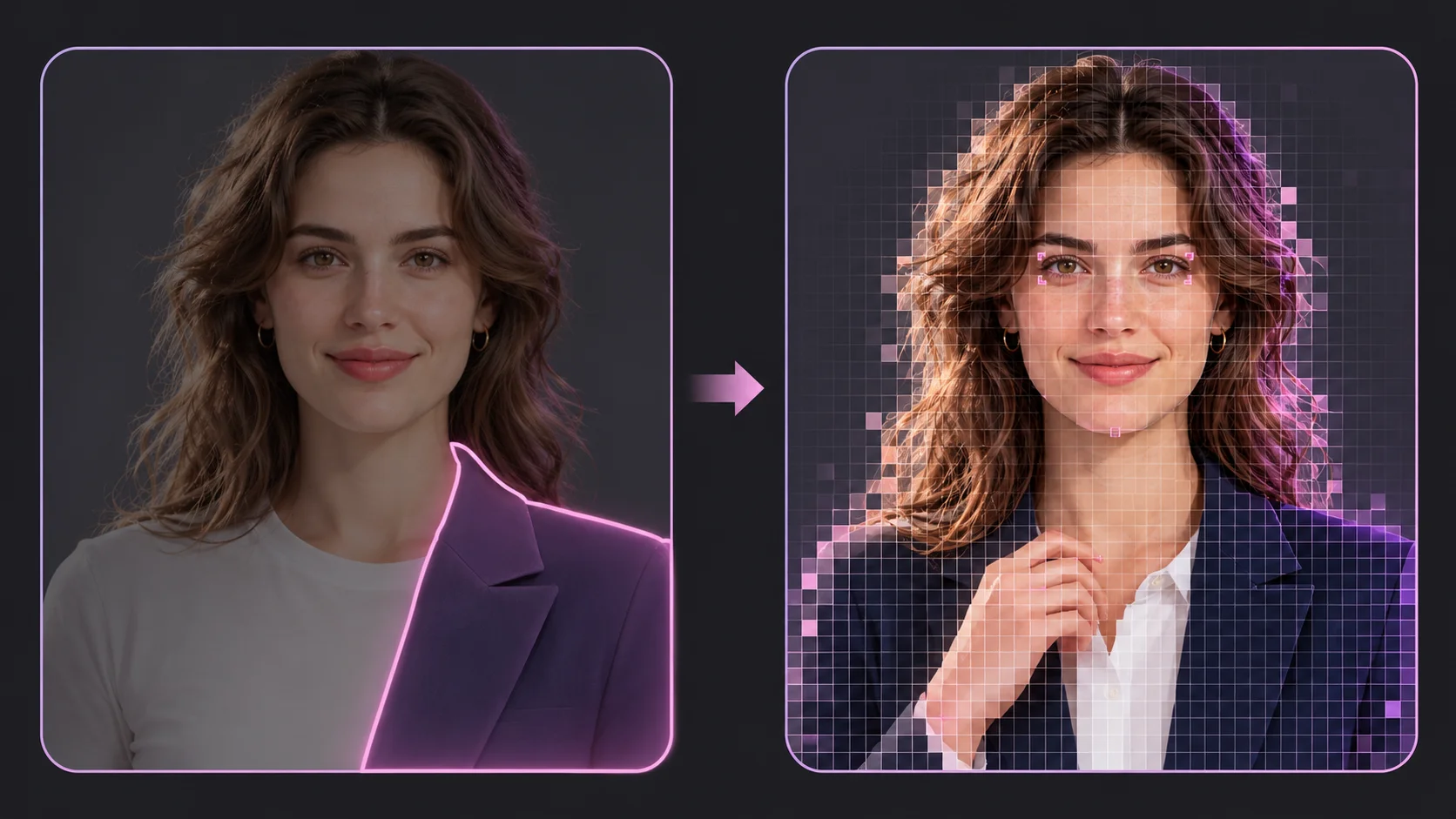
ChatGPT’s image tool doesn’t work like Photoshop’s clone stamp. Unless you select a region, it regenerates the entire frame from your photo plus your instruction. Your face isn’t “left alone.” It’s redrawn, and usually redrawn well, but not identically. Clothing edits are the riskiest, because clothes touch the face, neck and hands. Six causes account for most drift:
| Cause | What it looks like |
|---|---|
| Whole-frame regeneration | Eyes, nose or jaw shift slightly even though you only mentioned clothes. |
| The garment “pulls” the body | To make a collar sit nicely, the model redraws the jaw and neck. To finish a sleeve, it redraws the hand. |
| A vague lock line | “Keep my face the same” competes with every style word in the prompt and loses. |
| Face leakage from the outfit reference | You upload a photo of a model wearing the outfit, and their face blends into yours. |
| Stacked edits | Each round starts from the previous result, so small errors accumulate and earlier images bleed into later ones. |
| Low-information input | Tiny faces, side angles, sunglasses or group shots give the model little to hold on to. |
What You Need Before Editing
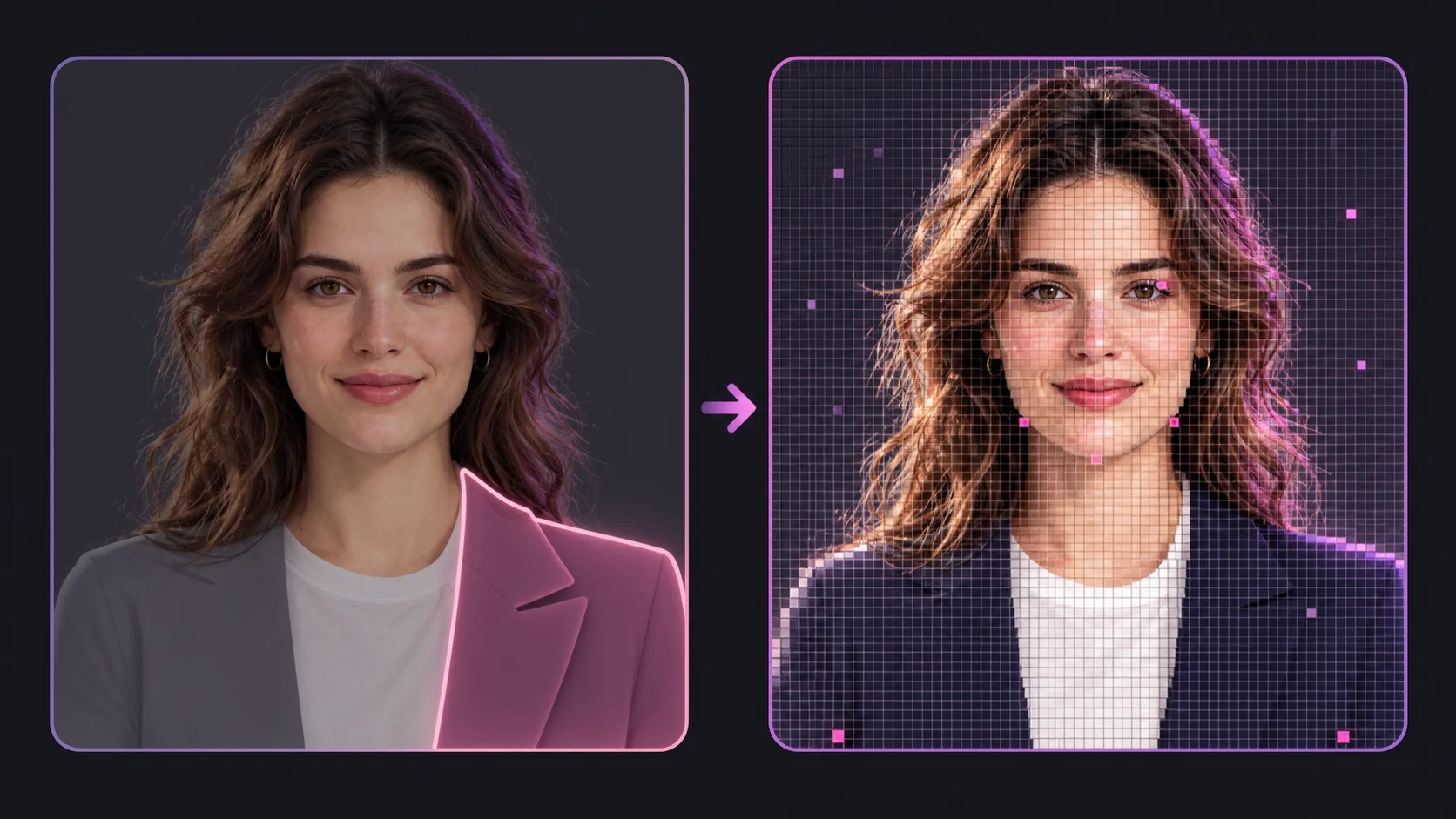
1. A strong original photo
- Front-facing or slight three-quarter angle, face unobstructed (no sunglasses, no hand across the jaw).
- Even light, sharp focus, and the clothes you’re replacing clearly visible.
- One person per photo if you can. Group shots work, but each extra face adds risk.
2. A clean outfit reference (optional but powerful)
- Best: a flat-lay or mannequin product shot. Next best: a photo of a person with the face cropped out (neck down).
- If the reference is someone else’s photo, get their permission first.
3. A keep list written before you start
Write down what must not change: face shape, eyes, nose, lips, jawline, skin tone, hairline, hair, expression, age, hands, pose, background. You’ll paste it in every time.
Step-by-Step: Change Clothes Without Altering Facial Features
Upload the original photo in a new chat
Open a fresh conversation. Earlier images in a long chat bleed into new edits, so every attempt starts clean.
State the identity lock
Be specific. Name features instead of saying “keep my face.”
CopyKeep my face exactly as in the original: face shape, eyes, nose, lips, jawline, skin tone, hairline, hair, expression and age. Do not smooth my skin, slim, whiten, age or beautify.Upload the garment reference, and give it a job
Tell ChatGPT which image is which, so the reference can’t donate its face.
CopyImage 1 is me. Image 2 is a garment reference only. Take the clothing from Image 2 and ignore its model’s face, hair, body and background.Limit the edit region
Say where the change starts and stops. If your version of ChatGPT offers a Select tool, highlight the clothing too, but keep the written limit, because selections can spill over.
CopyChange only my clothing, from the neckline down. Keep my head, neck, hands and fingers, pose, background and framing exactly the same. The collar must sit on my neck without changing my jawline.Check five spots at 100% zoom
Compare original and result in this order: hands, sleeve ends, collar line, hairline, jaw. Judge the clothes last. If something moved, rerun from the original and name that spot in your keep list.
Don’t feel like writing prompts?
Movcl’s Outfit Change works from a template: your face and pose stay locked, only the outfit changes. Pick a gown, suit or casual look, add your photo, and generate it from your phone. No keep lists, no retries.
Try Outfit Change

5 Advanced Prompts for Consistent Outfit Changes
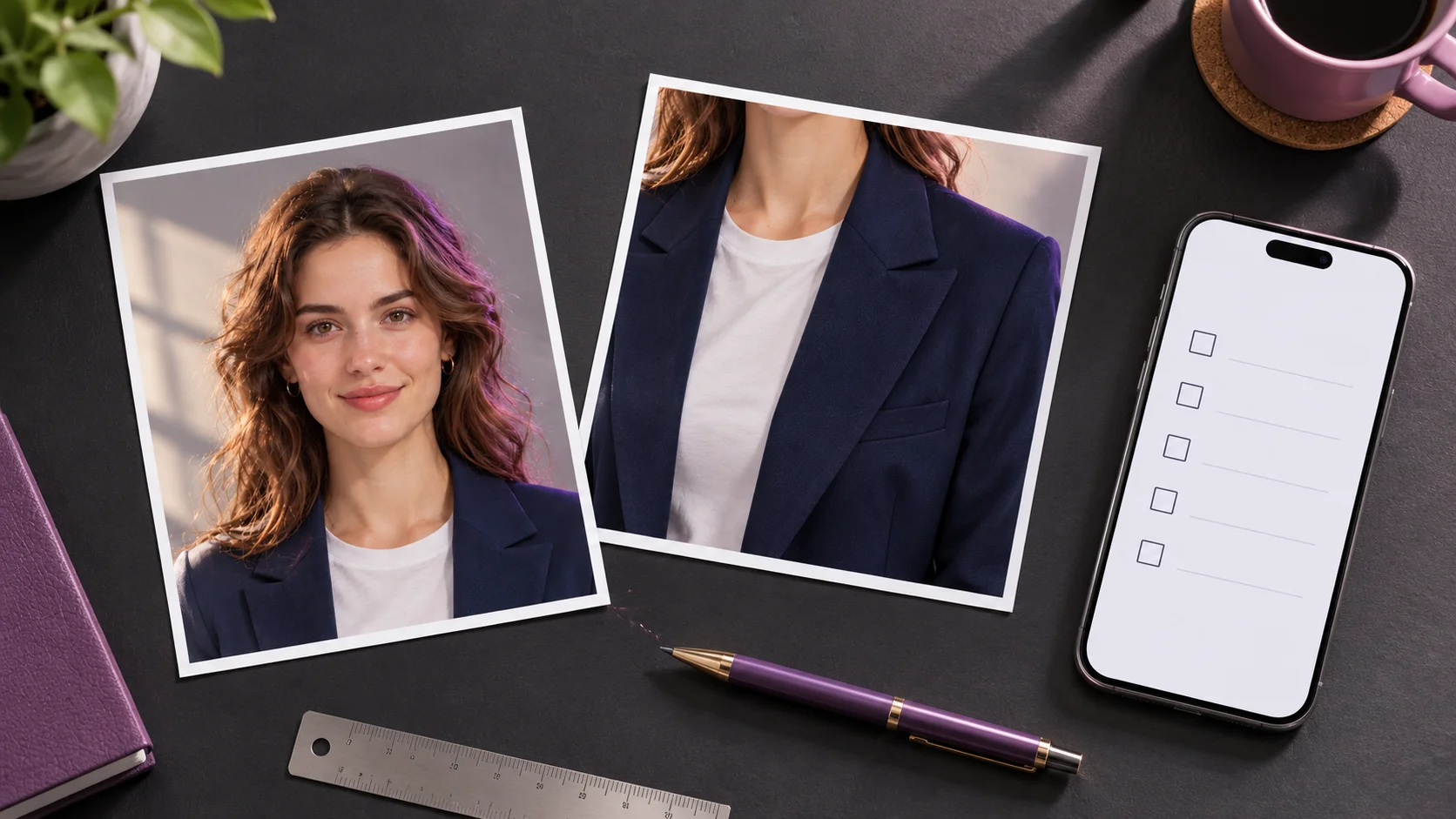
Each prompt below targets a different scenario and the specific drift risk that comes with it. Swap the brackets for your own details. Highlighted text is the lock line.
Risk: collars redraw the jaw. An open collar is safer than a tight one.
Risk: reference leakage. Use a flat-lay or a neck-down crop.
Risk: other faces get redrawn too. Check every face, not just the target.
Risk: models “improve” proportions to make clothes hang well. Forbid it explicitly.
Risk: headwear changes the hairline and forehead. Describing a garment’s construction usually lands closer than naming it alone.
What to Do When ChatGPT Still Changes the Face
Even with a careful prompt, ChatGPT is a generative system, so small shifts can still happen. Match what you see to the likely cause:
| What you see | Likely cause | Fix |
|---|---|---|
| Face is “almost me” | Whole-frame redraw, weak lock | New chat, original photo, longer keep list; select only the clothing |
| Face looks like the outfit model | Reference leakage | Crop reference neck-down or use a flat-lay; add the “reference only” sentence |
| Skin smoother, face slimmer or younger | Beautify bias | Add “do not smooth, slim, whiten, age or beautify; keep visible pores” |
| Hands or fingers changed | Sleeve ends redrawn | Name hands and fingers in the lock; check the finger count |
| Jaw or neck changed | Collar redraw | Say the collar sits on the neck; try an open or crew neckline |
| Worse with every round | Stacked edits | Never edit the edit; restart from the original |
The repair prompt
If you like the clothes but not the face, upload both images and ask for a correction:
The no-AI fallback
Open both images in any photo editor with layers, paste the original head over the edited one, and blend the edge with a soft mask. It takes a minute and guarantees the face is yours. Also worth knowing: some side-by-side comparisons report that Google’s Gemini holds a face more steadily on strict single-item swaps, while ChatGPT is stronger when the edit also changes the scene or lighting. Results vary by photo, so test both on yours.
Advanced Tips for More Realistic Results
Lighting
Mismatched light is the fastest giveaway. Describe the original’s light in the prompt (“soft window light from the left”) so folds and highlights on the new clothes agree with your face.
Pose
Crossed arms hide sleeves and make hands hard. Hands visible and relaxed give the model less to invent. Choose a photo whose pose suits the garment: a long coat needs shoulders and arms visible.
Fabric texture
Describe behavior, not just names. “Linen” is a word; “visible slub texture, soft creases at the elbow, no sheen” is an instruction. Satin carries one long highlight; wool stays matte.
Body proportions
Add “fitted to my body as photographed; do not slim, widen, lengthen or straighten my frame.” Models will quietly reshape a waist or neck to make clothes sit nicely unless told not to.
FAQ
Mostly, but there’s no guarantee. Because it regenerates the image, small shifts can occur. A specific keep list, a clean reference and a fresh chat for each attempt give you the best odds. Each round starts from the previous result, so tiny errors stack. Go back to the original photo in a new chat rather than editing the edit. It helps when the garment has a clean edge, such as changing one shirt’s color. Highlights aren’t always precise and edits can spill past them, so keep the written lock line as well. Yes, with their permission. Crop it from the neck down and state that it’s a garment reference only, so their face doesn’t blend into yours. It depends on the job. Chat tools are flexible when you also want a new scene or lighting. For “same me, different outfit,” a template-based app removes most of the risk because the face and pose are locked by design.Can ChatGPT change my clothes without changing my face?
Why does the face drift more after several edits?
Should I use the Select tool?
Can I use a photo of someone wearing the outfit?
Which is better for outfit changes: ChatGPT, Gemini or an app?
Same you, different outfit, in one tap
Skip the keep lists and the retries. Choose a gown, suit or everyday look in Movcl’s Outfit Change, add your photo and see yourself in it in a minute or two. New users get starter gems on signup.
Try Outfit ChangeRelated reading: Why Templates Beat Open Prompts for “My Own Photos” · GPT Photo Editing: 7 Copy-and-Paste Prompts · Christmas Outfit Try-On