


AI Avatar Generators vs. Dedicated Face Swap Apps: Which One Actually Fits Regular People?
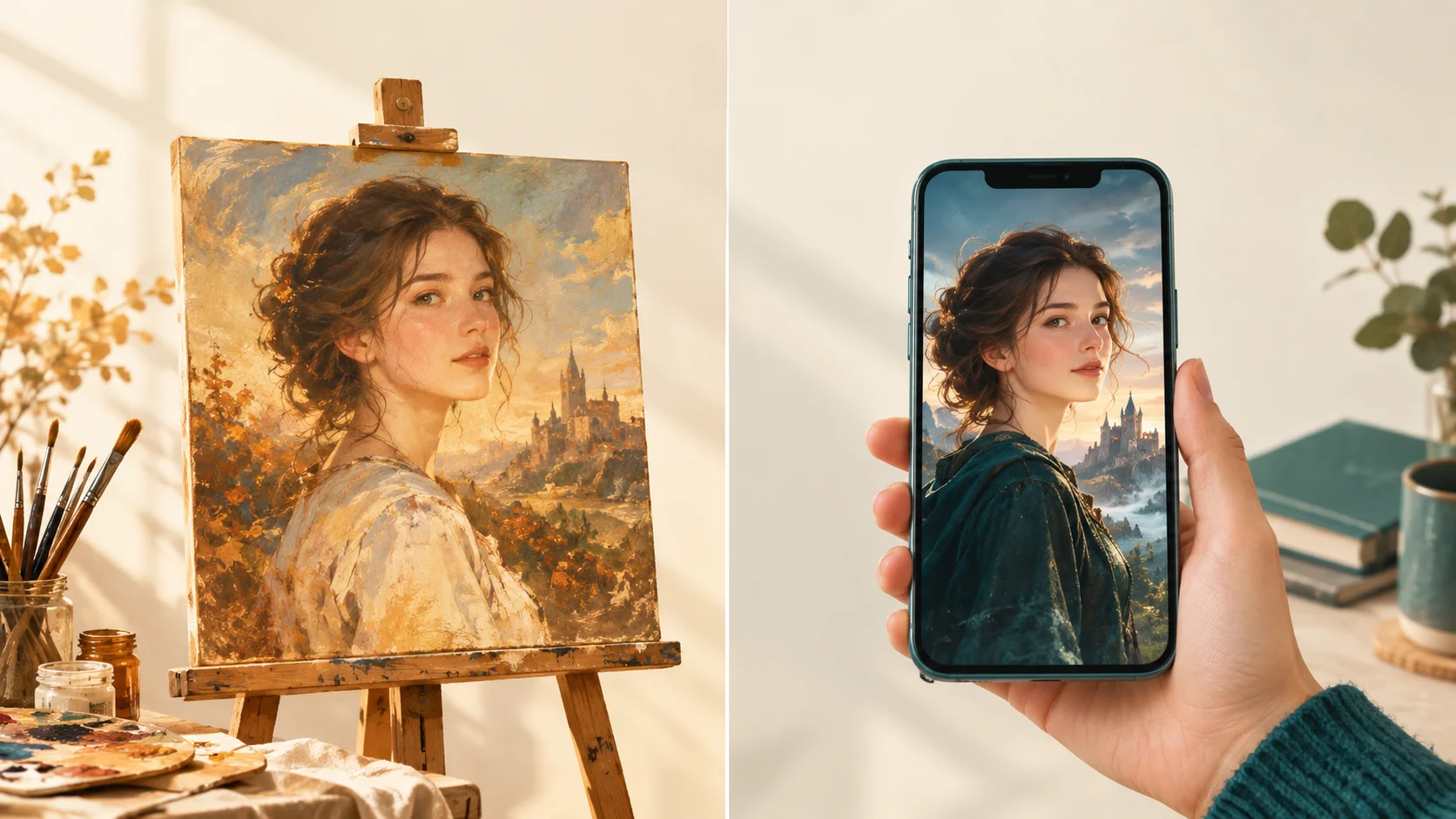
They look almost identical in app store screenshots. They are not the same thing at all. One paints a new picture of you; the other puts you into a picture that already exists.
Last month my friend Dana texted me a screenshot of the app store with the message: “which one of these do I get??” She wanted two things. A new profile picture that didn't look like it was taken in her car, and a silly video of herself as a movie character to send to her sister for her birthday.Half of the apps in her screenshot were AI avatar generators. The other half were face swap apps. The thumbnails all looked the same: glossy, glowing, faintly cinematic people. But if she'd picked the wrong type, she would have spent an evening fighting with it and gotten neither thing she wanted.
So here's the breakdown I gave her, cleaned up a little. No tech background required.
First: they solve different problems
The easiest way to understand the difference is to look at what happens to your photo in each one.
AI avatar generator
- You give it one photo plus a written request, or a batch of 10 to 20 selfies.
- The AI studies what your face looks like.
- It draws a brand-new image of “you” from scratch, in whatever style was asked for.
You get: a new picture inspired by your face. Lots of freedom, less predictability.
Face swap app
- You upload one clear photo of your face.
- You pick a scene that already exists: a template photo or video clip.
- The app places your facial features into that scene, matching angle and lighting.
You get: a specific scene with you in it. Less freedom, much more predictable.
Think of an avatar generator as hiring a portrait painter who has seen your photo. You can ask for anything, but the painter interprets. A face swap app is more like the cardboard cutout at the county fair where you stick your head through the hole, except the AI blends the edges so well you can't tell where the cardboard ends.
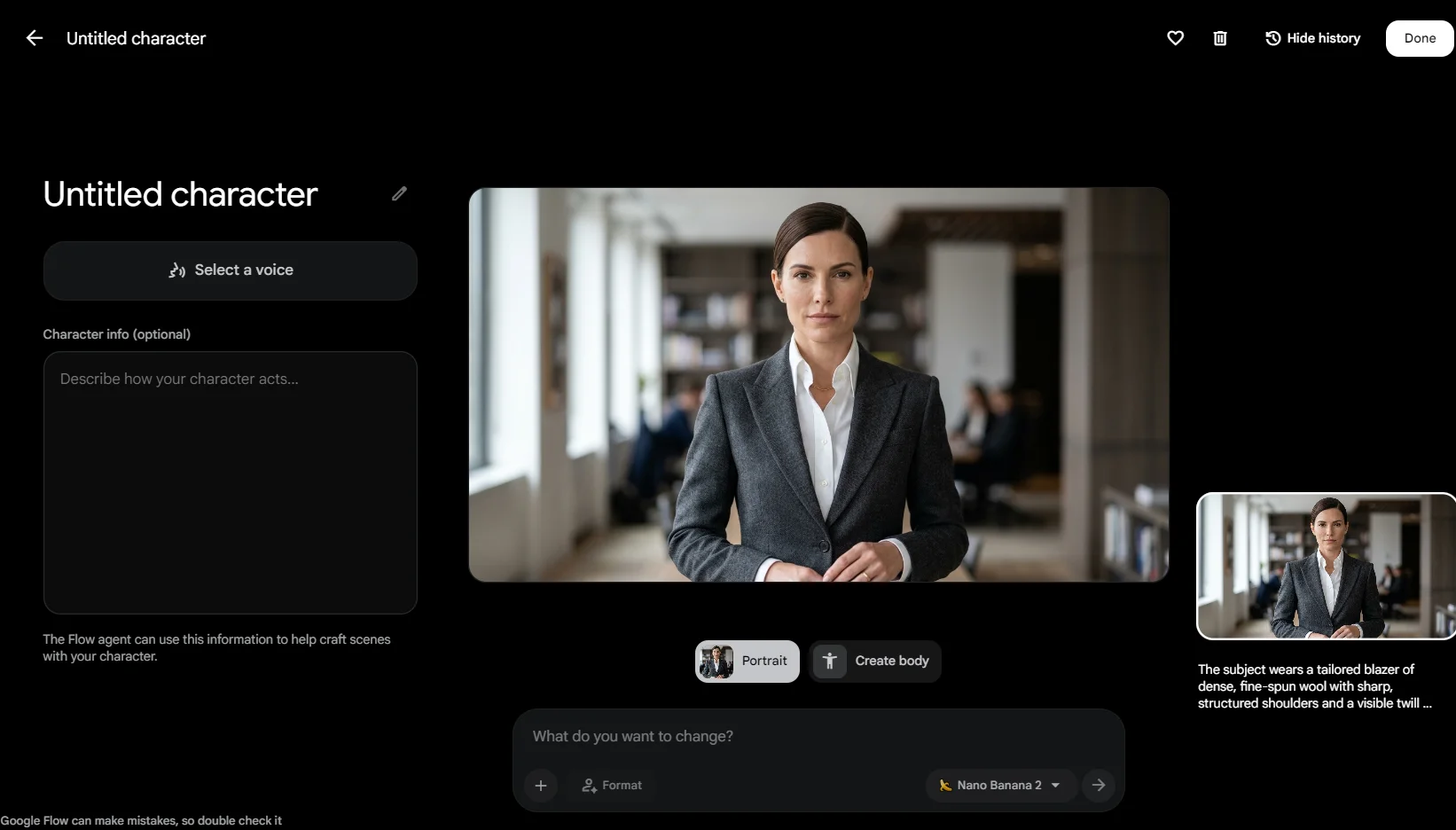
Avatar generators come in two common flavors right now. There are general AI assistants with image generation, like ChatGPT and Google's Gemini (the “Nano Banana” image model), where you upload a photo and describe what you want. And there are avatar-pack apps that ask for a stack of selfies and return a themed batch of portraits a while later.
Face swap apps are built around a library of ready-made templates instead of a blank text box. Movcl, the app this blog belongs to, sits in this second category, along with outfit change, AI redraw styles, and short videos made from one photo. If you want the technical version of how swapping works, Marcus covered it in How Does AI Face Swap Actually Work?
Side by side, for normal people
I skipped the specs nobody cares about and stuck to the things that decide whether you'll actually enjoy using the app.
| What matters | AI avatar generator | Face swap app |
|---|---|---|
| What you upload | One photo plus a prompt, or 10 to 20 selfies for pack-style apps | Usually one clear, front-facing photo |
| How you ask for things | Typing a description, then rewording it when it misses | Tapping a template you can already see |
| Does it look like me? | Often close, sometimes “my cousin.” Strong styles drift further | Usually more faithful, because your real features are carried over |
| Realistic or stylized | Shines at stylized: painting, anime, fantasy, sci-fi | Shines at realistic scenes; many apps also offer style redraws |
| Control over the scene | Unlimited in theory, hard to pin down in practice | Limited to the template library, but you know what you'll get |
| Video | Mostly still images | Video templates are common, and some apps animate a single photo |
| Matching set of images | Tricky; each new image can come out a bit different | Easy; same face, different templates |
| Learning curve | Moderate; better prompts get better results | Low; most people get a usable result on the first try |
| How you pay | General assistants usually have a free tier with daily limits and paid plans above it; pack apps often charge per batch | Usually a free trial, then credits, subscriptions, or both |
Swipe the table sideways to see both columns.
Prices and free limits change often across all of these tools, so treat the pricing row as a shape, not a quote. Check the current terms inside whatever app you're considering.
Where avatar generators genuinely win
I want to be fair here, because there are things a face swap app simply can't do.
When the idea doesn't exist yet
If you want yourself as a Renaissance oil painting holding your cat, or as an astronaut on a planet made of pancakes, there is no template for that. A general AI image tool can build it from a sentence. That freedom is the whole point.
Strong art styles
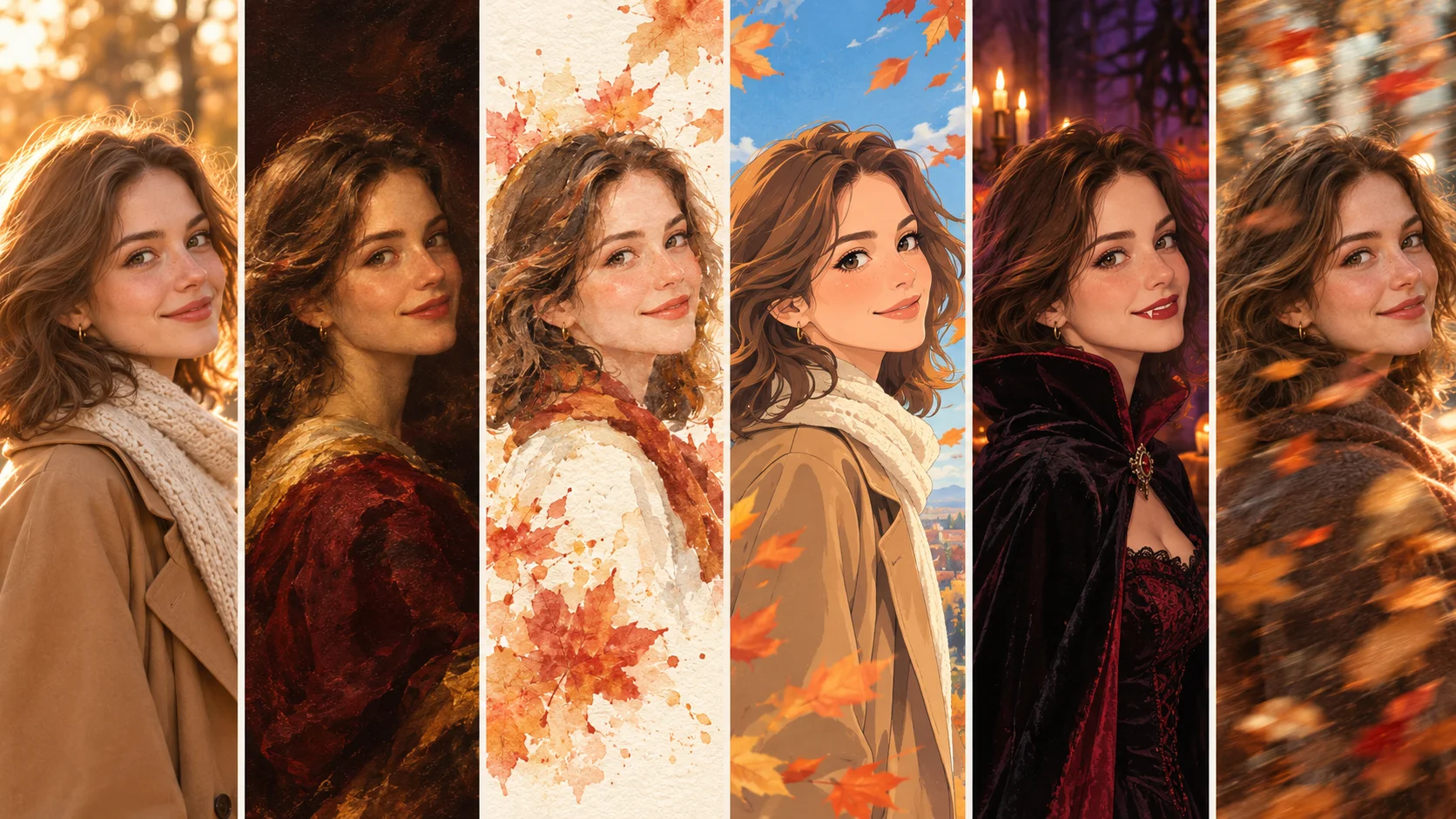
Watercolor, comic-book ink, claymation, storybook illustration: avatar generators handle heavy styles well, because they're drawing the whole image from the ground up anyway. For a wall print or a quirky gift, that's a great fit.
When you already use ChatGPT or Gemini
If one of these is already on your phone and you're comfortable typing requests, trying it costs you nothing extra. Our Gemini Nano Banana guide walks through how to phrase portrait edits so they hold onto your face better.
The honest downsides
- Likeness drift. Because the AI redraws you, it sometimes produces a very attractive stranger who shares your hair color. Newer models have gotten noticeably better at this, but it still happens, especially with dramatic styles.
- Prompt fatigue. Getting exactly the lighting, outfit, and expression you pictured can take several rounds of rewording.
- Selfie homework. Pack-style apps want lots of varied photos, and the results depend heavily on how good that batch is.
Where face swap apps genuinely win
You want a result in two minutes, not twenty
Pick a template, upload a photo, done. For a birthday joke, a group chat moment, or a “what would I look like in this” curiosity, low effort is the feature.
You want it to look like you, specifically
This is the big one for profile pictures and anything your friends will see. People are very good at spotting when a face is “almost” theirs, and face swapping holds onto your real features more reliably than drawing a new face does.
You want video
Dana's movie-character birthday clip is a perfect example. Turning yourself into a moving scene is where template-based apps are much further along for everyday users. Marcus explains the photo-to-video side in From One Photo to a Full Video.
You want a matching set
Same face across five holiday-themed photos, or a series of outfit tries, is easy when only the template changes.
The honest downsides
- You're limited to the library. If nobody made the template you want, you can't have it.
- Your source photo matters a lot. Sunglasses, heavy shadows, or a sharply turned head make results worse. I listed the usual culprits in 5 Mistakes First-Time Users Make With AI Face Swap Apps.
- Angle mismatch looks off. If your photo faces forward and the template's character is in profile, the blend can look uncanny.
- Other people's faces need permission. Swapping your own face is easy. Swapping a friend's without asking can hurt feelings or worse.
The regular-person test: what are you actually making?
This is the part I wish someone had handed Dana first. Start from the thing you want to end up with, not from the app.
| What you want | Better fit | Why |
|---|---|---|
| A new profile picture that still looks like you | Face swap app | Recognizability matters more than creativity here |
| A birthday or holiday video for a friend | Face swap app | Video templates, fast turnaround, easy to share |
| Seeing yourself in a different outfit or hairstyle | Face swap app with outfit change | You want your real face and body shape, not an interpretation |
| Yourself in a one-of-a-kind fantasy scene | Avatar generator | No template exists for your exact idea |
| Art for a print, mug, or gift | Avatar generator | Heavy styles are its strength |
| An anime or cartoon version of yourself | Either | Avatar tools give more style range; redraw templates give faster, steadier likeness |
| A photo for an ID, passport, or job application | Neither | Official photos need to be unedited; see our legal explainer |
Swipe the table sideways to see all three columns.
A quick gut check: if you can already picture the exact scene and it's a common one (a movie poster, a holiday card, a red carpet), a face swap app will get you there faster. If you're describing something nobody has made before, open an avatar generator.
So which one should you download?
Go with an avatar generator if…
- You enjoy experimenting and rewording prompts
- You want art more than a likeness
- Your idea is unusual or very specific
- Still images are all you need
Go with a face swap app if…
- You want something good on the first try
- It has to clearly look like you
- You want short videos, not just photos
- You'd rather tap than type
Plenty of people end up using both, and honestly that's what I do. I'll use a general AI assistant when I have a weird creative idea, and Movcl app when I want something quick that my mom will recognize as me. The lines are also blurring: face swap apps keep adding style redraws, and general AI tools keep getting better at holding onto faces.
Dana, for the record, used a face swap app for the birthday video and an AI assistant for a slightly ridiculous oil-painting profile picture. Her sister loved the video. The oil painting is still her profile picture.
Before you upload your face anywhere
Whichever type you choose, you're handing over a photo of your face. A few questions are worth answering before you tap upload:
- Does the app use your photos to train its AI? Some do, some don't, and the answer is usually buried in the privacy policy. Marcus explains what to look for in Does This App Train on Your Photos?
- How long are uploads kept, and can you delete them? Look for a clear retention and deletion statement.
- Are you uploading only your own face? Or someone who said yes?
For what it's worth, Movcl's policy is that your photos aren't used to train models. Whatever app you use, it's worth five minutes with the policy; our roundup on AI photo apps and your privacy makes that quicker.
Quick answers
What's the simplest way to explain the difference?
An avatar generator creates a new image of you. A face swap app puts your face into an image or video that already exists.
Which one looks more like me?
Usually the face swap app, because it transfers your actual features. Avatar generators redraw your face, so results can drift, especially in strong art styles.
Can I make videos with an AI avatar generator?
Most focus on still images. For a short video starring you, a template-based face swap or photo-to-video app is the easier route.
Is it okay to face swap a friend's photo?
Ask first. Using someone's face without permission can embarrass or hurt them, and depending on how it's shared, it can create legal trouble too.
Try the template route first
Movcl turns one photo into face swaps, outfit changes, AI redraws, and short videos, and it starts with a free trial so you can see if templates fit the way you like to create.
Get Movcl