


AI Clothes Changer: I Used One to Pick a Dress Before I Bought It
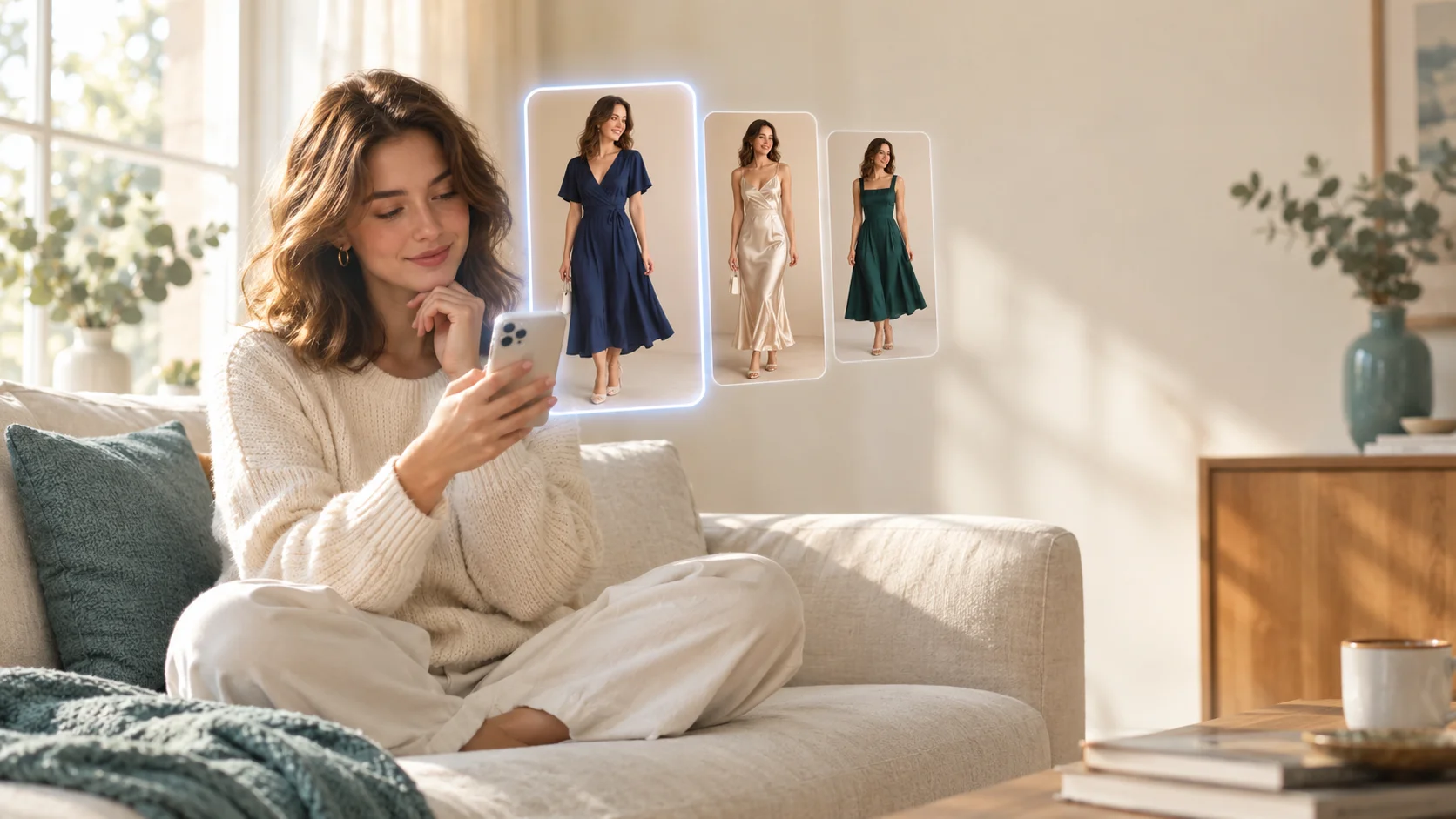
Three dresses in my cart, one wedding on the calendar, and zero patience for return shipping. Here's what an AI clothes changer actually told me, what it couldn't, and what "free" really got me.
The short version
- An AI clothes changer is great at answering "does this style suit me?" and useless at answering "will this size fit me?"
- Most "free" tools are a trial, a few credits, or watermarked low-res results. That's often enough to make one decision.
- Your source photo matters more than the tool. Full body, even light, plain background.
- Read the privacy policy before uploading to any online free AI clothes changer.
- Swapping or removing a jacket is normal editing. "Undressing" someone is not, and in the US it can be a crime.
This year I had a navy wrap midi, a satin slip dress and a structured A-line in my cart, and I genuinely could not picture myself in any of them.
So instead of ordering all three, I tried something I'd been skeptical of for a while: an AI clothes changer. Upload one photo of yourself, pick an outfit, and the AI redraws you wearing it. Same face, same pose, different clothes.
I went in expecting either magic or garbage. What I got was more useful than that, as long as I asked it the right question.
What an AI clothes changer actually does (and what it can't)
A clothes changer AI looks at your photo, figures out where your body is and where your current clothes are, and then generates new clothing over that area while trying to keep your face, skin tone, pose and lighting the same. My colleague Marcus wrote a great explainer on how AI understands clothing if you want the technical side. For shopping purposes, here's what matters:
| Question you're asking | Can AI answer it? | Why |
|---|---|---|
| Does this color work with my skin tone? | Yes, pretty well | Color is rendered on your actual face and lighting |
| Does a wrap / slip / A-line silhouette suit me? | Yes, roughly | Overall shape is generated on your real proportions |
| Is this more "wedding guest" or "office party"? | Yes | Seeing the full look on you makes the vibe obvious |
| Will a size M fit me? | No | The AI draws a plausible garment; it doesn't know measurements |
| Will the fabric cling, wrinkle or stretch? | No | Fabric behavior isn't simulated, it's imagined |
| Is this exactly the dress from that store? | Usually not | Results are "a dress like this," not a product replica |
Once I framed it as a style tool rather than a fitting room, everything clicked.
My experiment: one photo, three dress changes
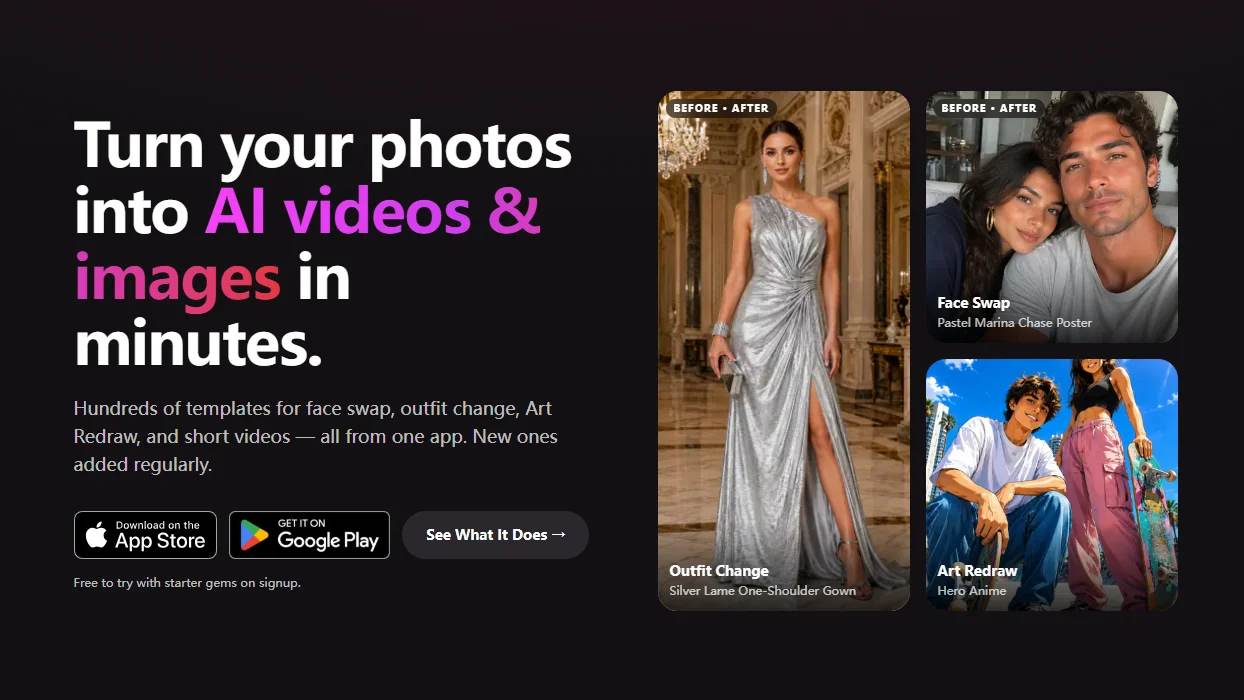
I used Movcl's outfit change feature, which works from templates: you upload one photo, then pick from a library of outfits instead of uploading a product image. That meant I wasn't trying on the exact three dresses in my cart. I was trying on the three styles, which turned out to be the real question anyway.
My source photo: a full-length shot against my hallway wall, taken by the window in the late morning, wearing a fitted black tee and jeans. More on why that matters in a minute.
Wrap midi dress, dark blue
This was the surprise. I'd assumed a wrap would look frumpy on me, but seeing the waist tie and the midi length on my own body, it read as polished without trying too hard. The navy also made my skin look less washed out than I expected.
Satin slip dress, champagne
Gorgeous on the model photo, and honestly fine on me, but the pale champagne next to my complexion in late-afternoon light was not it. This is exactly the kind of thing an AI clothing changer is good at catching: color plus your actual face.
Structured A-line, emerald
Looked great, but it looked like I was going to a gala, not a barn wedding in Vermont. Seeing it on me made the dress code mismatch obvious in about two seconds.
I didn't learn which dress would fit. I learned which dress I'd actually want to wear, which is the part I always get wrong.
I bought one wrap dress, checked the brand's size chart like a responsible adult, and returned nothing. That's the whole win.
Free AI clothes changer options: what "free" really means
Search "free AI clothes changer" or "AI clothes changer online free" and you'll find dozens of results. I tried several before settling on my process, and I'm not naming the others here because their offers change constantly. But they all fall into a few patterns, and knowing the pattern tells you what you're actually getting.
| Type of "free" | What you usually get | The catch |
|---|---|---|
| Free trial | Full features for a short time or a few generations | Converts to paid; set a reminder if you don't want to keep it |
| Starter credits | A small number of generations, full quality | Credits run out fast if you're experimenting |
| Watermarked results | Unlimited-ish tries with a logo on the image | Fine for deciding, not for posting |
| Low resolution | Small preview images | Faces and fabric details get mushy |
| Ad-supported web tool | No account needed, upload and go | Often the vaguest privacy policies |
These are general patterns across tools, not claims about any specific app.
The reason truly unlimited, full-quality, no-account free tools are rare is simple: every image costs real computing power. Somebody pays for it, either you, an advertiser, or (sometimes) your data. I wrote more about this in whether free AI app trials are worth it, and the same logic applies here.
My honest take: for a one-time decision like "which dress," a free tier is usually enough. If you're going to change clothes with AI regularly, for content, styling or fun, that's when paying starts to make sense.
Online free tools vs. an app: which should you use?
| Online free AI clothes changer | Mobile app | |
|---|---|---|
| Setup | Nothing to install | Download and sign in |
| Best for | One quick try | Repeated use, saving results |
| Photo source | Usually need to transfer photos to a computer | Straight from your camera roll |
| Privacy | Varies widely; check before uploading | Varies too, but usually a clearer policy |
| Output | Often watermarked or downsized | Typically higher quality once unlocked |
Whichever you choose, do the two-minute privacy check before uploading a full-body photo of yourself. Look for three things: whether your photos are stored, for how long, and whether they're used to train AI models. If the site doesn't say, assume the answer is "yes, indefinitely." Our guide to AI photo apps and your privacy walks through what to look for.
How to remove clothing in a photo: the honest answer
This is one of the most searched questions around AI clothing tools, and it deserves a straight answer, because it actually covers two very different things.
The normal version: removing a layer
Maybe you love a photo but hate the puffy jacket you were wearing over your dress, or there's a lanyard, a hat or a bag strap ruining the shot. In AI terms, you're not really "removing" anything. You're replacing one outfit with another, which is exactly what a clothes changer does. Pick an outfit without the jacket, or a similar dress on its own, and the AI redraws that area. For small items like a strap or a badge, a basic object-removal or retouch tool often works better.
The not-okay version: "undressing" people
Some sites advertise AI that "removes clothes" to create nude or sexual images of real people. That is not photo editing. It's creating intimate imagery of someone without their consent, and it causes real harm.
In the US, the federal TAKE IT DOWN Act (signed in 2025) makes it a crime to knowingly publish non-consensual intimate images, including AI-generated ones, and requires platforms to remove them when reported. Many states have their own laws on top of that. Any version involving a minor is illegal, full stop.
Mainstream outfit-change tools are built to swap clothes, not strip them. Movcl's outfit change works by putting you in a different outfit from its template library, and that's it. If a tool's whole pitch is "see anyone without clothes," treat it as a red flag for your privacy too: sites built around abuse rarely protect the people who upload to them. For a deeper look at where the legal lines sit, see can you get in trouble for making AI images.
6 tips for more realistic AI outfit changes
After a couple dozen tries, these made the biggest difference between "that's me in a new dress" and "that's a stranger wearing my face":
- Use a full-body photo. If your legs are cropped out, the AI has to invent them, and a midi or maxi dress change will look off.
- Wear fitted clothes in the source photo. A baggy hoodie hides your shape, so the AI guesses. A fitted tee and jeans gave me much more believable results.
- Go for soft, even light. Window light from the front beats harsh overhead light. Strong shadows confuse the color rendering, which is the thing you most want to trust.
- Pick a plain background. A busy background can bleed into the new outfit's edges.
- Stand straight-on. Crossed arms or a hand on your hip in front of your body gives the AI more to untangle. Save the poses for later.
- Compare in the same photo. Run every option on the same source image so the only variable is the clothes. That's what makes it a fair test.
If you're new to these apps in general, a lot of the same lessons apply from the mistakes first-time face swap users make.
Beyond weddings: when a dress change actually helps
Once I'd done it once, I kept finding reasons to use it:
- Color testing before committing to a bridesmaid shade or a holiday party dress.
- Packing for a trip: seeing whether one dress works in daytime and dressed-up versions before I fold it into a carry-on.
- Work wardrobe: trying a blazer-and-trousers look when my closet is 80% knitwear.
- Just for fun: putting myself in a 1970s look or a full ball gown because, honestly, why not.
What I wouldn't use it for: anything where exact fit matters, like a wedding dress you're getting altered, or tailored suiting. That's still a job for a mirror and a measuring tape.
Try a dress change on your own photo
Movcl's outfit change lets you upload one photo and try different looks from its outfit library, with a free trial to start. Your photos aren't used to train our models.
Get MovclDid the AI clothes changer actually help?
Yes, with a caveat I'll repeat one last time: it helped me decide on a style, not a size. It took a decision I usually make by ordering three dresses and returning two, and turned it into ten minutes on my couch.
If you go in expecting a perfect virtual fitting room, you'll be disappointed. If you go in asking "which of these looks like me?", an AI clothes changer is one of the most genuinely useful things I've found an AI photo app do.
Frequently asked questions
Is there a truly free AI clothes changer?
Most tools offer some free use, usually as a trial, a small batch of credits, or watermarked low-resolution results. Fully unlimited, full-quality, no-strings free tools are rare, because every image costs real computing power to generate.
Can an AI clothes changer show me how a dress will fit?
No. It's good at showing color, silhouette and overall style on your body and face. It can't simulate your exact size, fabric stretch, or how a specific garment from a specific store will drape. Use it to narrow down styles, then check the size chart.
Is it safe to upload my photo to an online free AI clothes changer?
It depends on the tool's privacy policy. Before uploading, check whether photos are stored, for how long, and whether they're used to train AI models. If a site has no clear policy, assume your photo may be kept.
How do I remove clothing in a photo?
For ordinary edits, like taking off a jacket, hat or scarf, you're really replacing one outfit with another, which is what an AI clothes changer does. Tools that claim to "undress" people are a different matter: creating or sharing intimate images of someone without consent is harmful, and in the US, publishing them is a federal crime under the TAKE IT DOWN Act.
Can I change clothes in someone else's photo with AI?
Only with their permission. Even a harmless outfit swap uses another person's likeness, so ask first, and never use these tools on photos of minors or to embarrass or sexualize anyone.