


AI Face Swap vs Face Replacement: What’s the Difference? (2026)
Short answer: usually nothing. Longer answer: the two words hide four different questions, and the one you’re really asking decides which tool you need.
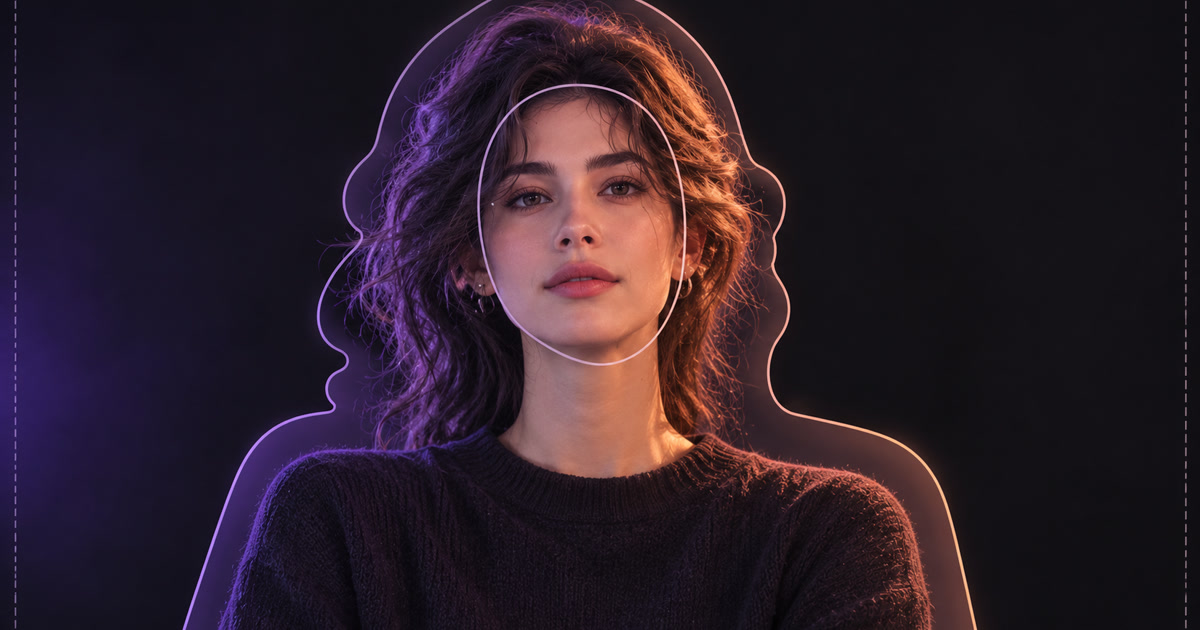
Key takeaways
- Same operation, two names. In everyday use, “AI face swap” and “face replacement” both mean placing one person’s face onto another person’s photo or video.
- Scope is the difference that matters. Tools replace the face only, the whole head (hair and outline included), the whole person, or, in the inverse case, everything around the person. A wrong-looking hairstyle almost always means a face-only tool was used where a head-level one was needed.
- Direction and identity vary too. A literal swap trades two faces inside one photo; replacement is one-way. And replacement doesn’t always change who someone is: patching a blinking face with the same person’s face from another frame is replacement as well.
- The legal line isn’t “swap vs replace.” It’s whose face it is and what the result shows. Non-consensual intimate fakes, including AI-made ones, have been a federal crime in the US since May 2025.
The one-paragraph answer
Put one person’s face into another person’s image or video, and you have done a face swap. You have also done face replacement. The UK’s Centre for Data Ethics and Innovation describes face replacement as simply another name for face swapping, and explainers built on its 2019 paper keep that framing. “Replacement” tends to show up in research papers and film VFX (de-aging an actor, covering for a stunt double). “Swap” is what app stores, TikTok trends and templates call it, and it quietly suggests a trade even when nothing is being traded.
So if you came here to settle an argument, you can stop. If you came because a tool gave you your face on someone else’s hairstyle, or a stranger who sort of looks like you, or a head floating above the wrong shoulders, keep reading. Those problems aren’t about which word the app used. They come from what the tool replaced and what it left alone.
The replacement ladder: how much of the picture gets replaced?
Think of “replacement” as a ladder. Every rung swaps out a bigger piece of the original image and leaves the rest alone. Most disappointing results come from standing on the wrong rung.
| Rung | What gets replaced | Best when | Where it breaks |
|---|---|---|---|
| Face-only swap | Facial features and the skin of the face region | The scene’s hairstyle and head shape already work for you; fast poster, costume and cinematic templates | Visible seam at the hairline, jaw or neck; face width that doesn’t match the body underneath |
| Head swap | Face plus hair, ears and head outline, sometimes visible accessories | Hair length or style clashes with the scene | More boundaries to blend (neck, shoulders); more to keep stable in motion video; some tools relabel a face-only swap as a “head swap” |
| Full-subject replacement | The whole person: face, head and body | A video where you want your own look inside an existing movement | Body proportions, clothing physics, and the highest consent stakes of any rung |
| Inverse replacement | The background, environment or clothing, while the person is preserved | “Same me, different place or outfit” | Cutout edges and lighting that doesn’t match the new surroundings |
Swipe the table sideways to see all columns.
That fourth rung is newer than the rest. A video-tool FAQ from August 2026 describes Google’s Omni swap as the mirror image of a classic face swap: instead of keeping the footage and changing the face, it keeps the subject and changes what surrounds them. Movcl’s Face Swap and Outfit Change sit on opposite sides of the same idea. Face Swap puts your face into a template scene, so the scene is fixed and your face is the variable. Outfit Change keeps the rest of your photo and varies the clothing.

“Swap” and “replace” are not quite the same verb
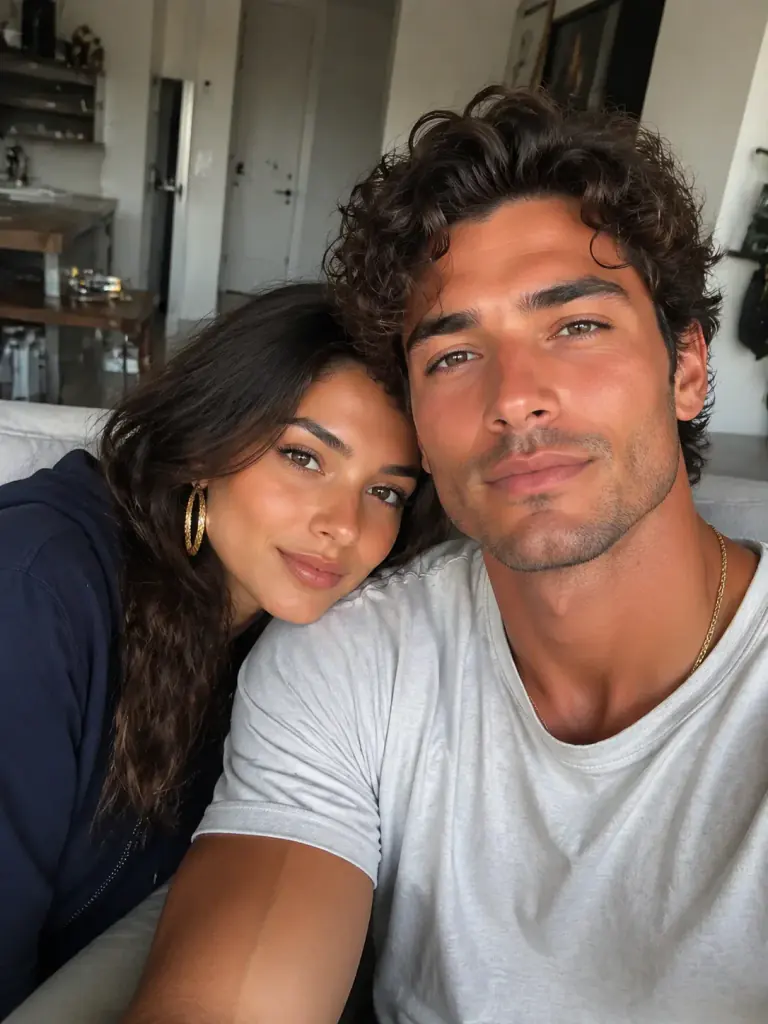
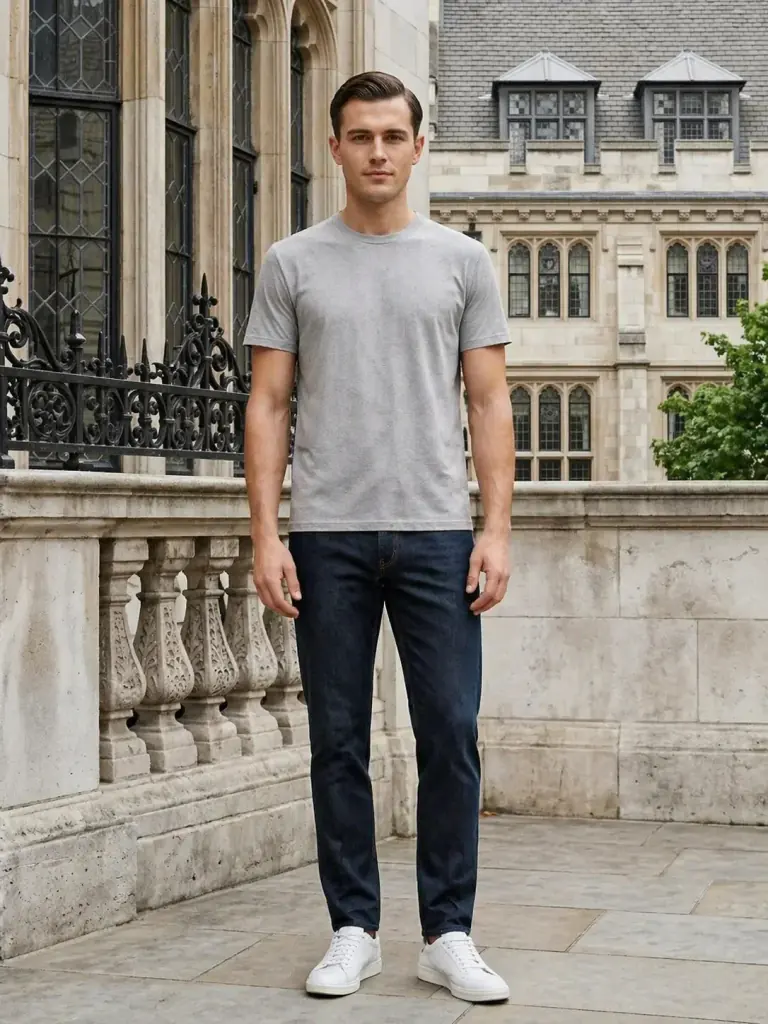
There is one place where the words do pull apart. A literal swap trades two things: person A’s face goes onto person B, and B’s face goes onto A, inside the same photo. Some apps offer exactly that for two-person shots. Replacement is one-way. A source face goes in, the target’s face goes out, and nothing comes back.
Replacement also has a use that has nothing to do with becoming someone else. Phone photo features that assemble a “best” group shot from several frames, such as Google’s Best Take, replace a face with the same person’s face from a neighbouring frame. Identity doesn’t change at all; only the blink or the half-smile does. That’s a different job from dropping yourself into a movie poster, even though the machinery looks similar.
Four things that look like face swaps but aren’t
App-store thumbnails blur these together. They change different things, and the differences explain a lot of confusing results.
| Technique | What it changes | What stays | Example |
|---|---|---|---|
| Face reenactment | Expression, mouth, eyes, head tilt | Who the person appears to be | Making a speaker’s mouth form words they never said |
| Face generation | Creates a new face image from scratch | No one’s existing footage is replaced | An AI avatar in oil-painting style |
| Face morph | Blends two people into one synthesized face | Neither person’s face fully survives | The identity-fraud risk NIST addressed in its 2025 morph-detection guidance |
| Deepfake | The umbrella term for manipulated or generated audio and visual media | Depends on the technique | A face swap is one kind of deepfake; so are reenactment and synthetic voice |
Swipe the table sideways to see all columns.
If your result looks like “a new person who resembles me,” you were probably served face generation, not a swap. We compare that route in AI Avatar Generators vs. Dedicated Face Swap Apps, and the deepfake overlap in Deepfakes vs. AI Face Swap Apps. For how the pipeline works under the hood, start with How Does AI Face Swap Actually Work?
Which one do you actually need?
Start from the picture you want, not the label on the app.
| You want to… | Use | Why |
|---|---|---|
| Appear on a poster, costume or cinematic template | Face-only swap | The scene’s styling is part of the appeal, and a template scene is designed around that face region |
| Fix a template whose hair clashes with yours | Head swap, or a template with a hat, hood or similar hair | The seam is in the hair, which a face-only tool never touches |
| Keep your face and photo, try a new outfit | Inverse replacement (outfit change) | Nothing about the person should change; see outfit change vs. virtual try-on |
| Fix one person’s blink in a group photo | Same-person replacement | You’re borrowing the same face from another frame, not changing identity |
| Put yourself into an existing video clip | Face swap or full-subject replacement, depending on how much hair and body must change | Video needs consistency frame to frame; smaller scope means fewer edges to keep stable |
| A one-of-a-kind scene nobody has templated | Face generation | Nothing to replace into; see why templates beat open prompts for your own photos |
| An ID, passport or job-application photo | None | Official photos need to be unedited |
Swipe the table sideways to see all columns.
The smallest-scope rule
A head-swap vendor’s own guidance makes a point worth borrowing: use the smallest replacement scope that satisfies the shot. A bigger replacement can fix mismatched hair, but it also creates more edges to stabilize, particularly with fast motion, partial occlusion or extreme angles. If a face-only swap would look right, a head swap adds risk without adding value.
A three-minute test to see what a tool really does
Labels in app stores are loose. At least one head-swap roundup warns that some platforms put a head-swap label on a face-only tool, which is where results tend to fall flat. You can check for yourself in a few minutes.
Pick a template or target image whose person has clearly different hair from yours, such as long versus short, or curly versus straight. Upload a clear, front-facing photo of yourself. Then look at four places in the result: the hairline, the jaw and neck, the ears, and the skin-tone match between face and neck.
| What you see | What the tool is doing |
|---|---|
| Your face, the template’s hair, a visible line at the hairline | Face-only swap. Choose scenes with compatible hair, or try a head-level tool |
| Your face and your hair, but the head looks pasted onto the neck | Head-level swap with weak neck blending. A straighter, evenly lit source photo helps |
| A new person who resembles you, in a slightly different style | Face generation, not a swap. The tool redrew you instead of transferring you |
| Face looks right but its colour differs from the neck | A blending issue, not a scope issue. Try a source photo with similar lighting |
| Clothes or background changed; your face untouched | Inverse replacement |
Swipe the table sideways to see both columns.
Ask for the right rung in plain words
If you use a general AI assistant instead of a template app, the vocabulary above becomes your prompt. Name the scope, then list what must not change. Results vary by model and some assistants decline to edit photos of real people, so treat these as starting points and only use photos you have the right to use.
Face only
Whole head
Keep the person, change something else
If you’d rather not write and re-write prompts, that’s the case for templates: the scope is baked into the template, so you can see what you’re getting before you tap.
The line that matters is consent, not terminology
People often ask whether “replacement” is more legal than “swap,” or “deepfake” more dangerous than either. Neither word changes the legal picture. What changes it is whose face is in the image, what the result depicts, and where it is shared.
In the United States, the TAKE IT DOWN Act, signed in May 2025, makes it a federal crime to knowingly publish non-consensual intimate imagery, including realistic AI-generated imagery of identifiable people, and requires covered platforms to remove reported content within 48 hours. Other laws on impersonation, likeness and fraud can also apply, and rules differ by state and country.
Practical rules. Use your own face, or a friend’s with a clear yes. Don’t publish results that could embarrass or impersonate someone. Label AI edits when context could mislead. And don’t use edited photos where an official image is required. This is general information, not legal advice; our legal explainer goes further, and Does This App Train on Your Photos? covers what happens to the photo you upload.
Try the template route
Movcl’s Face Swap puts your face into template scenes, from portraits and costumes to cinematic shots. Outfit Change keeps the rest of your photo, and AI Video turns a still into a short clip. Starter gems are included at signup, and the gem cost is shown in the app before you confirm.


Quick answers
Is a face swap a deepfake?
In the broad sense, yes. “Deepfake” is the umbrella for AI-manipulated or AI-generated audio and visual content, and a face swap is one kind. Not every deepfake swaps a face, though: altered expressions, generated faces and synthetic voices count too.
What is the difference between a face swap and a head swap?
Scope. A face swap replaces facial features and keeps the original hair, outline and body. A head swap replaces a larger region that includes hair, ears and the head silhouette, which fixes hairstyle clashes but leaves more edges to blend.
Can two people swap faces with each other in one photo?
Some apps offer a mutual swap. It works best when both faces are clearly visible, roughly front-facing and similar in size. Many tools only do a one-way replacement, so look for a multi-face or mutual mode before counting on it.
Why does my swapped photo have the wrong hairstyle?
Most likely the tool replaced only the face and kept the hair that belongs to the target scene. Pick a scene where the hair or head covering already suits you, or use a head-level tool or prompt that explicitly replaces hair and outline.
Is face replacement the same as an AI avatar?
No. Replacement places a real face into an existing image or video. An avatar generator draws a new face inspired by your photo, so it can drift from your real features.
Is it legal to face swap someone?
It depends on whose face it is, what the result shows and where you share it. Your own face for personal creative use is the low-risk case. Publishing non-consensual intimate imagery, AI-generated or not, is a federal crime in the US, and other laws can apply. This is general information, not legal advice.
Keep reading
- How Does AI Face Swap Actually Work?
- AI Avatar Generators vs. Dedicated Face Swap Apps
- 5 Mistakes First-Time Users Make With AI Face Swap Apps
Sources
- MacMyths, Deepfakes vs. Face Swaps: What’s the Difference? (October 2026), summarizing CDEI and GAO definitions of replacement, reenactment, generation and morphs.
- NIST, Guidelines on detecting face-photo morphs (2025).
- WaveSpeedAI, Video head swap vs. face swap, for scope and the smallest-scope principle.
- AutoGPT, AI Head Swap vs Face Swap (updated September 2026), for mislabelled face-only tools.
- Invideo, Google Omni avatar vs. traditional face swap AI (August 2026), for the inverse-swap description.
- Skadden, TAKE IT DOWN Act overview (June 2025), and National Law Review, FTC begins enforcement of the TAKE IT DOWN Act.