
AI Face Swap & Outfit Change Tools: How to Choose (5 Popular Options Compared)
ChatGPT, Gemini, Photoshop, Grok, or a dedicated app? They can all put a new outfit on you or move a face into a new scene, but they're built for very different people. Here's how to pick the one that fits what you actually want to make.
The short answer
- You want a finished result in under a minute, on your phone: a dedicated face swap app like Movcl.
- You want to describe any outfit or scene in your own words: ChatGPT or Gemini.
- Your face has to stay recognizable across many edits: Gemini is currently the most consistent general-purpose option.
- You need pixel-level control for client or commercial work: Photoshop.
- You want speed and loose creative rules, and can live with policy changes: Grok.
Full disclosure up front: this is the Movcl blog, and Movcl is one of the five tools below. I've tried to make that matter as little as possible. Each tool gets the same criteria, every one of them has real weaknesses listed (Movcl included), and for several common jobs the honest answer is "use something else." If a comparison only ever recommends the home team, you shouldn't trust it.
I've also deliberately compared Movcl against general-purpose AI platforms rather than other single-purpose face swap apps. Most people deciding today aren't choosing between two near-identical apps; they're asking whether they need a dedicated tool at all when ChatGPT is already on their phone. That's the question worth answering.
What actually matters when choosing
Spec sheets and model names change every few months. These six questions don't, and they'll still sort tools correctly after the next round of updates:
- Identity preservation. Does the face still look like you after the edit? This is the hardest technical problem in the category. General image models regenerate the whole picture, so faces can drift a little with every pass. (If you want the why, see how AI face swap actually works.)
- Outfit realism. Does new clothing fall, fold, and fit the body's pose, or does it look pasted on? Fabric and drape are covered in how AI understands clothing.
- Control vs. effort. Free-text prompts give you unlimited options but need trial and error. Templates give you fewer options but predictable results on the first try.
- Speed. Seconds vs. a minute or more per image adds up fast when you're iterating.
- Privacy and data use. You're uploading your face. Who keeps it, and is it used for model training?
- Cost model. Monthly subscription, per-generation credits, or a professional software license.
Side-by-side comparison
| Tool | Best at | Face consistency | Outfit change | Effort | Cost model |
|---|---|---|---|---|---|
| ChatGPT | Following detailed text instructions | Good, some drift across edits | Strong, any style you can describe | Medium (prompting) | Free tier with limits; paid plans from $20/mo |
| Gemini | Keeping the same person across edits | Strong | Strong, including from a reference image | Medium (prompting) | Free tier with limits; Google AI paid plans |
| Photoshop | Precise, professional retouching | Strong, because you control it by hand | Good via Generative Fill, region by region | High (skill required) | Subscription, roughly $23/mo for Photoshop alone |
| Grok | Fast, loosely restricted generation | Variable | Good, quality varies | Low to medium | Limited free use; X Premium / SuperGrok |
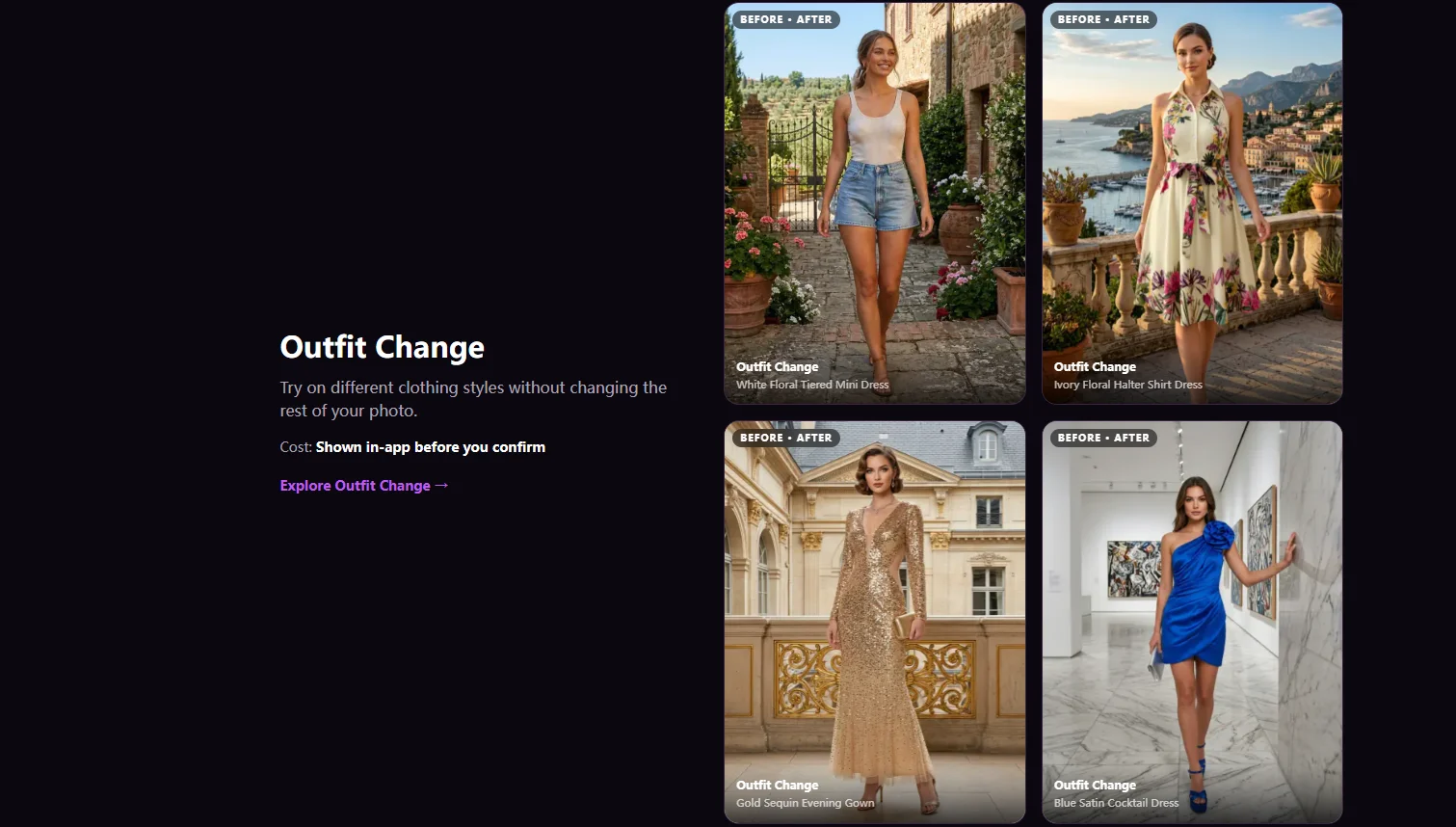
| Movcl | One-photo face swap and outfit templates on mobile | Strong within templates | Strong within templates; not free-form | Low (tap a template) | Free trial; gems and weekly plans |
Swipe the table sideways to see all columns.
Ratings are our editorial judgment based on typical portrait use as of October 2026. Prices are US list prices and change often; check each provider before subscribing.
1. ChatGPT (OpenAI)
Image generation and editing built into the chat app, on web, iOS, and Android
ChatGPT's biggest advantage is that it understands what you mean. You can upload a photo and ask for "the same shot, but in a charcoal double-breasted suit with a slightly loose fit, like a 90s magazine cover," and it will usually get the cut, the color, and the mood. Follow-up requests work conversationally: "shorter sleeves," "make the lighting warmer," "now try it in navy."
Where it struggles is keeping you looking exactly like you. Because the model regenerates the image rather than editing just the clothes, small things shift: the shape of the eyes, the jaw, a missing mole, a slightly different smile. After three or four rounds of edits, people who know you may notice. It also applies content rules to real-person edits, so some requests involving other people's faces will be declined.
Strengths
- Best-in-class at turning detailed descriptions into clothing and styling
- Conversational editing; no need to start over
- Good at text in images (event posters, shirts with words)
- Many people already pay for it for other reasons
Weaknesses
- Facial features can drift between edits
- Slower than dedicated apps, often tens of seconds or more per image
- Free tier hits image limits quickly
- Real-person and face-swap requests can be refused
Choose it ifyou value creative range and precise wording over perfect likeness, and you're already a ChatGPT user. Our ChatGPT image generation guide covers prompting in detail.
2. Gemini with Nano Banana (Google)
Google's image model, available in the Gemini app and Google AI Studio
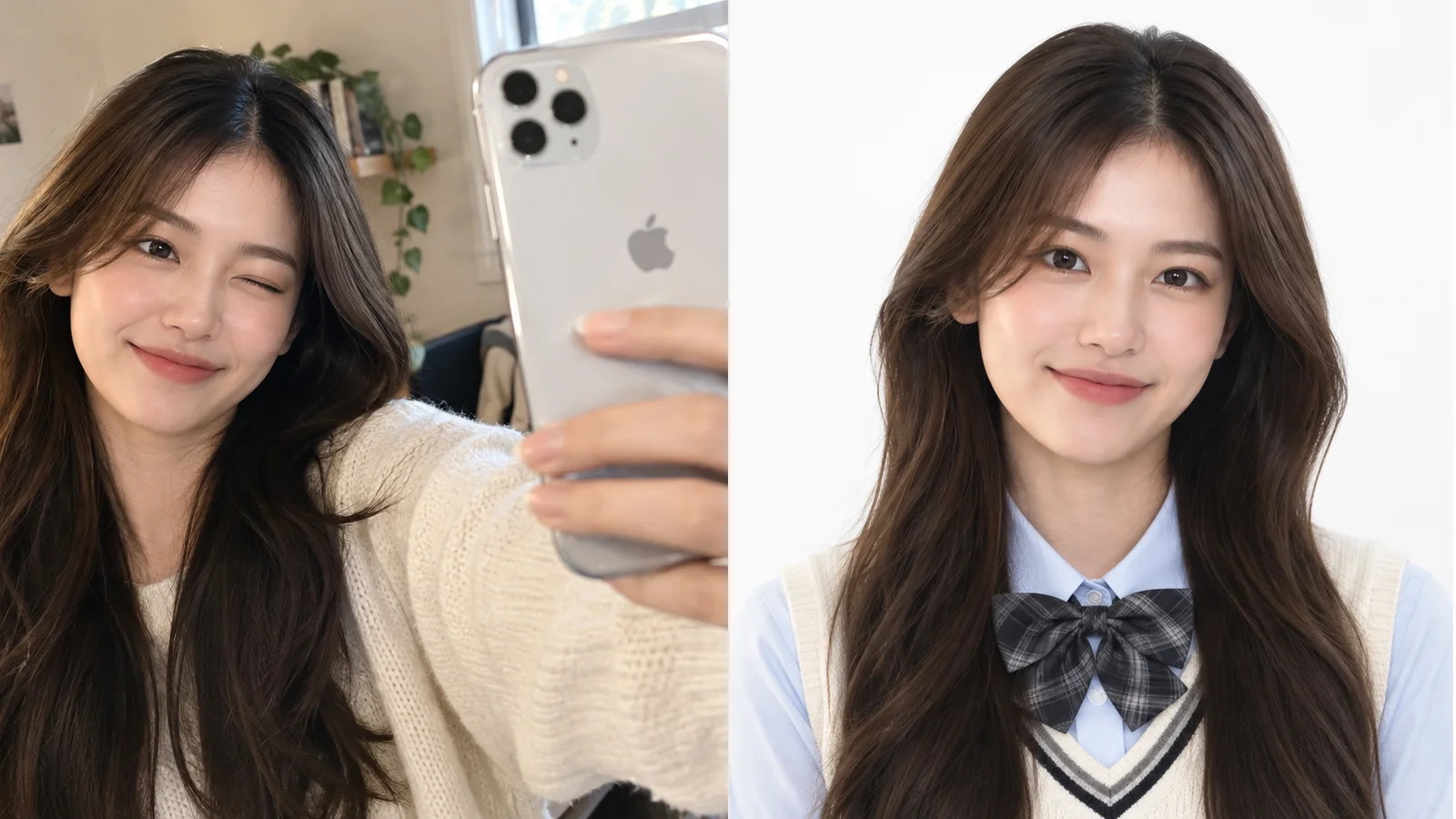
Gemini's image model became popular largely for one reason: it's unusually good at keeping a person recognizable. Ask it to put you in a different outfit, a different room, or a different season, and the face tends to survive intact. It also handles multi-image prompts well, so you can upload a selfie plus a photo of a jacket you saw in a store and ask it to combine the two.
The trade-offs are mostly around predictability and transparency. Results vary between attempts with the same prompt, so you'll often generate a few versions to get the one you want. Google marks its AI images with an invisible SynthID watermark, and some outputs carry a visible mark as well, which matters if you plan to use the image somewhere public. As with any general-purpose service, check your Gemini activity settings to understand how your uploads may be stored or reviewed.
Strengths
- Strongest identity preservation among general-purpose tools
- Combines multiple reference images (your face + a specific garment)
- Fast for a general model
- Generous free access compared with most competitors
Weaknesses
- Inconsistent between runs; expect to regenerate
- Watermarking you can't fully remove
- Data and review settings take some digging to understand
- Still prompt-based, so getting a specific look takes practice
Choose it iflikeness is your top priority and you're comfortable writing prompts. See our complete Nano Banana guide.
3. Adobe Photoshop with Generative Fill (Adobe)
Professional editing software with Firefly AI features built in, on desktop, web, and mobile
Photoshop is the only tool here where you are genuinely in control of every pixel. For outfit changes, you select the clothing area and use Generative Fill to replace it with what you describe, region by region, keeping everything else untouched. Your face never changes, because the AI never touches it unless you tell it to.
Face swaps are a different story. There's no one-tap swap; the professional workflow is still manual: masking, aligning, matching skin tone and lighting, and blending edges. In skilled hands the results are the most convincing of anything on this list. For a beginner, expect an evening of tutorials before the first result looks natural. Adobe positions Firefly as trained on licensed and public-domain content, and it attaches Content Credentials to AI-edited images, which is a real advantage for commercial work.
Strengths
- Total control; edit only the area you select
- Highest ceiling for realism
- Commercially oriented model training and Content Credentials
- Industry standard if you hand files to clients
Weaknesses
- Steep learning curve, especially for face swaps
- Slowest path to a finished image
- Ongoing subscription; generative features use credits
- Overkill for casual or social posts
Choose it ifyou do client, product, or professional work, or you already know Photoshop.
4. Grok Imagine (xAI)
Image and video generation inside the Grok app and on X
Grok's image tools are fast and historically more permissive than OpenAI's or Google's, which is exactly why some creators prefer them for playful or edgy styling. It can restyle outfits from a photo and turn images into short video clips in the same app.
That permissiveness has a cost. In early 2026, Grok's image editing drew regulatory scrutiny in several countries after it was used to create sexualized edits of real people's photos without their consent, and xAI responded by tightening restrictions on editing images of real people. Rules have shifted more than once since, so features that work today may not work next month. Quality is also less consistent than Gemini's when it comes to keeping a face recognizable.
Strengths
- Quick generation
- Wide creative latitude for stylized looks
- Image-to-video in the same place
- Convenient if you already live on X
Weaknesses
- Policies on real-person edits have changed repeatedly
- Less reliable likeness
- Reputational baggage if you share results publicly
- Best features sit behind paid tiers
Choose it ifyou want fast, stylized experiments with your own photos and don't mind working around changing rules.
5. Movcl
A dedicated AI photo and video app for face swap, outfit change, AI redraw, and short videos, on iOS and Android
This is our own app. We've held it to the same criteria as the other four, and listed the weaknesses we'd want to know about as a customer.
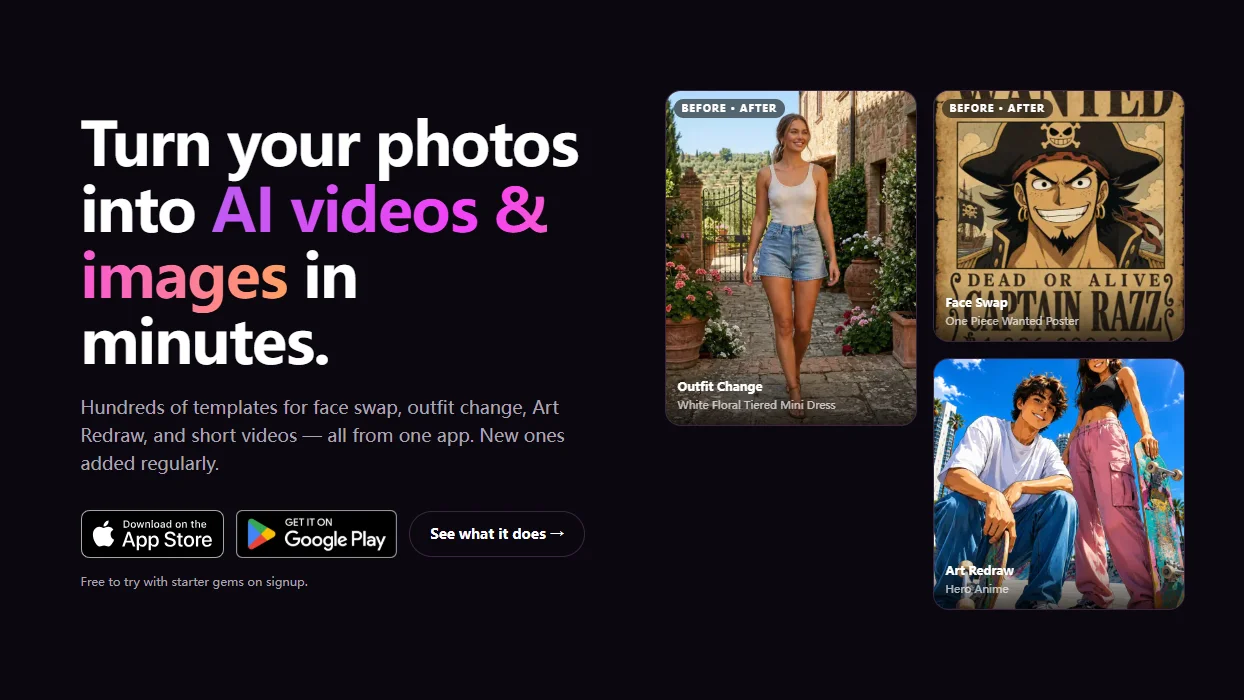
Movcl takes the opposite approach to the general-purpose tools. Instead of a blank prompt box, you pick a template (a suit, an evening dress, a period costume, an anime style, a cinematic scene) and upload one clear photo. Because each template is built for one specific job, the result is predictable on the first try and usually ready in seconds. Face swap, outfit change, AI redraw, and short video all start from the same single photo.
The limitation is the flip side of the strength: you can only make what the templates offer. If you want "a mustard corduroy jacket over a black turtleneck in a rainy Tokyo alley at night," a prompt-based tool like ChatGPT or Gemini will get closer. On privacy, Movcl does not use your photos to train its models, which is a cleaner position than many general-purpose services, where training use often depends on settings you have to find and switch off. (We explain why that distinction matters in does this app train on your photos?)
Strengths
- One photo, one tap; no prompt writing
- Fast results, built for phones
- Face swap, outfit change, redraw, and video in one app
- Your photos aren't used to train models
- Free trial to test before paying
Weaknesses
- Limited to available templates; no free-form prompts
- Mobile app only, no desktop editor
- Gem-based pricing means heavy use costs more
- Not built for pixel-level professional retouching
Choose it ifyou want good-looking face swaps and outfit changes quickly on your phone, without learning to prompt.
Why Midjourney isn't on this list
Midjourney makes some of the most beautiful AI images available, and its reference features can borrow a person's general look. But it isn't designed to edit your actual photo or swap a real face into a scene, so it doesn't fit this comparison. It belongs in the "generate something new" category, not "change something that exists."
Which tool for which job
| What you want to do | Best fit | Runner-up |
|---|---|---|
| See yourself in a suit or dress before an event | Movcl | Gemini |
| Try a very specific outfit you can describe in detail | ChatGPT | Gemini |
| Combine your selfie with a garment from another photo | Gemini | ChatGPT |
| Fun face swap into a movie-style or costume scene | Movcl | Grok |
| Anime or illustrated version of yourself | Movcl | ChatGPT |
| Turn a photo into a short video clip | Movcl | Grok |
| Product, catalog, or client work | Photoshop | Gemini |
| Keep the same face across a 10-image series | Gemini | Photoshop |
Swipe the table sideways to see all columns.
A note on other people's faces. Every tool here works best, and most safely, with your own photos. Putting someone else's face into an image without permission can create right-of-publicity, harassment, and platform-policy problems, and sexualized or deceptive edits of real people are restricted by law in many US states. Ask first. Our guides on what's legal with AI photos and whether you can get in trouble for AI images go deeper.
How to test any tool in 10 minutes
Reviews (this one included) can only take you so far. Here's a quick test that works on any of the five:
- Use one good photo. Face toward the camera, even lighting, nothing covering your eyes or jaw. Bad input is the number one cause of bad output.
- Run the same task on two tools. For example, "me in a navy suit." Same photo, same request.
- Show the results to someone who knows you. Ask, "Does this look like me?" before asking, "Does this look good?" Likeness is the part you can't easily fix later.
- Zoom in on hands, collars, and hairlines. These are where outfit changes most often fall apart.
- Read the privacy policy before uploading more. Specifically look for training use and retention period. Our privacy guide lists what to look for.
Frequently asked questions
Which AI tool is best for face swap?
It depends on how much control you need. Dedicated apps like Movcl are fastest for template-based face swaps from one photo. Gemini is strong at keeping a face consistent across edits. Photoshop gives the most control but requires manual work and skill.
Can ChatGPT change the outfit in my photo?
Yes. ChatGPT's image tools can restyle clothing from a text description, and they follow detailed instructions well. The trade-off is that facial features can drift slightly between edits, so check the face carefully on each version.
Is it legal to face swap someone else's photo?
Swapping your own face is generally fine. Using someone else's face without permission can raise right-of-publicity, harassment, and platform-policy issues, and sexualized or deceptive edits of real people are restricted by law in many US states. Get consent first.
Do AI face swap tools keep my photos?
Policies differ by tool and by account settings. Some general-purpose AI services may use your content to improve models unless you opt out. Movcl does not use your photos to train its models. Always read the privacy policy before uploading face photos.
Try a face swap or outfit change in seconds
Upload one photo, pick a template, and see the result. Movcl starts with a free trial, and your photos are never used to train our models.
Get Movcl